PLAYTEX AI

Make room for your next idea.

Opening your workspace…

Skin Textures

Explore human, creature, alien, and stylized skin references for character material studies. Keep pores and surface variation at a believable scale, and use the target shader for subsurface response rather than baking lighting into the color texture.

Skin texture assets

8 public assets

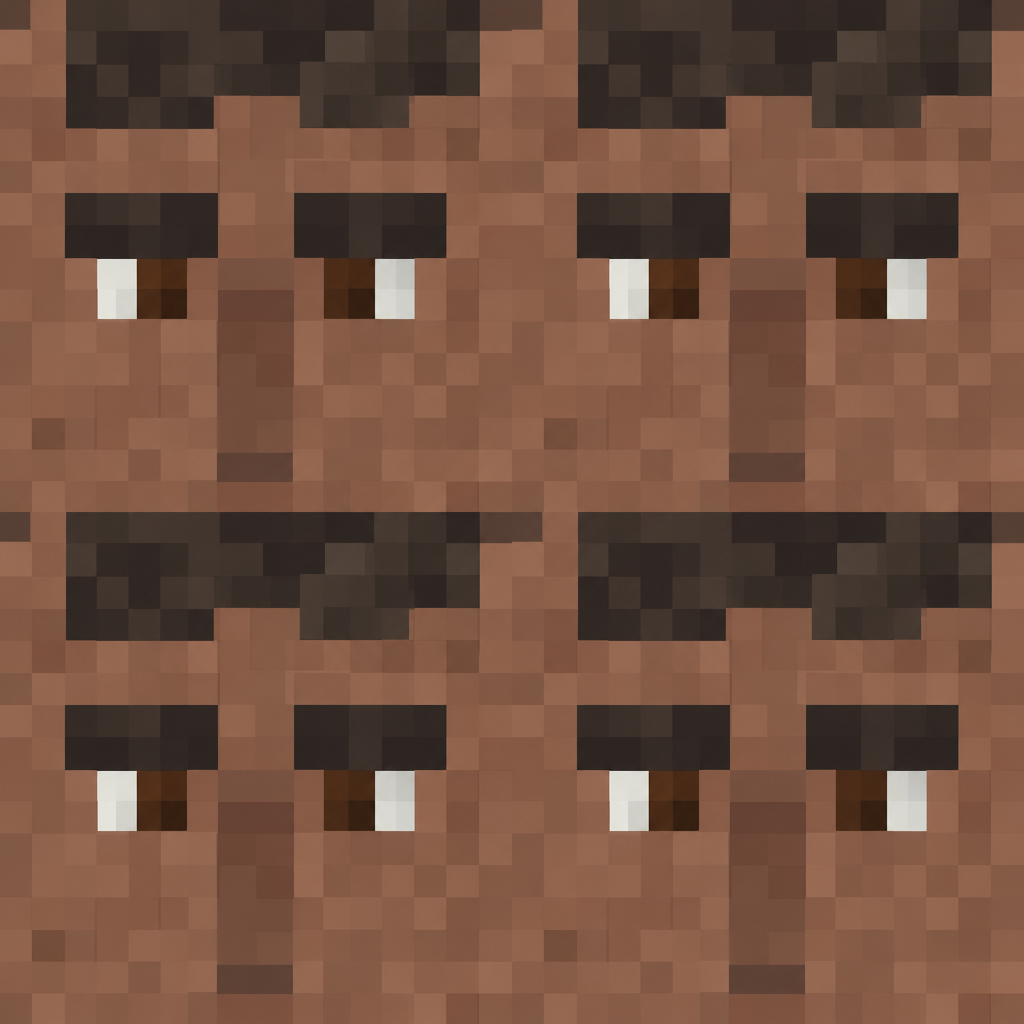
Brown Pixel-Art Face Repeat Texture preview showing a rough skin texture

Brown Pixel-Art Face Repeat Texture

Pixelated human faces with dark hair and brown skin repeat in a two-column block pattern, with square eyes and simplified features. Use it for retro character or skin-map concepts; the coarse pixel grid is an intentional graphic treatment rather than natural surface detail.
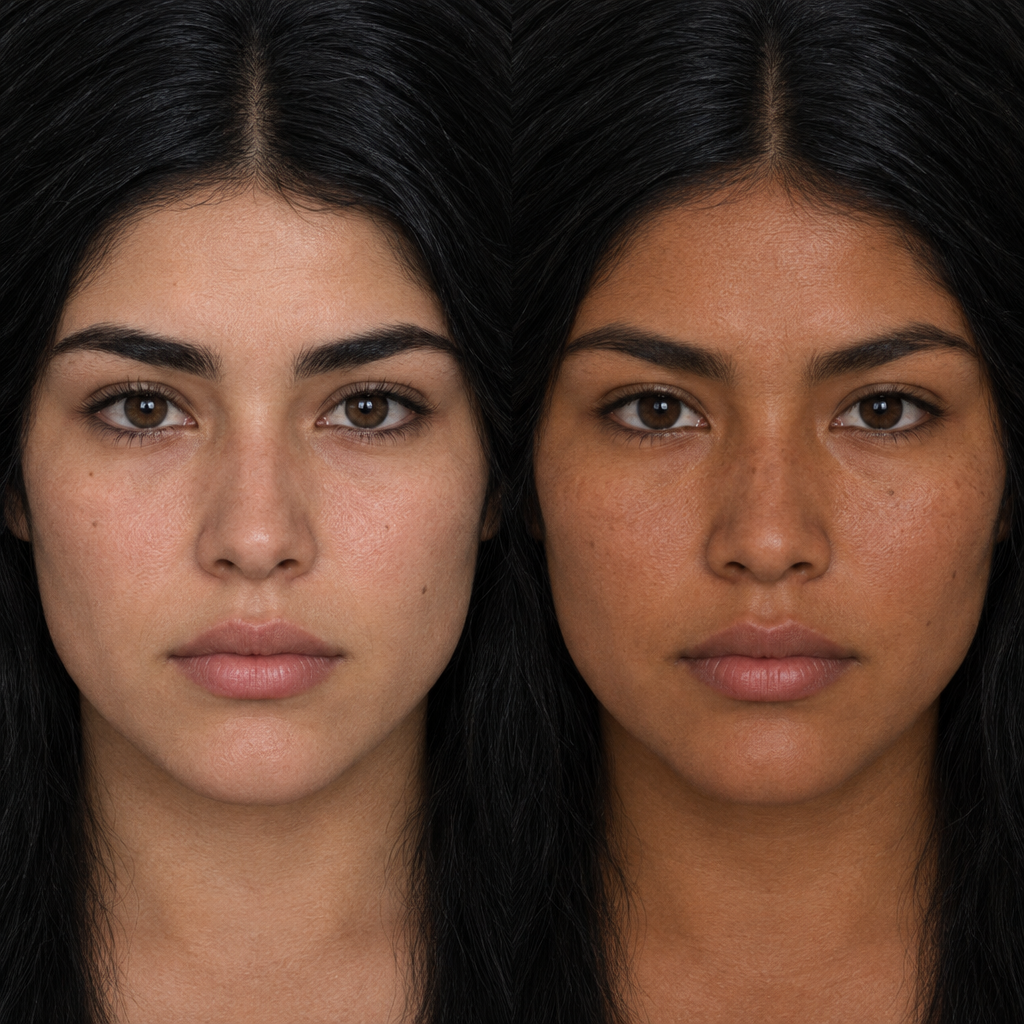
Paired Warm-Tan and Brown Portrait Skin Texture preview showing a surface skin texture

Paired Warm-Tan and Brown Portrait Skin Texture

Two side-by-side photographic face crops show warm tan and brown skin, dark hair, pores, and subtle tonal variation. Use it as a paired skin reference for character materials; consider the separate lighting and crop before combining the halves.
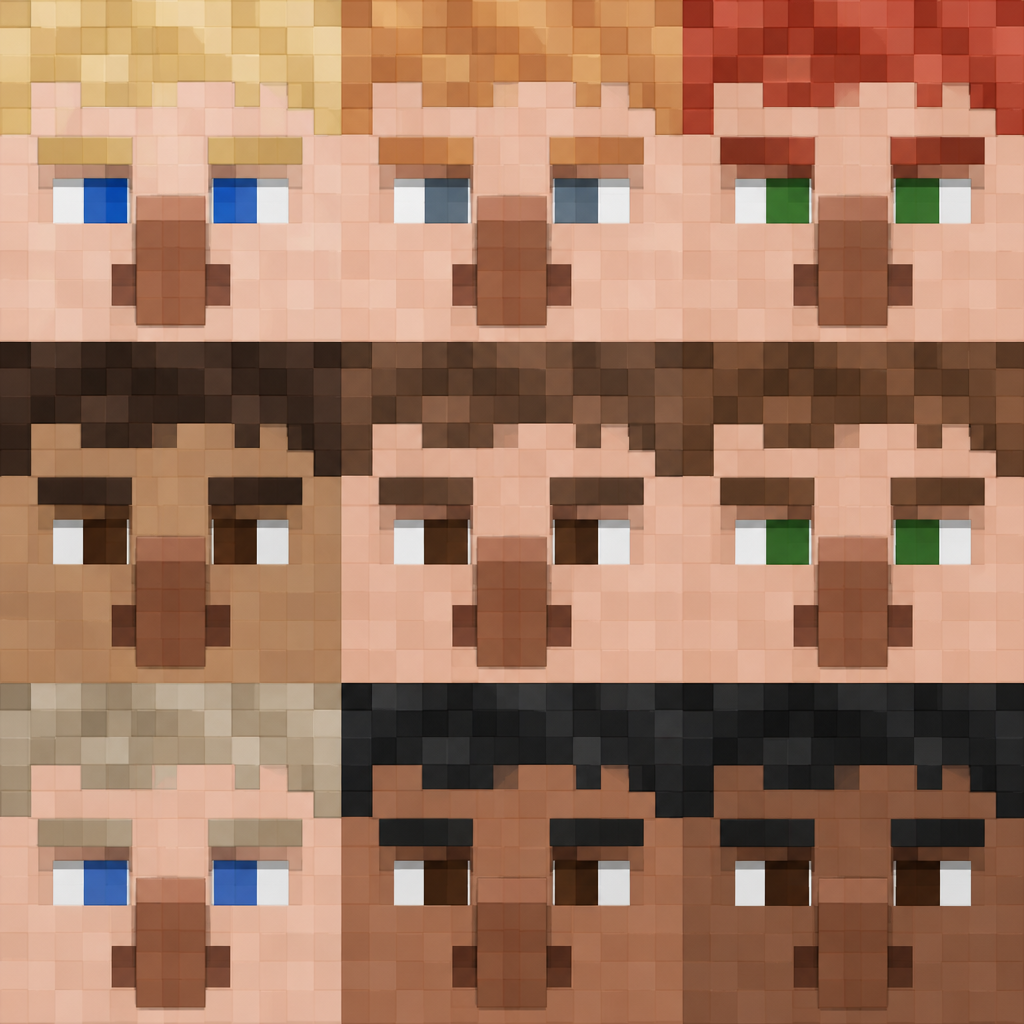
Pixel-Art Human Face Panel Texture preview showing a rough skin texture

Pixel-Art Human Face Panel Texture

Blocky pixel-art human faces repeat in horizontal bands, with varied skin tones, hair colors, and simple square features. Use it for retro character surfaces or stylized assets; the coarse blocks are intentional and will not resemble photographic skin at close scale.
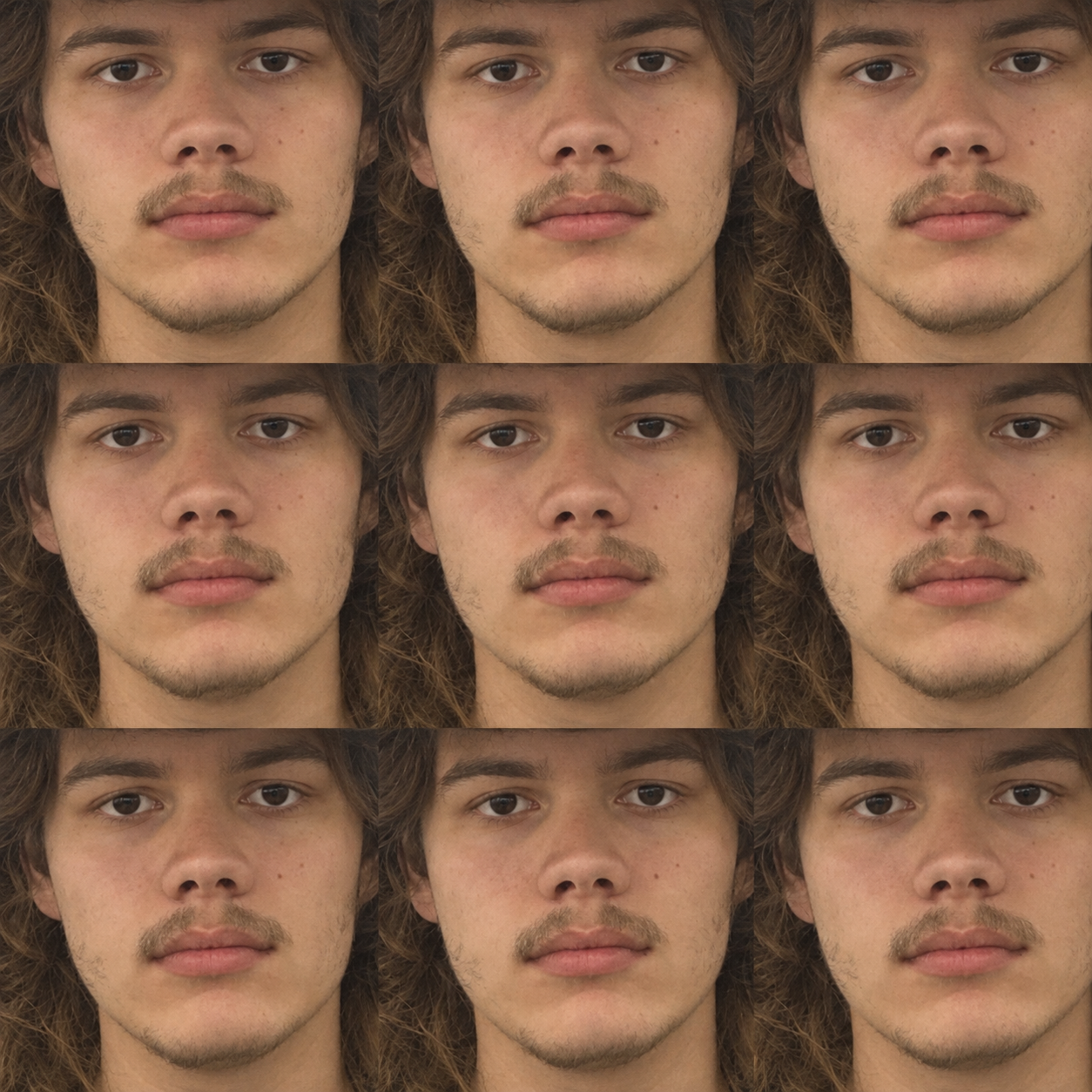
Warm Brown Repeated Portrait Skin Texture preview showing a stylized skin texture

Warm Brown Repeated Portrait Skin Texture

A warm-brown photographic close-up repeats a human face in a three-by-three grid, with visible skin detail, dark hair, and muted highlights. Use it as a stylized portrait or skin reference surface; check the repeated crop and lighting against the intended UV scale.
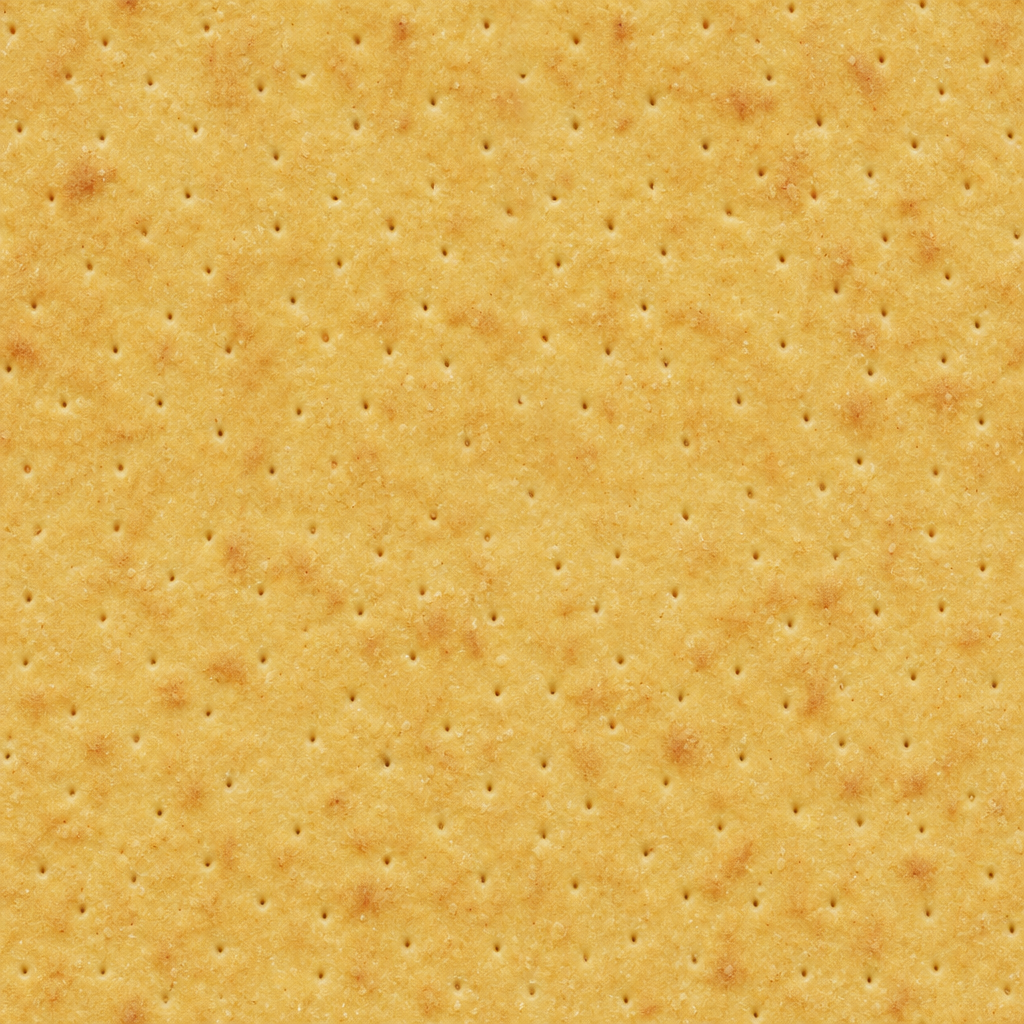
Amber Yellow Evenly Pored Surface Texture preview showing a surface skin texture

Amber Yellow Evenly Pored Surface Texture

An even ochre-yellow field contains fine dark pores and a few larger pinholes, with subtle orange mottling. Use it as a lightly porous surface reference; inspect pore scale and relief before converting brightness into normal or height detail.
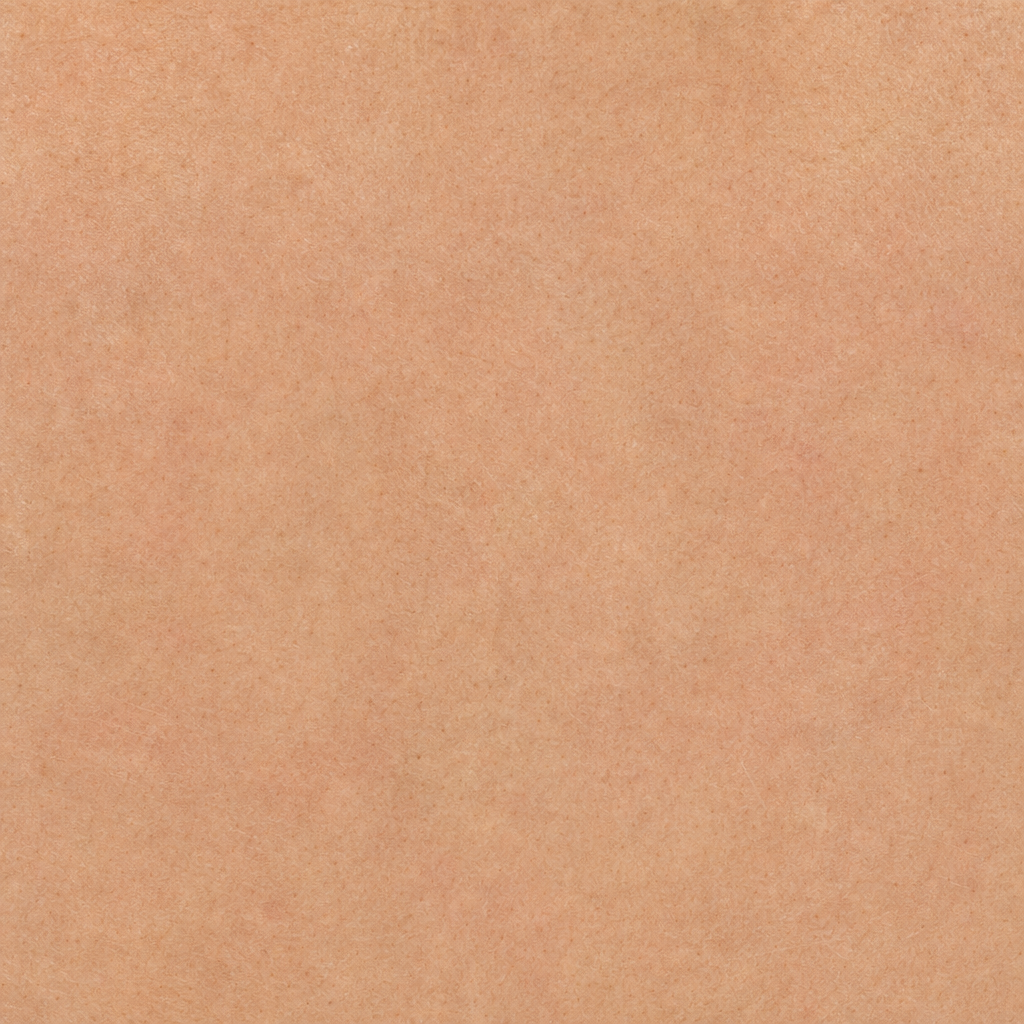
Peach Matte Skin Surface Texture preview showing a natural skin texture

Peach Matte Skin Surface Texture

Peach Matte Skin Surface Texture shows a peach-tan matte surface with very fine pore-like grain and soft tonal variation. Use this visually inspected surface for character skin studies, silicone props, soft organic surfaces, and shader tests; confirm physical scale, edge repetition, seam continuity, and material response in the target 3D workflow before final use.
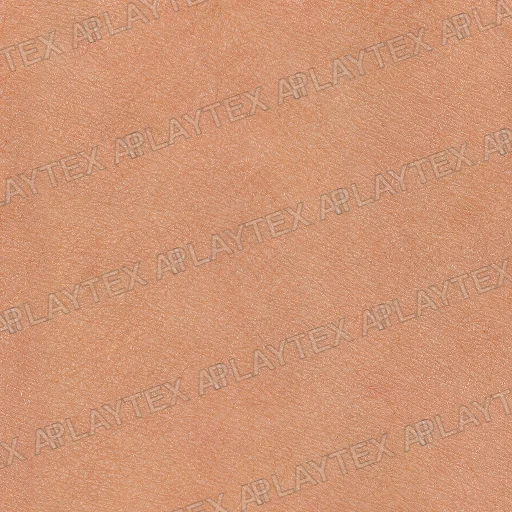
Warm Peach Fine-Pore Skin Texture preview showing a natural skin texture

Warm Peach Fine-Pore Skin Texture

Warm Peach Fine-Pore Skin Texture shows an even peach surface covered with dense micro-pores, shallow intersecting wrinkles, and soft natural tonal variation. Use it for character skin, anatomical models, or organic shaders, then inspect the full asset for pore scale, repeat seams, subsurface color, and roughness.
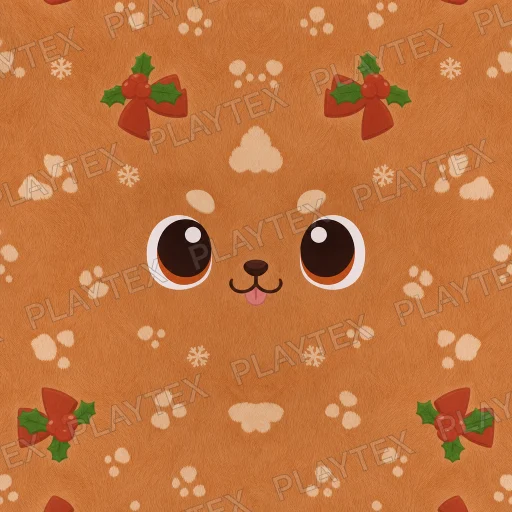
Orange Skin Organic Fabric Texture preview showing a natural skin texture

Orange Skin Organic Fabric Texture

Orange Skin Organic Fabric Texture shows orange, brown, and tan across a fabric or synthetic surface with continuous surface variation and a stylized appearance. Use it for clothing, upholstery, carpet, or soft props, then verify fiber scale, repeat landmarks, relief, and roughness under the final scene lighting.

Explore popular skin texture types

Skin pore textures

Small pores and local roughness variation support close-up character materials when their scale matches the face or body region.

Creature and alien skin textures

Scales, folds, and unusual biological patterns provide surface references for fantasy and speculative characters.

Stylized skin textures

Simplified color and restrained surface detail help character materials stay consistent with a stylized art direction.

How to choose a skin texture

Match detail to anatomy and UVs

A generic repeating skin image is not a complete face or body UV set. Place pores and wrinkles appropriately and avoid stretching one pattern over incompatible anatomical regions.

Keep lighting separate from skin color

Avoid baking strong highlights and shadows into the source. Tune subsurface response, roughness, and normal strength in the target shader under several lighting conditions.

Where skin textures fit

  • Human and creature material studies
  • Pore and wrinkle scale references
  • Stylized character skins
  • Subsurface and roughness look development

Skin texture FAQ

What can a skin texture provide for a character?

A skin texture provides color, pores, wrinkles, or creature-surface detail. A finished character material also needs suitable UV placement and shader settings; a generic surface image does not guarantee a complete anatomically mapped texture set.

Which shader settings matter beyond a skin color texture?

Normal and roughness help describe small surface structure and highlights. Subsurface scattering controls light passing through skin and requires shader support. Ordinary skin is non-metallic, with detail strength adjusted to the character scale.