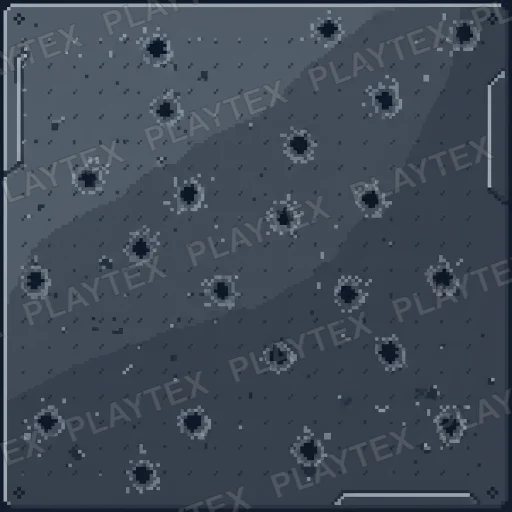
Where debris textures fit
- Ruins and damaged architecture
- Rubble, impact, and bullet-mark details
- Abandoned and weathered environments
- Layered decals and material blends
Texture Category
Explore damaged, scattered, chipped, and impact-marked surfaces for ruins, battle damage, abandoned spaces, and layered environment detail. Debris textures work best when their scale and density support the scene instead of repeating one recognizable hero mark.
Choose a public asset as a visual starting point, create a related variation, or turn the selected surface into a coordinated PBR map stack for a realtime engine or renderer.
Curated from the public library
Featured and editor-selected assets appear first, followed by the newest public additions in this material family.

game-ready stone
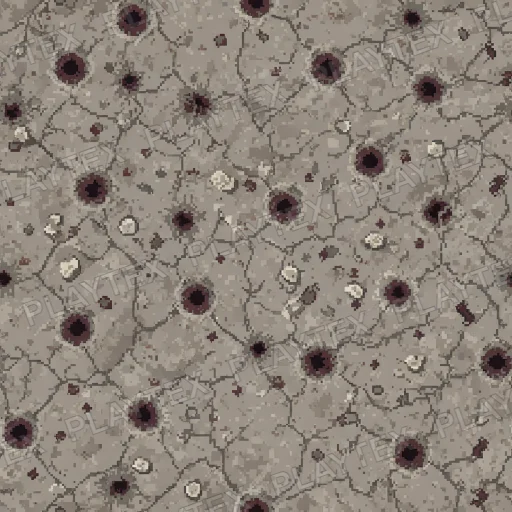
Debris Texture is categorized as a debris surface. Potential uses include damage decals, ruined surfaces, impact details, and environment dressing. Check repetition and use decals when individual impacts must not tile with the base surface.

game-ready stone
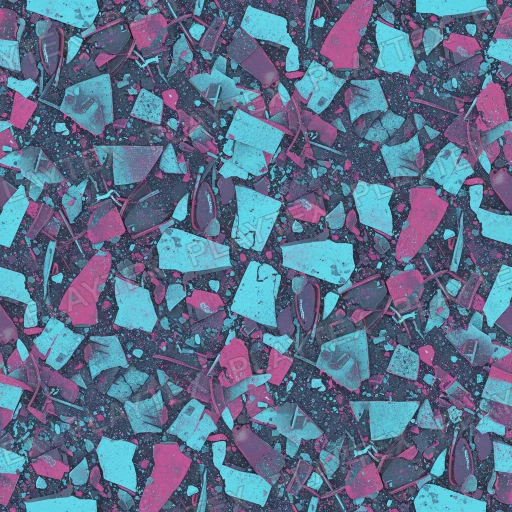
Debris Texture 2 is categorized as a debris surface. Potential uses include damage decals, ruined surfaces, impact details, and environment dressing. Check repetition and use decals when individual impacts must not tile with the base surface.

game-ready stone
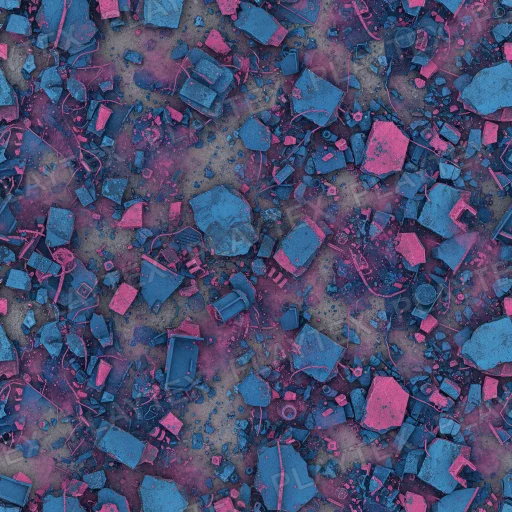
Debris Texture 3 is categorized as a debris surface. Potential uses include damage decals, ruined surfaces, impact details, and environment dressing. Check repetition and use decals when individual impacts must not tile with the base surface.

game-ready stone
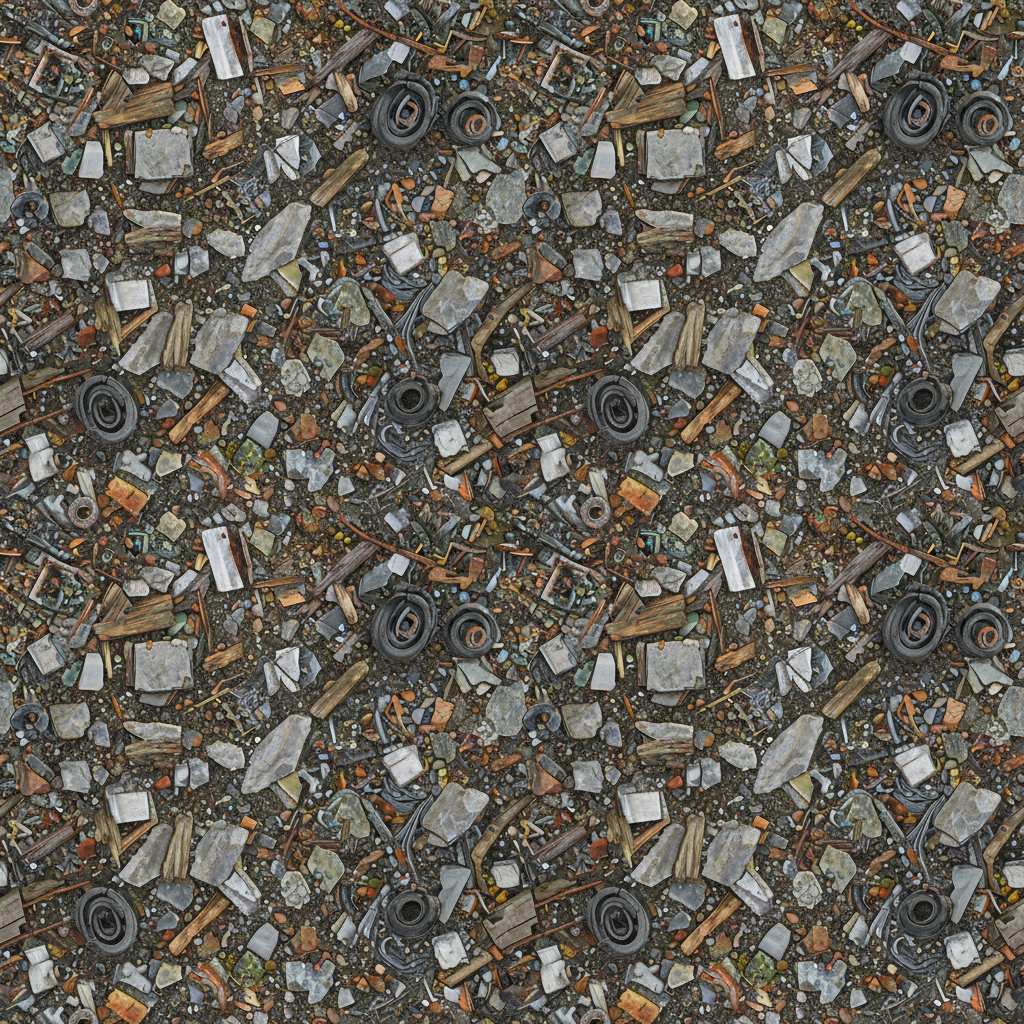
Debris Texture 4 is categorized as a debris surface. Potential uses include damage decals, ruined surfaces, impact details, and environment dressing. Check repetition and use decals when individual impacts must not tile with the base surface.

game-ready stone
Debris Texture 5 is categorized as a debris surface. Potential uses include damage decals, ruined surfaces, impact details, and environment dressing. Check repetition and use decals when individual impacts must not tile with the base surface.
Continue the workflow
Create a new seamless source texture from a material brief, style, and scale.
PBR Map GeneratorTurn a chosen surface into normal, roughness, metallic, AO, height, and emission maps.
Image to Texture GeneratorConvert a photo, scan, or reference image into a repeat-safe texture source.
Learn the workflow
Learn how to control material family, visual style, pattern scale, and tile continuity.
PBR Map Generator GuideBuild and review a coordinated map stack before engine handoff.
Image to Texture GuidePrepare photos and scans for seamless material use without carrying source-image artifacts forward.
Find concrete surfaces with smooth, rough, stained, cracked, poured, and weathered finishes. The collection is built for large architectural areas where scale, subtle variation, and believable roughness matter as much as clean tiling.
Brick TexturesBrowse brick and masonry surfaces for walls, paving, facades, ruins, and industrial environments. A useful brick material keeps bond pattern, mortar depth, edge wear, and color variation consistent across repeated sections.
Ground TexturesBuild terrain with tileable dirt, mud, grass, gravel, sand, snow, trail, and mixed ground surfaces. The collection emphasizes repeat-safe coverage for landscapes while retaining enough local detail to keep paths and open areas from feeling flat.
Metal TexturesBrowse metal surfaces for machinery, architecture, props, vehicles, and hard-surface environments. Clean sheet metal, ribbed panels, worn steel, oxidized iron, and brushed finishes give metallic and roughness channels a clear material purpose.