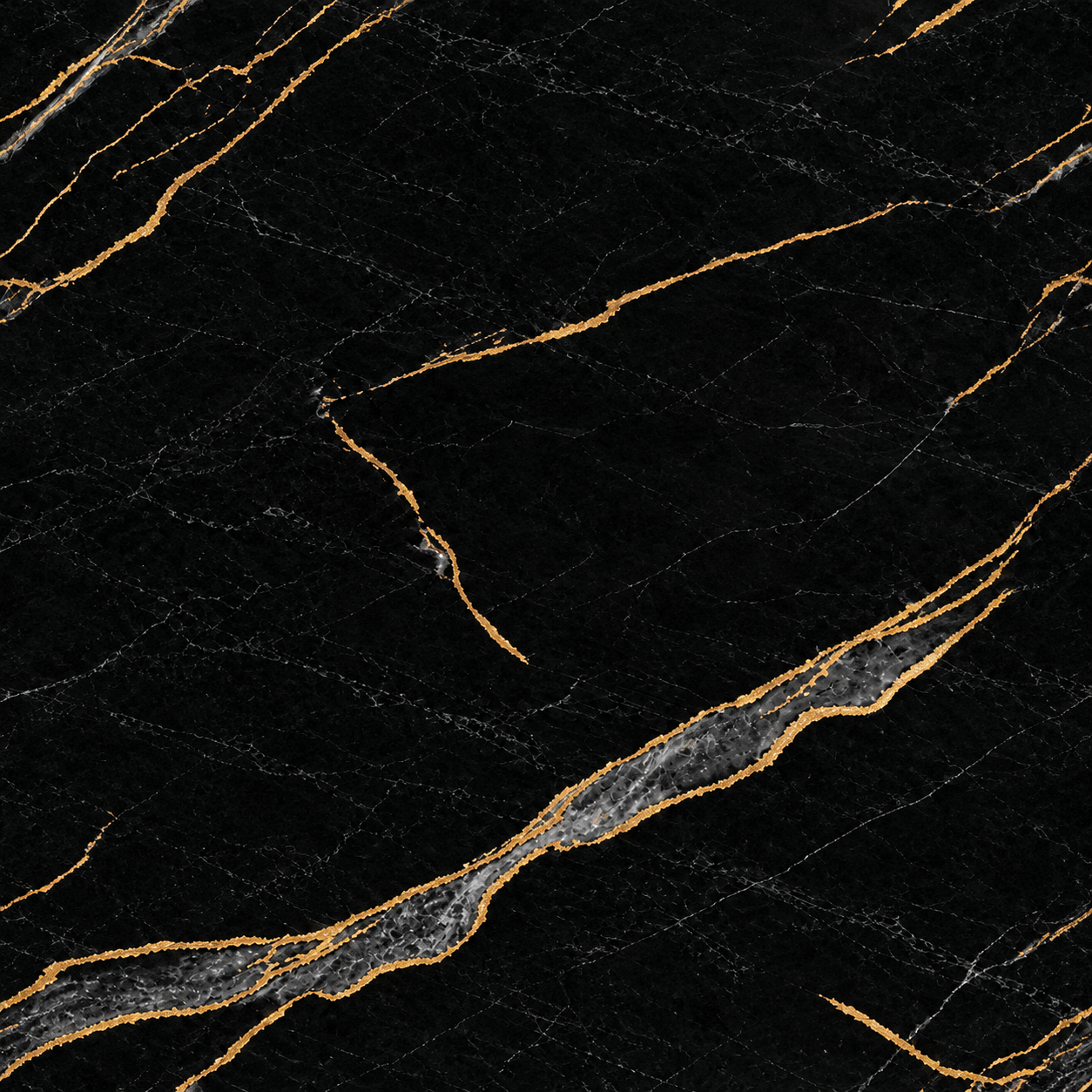
Black Polished Gold-Veined Marble Texture
A black marble-like surface carries thin branching gray fissures and broader amber-gold veins in irregular diagonals. Use it for a high-contrast stone prop or wall finish, verifying vein scale and gloss before tiling or map generation.
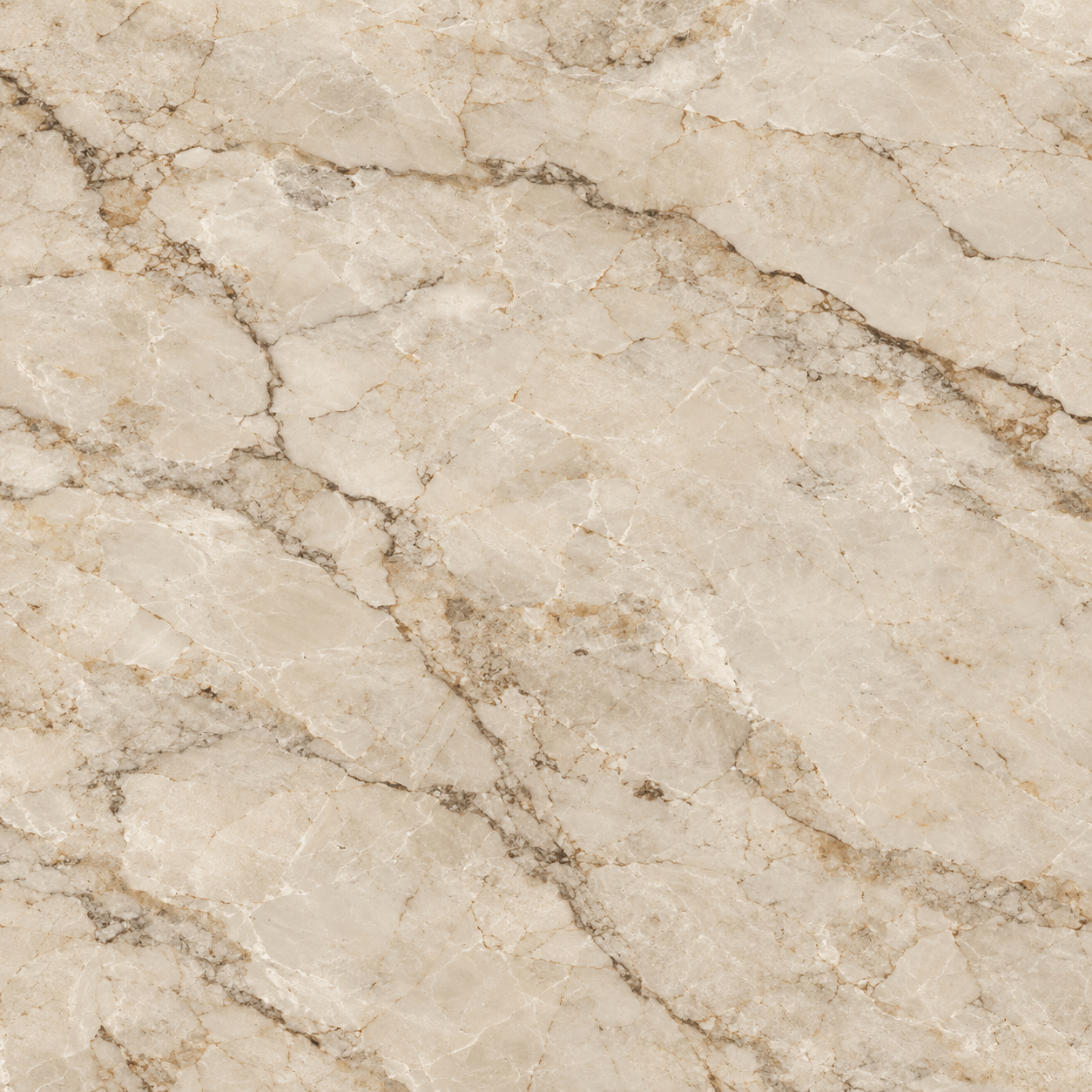
Cream and Brown Brecciated Marble Texture
Cream and Brown Brecciated Marble Texture shows warm cream marble with broken brown-gray mineral seams, cloudy calcite patches, and fine fissures. Use this visually inspected surface for luxury floors, counters, wall panels, and stone accents; confirm physical scale, edge repetition, seam continuity, and material response in the target 3D workflow before final use.
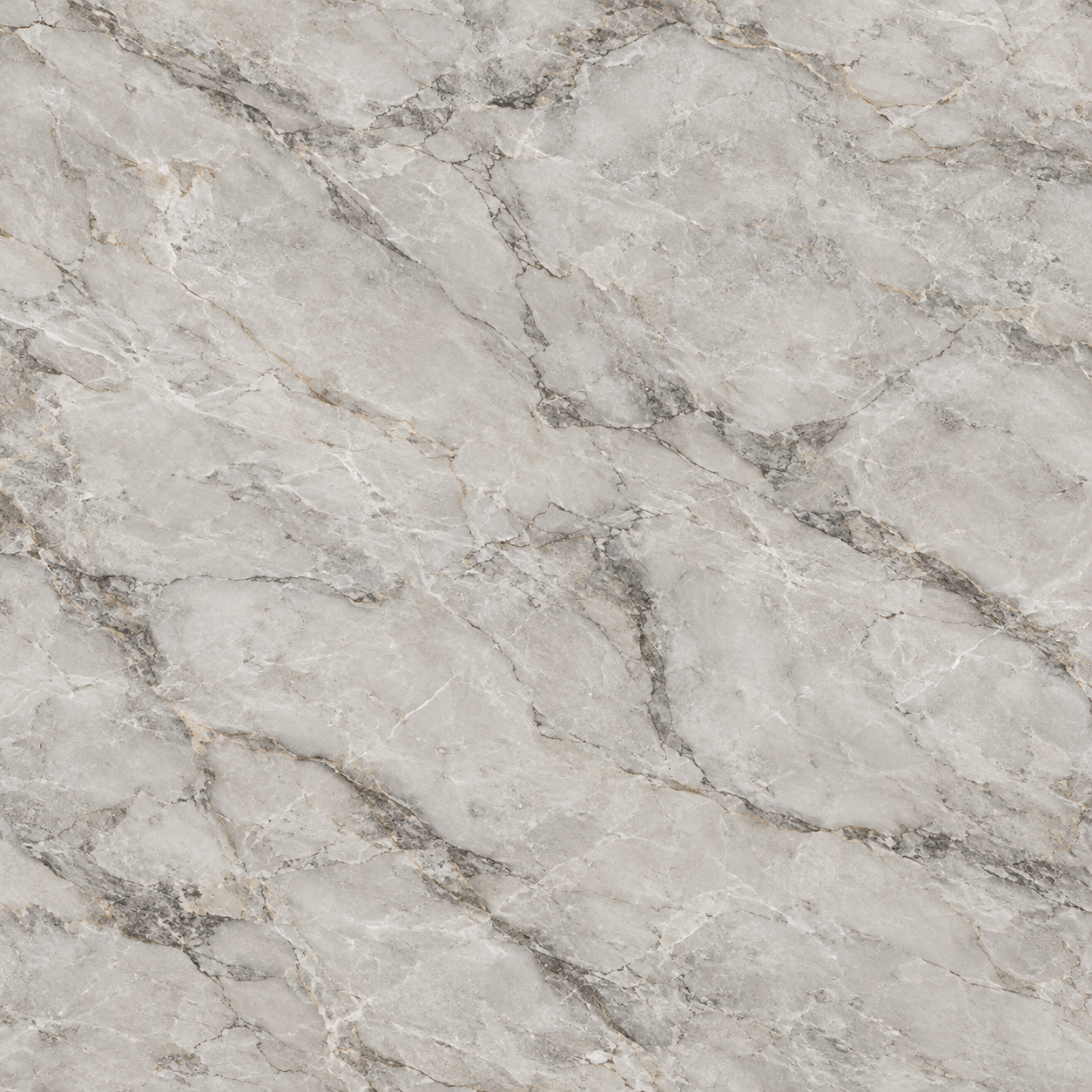
White and Gray Veined Marble Texture
White and Gray Veined Marble Texture shows a pale white marble field crossed by broad cloudy gray veins and smaller fractured lines. Use this visually inspected surface for countertops, floors, wall slabs, and decorative stone surfaces; confirm physical scale, edge repetition, seam continuity, and material response in the target 3D workflow before final use.
Pale Cream Marble with Fine Gold Veins Texture
Pale Cream Marble with Fine Gold Veins Texture shows soft ivory stone-like patches connected by thin delicate gold lines and faint beige clouds. Use it for counters, floors, furniture inlays, or wall slabs, then inspect fine-vein repetition, scale, material authenticity, relief, and polish in the final renderer.
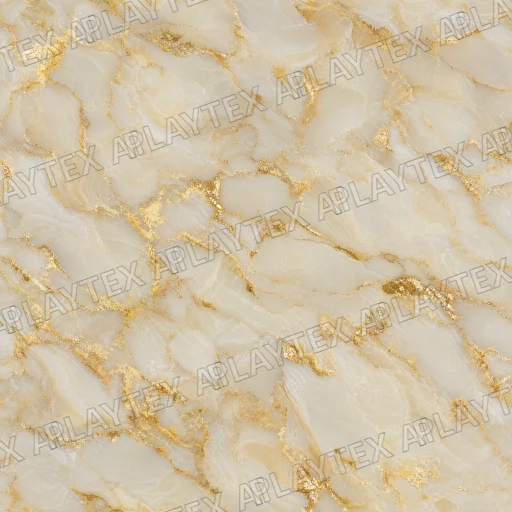
Ivory Marble with Broad Gold Veins Texture
Ivory Marble with Broad Gold Veins Texture shows large creamy stone-like fields separated by sweeping gold seams and warm translucent clouds. Use it for large slabs, floors, counters, or statement walls, then verify vein scale, repeat landmarks, material authenticity, relief, and polished reflection behavior.
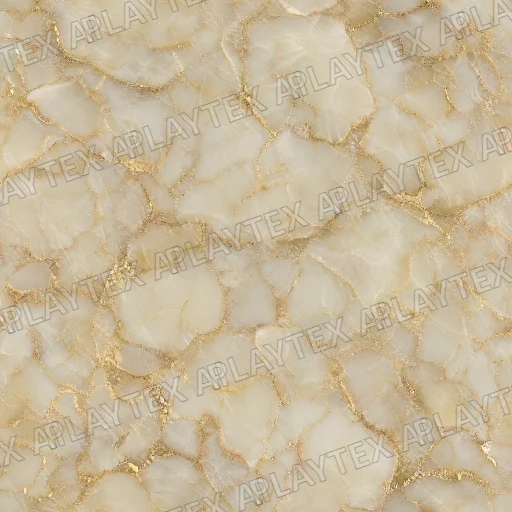
Cream and Gold Cellular Marble Texture
Cream and Gold Cellular Marble Texture shows rounded cream stone-like cells outlined by connected gold and tan veins. Use it for decorative slabs, tables, floors, or wall panels, then check cell repetition, scale, material authenticity, seam visibility, relief, and polish under moving reflections.
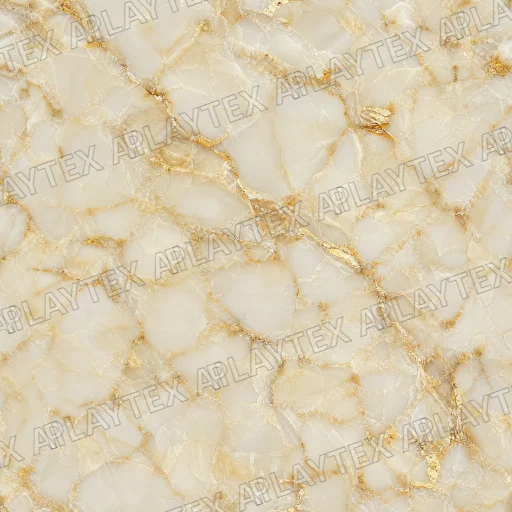
Ivory Marble with Branching Gold Veins Texture
Ivory Marble with Branching Gold Veins Texture shows soft translucent-looking cream masses crossed by narrow angular gold seams and light beige clouds. Use it for counters, floors, wall slabs, or decorative props, then inspect vein repetition, physical scale, material authenticity, relief, and reflection response.
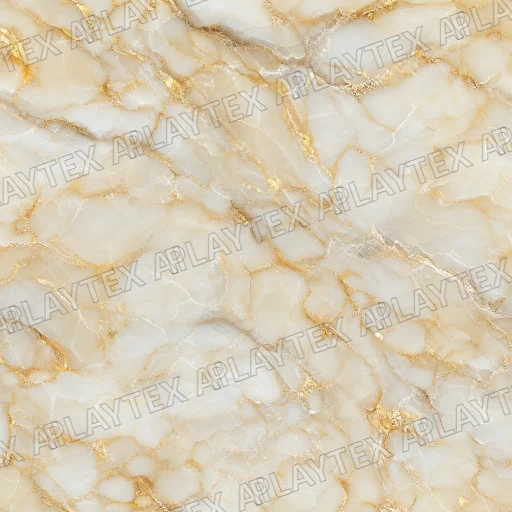
Cream and Gold Brecciated Marble Texture
Cream and Gold Brecciated Marble Texture shows clustered ivory stone-like fragments divided by branching metallic-gold and pale gray veins. Use it for counters, floors, wall panels, or luxury props, then verify vein repetition, real-world scale, material authenticity, relief, and polish in the target shader.
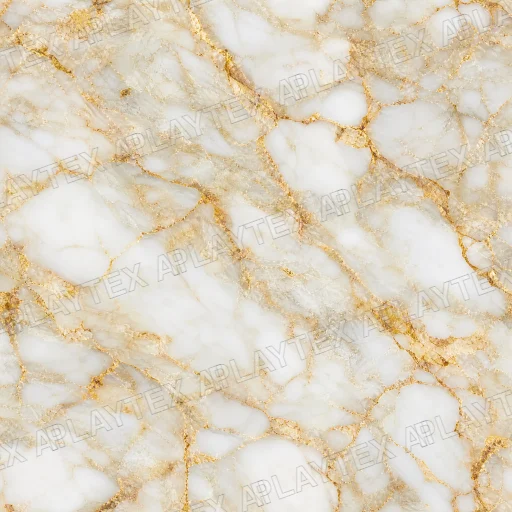
White Gold Brecciated Marble Texture
White Gold Brecciated Marble Texture features large milky stone fragments divided by branching beige and metallic-gold veins with translucent gray variation. Use it for counters, floors, luxury wall panels, or decorative props, then inspect vein repetition, physical scale, and polished roughness in the final shader.
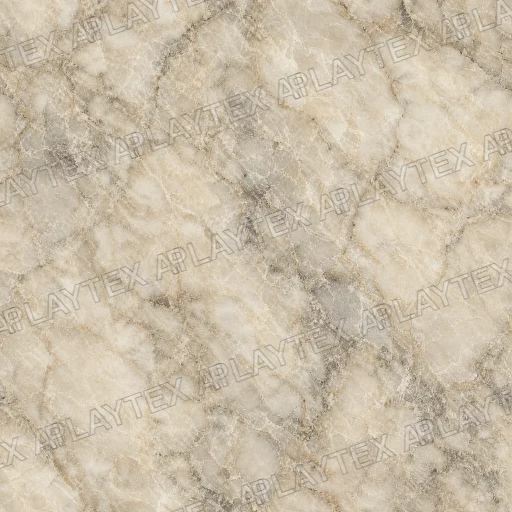
Beige Marble Veining Stone Texture
Beige Marble Veining Stone Texture shows beige, cream, and brown across a stone surface with a repeating tile pattern and a naturalistic appearance. Use it as a reference for meshes, props, terrain, or architectural materials, then verify repeat landmarks, physical scale, relief, and roughness under the lighting used by the final scene.
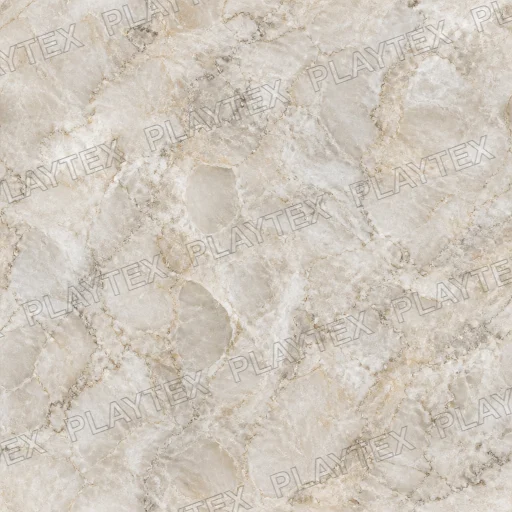
Cream Veining Beige Marble Texture
Cream Veining Beige Marble Texture shows cream, beige, and light brown across a marble surface with a veined pattern and a classic appearance. Use it as a reference for meshes, props, terrain, or architectural materials, then verify repeat landmarks, physical scale, relief, and roughness under the lighting used by the final scene.
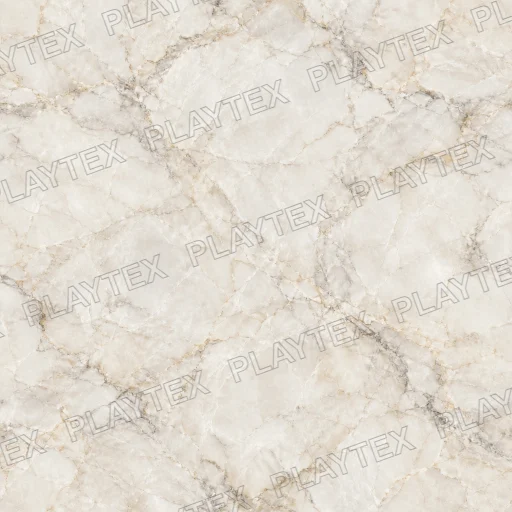
White Polished Marble with Soft Gray Veins Texture
White Polished Marble with Soft Gray Veins Texture combines a warm ivory base with restrained branching and cloudy mineral detail. It suits counters, floors, wall slabs, and clean interiors; inspect vein repetition and drive polish through roughness rather than baked highlights.
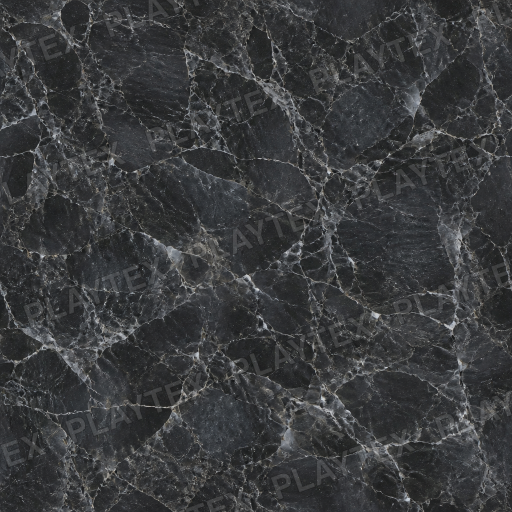
Black Marble with White Veins Texture
Black Marble with White Veins Texture layers crisp pale mineral lines and softer gray branching over a deep charcoal stone base. It suits counters, floors, feature walls, and luxury props; review the vein repeat and tune gloss with a separate roughness map.
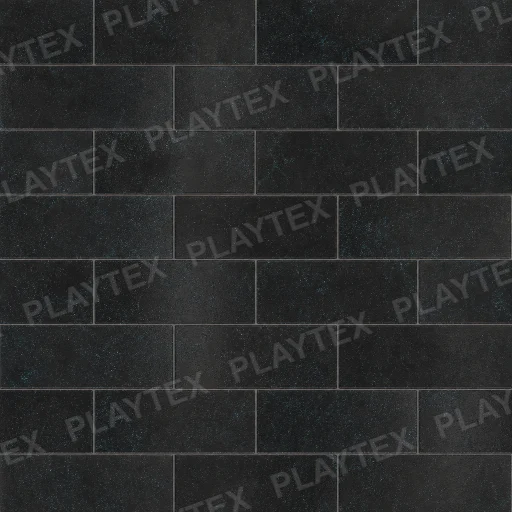
Polished Black Marble Floor Texture
Polished Black Marble Floor Texture shows black, white, and gray across a marble surface with a veined pattern and a naturalistic appearance. Use it as a reference for meshes, props, terrain, or architectural materials, then verify repeat landmarks, physical scale, relief, and roughness under the lighting used by the final scene.

Polished Black Marble Floor White Texture
Polished Black Marble Floor White Texture shows black, white, and gray across a marble surface with a veined pattern and a naturalistic appearance. Use it as a reference for meshes, props, terrain, or architectural materials, then verify repeat landmarks, physical scale, relief, and roughness under the lighting used by the final scene.
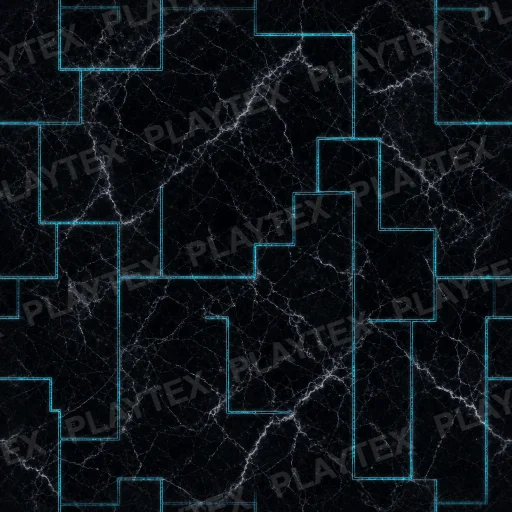
Polished Black Marble Floor White Grey Texture
Polished Black Marble Floor White Grey Texture shows black, white, and grey across a marble surface with a veined pattern and a naturalistic appearance. Use it as a reference for meshes, props, terrain, or architectural materials, then verify repeat landmarks, physical scale, relief, and roughness under the lighting used by the final scene.
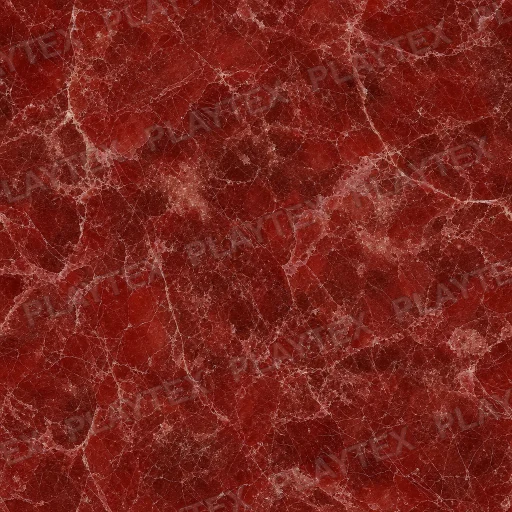
Red Brown Marble Texture
Red Brown Marble Texture shows red, brown, and beige across a marble surface with a veined pattern and a naturalistic appearance. Use it as a reference for meshes, props, terrain, or architectural materials, then verify repeat landmarks, physical scale, relief, and roughness under the lighting used by the final scene.
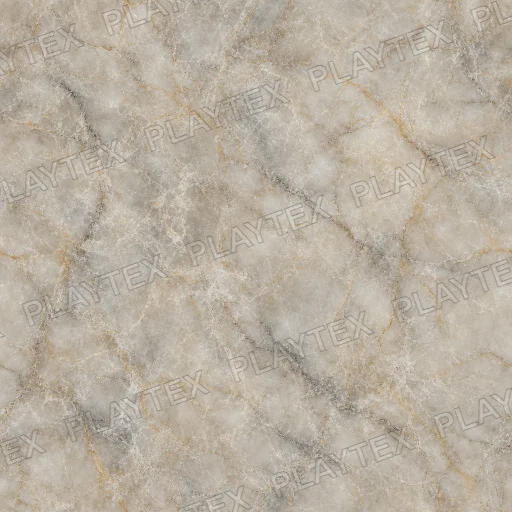
Beige Light Veined Marble Texture
Beige Light Veined Marble Texture shows beige, cream, and light brown across a marble surface with a veined pattern and a natural appearance. Use it as a reference for meshes, props, terrain, or architectural materials, then verify repeat landmarks, physical scale, relief, and roughness under the lighting used by the final scene.
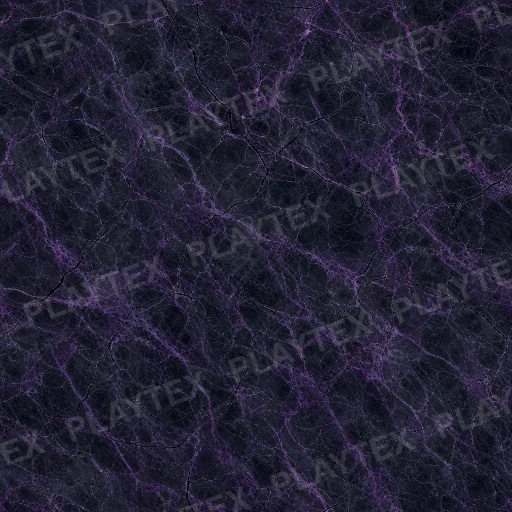
Cracked Matte Marble Texture
Cracked Matte Marble Texture shows dark purple, black, and white across a marble surface with a cracked pattern and a naturalistic appearance. Use it as a reference for meshes, props, terrain, or architectural materials, then verify repeat landmarks, physical scale, relief, and roughness under the lighting used by the final scene.
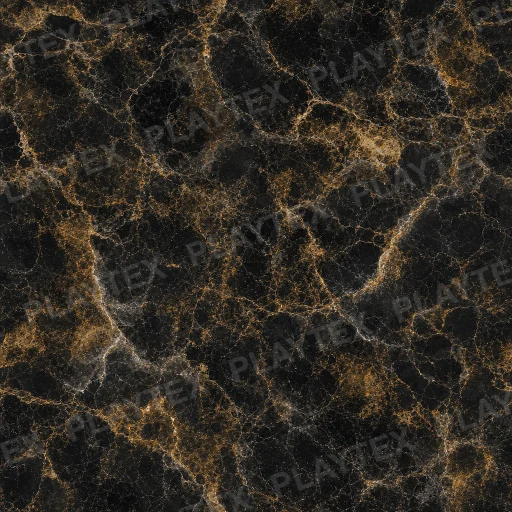
Brown Earth Tones Tan Ceramic Texture
Brown Earth Tones Tan Ceramic Texture shows brown, tan, and dark brown across a ceramic surface with irregular variation and a naturalistic appearance. Use it as a reference for meshes, props, terrain, or architectural materials, then verify repeat landmarks, physical scale, relief, and roughness under the lighting used by the final scene.
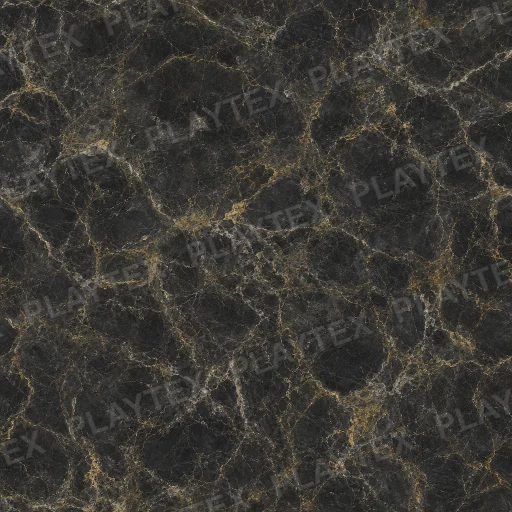
Marble Dark Brown Texture
Marble Dark Brown Texture shows dark brown, black, and gold across a marble surface with a veined pattern and a naturalistic appearance. Use it as a reference for meshes, props, terrain, or architectural materials, then verify repeat landmarks, physical scale, relief, and roughness under the lighting used by the final scene.
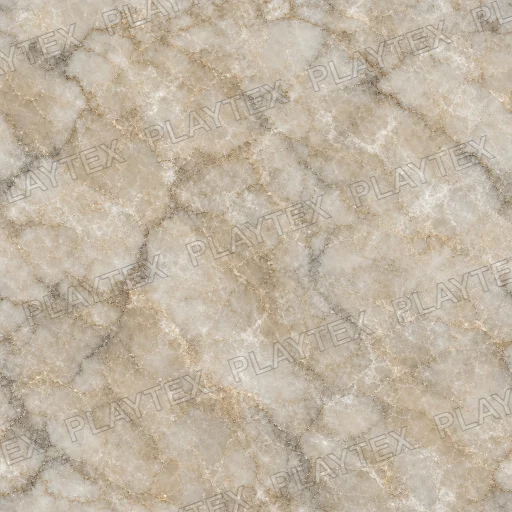
Marble Beige Cream Texture
Marble Beige Cream Texture shows beige, cream, and light brown across a marble surface with a veined pattern and a naturalistic appearance. Use it as a reference for meshes, props, terrain, or architectural materials, then verify repeat landmarks, physical scale, relief, and roughness under the lighting used by the final scene.
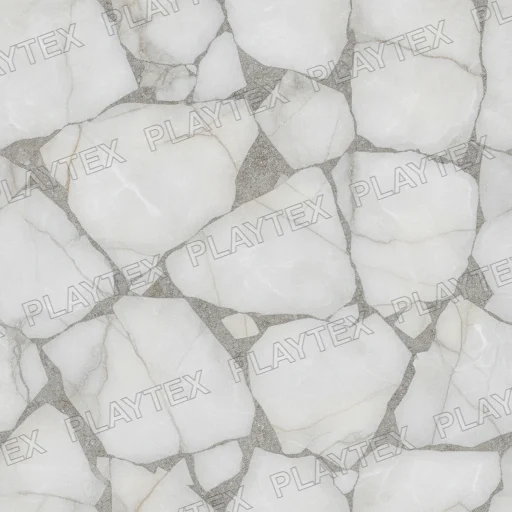
White Marble Cracked Stone Texture
White Marble Cracked Stone Texture shows white, gray, and black across a stone surface with an organic pattern and a natural appearance. Use it as a reference for meshes, props, terrain, or architectural materials, then verify repeat landmarks, physical scale, relief, and roughness under the lighting used by the final scene.
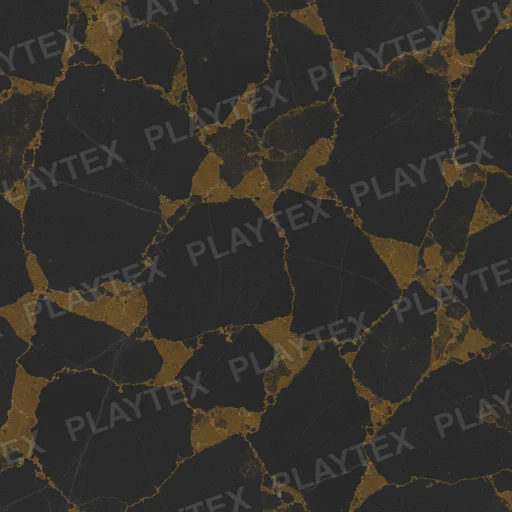
Abstract Gold And Black Veined Surface Texture
Abstract Gold And Black Veined Surface Texture shows gold, black, and dark brown across an abstract surface with irregular variation and an abstract appearance. Use it as a reference for meshes, props, terrain, or architectural materials, then verify repeat landmarks, physical scale, relief, and roughness under the lighting used by the final scene.
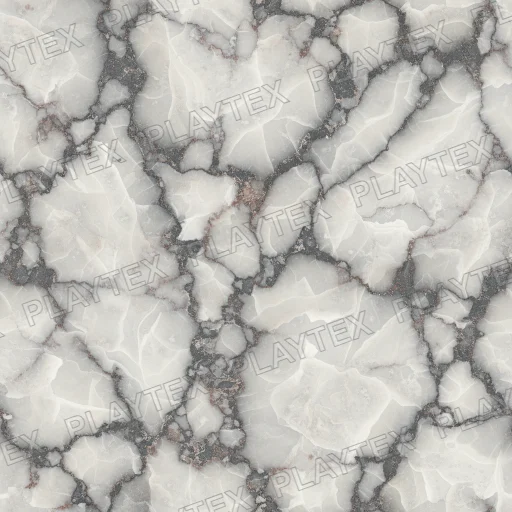
Green Marble Rough Stone Texture
Green Marble Rough Stone Texture shows green, white, and dark green across a stone surface with a veined pattern and a natural appearance. Use it as a reference for meshes, props, terrain, or architectural materials, then verify repeat landmarks, physical scale, relief, and roughness under the lighting used by the final scene.
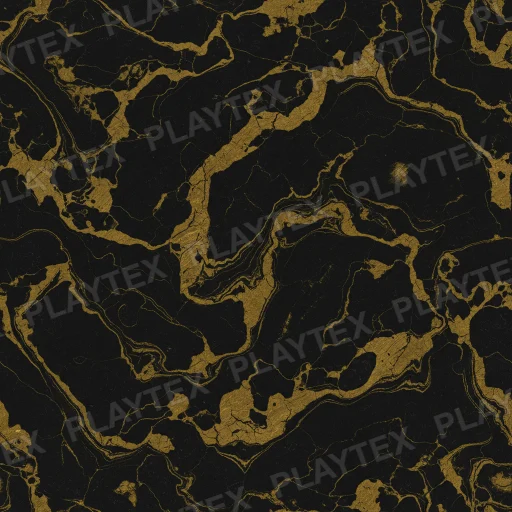
Black Gold Marble Texture
Black Gold Marble Texture shows black, gold, and dark brown across a marble surface with a polished finish and a naturalistic appearance. Use it as a reference for meshes, props, terrain, or architectural materials, then verify repeat landmarks, physical scale, relief, and roughness under the lighting used by the final scene.
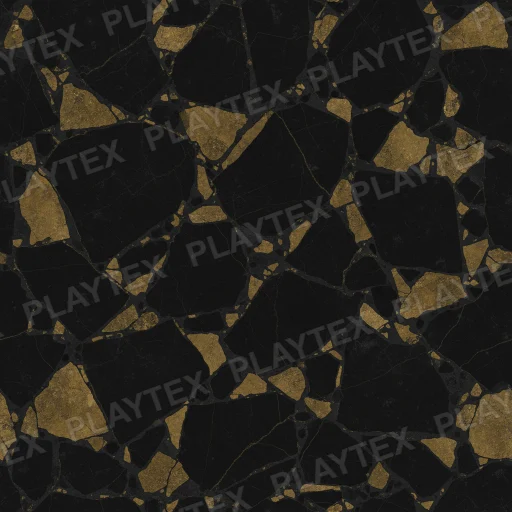
Black Gold Marble Beige Texture
Black Gold Marble Beige Texture shows black, gold, and beige across a marble surface with a veined pattern and a marble appearance. Use it as a reference for meshes, props, terrain, or architectural materials, then verify repeat landmarks, physical scale, relief, and roughness under the lighting used by the final scene.
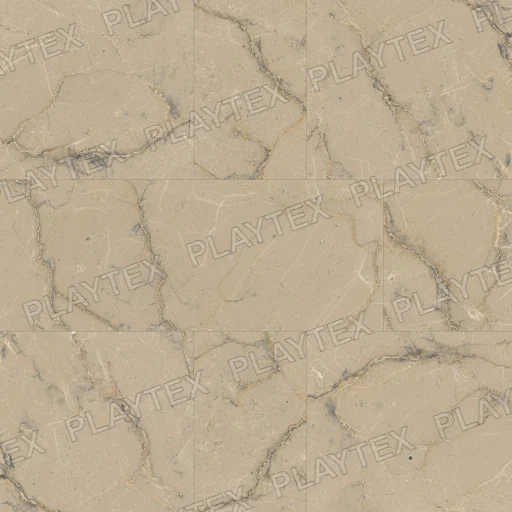
Rough Marble Brown Texture
Rough Marble Brown Texture shows brown, beige, and cream across a marble surface with a mottled pattern and a marble appearance. Use it as a reference for meshes, props, terrain, or architectural materials, then verify repeat landmarks, physical scale, relief, and roughness under the lighting used by the final scene.
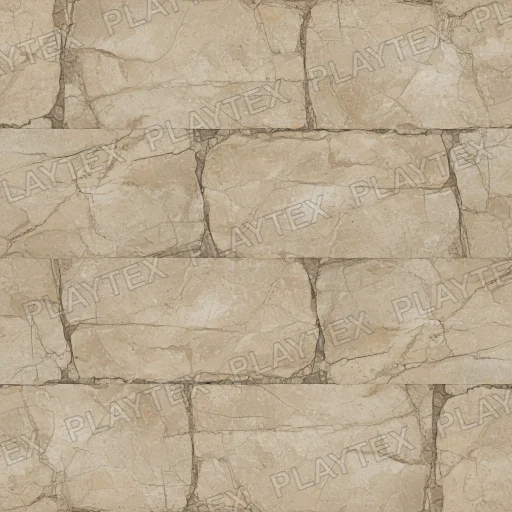
Rough Marble Beige Texture
Rough Marble Beige Texture shows beige, light brown, and tan across a marble surface with a mottled pattern and a marble appearance. Use it as a reference for meshes, props, terrain, or architectural materials, then verify repeat landmarks, physical scale, relief, and roughness under the lighting used by the final scene.
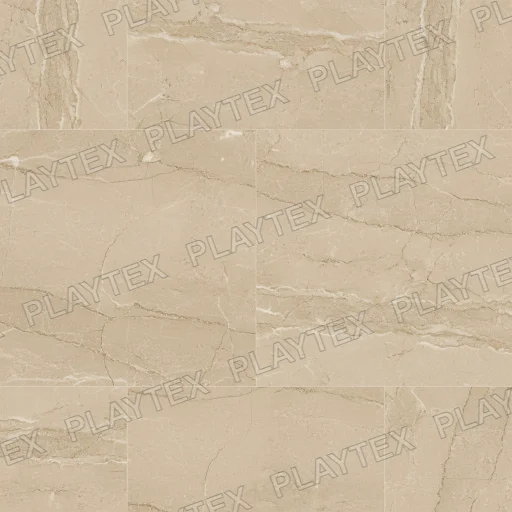
Marble Beige Gold Texture
Marble Beige Gold Texture shows beige, cream, and gold across a marble surface with a subtle veining finish and a marble appearance. Use it as a reference for meshes, props, terrain, or architectural materials, then verify repeat landmarks, physical scale, relief, and roughness under the lighting used by the final scene.
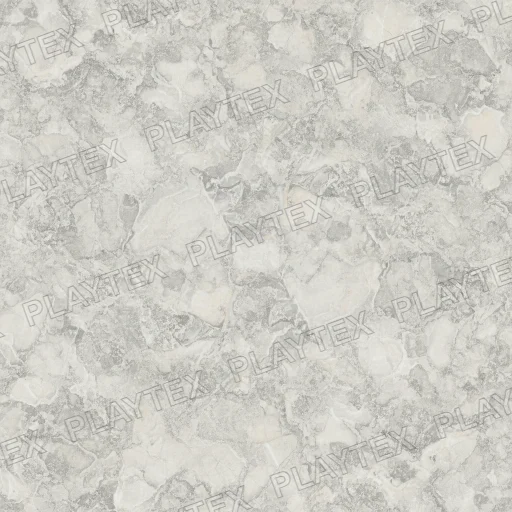
Rough Marble Light Beige Texture
Rough Marble Light Beige Texture shows light beige, white, and grey across a marble surface with a rough finish and a natural appearance. Use it as a reference for meshes, props, terrain, or architectural materials, then verify repeat landmarks, physical scale, relief, and roughness under the lighting used by the final scene.
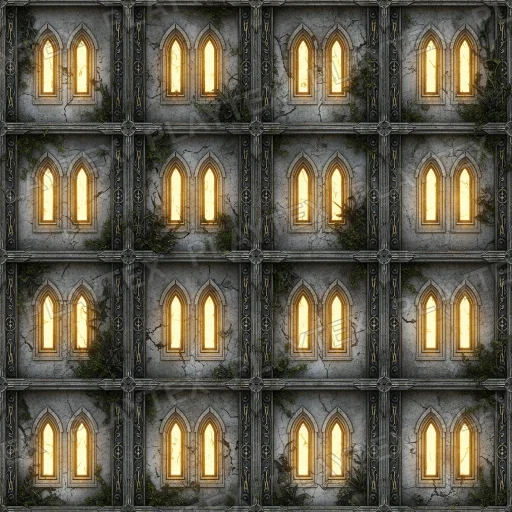
Medium Grey Wall Concrete Texture
Medium Grey Wall Concrete Texture shows medium grey and light grey across a concrete surface with a smooth finish and an industrial appearance. Use it as a reference for meshes, props, terrain, or architectural materials, then verify repeat landmarks, physical scale, relief, and roughness under the lighting used by the final scene.
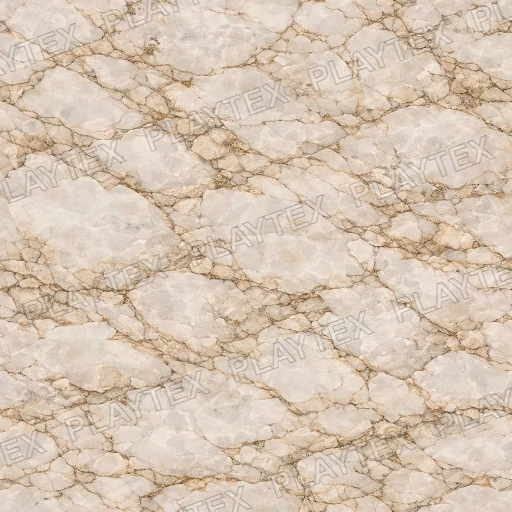
White Marble Veined Stone Texture
White Marble Veined Stone Texture shows white, gray, and black across a stone surface with a veined pattern and a natural appearance. Use it as a reference for meshes, props, terrain, or architectural materials, then verify repeat landmarks, physical scale, relief, and roughness under the lighting used by the final scene.
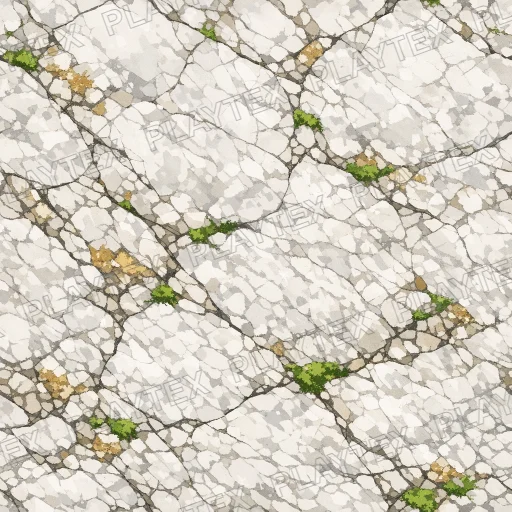
Marble Beige Brown Texture
Marble Beige Brown Texture shows beige, brown, and white across a stone surface with a veined pattern and a natural appearance. Use it as a reference for meshes, props, terrain, or architectural materials, then verify repeat landmarks, physical scale, relief, and roughness under the lighting used by the final scene.