PLAYTEX AI

Make room for your next idea.

Opening your workspace…

PLAYTEX AI Texture Generator

Generate seamless game textures from a prompt

Describe a surface, choose its material family and visual style, and generate a tileable source texture. Preview the repeat and material response before sending the result to the PBR Map Generator or Image Editor.

Specifications reviewed .

Guided Prompts Material Presets Tile Preview 3D Material Preview Library Handoff

Choose by source state

AI Texture Generator, Image-to-Texture, or PBR Map Generator?

Start with the input you already have. Each tool owns a different stage of the texture workflow.

Texture tool differentiation by best use
ToolBest for
AI Texture Generator Inventing a new surface from text
Image-to-Texture Preserving an existing photo or reference
PBR Map Generator Creating technical maps from an approved texture

Published product facts

What does the AI Texture Generator support?

These specifications describe the current PLAYTEX AI web workflow. Plan limits and rights are explicit so the generator page, pricing language, and technical references do not imply different access.

SpecificationCurrent behaviorCondition or detail
Input type Guided material controls or a plain-language text prompt Refinement can also use a generated texture plus a focused edit instruction.
Prompt limit No fixed character counter in the current web interface Use a concise material brief that names the surface, finish, wear, color, scale, and target use.
Supported styles 9 style targets Material-driven, Photoreal Clean, Stylized Clean, Painterly Soft, Fantasy Atmosphere, Minimal / Performance, Cyberpunk Neon, Industrial Grit, and Sci-Fi Minimal.
Output resolution by plan Free: up to 1K; Mapper and Starter: generate up to 2K; Creator and Studio: generate up to 4K Starter and Creator can upscale eligible outputs to 8K. Studio can upscale eligible outputs to 16K. x2 costs 10 credits and x4 costs 20.
File formats Standard image exports plus optional x2 or x4 AI-upscaled output The chosen generation quality is charged up front. AI upscaling is charged only when selected for a supported download or engine export.
Variations 1 output per standard generation; Creator+ can request batches of 2 to 10 Each output costs 1 credit at 1K, 2 at 2K, or 4 at 4K.
Seamless mode On by default Guided mode exposes the seamless control. Describe mode keeps seamless generation enabled.
Seed support Not exposed in the current generator The current image provider request does not provide a user-facing seed lock.
Processing time Queue- and provider-dependent; no published service-level range The workspace displays a long-running notice after 45 seconds rather than promising a completion time.
Account required Yes A PLAYTEX AI account and generation permission are required before a texture can be generated.
AI credit allowance Free 5 one-time; Mapper 10/month; Starter 100/month; Creator 400/month; Studio 1,000 pooled/month Monthly credits expire at the billing reset. Rollout bonus and migrated purchased credits do not expire.
Upload and output retention Generator source uploads are deleted after processing Saved, published, and free-account public outputs remain until the user deletes them, deletes the account, or PLAYTEX AI removes them.
Commercial-use terms Starter, Creator, and Studio include commercial-use rights, subject to the Terms and source rights Free-account outputs are automatically public, available for others to use at no charge, and are not private or exclusive.

These are the current credit plans. Existing accounts may retain legacy allowances; your workspace shows the allowance and export access that apply to your account. Review the current plan comparison and commercial-use and retention terms before production use.

From the PLAYTEX AI library

From material idea to a repeating PBR surface

Follow real saved workflows, inspect a 3 × 3 repeat, and see the resulting maps rendered in Blender Cycles. Try the source and map pack in your own scene.

Reviewed September 4, 2026. Workflow labels summarize saved settings; full prompts are not published. These are existing library outputs, not newly generated samples.

Generated

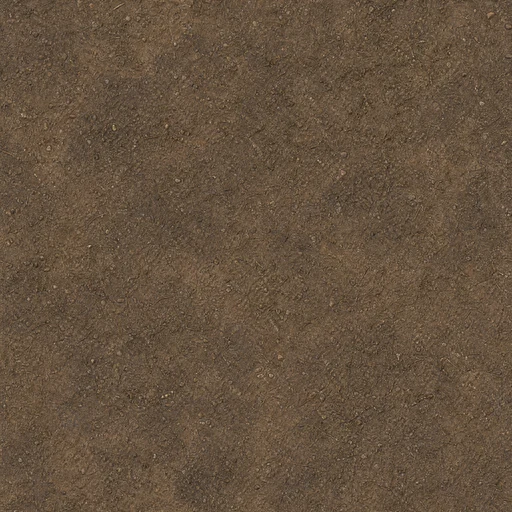
Fine earth ground

How it was madeGround preset → Photoreal Clean → medium pattern scale → seamless generation.

Fine earth ground AI texture source
1 · Source tile
Three by three repeat of Fine earth ground
2 · 3 × 3 repeat check
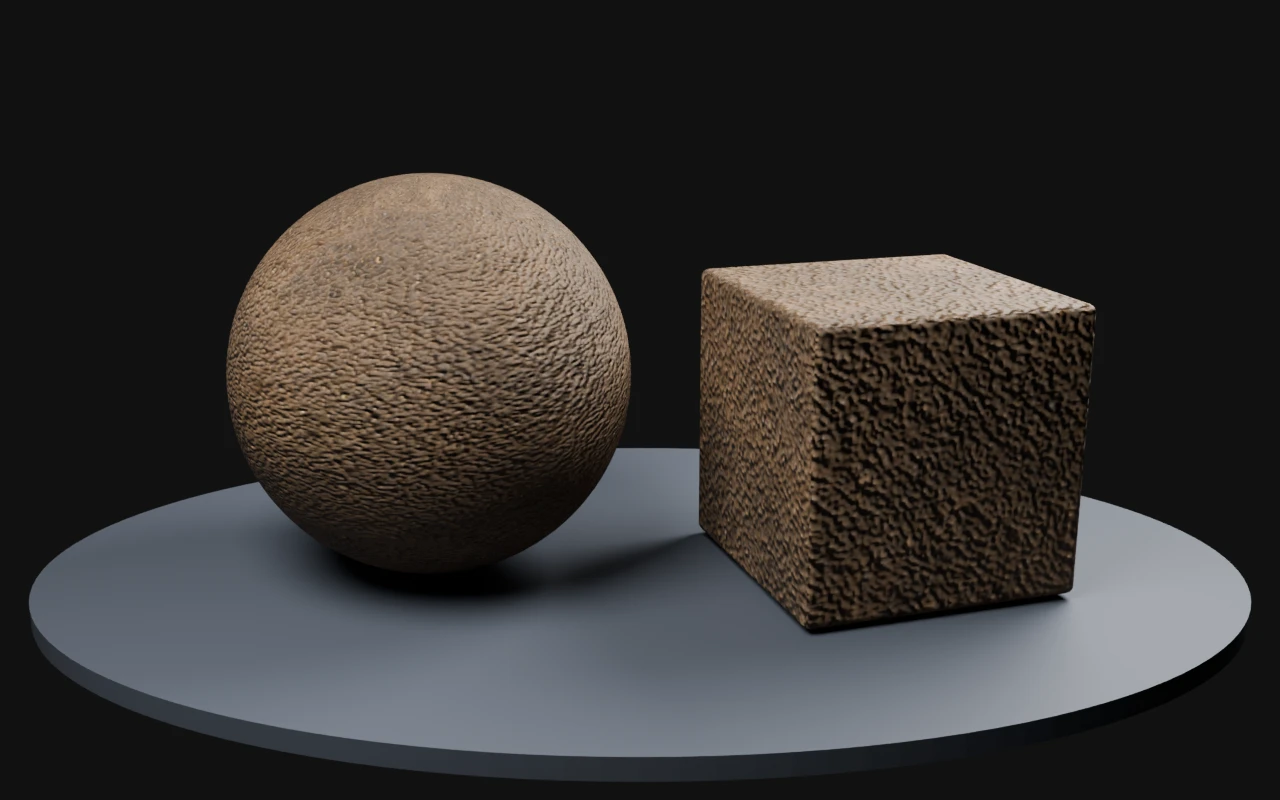
Fine earth ground rendered on a sphere and beveled cube with derived PBR maps in Blender Cycles
3 · Blender Cycles render · derived normal, roughness and metallic maps

What to check The broad tonal patches can become visible across large terrain areas. Check the repeat at your intended scale.

Source and render details

Library file: 2048 × 2048. Demonstration file: 512 × 512.

Maps were derived for this demonstration using the deterministic PLAYTEX AI image-to-PBR core. The AI output is the source image; the maps are estimates to tune for your material.

Blender Cycles 4.2.3 LTS · 32 samples · AgX · normal strength 0.7; neutral studio lighting; no displacement or bloom.

Read the recorded settings

Generated

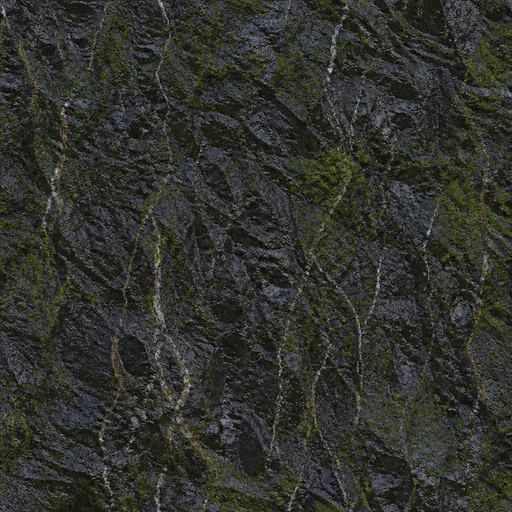
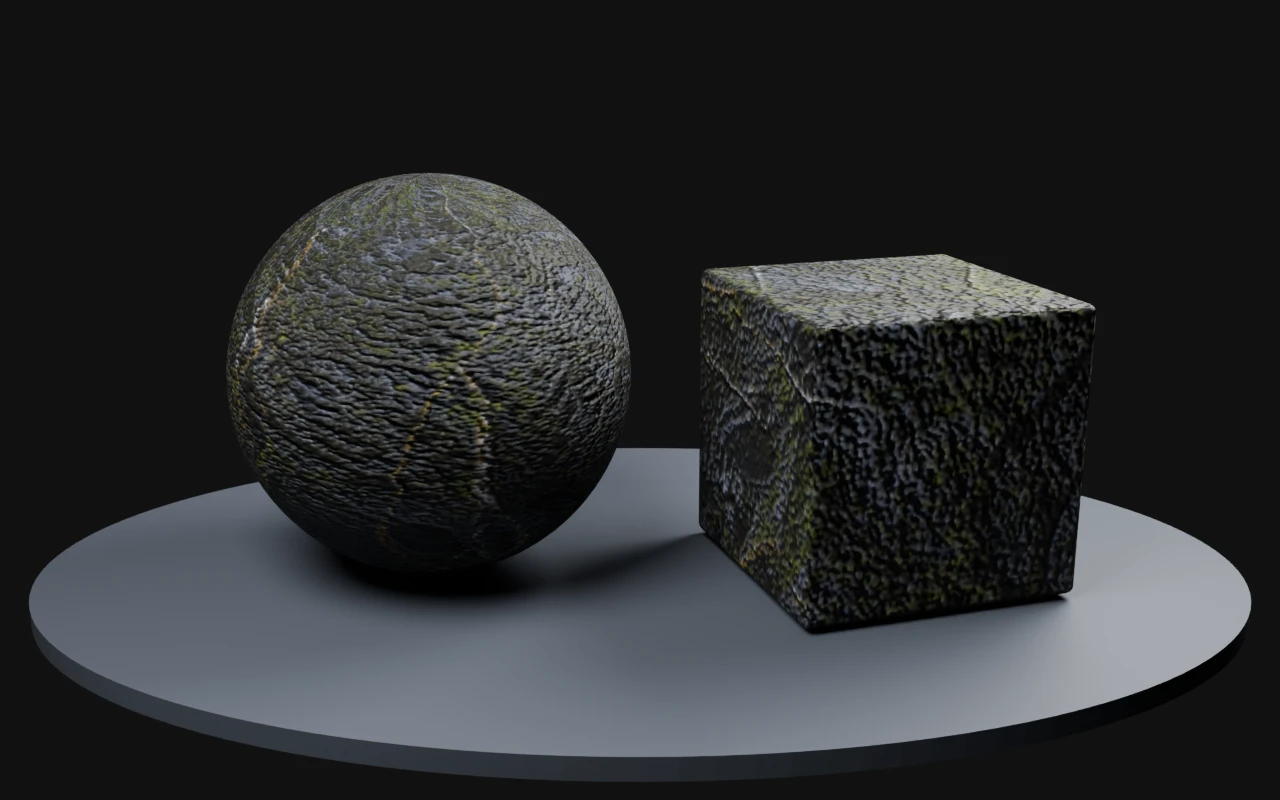
Wet basalt with moss

How it was madeCustom basalt-and-moss direction → Photoreal Clean → medium pattern scale → seamless generation.

Wet basalt with moss AI texture source
1 · Source tile
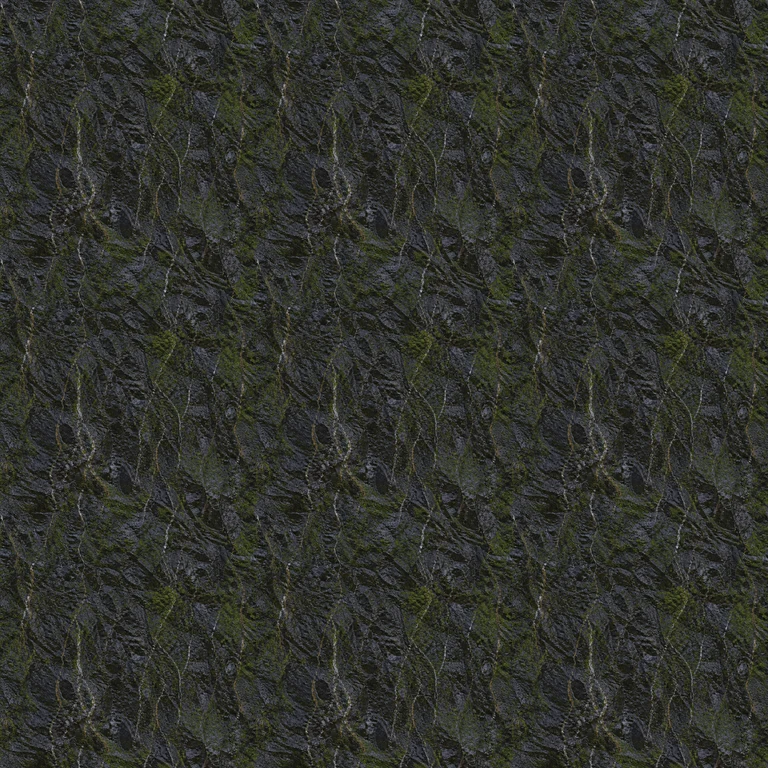
Three by three repeat of Wet basalt with moss
2 · 3 × 3 repeat check
Wet basalt with moss rendered on a sphere and beveled cube with derived PBR maps in Blender Cycles
3 · Blender Cycles render · derived normal, roughness and metallic maps

What to check Bright mineral streaks remain recognizable in a repeat. The inferred Organic family differed from the intended basalt surface; the demonstration uses a dielectric stone material.

Source and render details

Library file: 1024 × 1024. Demonstration file: 512 × 512.

Maps were derived for this demonstration using the deterministic PLAYTEX AI image-to-PBR core. The AI output is the source image; the maps are estimates to tune for your material.

Blender Cycles 4.2.3 LTS · 32 samples · AgX · normal strength 0.7; neutral studio lighting; no displacement or bloom.

Read the recorded settings

Generated

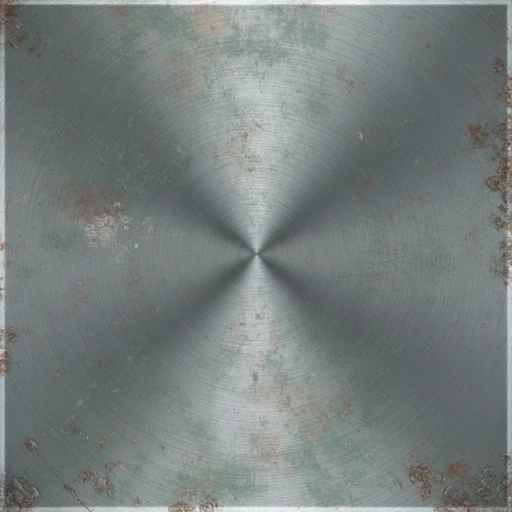
Brushed metal

How it was madeMetal preset → realistic PBR art target → Photoreal Clean → seamless generation.

Brushed metal AI texture source
1 · Source tile
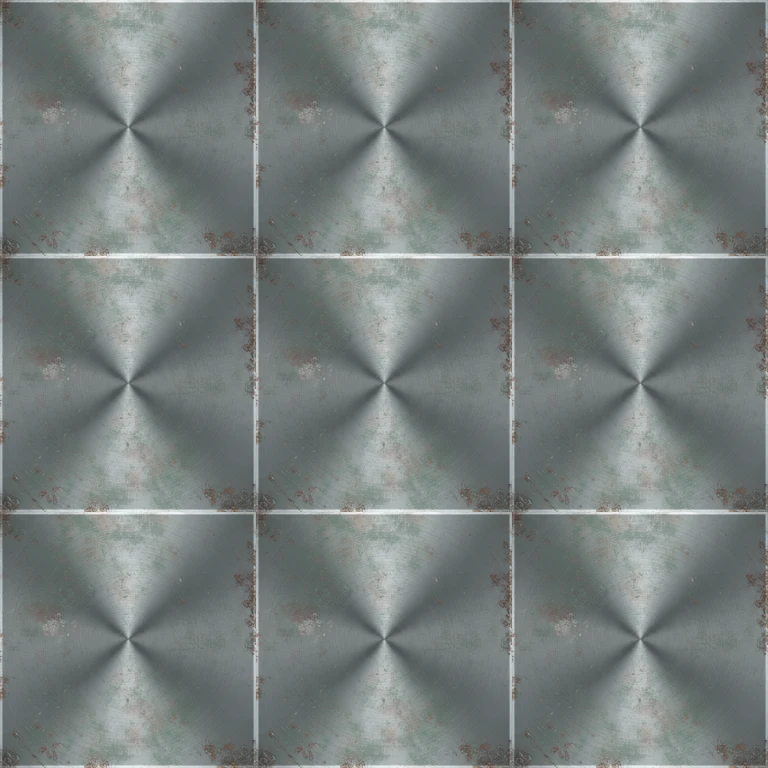
Three by three repeat of Brushed metal
2 · 3 × 3 repeat check
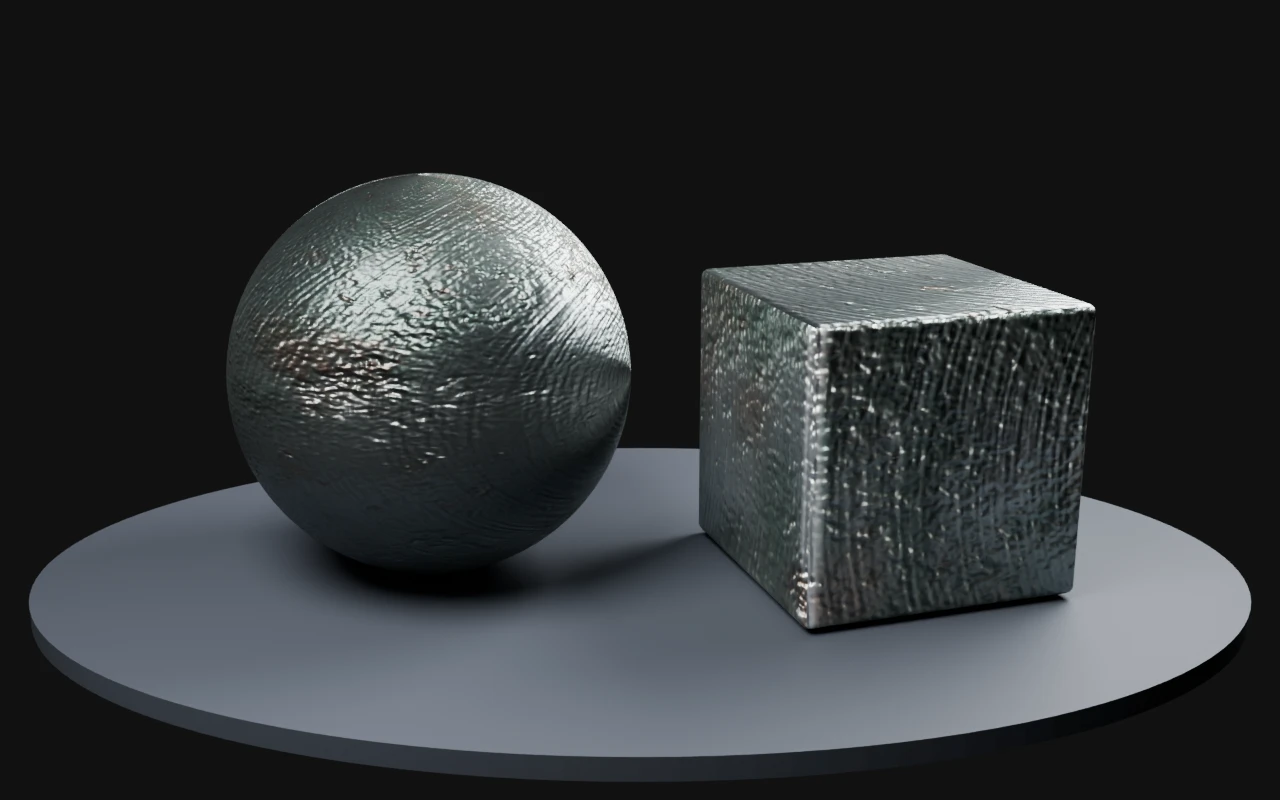
Brushed metal rendered on a sphere and beveled cube with derived PBR maps in Blender Cycles
3 · Blender Cycles render · derived normal, roughness and metallic maps

What to check The source contains a strong central highlight. Derived maps do not remove baked lighting; use flatter source lighting for production.

Source and render details

Library file: 2048 × 2048. Demonstration file: 512 × 512.

Maps were derived for this demonstration using the deterministic PLAYTEX AI image-to-PBR core. The AI output is the source image; the maps are estimates to tune for your material.

Blender Cycles 4.2.3 LTS · 32 samples · AgX · normal strength 0.7; neutral studio lighting; no displacement or bloom.

Read the recorded settings

Generated

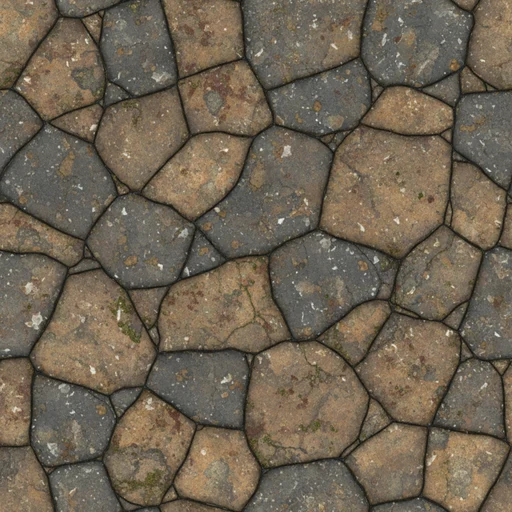
Weathered field stone

How it was madeStone preset → realistic PBR art target → Photoreal Clean → medium pattern scale.

Weathered field stone AI texture source
1 · Source tile
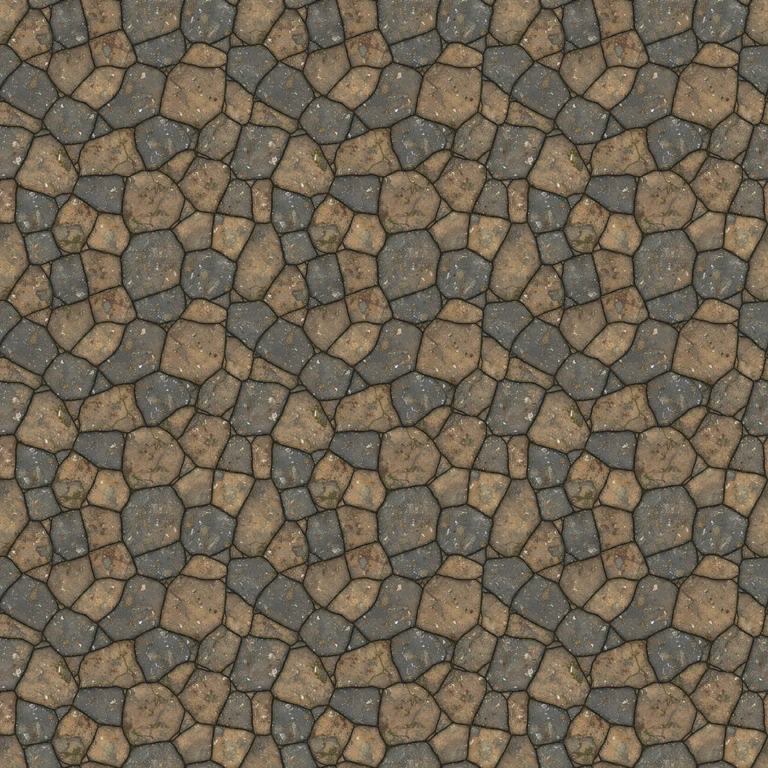
Three by three repeat of Weathered field stone
2 · 3 × 3 repeat check
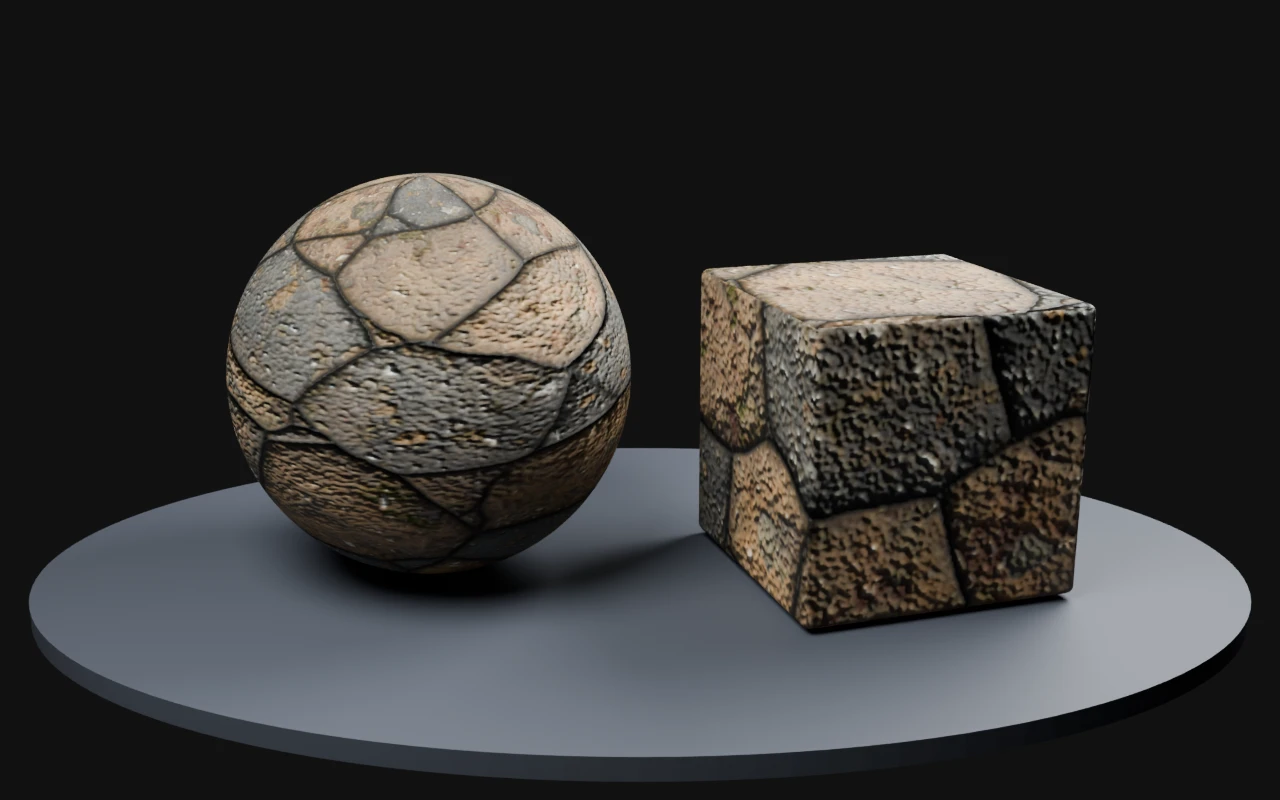
Weathered field stone rendered on a sphere and beveled cube with derived PBR maps in Blender Cycles
3 · Blender Cycles render · derived normal, roughness and metallic maps

What to check Large stones repeat as landmarks. Match stone scale to the scene and inspect seams before covering a large wall.

Source and render details

Library file: 2048 × 2048. Demonstration file: 512 × 512.

Maps were derived for this demonstration using the deterministic PLAYTEX AI image-to-PBR core. The AI output is the source image; the maps are estimates to tune for your material.

Blender Cycles 4.2.3 LTS · 32 samples · AgX · normal strength 0.7; neutral studio lighting; no displacement or bloom.

Read the recorded settings

Generated

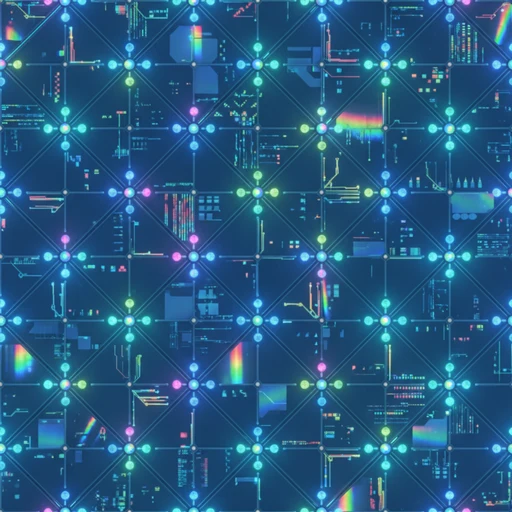
Holographic sci-fi panel

How it was madeSci-fi preset → holographic material → clean futuristic → pristine wear → glossy polymer and glowing nodes.

Holographic sci-fi panel AI texture source
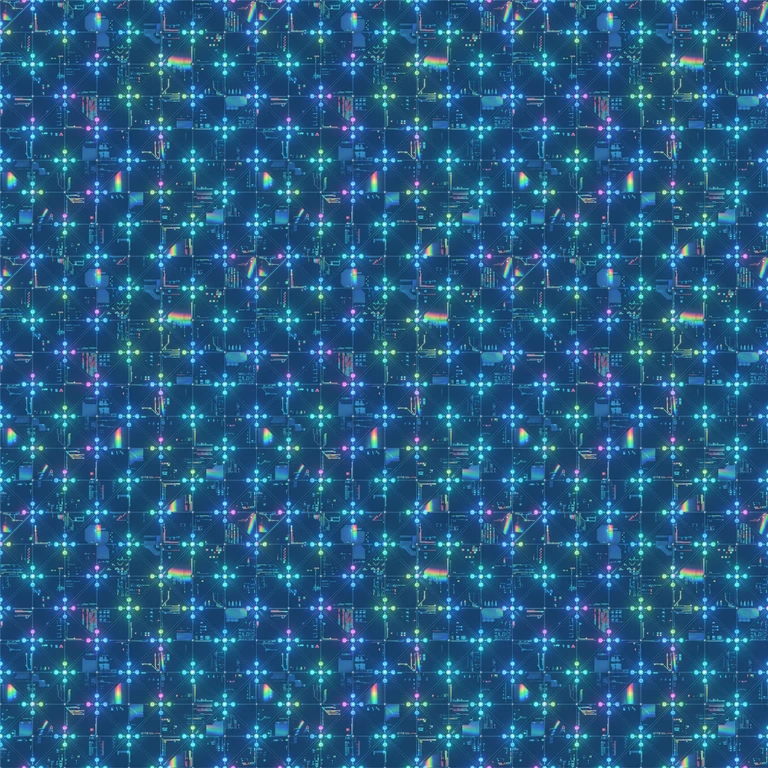
1 · Source tile
Three by three repeat of Holographic sci-fi panel
2 · 3 × 3 repeat check
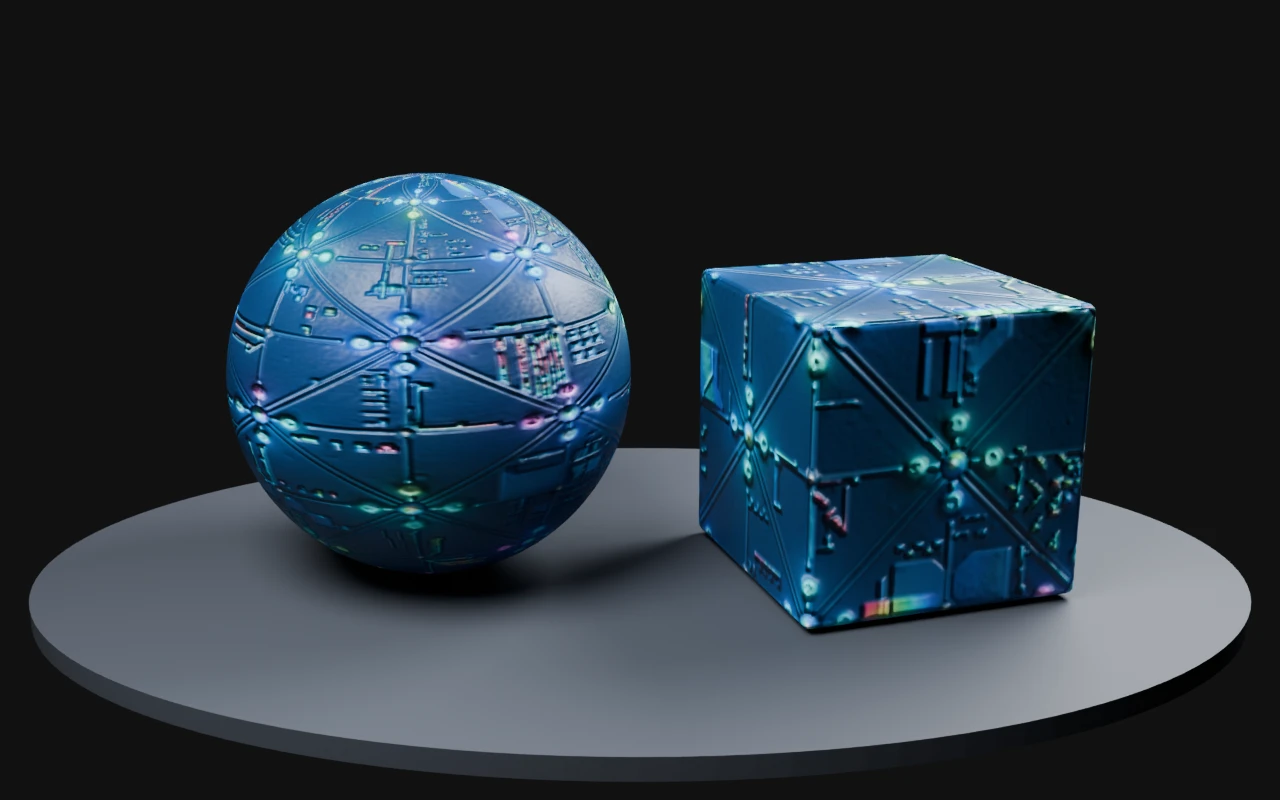
Holographic sci-fi panel rendered on a sphere and beveled cube with derived PBR maps in Blender Cycles
3 · Blender Cycles render · derived normal, roughness and metallic maps

What to check Bright nodes are part of the source image. This material preview does not add bloom or claim physically measured emission.

Source and render details

Library file: 2048 × 2048. Demonstration file: 512 × 512.

Maps were derived for this demonstration using the deterministic PLAYTEX AI image-to-PBR core. The AI output is the source image; the maps are estimates to tune for your material.

Blender Cycles 4.2.3 LTS · 32 samples · AgX · normal strength 0.7; neutral studio lighting; no displacement or bloom.

Read the recorded settings

Generated

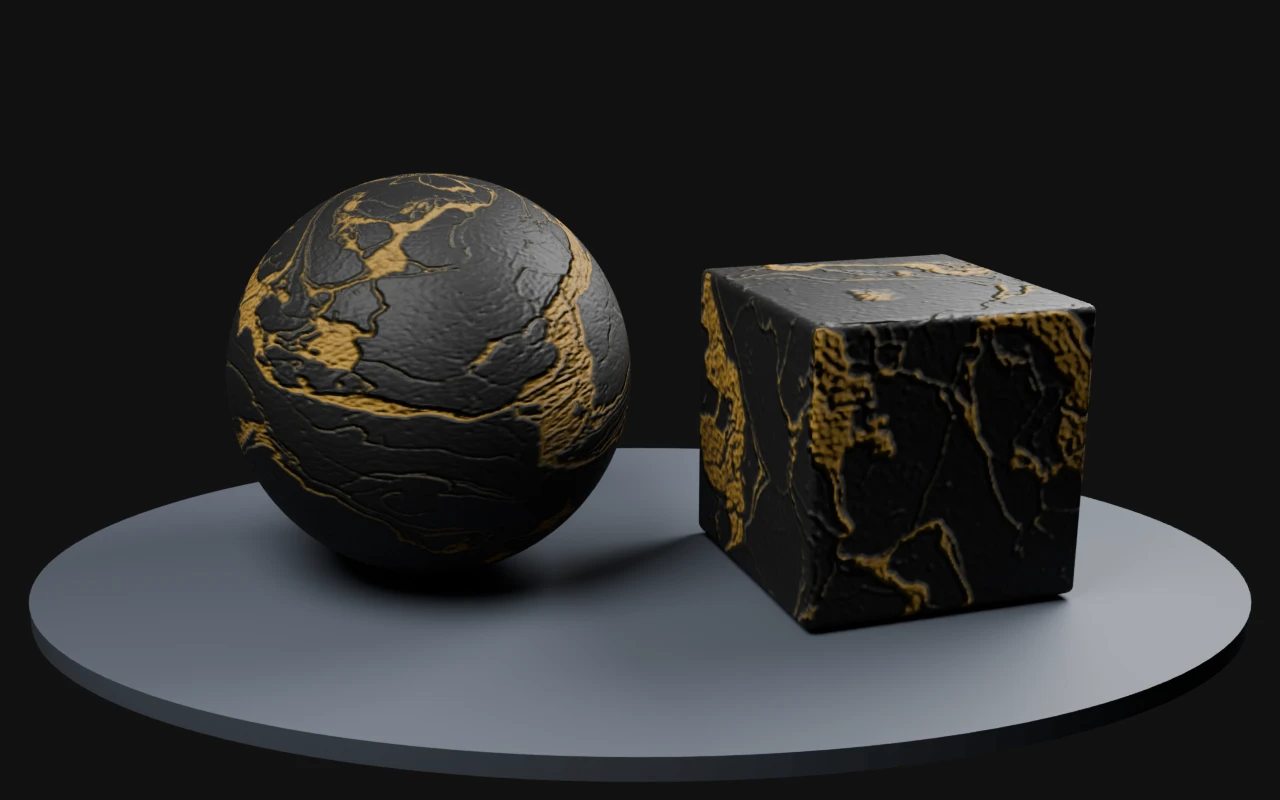
Black and gold marble

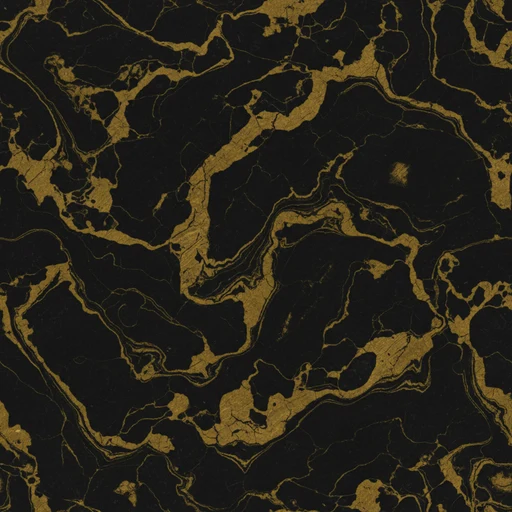
How it was madeCustom marble direction → black/gold palette priority → large pattern scale → seamless generation.

Black and gold marble AI texture source
1 · Source tile
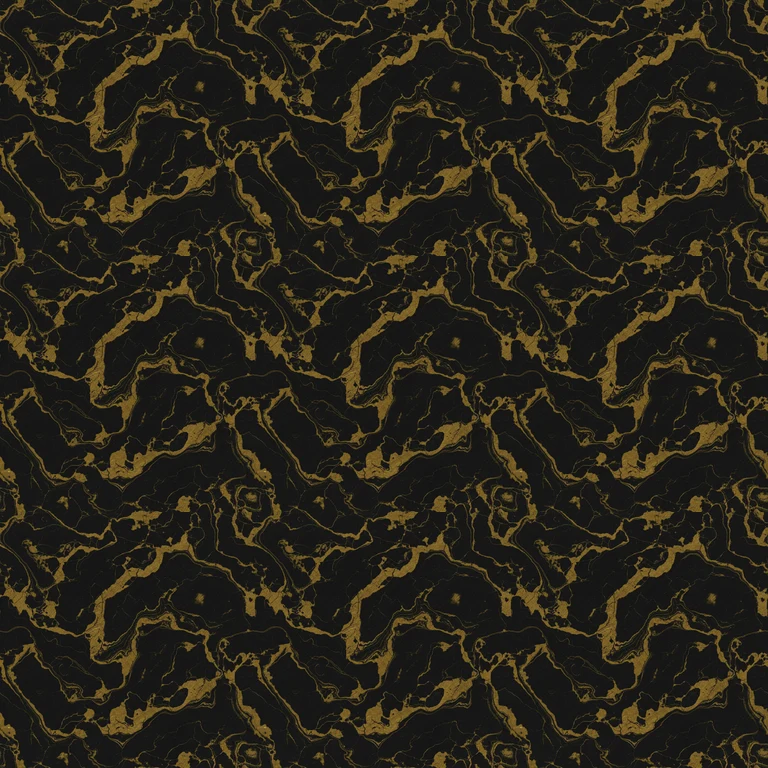
Three by three repeat of Black and gold marble
2 · 3 × 3 repeat check
Black and gold marble rendered on a sphere and beveled cube with derived PBR maps in Blender Cycles
3 · Blender Cycles render · derived normal, roughness and metallic maps

What to check Gold-colored veins are treated as dielectric color in this demonstration. Metallic veins need an intentional mask rather than a color-based assumption.

Source and render details

Library file: 2048 × 2048. Demonstration file: 512 × 512.

Maps were derived for this demonstration using the deterministic PLAYTEX AI image-to-PBR core. The AI output is the source image; the maps are estimates to tune for your material.

Blender Cycles 4.2.3 LTS · 32 samples · AgX · normal strength 0.7; neutral studio lighting; no displacement or bloom.

Read the recorded settings

Built for texture ideation

Use the AI Texture Generator when the base surface still needs to be invented. It helps artists and developers describe materials in game-aware terms, control visual direction, and generate starting points that can continue into downstream PLAYTEX AI workflows.

Preview before handoff

The workflow supports tile checks, material preview controls, roughness and metallic intent, normal-strength planning, mesh selection, lighting choices, and quick transfer into map generation or image editing.

Common workflow

  1. Choose guided generation or freeform direction for the texture brief.
  2. Set material family, game style, palette, pattern scale, variation, tiling, and material response.
  3. Generate texture candidates and inspect the active result in tile and 3D preview contexts.
  4. Save approved outputs or pass them into PBR Map Generator, Image Editor, or matching-set workflows.

Where it fits

Start here for new surface concepts, use the image-to-texture generator when you already have a reference image, use PBR Map Generator when the chosen base texture needs normal, roughness, metallic, AO, height, and emission maps, and read PLAYTEX AI vs GenPBR when comparing browser image-to-PBR workflows.

Tool workflow guide

What is the AI Texture Generator best used for?

It is best used for creating a new tileable base surface from a material description, then refining or routing the approved result into PBR map generation. It is the ideation path, not the shortest path when a clean source texture already exists.

Updated by PLAYTEX AI Editorial Team.

What changed

  • Added answer-first source-selection guidance below the existing tool presentation.
  • Added a decision table for generation, reference conversion, cleanup, and PBR handoff.
  • Added an explicit boundary between base-texture creation and full material-map generation.

brief styles

2

Guided controls or a plain-language material description.

surface intent

Tile

The workflow is designed around repeating material sources.

next handoff

PBR

Approved textures can continue into aligned technical maps.

Decision table

Choose generation only when the source needs to be invented

Decision guide for PLAYTEX AI Texture Generator tool page
SituationChooseWhy
You have a material brief but no usable image. AI Texture Generator Generate and compare new surface directions.
You need to preserve a specific reference. Image to Texture Generator Convert the existing image instead of replacing it with a new concept.
The generated result needs local repair. Image Editor Clean the selected base texture before technical map extraction.
The base texture is approved. PBR Map Generator Create normal, roughness, metallic, AO, height, and emission channels.

Scope and limitations

Generated textures still require scale, repetition, content-rights, and target-engine review. A tileable result can repeat cleanly and still contain an obvious recurring feature at scene scale.

How this page was reviewed

The review covered the current tool path, prompt flow, tile intent, refinement language, and direct downstream links.

Read the PLAYTEX AI editorial policy.