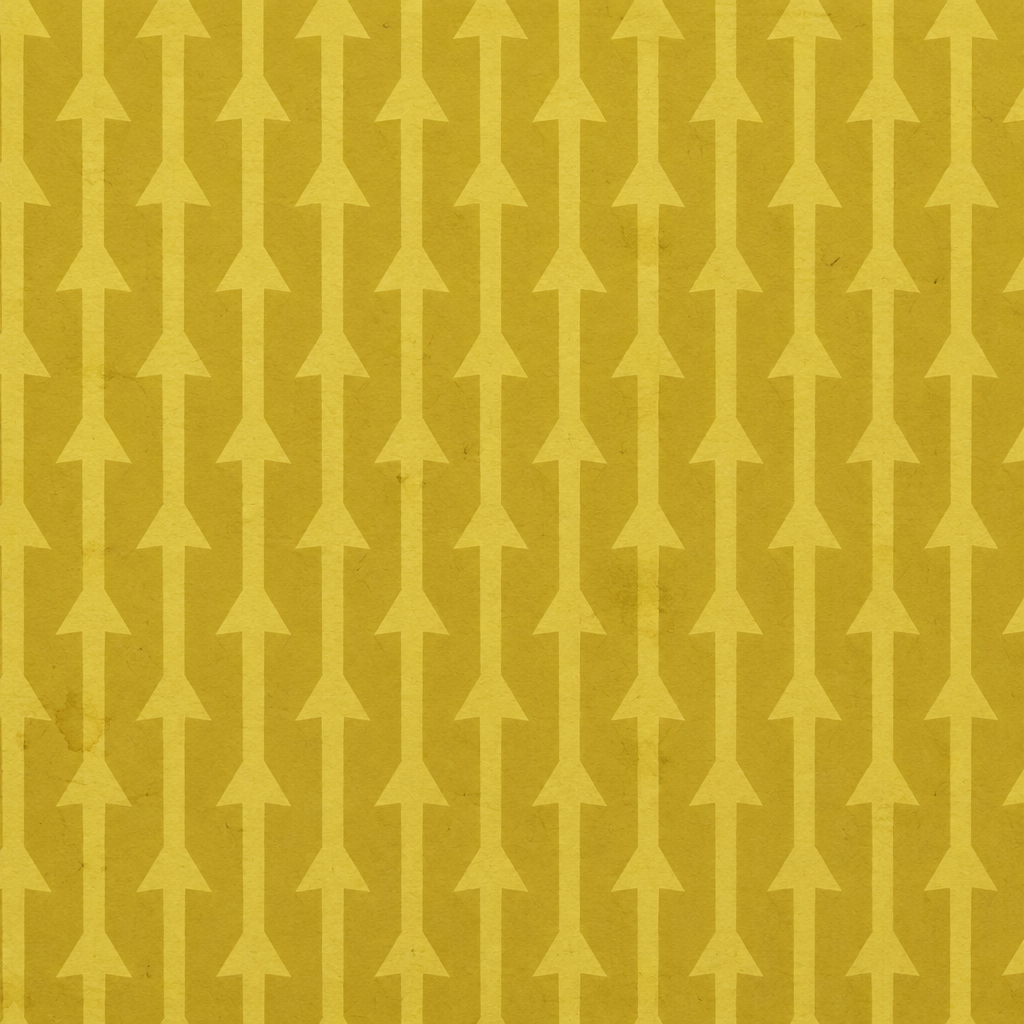
Mustard Paper with a Repeating Upward-Arrow Print Texture
Warm mustard-yellow paper grain carries lighter low-contrast arrows in a regular vertical repeat. Use it as a graphic surface accent; the subtle arrow print may recede on small objects.
PLAYTEX AI
Make room for your next idea.
Explore seamless patterns, gradients, noise fields, HUD surfaces, and stylized interface backgrounds. These textures are useful for panels, overlays, screen graphics, and world-space UI that needs visual texture without competing with labels and controls.
26 public assets
Warm mustard-yellow paper grain carries lighter low-contrast arrows in a regular vertical repeat. Use it as a graphic surface accent; the subtle arrow print may recede on small objects.
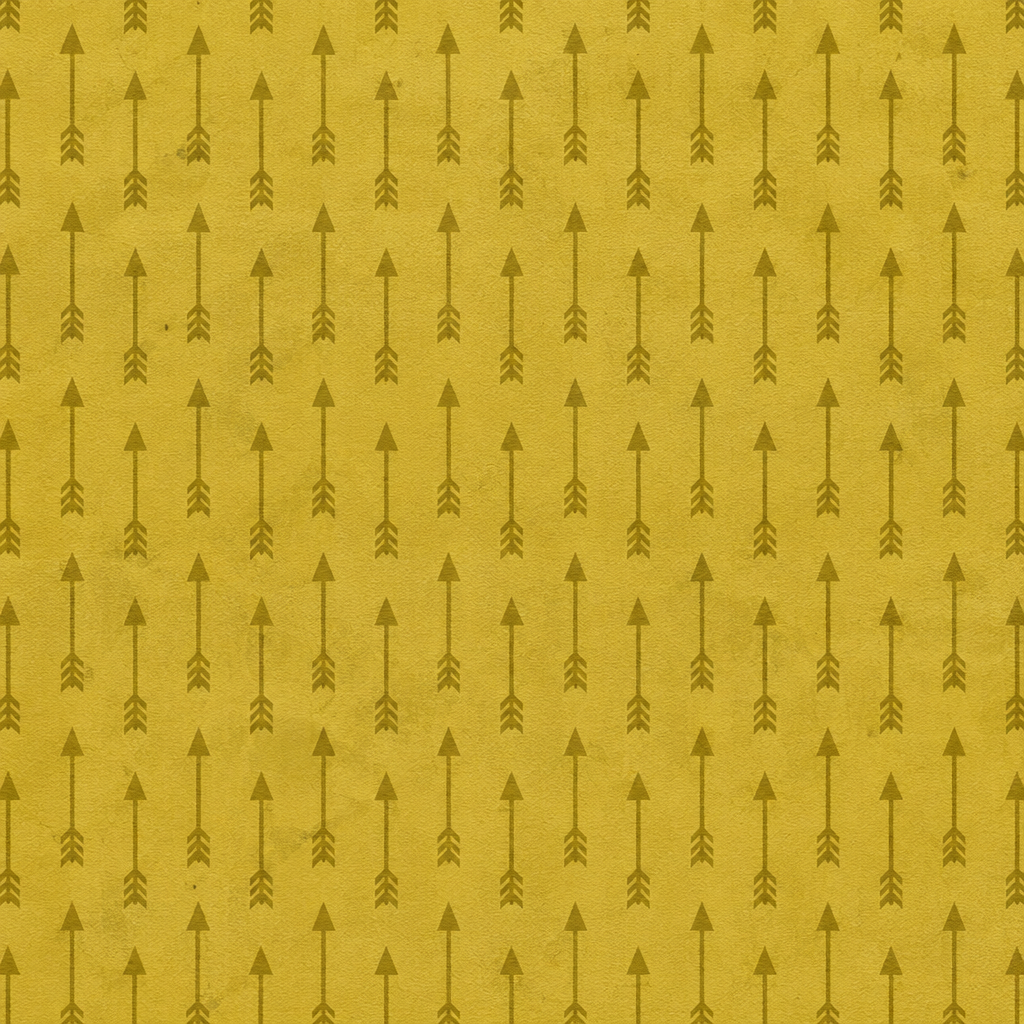
Small dark-brown arrows with feathered tails repeat across a warm golden-ochre, subtly fibrous paper-like field. Use it for decorative game or interface surfaces; inspect the dense marks at the intended scale because they can merge at a distance.
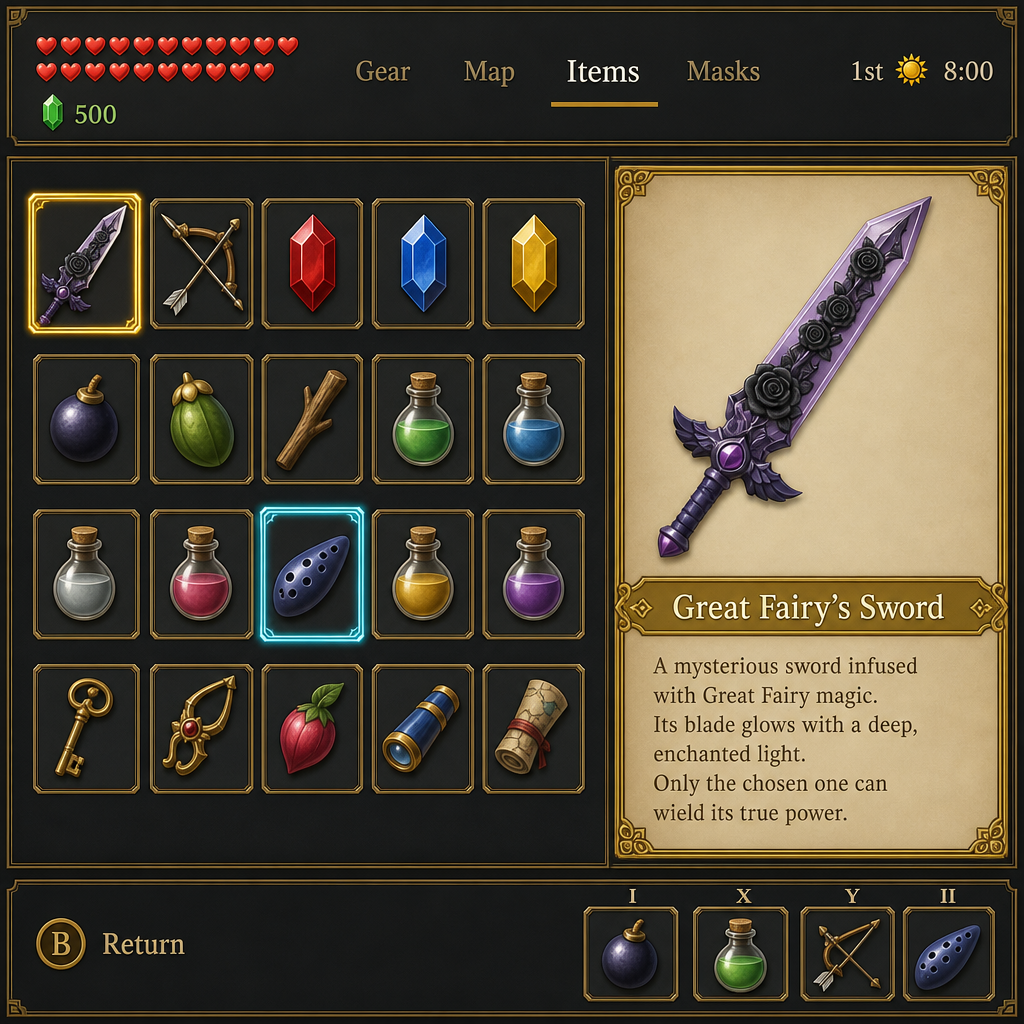
This PLAYTEX AI image shows a dark, gold-trimmed inventory interface with rows of item icons and a parchment panel featuring a deep-purple sword with raised black rose ornaments. Use it for a game menu or illustrated prop card; it is a complete screenshot with embedded labels and cannot tile like a neutral material swatch.

This PLAYTEX AI image is a square fantasy-game inventory screen with a black-and-gold icon grid, red heart indicators, and a parchment card showing a pale-violet sword decorated with dark floral motifs. Use it as a menu or prop graphic; the lettering, icons, and decorative borders are baked into the image, so check legibility and cropping at your target size.
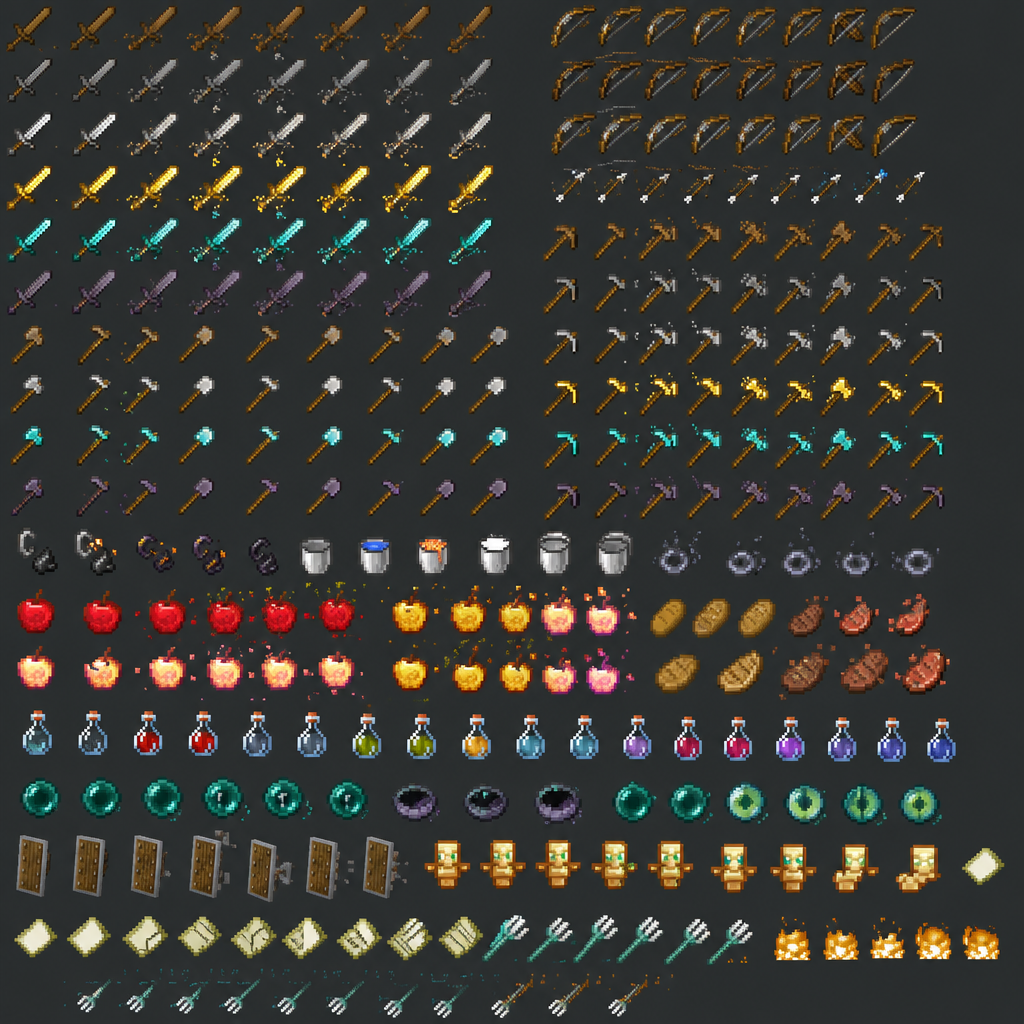
Rows of small pixel-art swords, bows, tools, food, potions, and icons sit against a charcoal field with bright gold and teal accents. Use this sheet for inventory icons or prop-design reference, and isolate individual sprites rather than treating the image as a seamless surface.
Fiery Orange Swirling Brushstroke Texture sweeps dense red-orange and yellow strokes into broad circular currents with visible hand-painted bristle direction. Use it for stylized UI backgrounds, magical energy, painted surfaces, or motion effects, then inspect the full asset for repeat seams, stroke scale, flow direction, and contrast.
Blue White Geometric Ceramic Texture shows blue and white across a ceramic surface with continuous surface variation and a geometric appearance. Use it as a reference for meshes, props, terrain, or architectural materials, then verify repeat landmarks, physical scale, relief, and roughness under the lighting used by the final scene.
Blue White Grid Ceramic Texture shows blue and white across a ceramic surface with continuous surface variation and a geometric appearance. Use it as a reference for meshes, props, terrain, or architectural materials, then verify repeat landmarks, physical scale, relief, and roughness under the lighting used by the final scene.
Green White Organic Ceramic Texture shows green and white across a ceramic surface with continuous surface variation and an organic appearance. Use it as a reference for meshes, props, terrain, or architectural materials, then verify repeat landmarks, physical scale, relief, and roughness under the lighting used by the final scene.
Subtle Transparent Overlay Football Field Texture shows green, brown, and white across a digital surface with subtle surface variation and a graphic appearance. Use it as a reference for meshes, props, terrain, or architectural materials, then verify repeat landmarks, physical scale, relief, and roughness under the lighting used by the final scene.
Beige Yellow Blue Texture shows beige, yellow, and blue across a material surface with continuous surface variation and an abstract appearance. Use it as a reference for meshes, props, terrain, or architectural materials, then verify repeat landmarks, physical scale, relief, and roughness under the lighting used by the final scene.
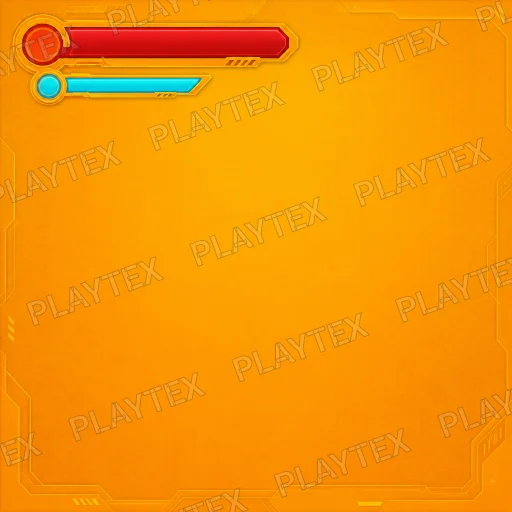
Orange Ground Blocky Digital Texture shows orange, beige, and light brown across a digital surface with a matte finish and a geometric appearance. Use it as a reference for meshes, props, terrain, or architectural materials, then verify repeat landmarks, physical scale, relief, and roughness under the lighting used by the final scene.
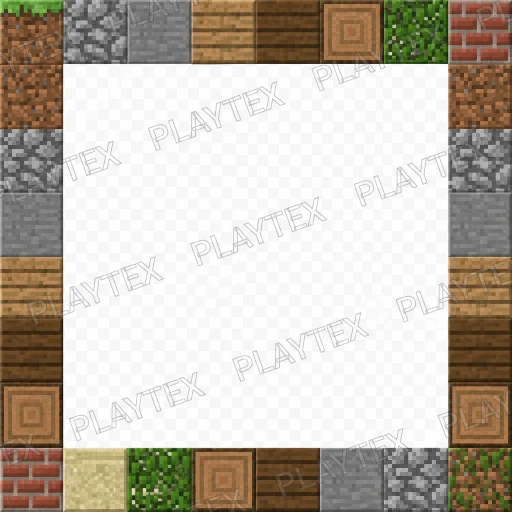
Brown Pixel Art Rough Stone Texture shows brown, gray, and tan across a stone surface with a repeating tile pattern and a pixel art appearance. Use it as a reference for meshes, props, terrain, or architectural materials, then verify repeat landmarks, physical scale, relief, and roughness under the lighting used by the final scene.
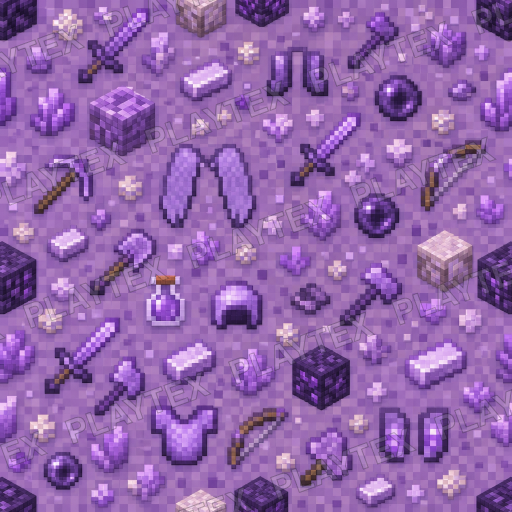
Dark Gray UI Abstract Texture shows dark gray, black, and silver across an abstract or ui surface with a geometric pattern and an abstract appearance. Use it as a reference for meshes, props, terrain, or architectural materials, then verify repeat landmarks, physical scale, relief, and roughness under the lighting used by the final scene.
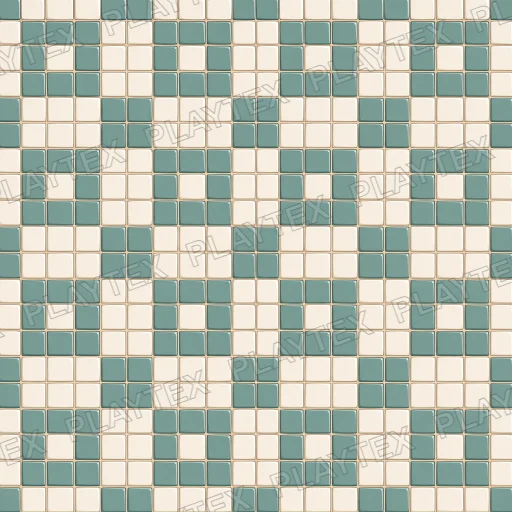
Patterned Orderly Geometric Texture shows brown, gray, and yellowish tan across a stone surface with a geometric pattern and a patterned appearance. Use it as a reference for meshes, props, terrain, or architectural materials, then verify repeat landmarks, physical scale, relief, and roughness under the lighting used by the final scene.
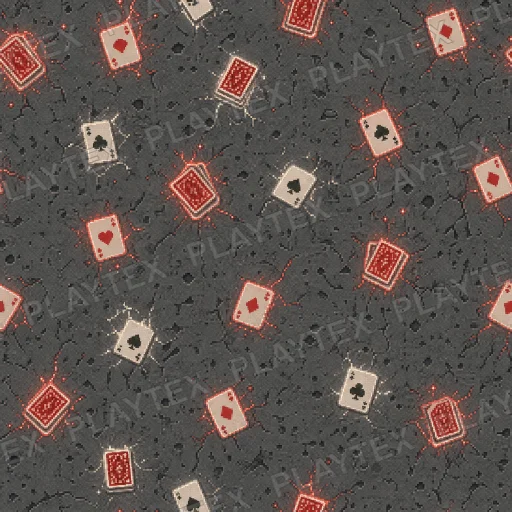
Dark Gray Paper Pattern Emissive Texture shows dark gray, light gray, and white across a paper surface with a printed finish and a graphic appearance. Use it as a reference for meshes, props, terrain, or architectural materials, then verify repeat landmarks, physical scale, relief, and roughness under the lighting used by the final scene.
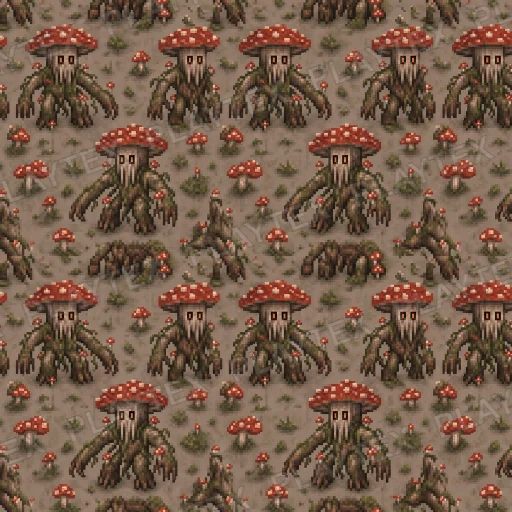
Pixel-Art Fungal Texture shows green, brown, and dark gray across a digital surface with a digital finish and a pixel art appearance. Use it as a reference for meshes, props, terrain, or architectural materials, then verify repeat landmarks, physical scale, relief, and roughness under the lighting used by the final scene.
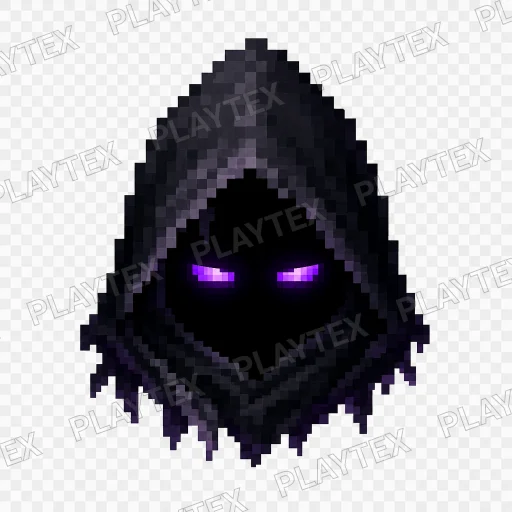
Pixel-Art Black Hood Helmet Texture shows black and purple across a digital surface with a blocky pattern and a pixel art appearance. Use it as a reference for meshes, props, terrain, or architectural materials, then verify repeat landmarks, physical scale, relief, and roughness under the lighting used by the final scene.
UI Gradient Purple Texture shows purple, green, and blue across a digital or abstract surface with a regular grid and an abstract appearance. Use it as a reference for meshes, props, terrain, or architectural materials, then verify repeat landmarks, physical scale, relief, and roughness under the lighting used by the final scene.
UI Gradient Green Texture shows green, blue, and cyan across a digital surface with a smooth finish and a gradient appearance. Use it as a reference for meshes, props, terrain, or architectural materials, then verify repeat landmarks, physical scale, relief, and roughness under the lighting used by the final scene.
Stylized UI Gradient Texture shows purple, pink, and blue across a digital surface with a gradient finish and a stylized appearance. Use it as a reference for meshes, props, terrain, or architectural materials, then verify repeat landmarks, physical scale, relief, and roughness under the lighting used by the final scene.
Stylized Patterned UI Pattern Geometric Texture shows green, blue, and teal across a digital surface with continuous surface variation and a patterned appearance. Use it as a reference for meshes, props, terrain, or architectural materials, then verify repeat landmarks, physical scale, relief, and roughness under the lighting used by the final scene.
Stylized Patterned UI Pattern Texture shows blue, purple, and gold across a digital surface with an intricate finish and a patterned appearance. Use it as a reference for meshes, props, terrain, or architectural materials, then verify repeat landmarks, physical scale, relief, and roughness under the lighting used by the final scene.
Stylized Patterned UI Pattern Pink Texture shows pink, blue, and cyan across a digital surface with a smooth finish and an abstract appearance. Use it as a reference for meshes, props, terrain, or architectural materials, then verify repeat landmarks, physical scale, relief, and roughness under the lighting used by the final scene.
Purple Noise Granular Digital Texture shows purple, blue, and cyan across a digital surface with a granular finish and an abstract appearance. Use it as a reference for meshes, props, terrain, or architectural materials, then verify repeat landmarks, physical scale, relief, and roughness under the lighting used by the final scene.
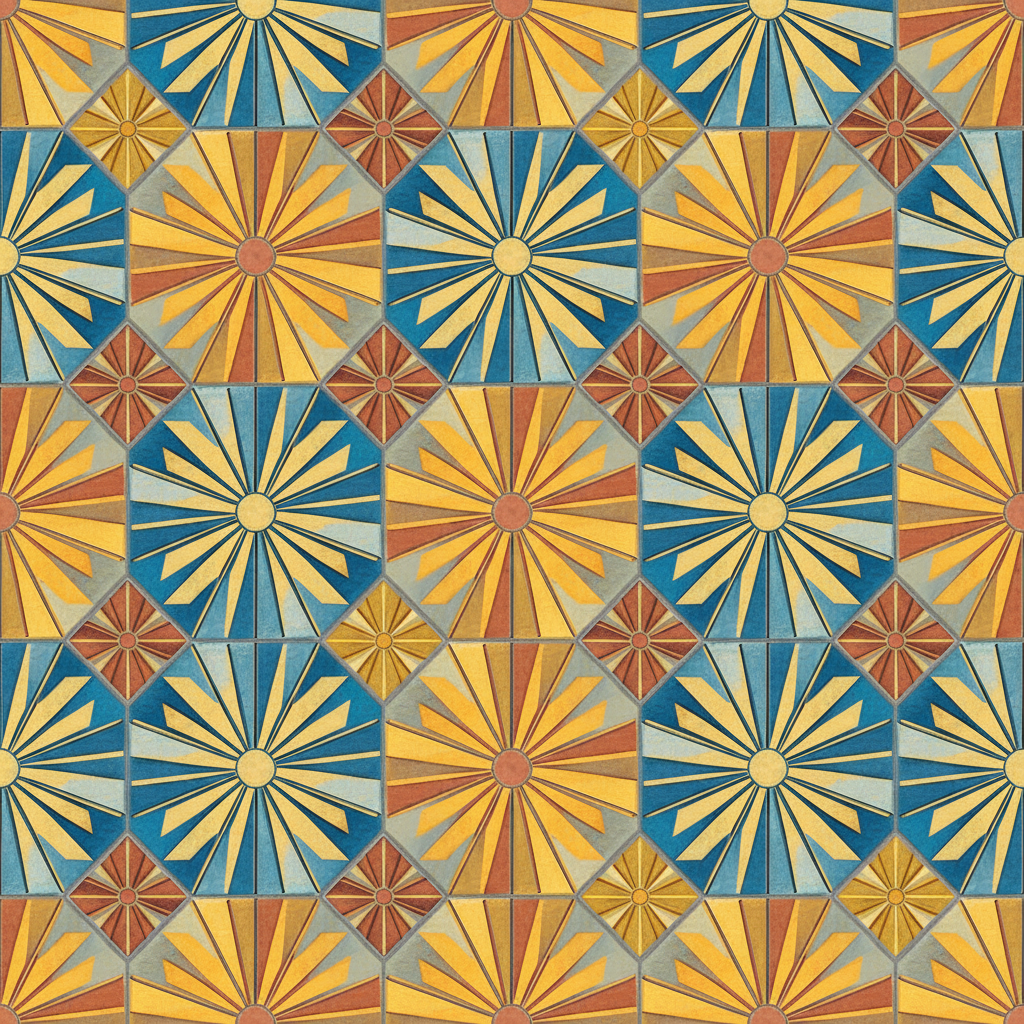
UI Gradient Blue Texture shows blue, orange, and yellow across a digital surface with a gradient finish. Use it as a reference for meshes, props, terrain, or architectural materials, then verify repeat landmarks, physical scale, relief, and roughness under the lighting used by the final scene.
Subtle panel surfaces support game menus and displays while leaving labels, icons, and status indicators readable.
Low-contrast detail can soften large flat regions or drive masks without creating distracting repeated marks.
Color transitions and decorative grids suit overlays and world-space screens when their scale fits the interface.
Test the texture behind real labels at mobile and desktop sizes. Keep busy detail out of important reading areas and check light and dark interface states.
A menu background may only need an unlit image. A physical screen can use emission and a separate surface material, without applying unnecessary PBR relief to the interface graphics.
A UI texture is an image used for interface panels, backgrounds, overlays, patterns, or screen graphics. Its main job is to support the interface hierarchy while keeping text and controls easy to read.
Ordinary screen-space menus usually do not need PBR maps. For a world-space display, use the graphic as color or emission and configure glass, frame, and surface reflection separately in the renderer.