
PLAYTEX AI

Make room for your next idea.

Opening your workspace…

Plastic Textures

Browse plastic, polymer, acrylic, and molded synthetic surfaces for props, panels, products, and stylized environments. Plastic materials depend on believable roughness, fine molded grain, and restrained wear rather than metallic response.

Plastic texture assets

4 public assets

Pale Blue Diamond Lattice Plastic Texture preview showing a industrial plastic texture

Pale Blue Diamond Lattice Plastic Texture

Pale Blue Diamond Lattice Plastic Texture shows a pale blue-white plastic lattice with fine diagonal lines forming a regular diamond grid. Use this visually inspected surface for light diffusers, screens, molded panels, and technical props; confirm physical scale, edge repetition, seam continuity, and material response in the target 3D workflow before final use.

White Diamond Mesh Plastic Texture preview showing a industrial plastic texture

White Diamond Mesh Plastic Texture

White Diamond Mesh Plastic Texture shows a white translucent-looking plastic mesh made from small raised diamonds over a pale checker-like base. Use this visually inspected surface for diffusers, packaging, grilles, panels, and manufactured props; confirm physical scale, edge repetition, seam continuity, and material response in the target 3D workflow before final use.
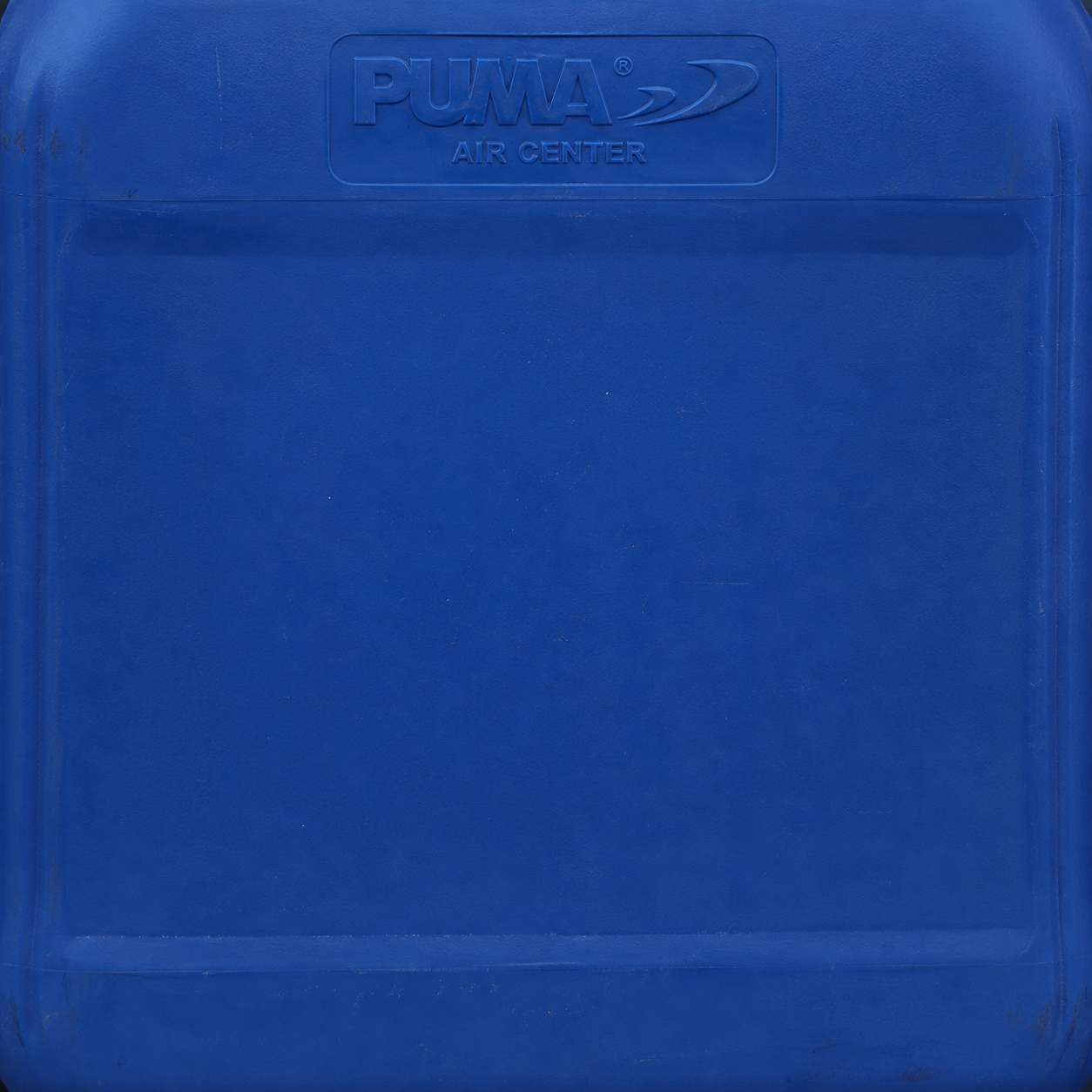
Cobalt Blue Molded Plastic Panel Texture preview showing a polished plastic texture

Cobalt Blue Molded Plastic Panel Texture

Cobalt Blue Molded Plastic Panel Texture shows a cobalt-blue molded plastic panel with a recessed rectangular center, rounded rim, and faint embossed lettering. Use this visually inspected surface for containers, equipment housings, bins, and manufactured props; confirm physical scale, edge repetition, seam continuity, and material response in the target 3D workflow before final use.

Light Gray Horizontal Trim Border Plastic Texture preview showing a surface plastic texture

Light Gray Horizontal Trim Border Plastic Texture

Light Gray Horizontal Trim Border Plastic Texture shows light gray, dark gray, and white across a plastic or composite surface with continuous surface variation and a geometric appearance. Use it as a reference for meshes, props, terrain, or architectural materials, then verify repeat landmarks, physical scale, relief, and roughness under the lighting used by the final scene.

Explore popular plastic texture types

Matte molded plastic textures

Fine molded grain and restrained color variation suit housings, props, panels, and everyday products.

Glossy and scratched plastic textures

Smooth finishes, fingerprints, and abrasion need localized roughness variation rather than fixed reflected highlights.

Acrylic and translucent plastic textures

Tint and surface detail provide references for covers and inserts while transmission and thickness remain shader properties.

How to choose a plastic texture

Match molded grain to object scale

Preview fine grain on the actual model and at normal viewing distance. Oversized noise can make a plastic housing look like stone instead of a manufactured polymer.

Let roughness explain wear

Use scratches and polished contact areas to vary reflection. Keep ordinary plastic non-metallic, and control transparency in the shader for clear or translucent parts.

Where plastic textures fit

  • Molded props and product surfaces
  • Matte, glossy, and translucent polymers
  • Synthetic panels and hard-surface details
  • Plastic roughness and normal-map studies

Plastic texture FAQ

What makes plastic look different from metal in PBR?

Ordinary plastic uses a non-metallic response, with roughness and surface grain controlling its finish. A glossy reflection does not make it metallic. Metal uses a different relationship between base color and reflected light.

Can a plastic texture make acrylic transparent?

A texture can provide acrylic tint and surface detail, but transparency and refraction require compatible shader settings. Check transmission, thickness, and the target renderer instead of relying on a flat image preview.