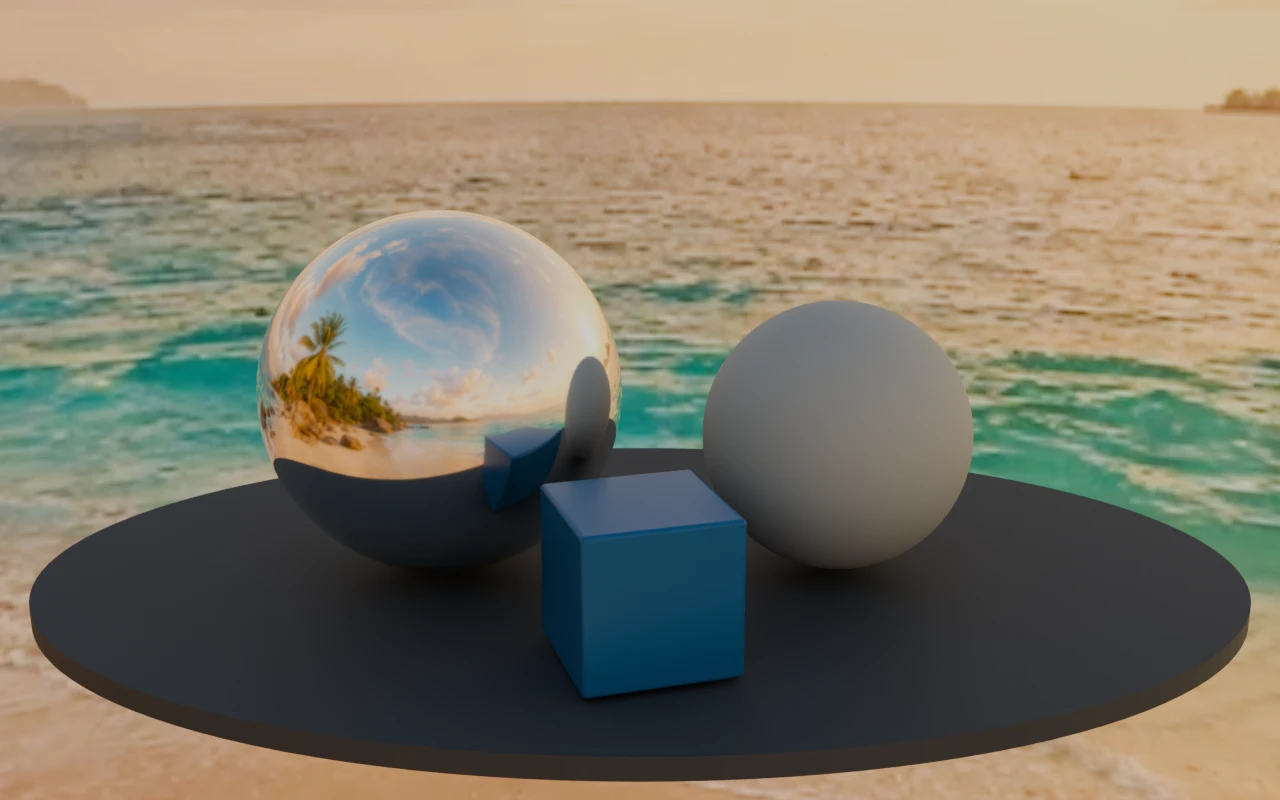
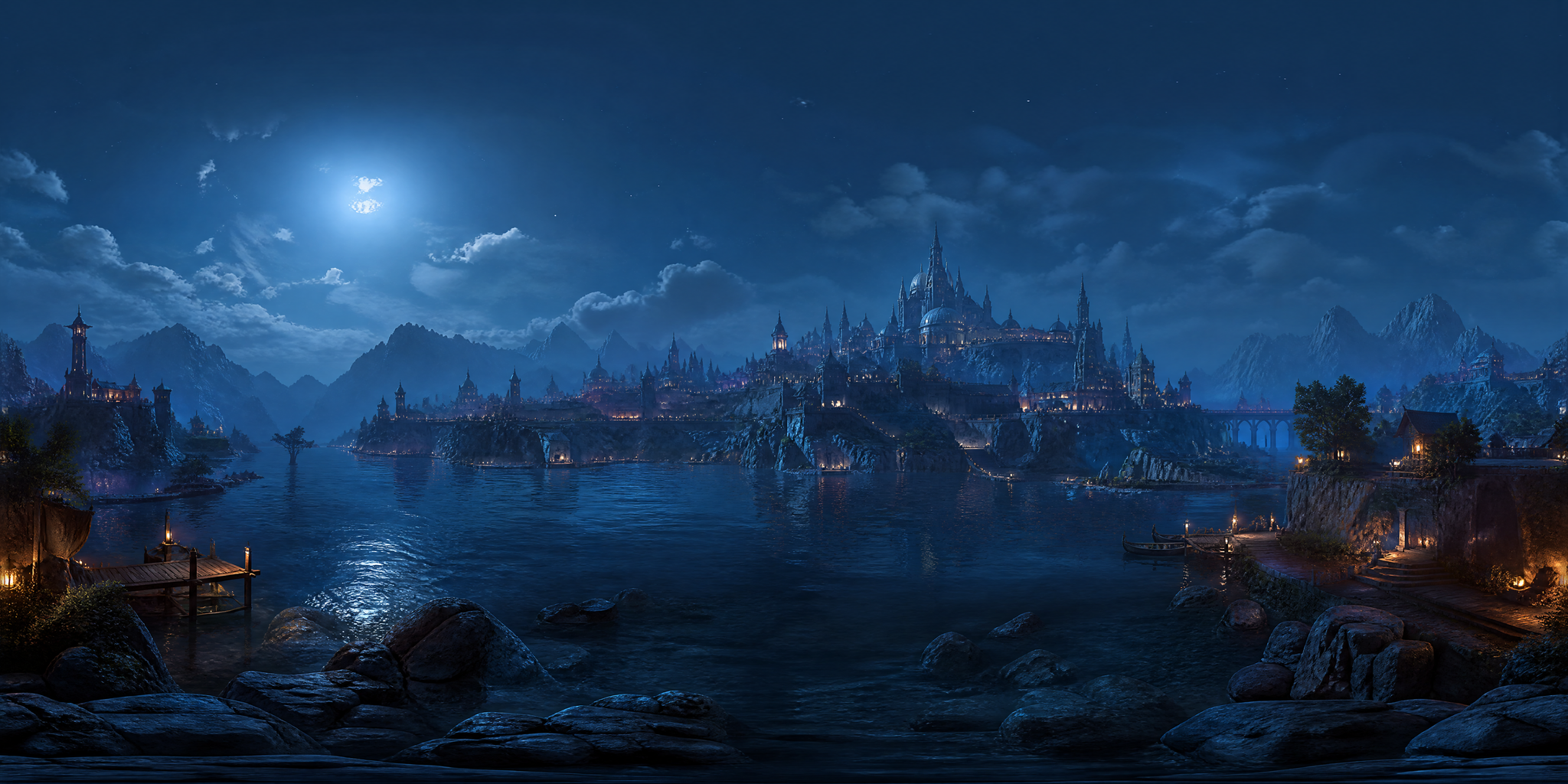
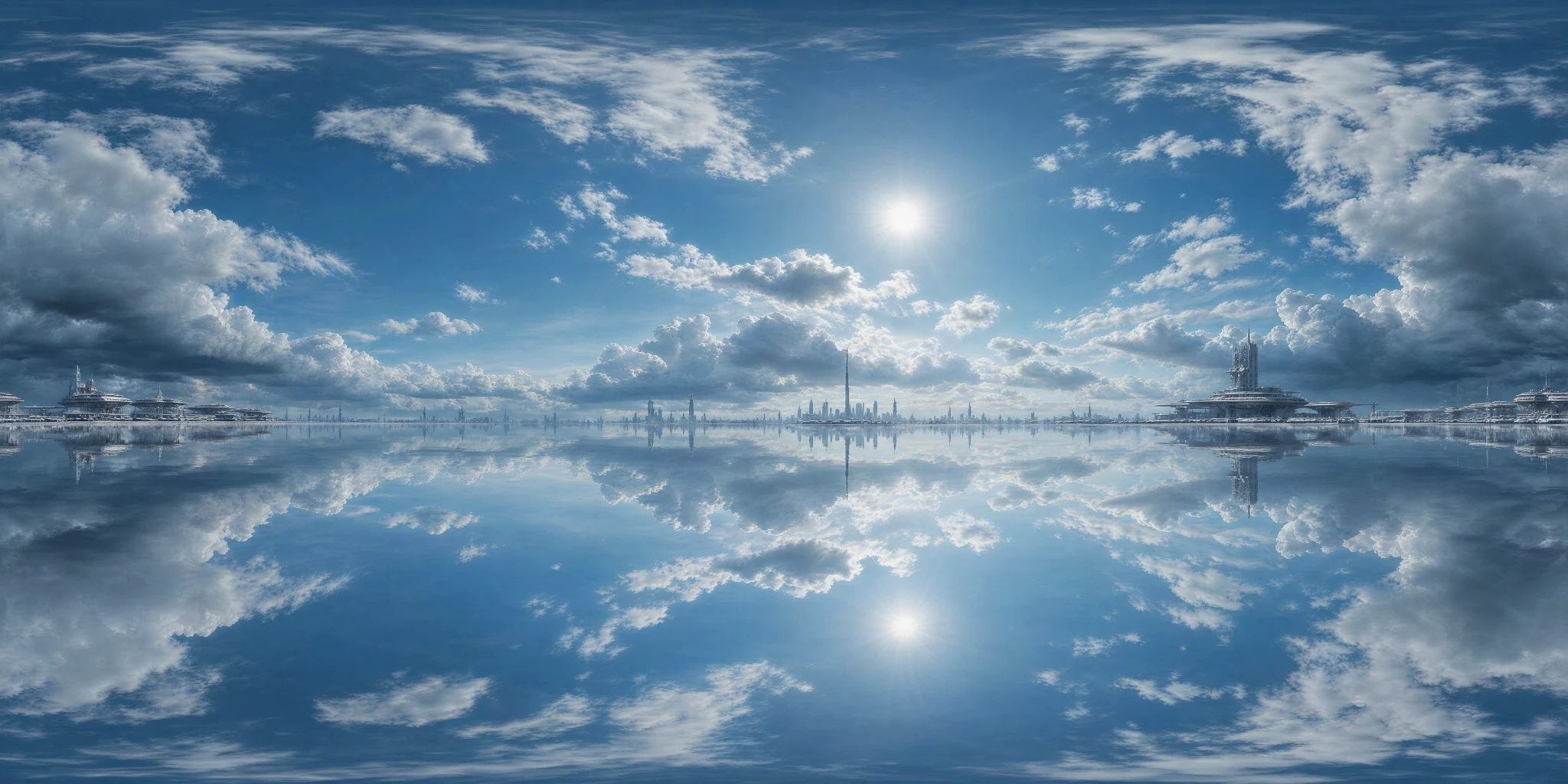
What it supports
- Environment map generation
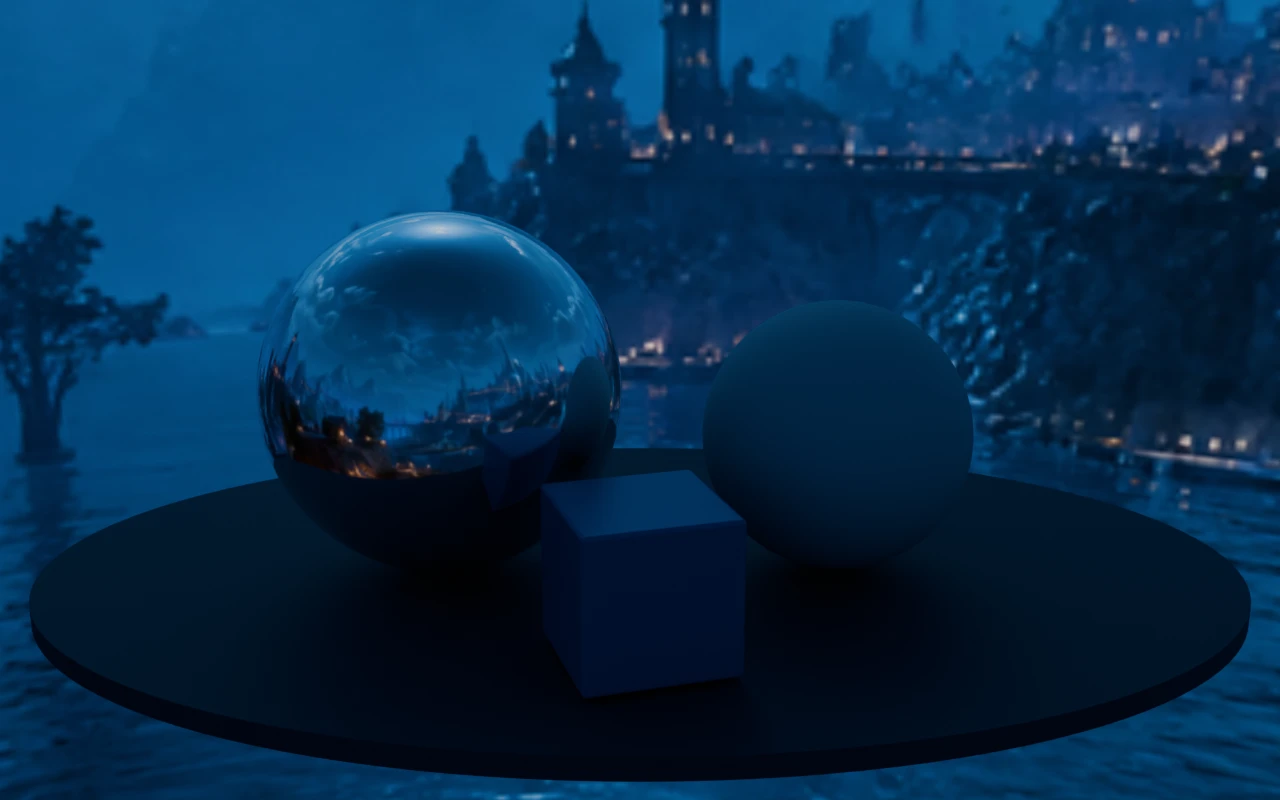
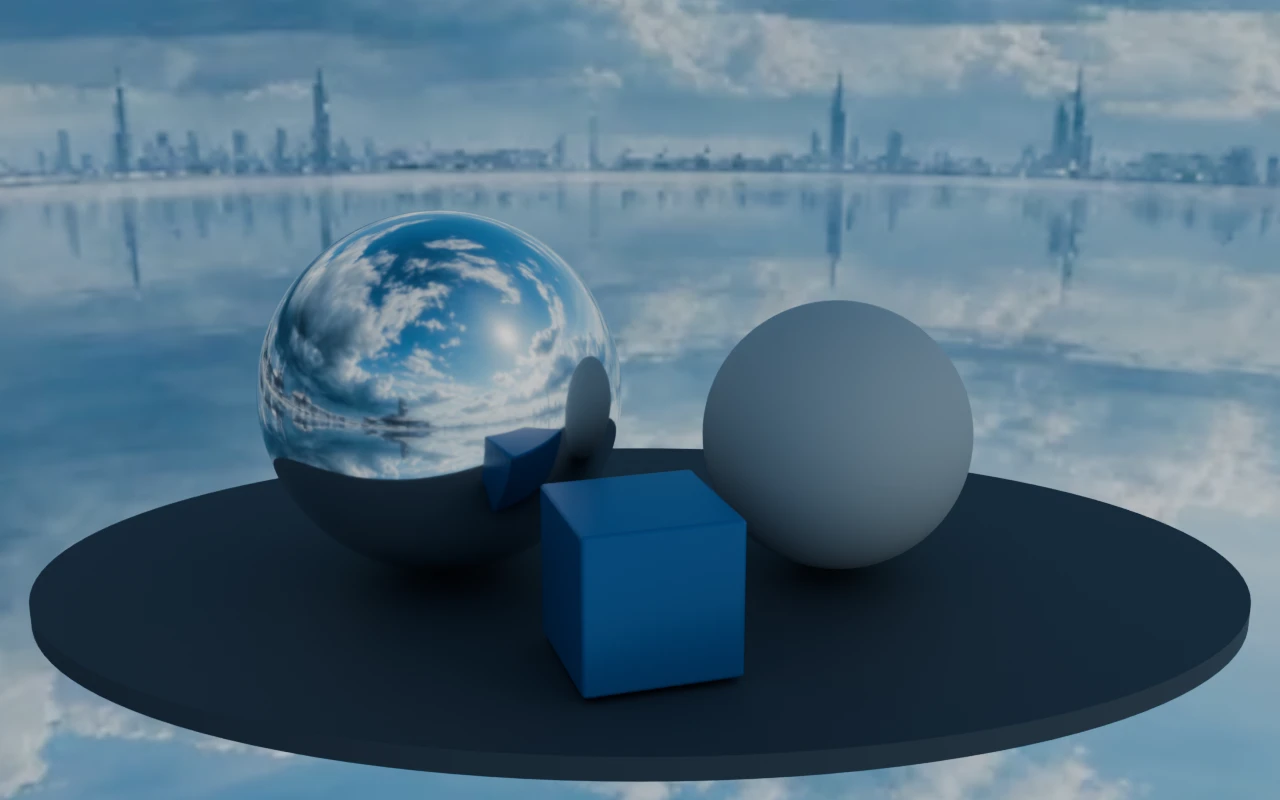
- Reflection and lighting setup
- Scene mood and look development
HDRI Sphere Generator
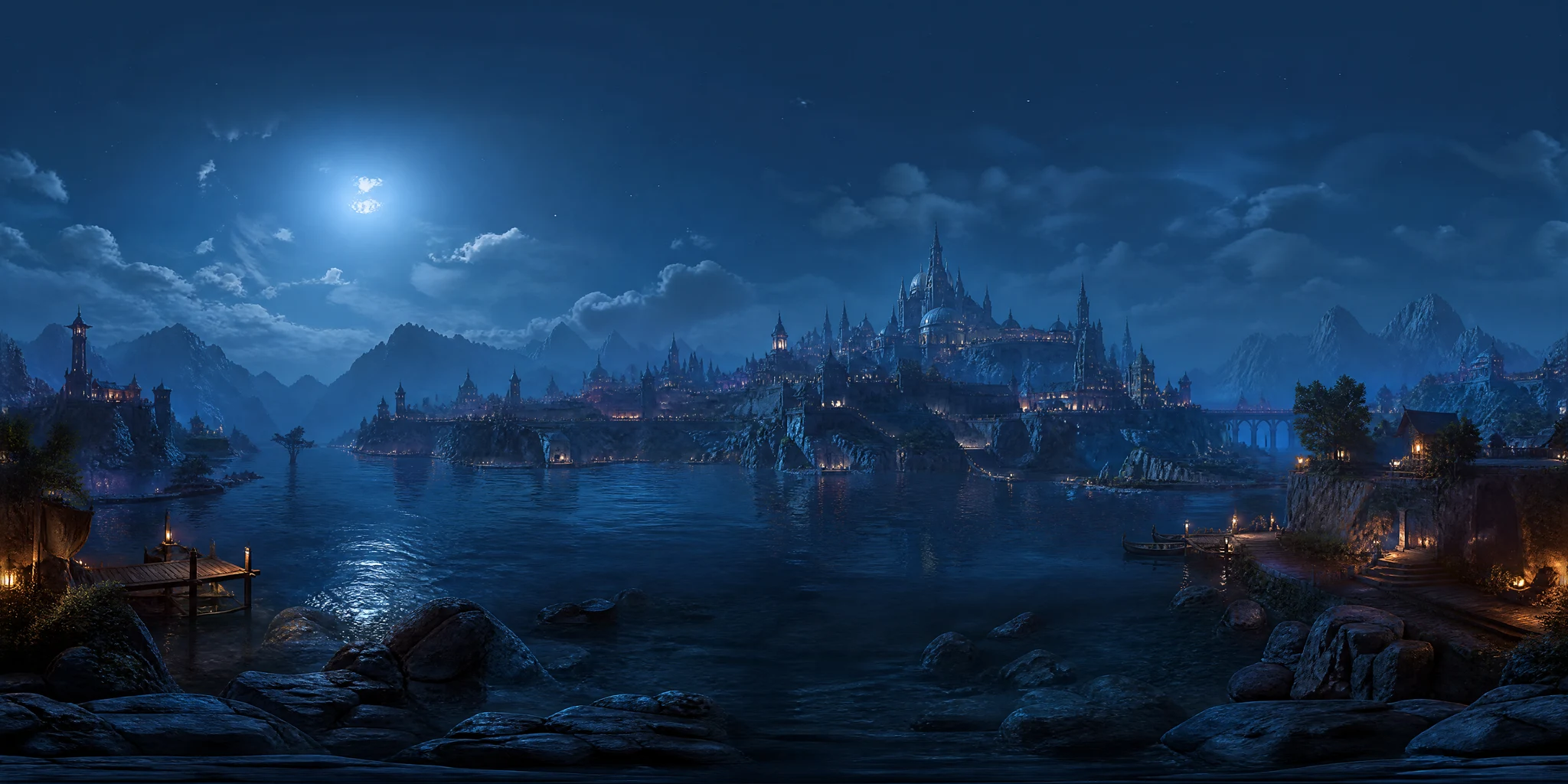
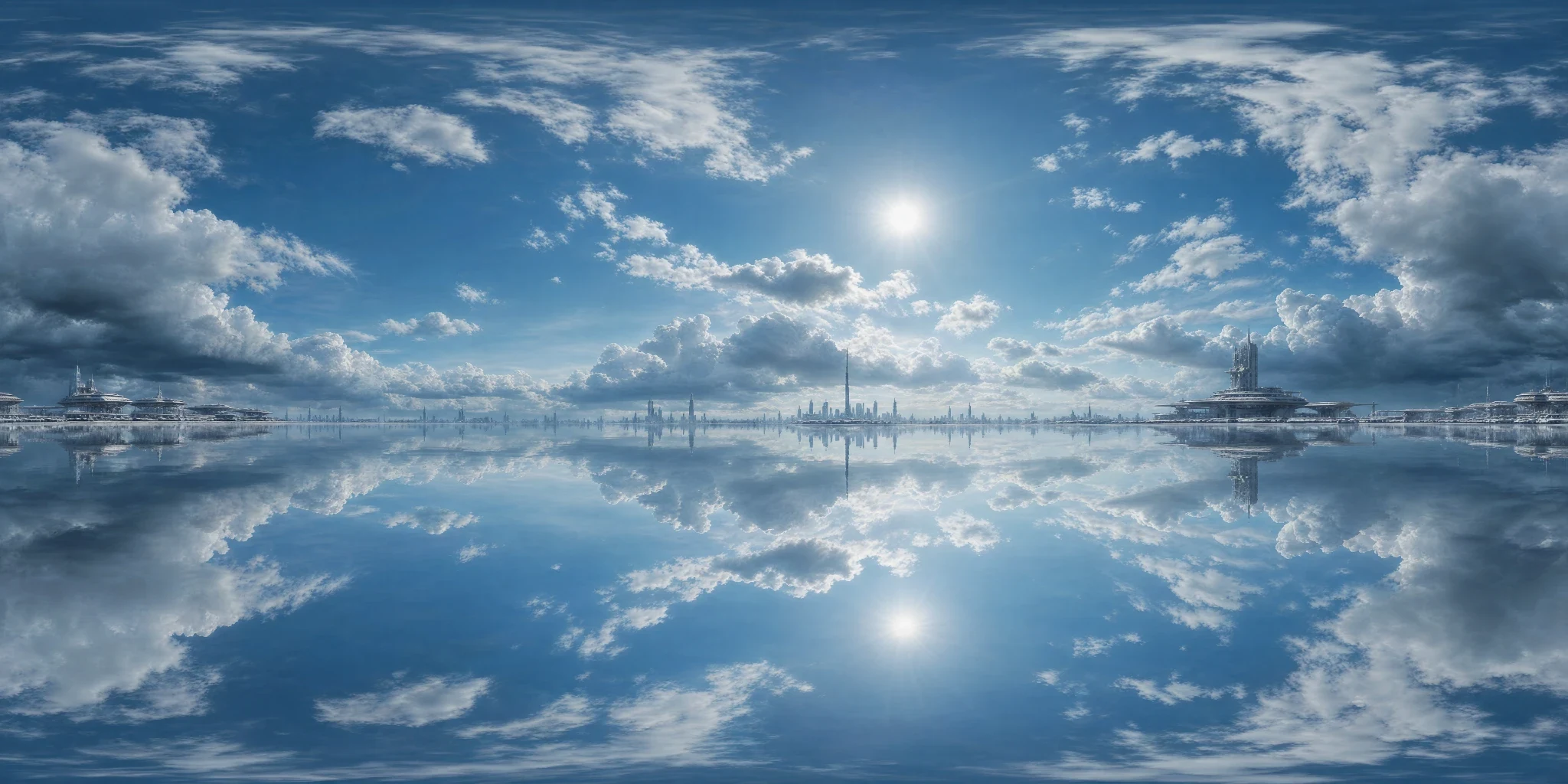
Generate 360 degree HDRI spheres for Blender, Unity, Unreal Engine, and other rendering workflows where believable environment light matters.
Tool workflow guide
It produces a 2:1 equirectangular environment from text or image guidance, lets you inspect the full wrap in a 360-degree viewer, and exports image or HDR assets plus six-face engine packs for Unity, Unreal Engine, Godot, Roblox, and Three.js.
Updated by PLAYTEX AI Editorial Team.
output ratio
Equirectangular panorama for environment-sphere workflows.
review space
Rotate through the horizon and full wrap before export.
cubemap export
Unity, Unreal Engine, Godot, Roblox, and Three.js packs with selectable square face sizes.
Decision table
| Situation | Choose | Why |
|---|---|---|
| The scene needs a new sky or lighting direction. | Generate an HDRI sphere | Create the panoramic environment from text or a visual reference. |
| The horizon or seam is uncertain. | Use the 360° viewer | Inspect orientation and wrap from inside the environment. |
| The target reads equirectangular maps. | Export an image or HDR | Use the 2:1 panorama directly, choosing the Creator+ upscale only when an 8K image is required. |
| The target requires six cubemap faces. | Export to engine | Choose the engine and square face size; PLAYTEX AI packages the named faces, manifest, and setup instructions. |
The generated environment is a creative lighting asset, not a calibrated real-world light probe. Validate exposure, color response, and reflection behavior in the target renderer.
The content review covered current inputs, panorama ratio, 360-degree preview, orientation controls, output formats, and stated export limits.