HDRI and Environments
HDRI vs Skybox
A skybox describes how an image is used around a scene. HDRI describes the dynamic range and scene-light data the image can store. One file can serve both roles, but the terms are not interchangeable.
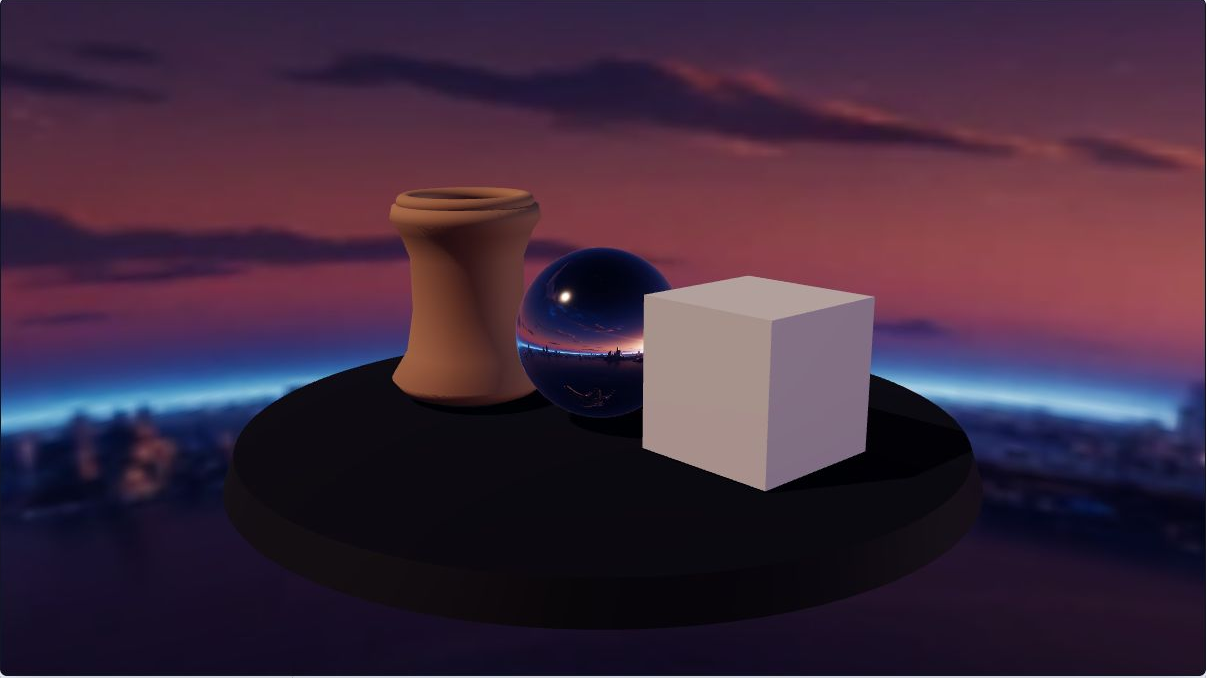
Direct answer
What is the difference between HDRI and a skybox?
Skybox means usage: a texture is drawn as the distant surround or background. HDRI means data: scene-linear values can extend above display white and preserve a wider range of light. An HDR panorama can be assigned as a skybox, an environment-light source, a reflection source, or all three. An LDR skybox can also be sampled for lighting, but it cannot recover highlight range that was never stored.
What you will get
- Name the asset by data range and the renderer assignment by scene job.
- Separate visible background, image-based lighting, reflections, and direct light during review.
- Choose an honest PLAYTEX AI panorama, Radiance HDR compatibility file, or target cubemap pack.
Where each choice earns its place
- A lightweight LDR background for a stylized scene whose lighting comes from authored lights.
- An HDR environment used for diffuse image-based lighting while the camera sees a solid or transparent background.
- A hidden HDR reflection source for metal, glass, automotive paint, or product visualization.
- One HDR panorama used for background, lighting, and reflections when those roles should stay visually coupled.
- A six-face target pack when the destination expects a cubemap rather than a 2:1 equirectangular texture.
Acceptance test
Approve the asset only when these are true
- The role is written explicitly: background, diffuse IBL, specular reflections, or a deliberate combination.
- The source range is verified from values/metadata rather than inferred from a bright appearance or file extension.
- The panorama is 2:1 when required, its horizon is level, and its left-right seam and poles are reviewed in 360.
- LDR color is decoded as sRGB and HDR environment data stays in the destination linear-light path.
- Background and environment assignments can be toggled independently without a blank frame.
- A rough dielectric and glossy metal both respond plausibly after environment prefiltering.
- Tone mapping and exposure are judged after the source and assignments are correct.
- Imported runtime texture format, face size, mipmaps, prefilter resources, and device memory are profiled.
- Generated or estimated HDR is labeled separately from calibrated multi-exposure capture.
A skybox is not a file format
Renderers implement a skybox as a distant surround, background material, cube texture, or environment projection. The pixels may come from PNG, JPEG, Radiance HDR, OpenEXR, a procedural sky, or a runtime capture. Calling the result a skybox says where the renderer uses it, not how much light range the pixels contain.
Unity 6.1 makes the distinction visible in one panel: its Skybox Material is the distant background, while separate Environment Lighting and Environment Reflections settings decide whether the skybox colors also drive ambient light or reflections. Three.js exposes the same separation directly as scene.background and scene.environment.
HDR storage is useful only when the pipeline preserves it
OpenEXR documents scene-linear values where doubling the number doubles the represented light and 1.0 is not a required clamp. Radiance RGBE uses a different encoding but can also preserve values above display white. Both still depend on an honest source, correct importer, linear-light interpretation, environment assignment, prefiltering, and tone mapping.
Converting an 8-bit panorama into an HDR-capable container can create an authored or estimated lighting asset, but it cannot reconstruct the measured luminance of the original scene. PLAYTEX AI labels its LDR-derived Radiance export accordingly so teams can use it for look development without mistaking it for calibrated capture.
Source format and runtime texture are different budgets
A compact JPEG, PNG, RGBE, or compressed EXR is decoded before the renderer samples it. The engine may create a cube texture, mip chain, irradiance data, PMREM, or reflection-probe copy. Six faces, precision, resolution, mipmaps, and platform GPU formats determine runtime cost more directly than download bytes.
Profile after the destination importer has completed. Record the source dimensions and encoding, the imported texture format, face resolution, mip count, prefiltered resources, and target device. That makes a mobile LDR background decision meaningfully different from a desktop HDR look-development decision.
The settings that actually change the result
File and value contract
The filename is useful only when the stored values and color interpretation match it.
- 8-bit PNG or JPEG panorama: Stores display-oriented color in a closed 0-1 code range, normally decoded as sRGB for a color texture. Use for visible LDR backgrounds, previews, and stylized lighting. Do not relabel it as captured HDR because it has a bright-looking sun.
- Radiance RGBE (.hdr): Encodes RGB with a shared exponent so values above display white can be represented and loaded as environment-light data. Use when the destination supports Radiance HDR. Verify the source range and document whether it is captured, authored, or estimated.
- OpenEXR (.exr): Can store half- or full-float scene-linear channels and metadata; 1.0 is not an enforced clipping ceiling for scene-referred values. Use in pipelines that preserve EXR precision and metadata. Confirm channel layout, compression, chromaticities, and importer support.
Projection and assignment
Projection describes lookup geometry; assignment describes the renderer job.
- 2:1 equirectangular: Maps longitude across image width and latitude across height in one panorama. Choose it for 360 review and renderers with an equirectangular environment loader. Inspect poles, horizon, seam, and yaw.
- Six-face cubemap: Stores the environment as positive and negative X, Y, and Z faces for cube-direction sampling. Use the target-specific face order and orientation expected by the engine. Do not assume labels or Y-face rotations transfer between destinations.
- Background vs environment input: The background is visible to the camera; the environment input is sampled by physical materials for diffuse/specular image-based lighting. Hide or replace the background without clearing the environment when lighting and reflections should remain.
Display and runtime
Source files, decoded GPU textures, prefiltered lighting, and final display output are different stages.
- Color-space annotation: LDR color textures normally require sRGB decoding; HDR environment values belong in a linear-light interpretation before rendering calculations. Fix this before exposure. A wrong transfer-function interpretation can make the same pixels look too dark or too bright.
- Prefiltered environment: Builds roughness-aware versions of the environment so glossy and rough physical materials sample appropriate reflection widths. Use the engine prefilter/PMREM/import pipeline for PBR lighting. Keep a sharper source for the visible background when needed.
- Tone mapping and exposure: Maps open-domain render values into the displayable output; it changes the final scene, not the stored range of the source file. Set after input color space and environment assignment are correct. Do not use exposure to hide a clipped or mislabeled source.
- Runtime compression: The engine may transcode an imported source to a GPU format or expand it to half-float, then add cubemap/prefiltered resources. Profile the target platform after import. File size on disk is not decoded GPU memory, and HDR compression support is platform-dependent.
Choose the data first, then assign each scene job
A skybox describes how an image is used around a scene. HDRI describes the dynamic range and scene-light data the image can store. One file can serve both roles, but the terms are not interchangeable.
Step 1: Write down the job before choosing a file
Decide whether the environment must be visible, provide diffuse lighting, appear in glossy reflections, or do several jobs. “Skybox” alone answers only the visibility/usage question; it does not tell you the stored dynamic range.
Step 2: Inspect the source instead of trusting its name
Treat an 8-bit PNG or JPEG color panorama as an sRGB LDR source. Treat Radiance HDR or OpenEXR as containers that can store scene-linear open-domain values, then verify that the pixels actually contain useful values above 1.0. A file extension does not prove calibrated capture.
Step 3: Review the full 2:1 sphere in PLAYTEX AI
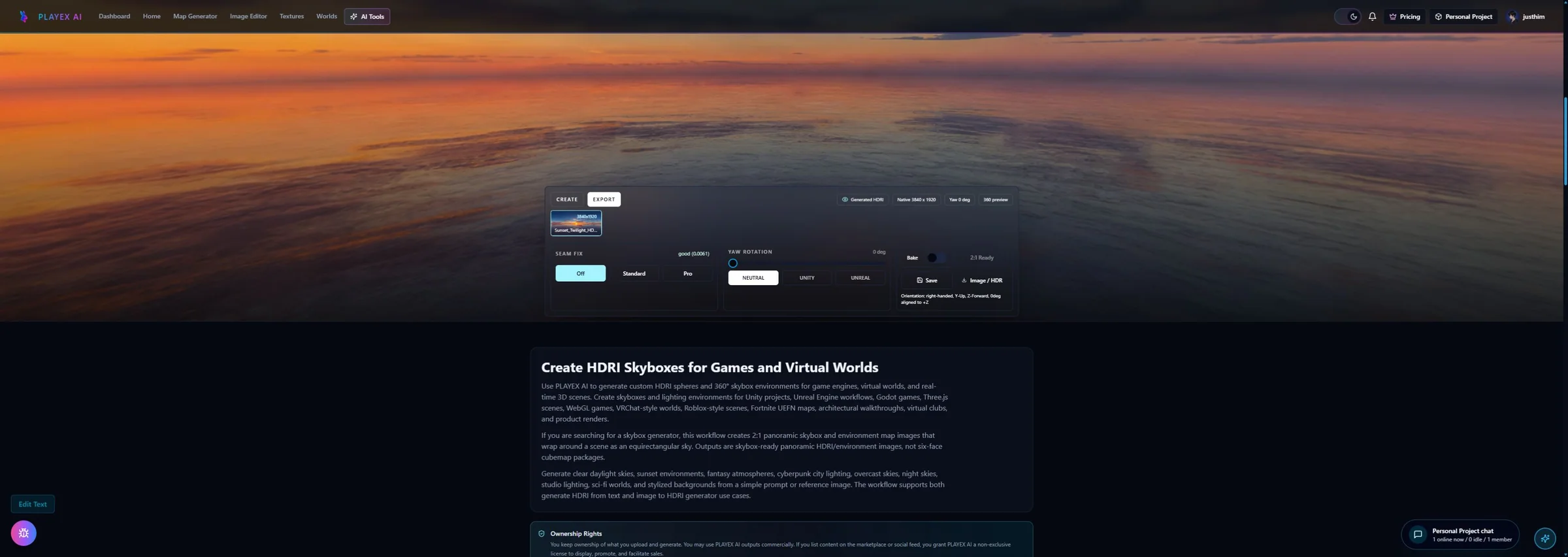
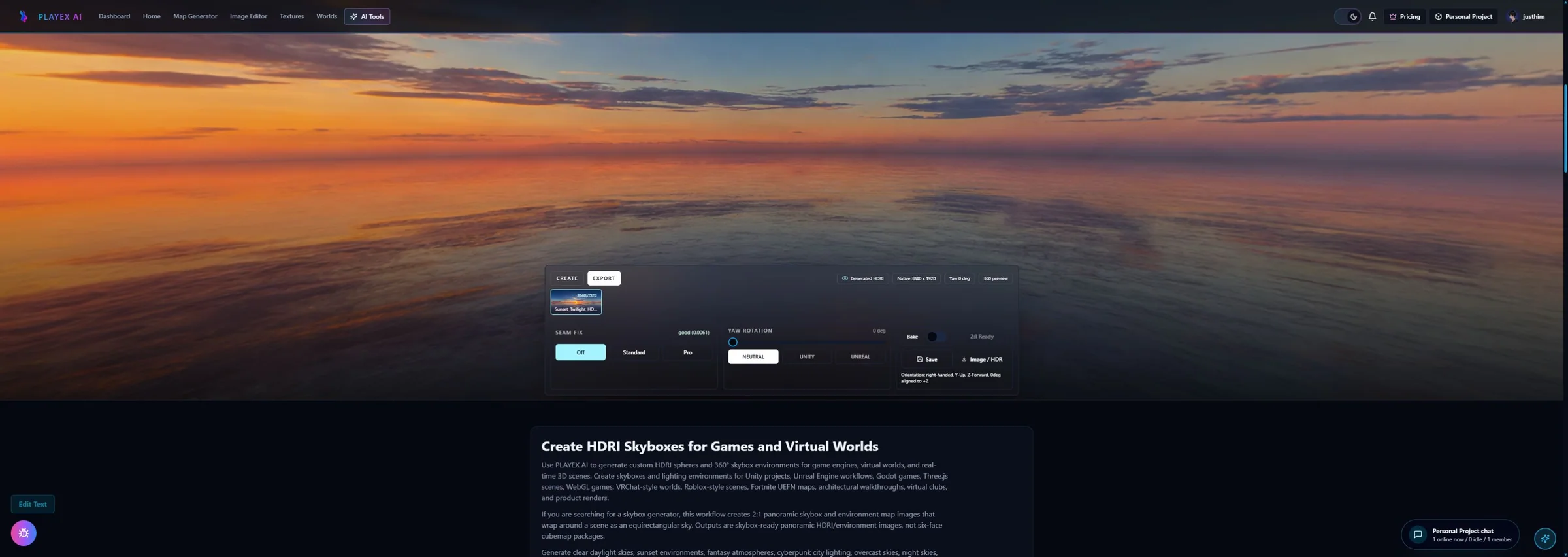
Create or upload the environment in HDRI Sphere Generator, orbit through the entire 360-degree wrap, check the left-right seam, level the horizon, and place the dominant light with yaw. These source checks belong before engine import.
Step 4: Choose panorama or cubemap by destination
Keep a 2:1 equirectangular file for renderers that accept latitude-longitude environments. Use the existing target export when an engine wants six named faces. Projection and face orientation are delivery contracts; neither one determines whether the pixel data are LDR or HDR.
Step 5: Assign background and PBR environment separately
Connect the visible sky to the renderer background input and the filtered environment to its image-based-lighting or reflection input. In Three.js r185 these are scene.background and scene.environment; other engines expose equivalent but version-specific controls. Keep the roles independent even when they originate from one file.
Step 6: Run the four-case acceptance scene
Hold camera, materials, direct light, and exposure fixed. Compare an LDR skybox, HDR environment lighting, a hidden HDR reflection source, and a background-only assignment. Check one rough dielectric and one glossy metal, then profile the imported runtime texture rather than estimating memory from the download file.
HDRI names image data; skybox names scene usage
| Question | Skybox | HDRI |
|---|---|---|
| What does the term name? | A renderer assignment or distant-background technique. | Image data with a wider scene-light range than ordinary display imagery. |
| Can it be LDR or HDR? | Yes. A skybox can use LDR or HDR pixels. | HDR by definition; verify that the stored values actually preserve range. |
| Common projection | Six-face cubemap, cube texture, dome, or equirectangular panorama depending on renderer. | Often 2:1 equirectangular or cubemap data stored in Radiance HDR or OpenEXR. |
| Visible to camera? | Usually yes; that is the defining use. | Only when also assigned to the background or backdrop. |
| Lights physical materials? | Only when the renderer also samples it as an environment/ambient source. | Only when assigned to image-based lighting; HDR data alone does not connect itself. |
| Supports reflections? | Only when selected as a reflection/environment source. | Preserves bright reflection values better, but still needs the reflection/environment assignment. |
| Color/value treatment | LDR color skyboxes are usually sRGB; HDR skyboxes use a linear-light HDR path. | Scene-linear/open-domain values require tone mapping for ordinary displays. |
| Runtime cost | Depends on face count, resolution, mipmaps, platform compression, and whether it is also prefiltered. | Depends on decoded precision, cubemap conversion, prefiltering, and HDR-capable GPU compression—not only source file size. |
Failure symptoms that reveal the wrong assumption
- The panorama is visible but the model is black or flat: the background is assigned, but the PBR environment/ambient source is missing.
- The sky disappears when lighting is disabled: one control is clearing both the camera background and the environment source.
- Chrome reflects only a flat color: the environment is null, not prefiltered, unsupported by the material, or hidden by an incorrect import/color-space path.
- The sun looks bright but contributes weak light: the source is LDR, its highlights are clipped, or the environment intensity/import path is wrong.
- Everything is washed out: verify linear versus sRGB interpretation, HDR range, tone mapping, and exposure before changing material roughness.
- The seam or poles are obvious: the projection, face order, Y-face rotation, wrap, or source panorama is wrong; dynamic range will not repair geometry.
- Runtime memory is far larger than the source download: decoded cubemap faces, mipmaps, half-float storage, and prefiltered environment resources were omitted from the estimate.
- An AI-derived .hdr is treated as captured luminance: the container supports HDR values, but the source method and limitation were not carried into handoff.
Is every HDRI a skybox?
No. HDRI describes image data with high dynamic range. It becomes a skybox only when a renderer displays it as the scene surround or background. The same HDRI can instead be hidden and used only for lighting or reflections.
Can a skybox be HDR?
Yes. A skybox may use HDR pixels, LDR pixels, or a procedural shader. “Skybox” identifies the scene role; the source encoding and preserved value range determine whether the image data are HDR.
Can a PNG skybox light a scene?
Yes, if the renderer also samples that PNG as an environment or ambient-light source. Three.js PMREM accepts LDR or HDR input, and Unity can use a skybox for ambient lighting and reflections. An 8-bit PNG still lacks open-domain highlight values, so a bright sun may produce flatter lighting than a true HDR source.
Should the background and environment use the same image?
They can, but keep the assignments independent. A sharper or tone-mapped background can stay visible while a prefiltered HDR texture lights materials; a solid or transparent background can also hide the HDRI while its reflections remain.
Does an HDRI cast a hard sun shadow by itself?
Not in every renderer. Image-based lighting provides directional diffuse and specular energy, but a separate directional light is commonly aligned with the visible sun when hard real-time shadows are required. Check the current destination renderer rather than assuming the panorama creates shadow maps.
What should I export from PLAYTEX AI?
Use the reviewed 2:1 image for an equirectangular background or environment loader, choose the Radiance HDR compatibility file when the destination accepts .hdr and the estimated-range limitation is acceptable, or choose the target engine pack when six oriented faces are required. PLAYTEX AI output derived from LDR imagery is not a calibrated bracketed light probe.
Primary sources
Official specifications and renderer documentation
PLAYTEX AI guidance is paired with official specifications and platform documentation where the handoff depends on an outside convention.
- Unity 6.1 Lighting window: skybox, environment lighting, and reflections
- Three.js r185 Scene background and environment properties
- Three.js PMREMGenerator documentation for LDR and HDR inputs
- Three.js color management manual
- OpenEXR technical introduction to scene-linear HDR values
- OpenEXR scene-linear image representation and scope limits
- Blender 5.2 LTS World Environment and image-based lighting
- Unreal Engine 5.8 HDRI Backdrop lighting and reflection settings
Open the live workflow that this guide is documenting.
HDRI Generator: Create a 360 Skybox and Environment MapCreate a 2:1 lighting environment, control its horizon, sun, clouds, mood, seams, and yaw, then validate how it lights both rough and reflective materials before export.
How to Use an HDRI Environment in Three.jsLoad a 2:1 Radiance HDR file with HDRLoader, mark it as equirectangular, give a PMREM-filtered texture to scene.environment, and assign the original panorama to scene.background only when it should be visible. Then set tone mapping and exposure, test rough and reflective materials, and dispose both source and PMREM resources when the environment changes.
PBR Map Generator: Create Normal, Roughness, AO, Height, Metallic, and Emission MapsTurn one viable image or source-guided hybrid setup into a coherent map stack, review every channel as part of one material system, and export for the renderer you actually use.