HDRI and Environments
How to Use an HDRI Environment in Three.js
Load a 2:1 Radiance HDR file with HDRLoader, mark it as equirectangular, give a PMREM-filtered texture to scene.environment, and assign the original panorama to scene.background only when it should be visible. Then set tone mapping and exposure, test rough and reflective materials, and dispose both source and PMREM resources when the environment changes.

Direct answer
What is the correct Three.js HDRI setup?
Use the original equirectangular HDR texture for the visible background and a PMREM result for physically based reflections. Keeping scene.background and scene.environment separate lets you hide or dim the sky without removing image-based lighting, and lets you change lighting intensity without treating exposure as a texture fix.
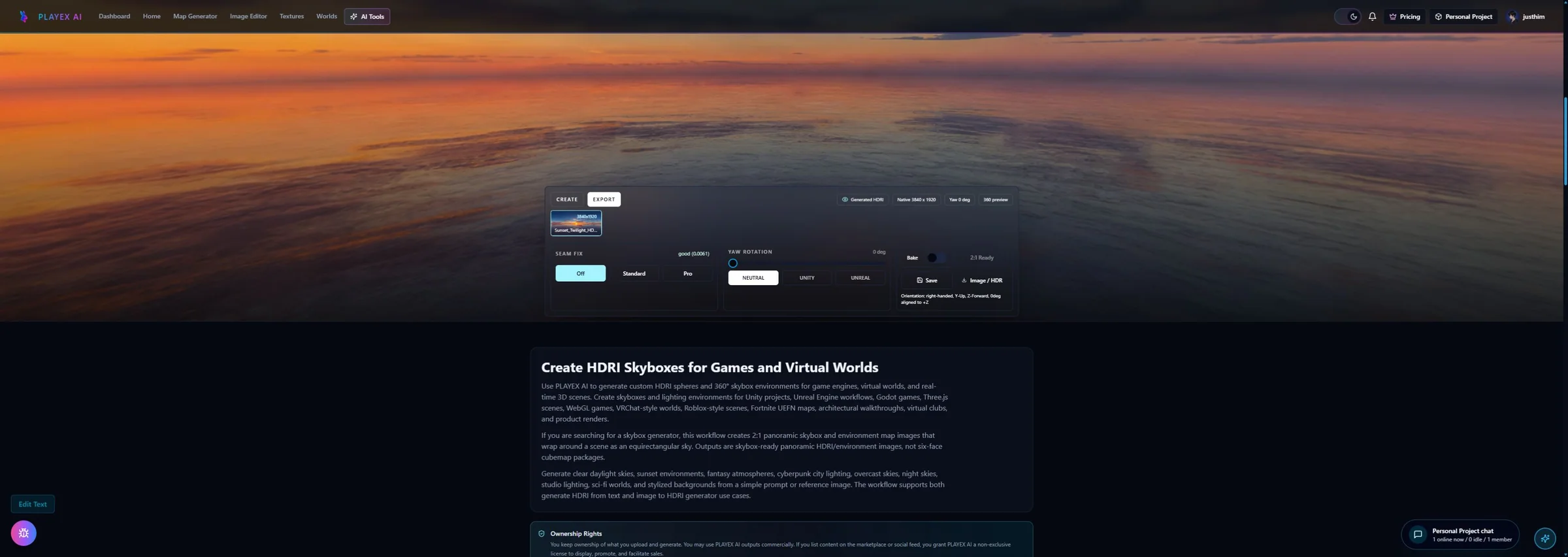
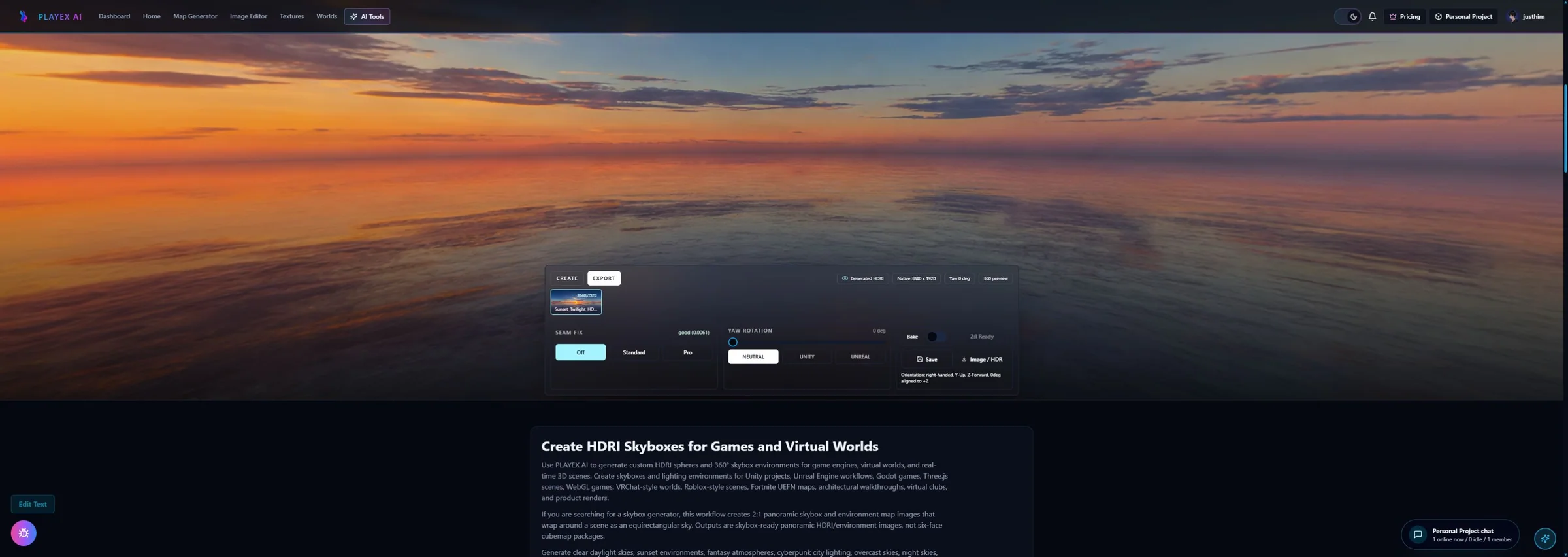
Generation and destination stay separate: HDRI Sphere Generator owns creation, 2:1 review, seam and yaw checks, PNG or estimated-HDR export, and the optional Three.js cubemap pack. This guide owns HDRLoader, PMREM, scene.background versus scene.environment, renderer exposure, verification, and disposal inside Three.js.
What you will get
- Run a real HDRLoader and PMREM environment against rough and reflective test materials.
- Control the visible background, image-based lighting, and display exposure independently.
- Read renderer.info as a trend signal and dispose every environment-owned GPU resource.
Workflows this setup is designed for
- A product viewer needs studio reflections while the page keeps a solid-color background.
- A game scene needs one HDRI for both a visible sky and physically based material lighting.
- A configurator swaps environments at runtime and must not accumulate textures or render targets.
- A generated PLAYTEX AI panorama needs destination-side exposure and material verification in Three.js.
Acceptance test
Approve the asset only when these are true
- The source is a level, seam-checked 2:1 environment and its dynamic-range limitation is recorded.
- HDRLoader succeeds with no deprecation warning and mapping is EquirectangularReflectionMapping.
- scene.background and scene.environment can be toggled independently without a black or blank frame.
- A rough dielectric and a glossy metal both respond plausibly to the PMREM environment.
- ACES tone mapping and exposure are judged on the whole scene, with sRGB display output explicit.
- Repeated environment swaps settle instead of growing renderer.info texture counts every cycle.
- Source texture, PMREM render target, PMREM generator, geometry, materials, controls, and renderer are disposed by their owner.
Source quality is not renderer setup
A clean 2:1 panorama can still look wrong when it is assigned without equirectangular mapping, used unfiltered on rough physical materials, or displayed with unsuitable tone mapping. Conversely, renderer settings cannot level a tilted horizon, reconstruct a broken 360 seam, or turn an LDR-derived estimate into measured capture data.
The live proof uses a deterministic Radiance RGBE derivative of a real PLAYTEX AI panorama. It contains open-domain values so HDRLoader, PMREM, and exposure can be exercised, but it is explicitly a look-development estimate rather than a calibrated bracketed light probe.
PMREM answers material roughness, not sky sharpness
PMREM prefilters the environment so rough materials can sample broader lighting and glossy materials can sample tighter reflections efficiently. The official Three.js documentation identifies 1024 by 512 as the ideal equirectangular input for its 256 by 256 cubemap output.
That target is suitable for lighting, but a large visible backdrop may need more apparent detail. Keeping the raw panorama on scene.background and the PMREM texture on scene.environment preserves that choice.
Memory checks look for growth across swaps
Texture download size is not decoded GPU cost. A compressed or RGBE file is expanded into renderer resources, and PMREM adds a render target. The most useful acceptance test is a repeated environment-swap loop whose renderer.info counts settle instead of increasing every cycle.
Three.js documents that some internal textures and geometries remain visible in renderer.info after cleanup because the renderer reuses them. Treat the count as a trend signal, remove scene references first, and confirm that source textures and PMREM render targets receive explicit dispose calls.
Three.js HDRI settings and what each one controls
Loader and projection
These choices determine how Three.js reads and wraps the source file.
- HDRLoader: Decodes a Radiance RGBE .hdr file into a half-float data texture by default in Three.js r185. Use the addon loader for Radiance HDR. Do not copy an older RGBELoader import into a current r185 project.
- EquirectangularReflectionMapping: Tells Three.js that horizontal position represents longitude and vertical position represents latitude in a 2:1 panorama. Set it immediately after loading an equirectangular source; do not use it on six separate cubemap faces.
- PMREMGenerator.fromEquirectangular: Creates the prefiltered CubeUV texture sampled by physically based materials at different roughness levels. Use it for PBR image-based lighting. Keep the raw source separately when the visible background needs more detail.
Background, lighting, and display
These controls solve different problems and should be tuned independently.
- scene.background: Draws the panorama behind the scene but does not by itself define the global environment for physical materials. Set it to the raw HDR texture for a visible sky, a Color for a studio backdrop, or null for transparency.
- scene.environment: Provides the default environment map used by physical materials unless a material overrides envMap. Assign the PMREM texture for image-based lighting and reflections; set it to null to isolate direct lights.
- environmentIntensity and backgroundIntensity: Scale environment lighting and the visible background separately without rebuilding PMREM. Use these scene controls to balance lighting against sky visibility before changing display exposure.
- toneMappingExposure: Scales the renderer input before tone mapping and affects the final displayed scene, not only the HDRI. Sweep it after color space and tone mapping are correct; do not use it to disguise a broken source or material.
Memory and lifecycle checks
File size, decoded texture memory, PMREM storage, and engine-owned caches are different measurements.
- renderer.info.memory.textures: Reports the renderer texture count and is useful for detecting a count that grows after repeated environment swaps. Record before, during, and after several swaps. Do not require the count to reach zero because Three.js keeps reusable internal resources.
- Source half-float estimate: A 1024 by 512 RGBA half-float source is about 4 MiB before counting PMREM, driver overhead, or other scene textures. Use it as a labeled planning estimate only; profile the target device for the actual total.
- dispose(): Releases GPU allocations for textures, render targets, geometries, and materials when the application declares them unused. Call it at environment replacement or viewer teardown, after removing active scene references to the resource.
Set up and verify an HDRI environment in Three.js r185
Load a 2:1 Radiance HDR file with HDRLoader, mark it as equirectangular, give a PMREM-filtered texture to scene.environment, and assign the original panorama to scene.background only when it should be visible. Then set tone mapping and exposure, test rough and reflective materials, and dispose both source and PMREM resources when the environment changes.
Step 1: Start with a reviewed 2:1 environment
Create or upload the panorama in HDRI Sphere Generator, inspect the entire 360-degree wrap, level the horizon, check the left-right seam, and bake yaw only when the file orientation itself should change. Export Radiance HDR for the HDRLoader path or a labeled Three.js cubemap pack when CubeTextureLoader is the better delivery contract.
Step 2: Configure display output before judging brightness
Create WebGLRenderer, keep outputColorSpace at SRGBColorSpace explicitly, select ACESFilmicToneMapping, and begin with toneMappingExposure at 1.0. Lighting calculations stay in the linear working space; tone mapping and output conversion prepare the final display image.
Step 3: Load the Radiance file with HDRLoader
In Three.js r185, import HDRLoader from three/addons/loaders/HDRLoader.js. Await loadAsync, set the texture mapping to EquirectangularReflectionMapping, and retain the source texture so the visible background can remain sharper than the filtered lighting texture.
Step 4: Prefilter lighting with PMREM
Create one PMREMGenerator for the renderer, optionally compile the equirectangular shader while the file downloads, and call fromEquirectangular. Assign the returned render-target texture to scene.environment so MeshStandardMaterial and MeshPhysicalMaterial can sample roughness-appropriate lighting.
Step 5: Separate background, lighting, and exposure checks
Assign the original equirectangular texture to scene.background only if the panorama should be visible. Toggle the background while leaving scene.environment active, then toggle environment lighting while keeping the sky visible. Sweep exposure from 0.5 to 2.0 and inspect a rough dielectric plus a glossy metal before choosing a final value.
Step 6: Dispose every resource owned by the environment
Before swapping or unmounting, set scene.background and scene.environment to null, dispose the source HDR texture, dispose the PMREM render target, and dispose PMREMGenerator when the application no longer needs it. Geometry, materials, controls, and the renderer also need their own cleanup when the whole viewer is destroyed.
Assign the raw panorama and PMREM result by job
| Job | Assign | Texture | Verification symptom |
|---|---|---|---|
| Visible panorama | scene.background | Raw equirectangular HDR | Hide it: reflections should remain when environment is still assigned. |
| PBR lighting and reflections | scene.environment | PMREM render-target texture | Disable it: metals lose the HDRI reflection while the background can stay visible. |
| Display brightness | renderer.toneMappingExposure | No texture replacement | Sweep it: the whole rendered result changes, including direct lights. |
| Environment strength | scene.environmentIntensity | Same PMREM texture | Lower it: IBL fades without dimming a separately controlled background. |
Failure symptoms and the setting that usually owns them
- The background looks correct but metals are black: scene.environment is null, direct light is insufficient, or PMREM was never assigned.
- Rough materials show sharp or noisy reflections: the raw HDR was used as the material environment instead of a PMREM result.
- The sky disappears when IBL is disabled: the same toggle is clearing both scene.background and scene.environment.
- Everything is washed out: verify the source range, tone mapping, exposure, and output color space before editing material values.
- Texture counts rise on every environment swap: old scene references, the source HDR, or the PMREM render target is still retained.
- A generated .hdr is treated as measured capture: PLAYTEX AI estimated HDR output must remain labeled and validated as a creative lighting asset.
Do I need PMREM for a Three.js HDRI environment?
Use PMREM for MeshStandardMaterial and MeshPhysicalMaterial image-based lighting. It prefilters the environment for material roughness. The raw equirectangular texture can remain on scene.background for a sharper visible sky.
Should scene.background and scene.environment use the same texture?
They may originate from the same file, but use the raw equirectangular texture for scene.background and the PMREM render-target texture for scene.environment. Keeping separate references also lets you hide or dim either role independently.
What tone mapping should I use for an HDRI in Three.js?
ACESFilmicToneMapping is a practical starting point for an HDR scene, but it is a look choice rather than a universal requirement. Keep outputColorSpace at SRGBColorSpace for display, begin exposure at 1.0, and judge the full scene on the target display.
Can a PNG be used as an environment map?
Yes, an LDR equirectangular image can light and reflect in Three.js after the correct mapping and PMREM step, but it does not contain open-domain HDR values. Mark a PNG color texture as sRGB and do not describe it as measured HDR lighting.
How much memory does a 1K HDRI use?
The live proof labels a 1024 by 512 RGBA half-float source estimate at about 4 MiB. PMREM, driver storage, render targets, and other scene resources add more, so use the estimate for planning and renderer.info plus device profiling for trends.
What must be disposed when replacing a Three.js HDRI?
Clear active scene references, dispose the source HDR texture, and dispose the PMREM WebGLRenderTarget. Dispose PMREMGenerator when its lifetime ends. Viewer teardown also owns geometry, materials, controls, animation, observers, and the renderer.
Primary sources
Official specifications and renderer documentation
PLAYTEX AI guidance is paired with official specifications and platform documentation where the handoff depends on an outside convention.
Open the live workflow that this guide is documenting.
HDRI Generator: Create a 360 Skybox and Environment MapCreate a 2:1 lighting environment, control its horizon, sun, clouds, mood, seams, and yaw, then validate how it lights both rough and reflective materials before export.
Image to Three.js: Turn a Reference Image into Procedural 3D CodeConnect the coding agent you already use to a short-lived browser relay, watch a staged procedural Three.js reconstruction, and review the live preview, source, sculpt spec, and evidence together.
PBR Map Generator: Create Normal, Roughness, AO, Height, Metallic, and Emission MapsTurn one viable image or source-guided hybrid setup into a coherent map stack, review every channel as part of one material system, and export for the renderer you actually use.