Three.js workflow
Three.js texture generator for PBR materials
Turn a source image into a reviewable PBR map stack, then export a Three.js/WebGL package with the filenames and material bindings developers need.
Reviewed:

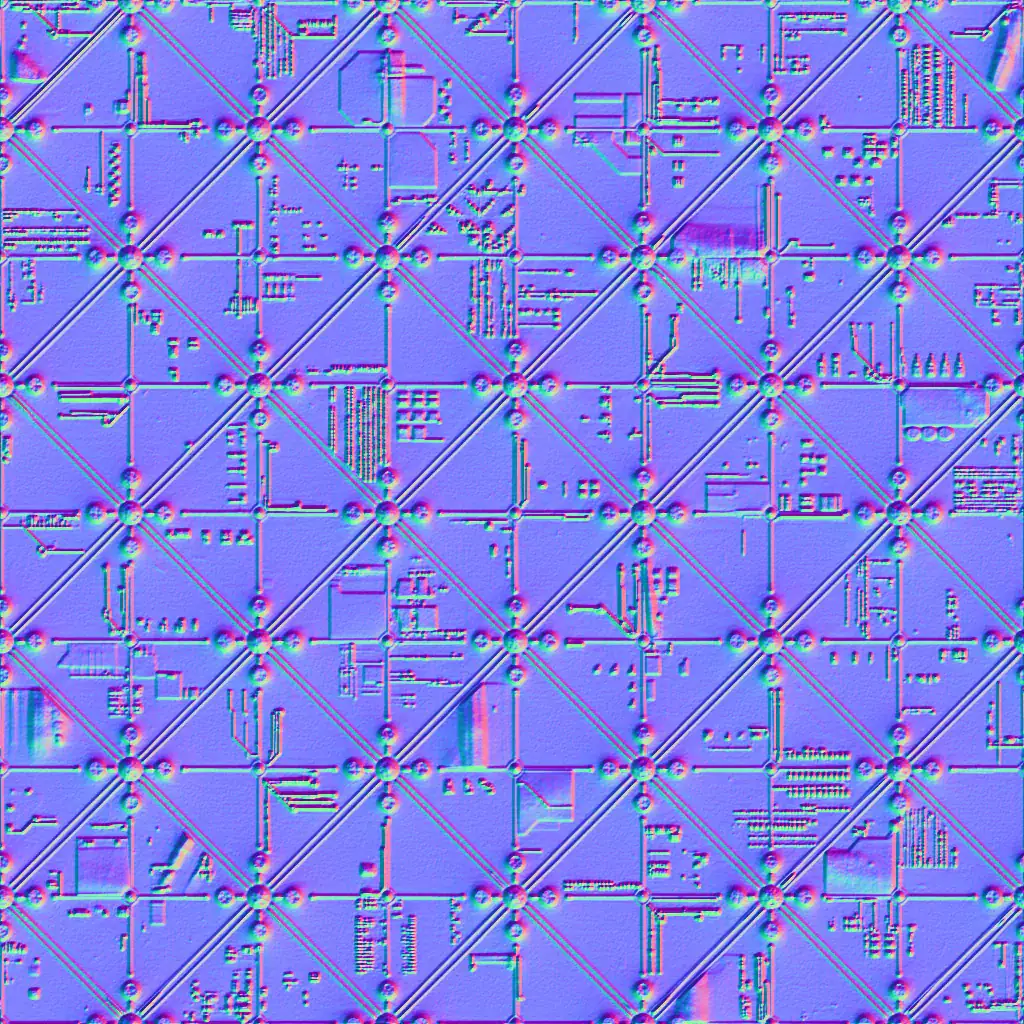
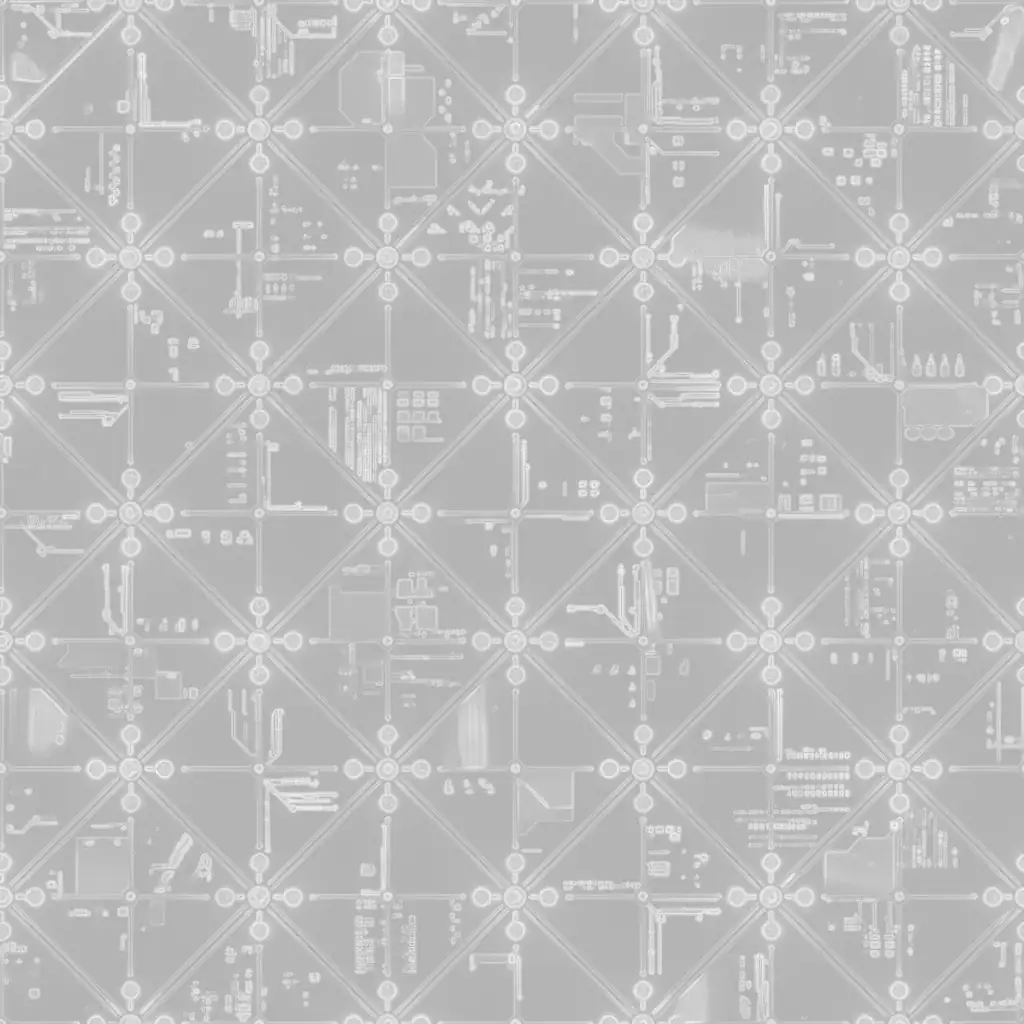
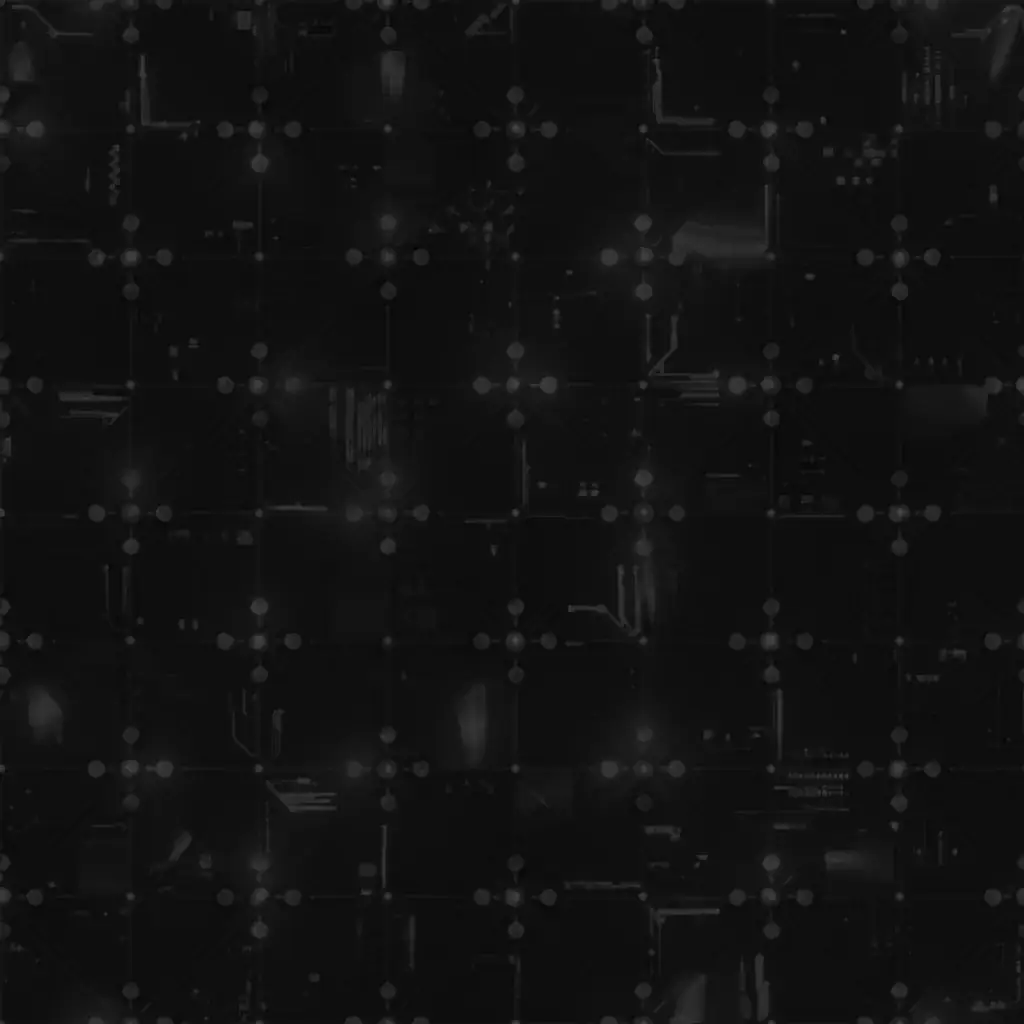
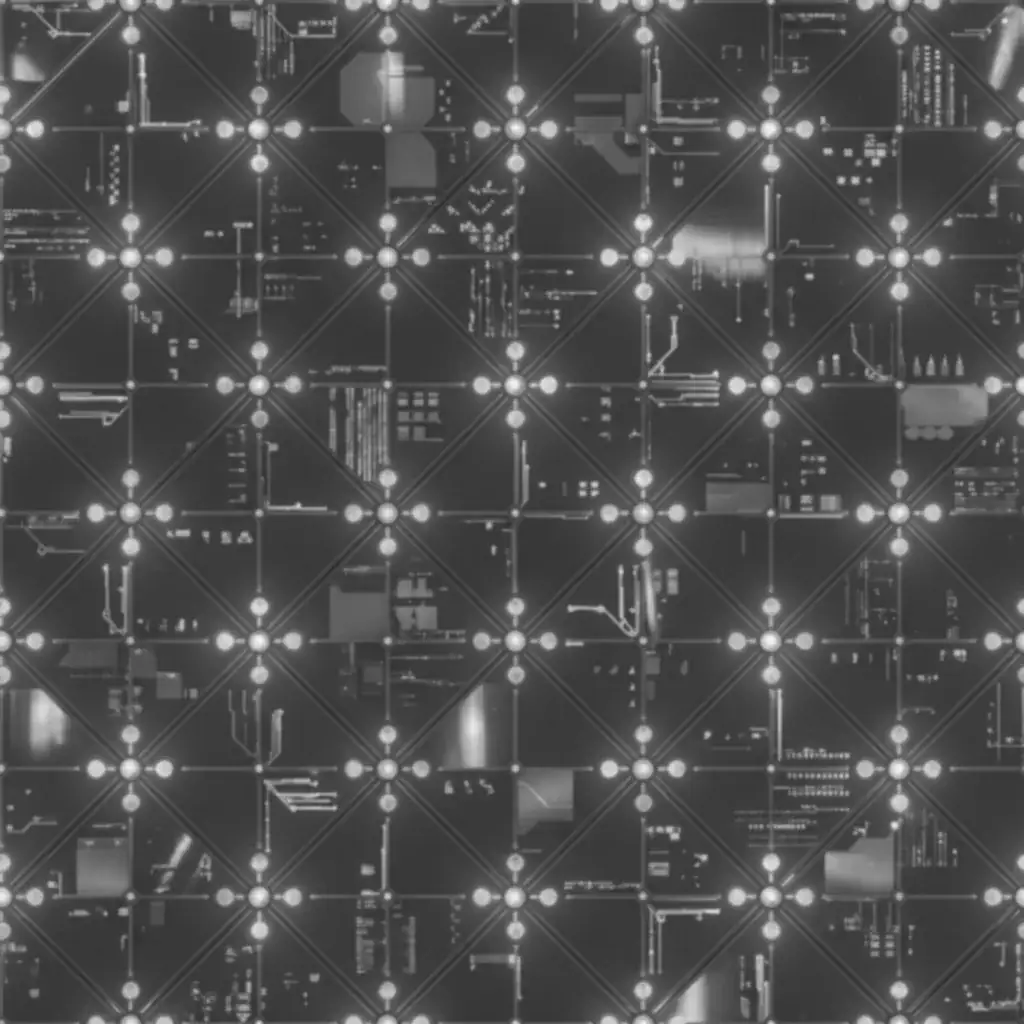
Direct answer: Three.js Texture Generator
Use PLAYTEX AI to generate albedo, normal, roughness, metallic, ambient occlusion, height, and emission maps, then choose the Three.js/WebGL export target. In Three.js, color textures need sRGB color space, data maps stay in NoColorSpace, and aoMap needs a second UV set. PLAYTEX AI exports source maps and configuration; KTX2 transcoding remains a separate delivery step.
- PLAYTEX AI output
- 7 reviewable maps
- Three.js target
- MeshStandardMaterial
- Web delivery
- KTX2 after export
Why Three.js textures look wrong or crash on mobile
The usual failure is not the source image. It is a color-space, UV, channel, or GPU-memory mismatch during handoff.
| Symptom | Likely cause | Fix |
|---|---|---|
| Base color looks washed out or too dark | The color texture was treated as linear data. | Set map and emissiveMap to THREE.SRGBColorSpace. |
| AO has no visible effect | The geometry has no second UV set for aoMap. | Provide the required second UV set or omit the AO texture. |
| Metal and roughness respond incorrectly | A data map was tagged as sRGB or assigned to the wrong material slot. | Leave data maps in NoColorSpace and verify each binding. |
| The scene closes or reloads on a phone | Large source images expand in GPU memory even when the download is compressed. | Right-size maps, reduce duplicates, and transcode production files to KTX2. |
Recommended Three.js handoff
- Base color
- map · sRGB
- Emission
- emissiveMap · sRGB
- Data maps
- normal / roughness / metallic · NoColorSpace
- AO
- Red channel · second UV set
- Normal format
- OpenGL / Y+
- Production container
- KTX2 + KTX2Loader
Sources used for this review
- Official: Three.js MeshStandardMaterial
- Official: Three.js color management
- Official: Three.js r185 release
- Community: Three.js color mismatch report
From source to reviewed handoff
Choose a clean source
Start from a tile or image without baked glare, deep cast shadows, or compression blocks.
Generate the map stack
Create the material channels in PLAYTEX AI and review each one instead of accepting the ZIP as proof.
Export for Three.js
Choose the Three.js/WebGL target to receive maps plus a material configuration file.
Bind, compress, and test
Apply the correct color-space and UV rules, transcode delivery textures if needed, then test on a real phone.
Choose a delivery format
Source quality and runtime delivery are different jobs. Keep a clean master, then ship a format that fits the device budget.
| Format | Best fit | Watch for |
|---|---|---|
| PNG | Lossless source maps and normal/data masters | Large transfer size and no GPU compression |
| WebP | Smaller color textures and prototypes | Decoded GPU memory can still be large |
| KTX2 | Production WebGL delivery across GPU families | Requires an external transcode step and KTX2Loader |
Review before export
- Tag map and emissiveMap as sRGB
- Keep normal, roughness, metallic, and AO as data
- Confirm a second UV set before assigning aoMap
- Set realistic texture dimensions per device tier
- Test memory and first render on iOS and Android
Minimal color-space setup
The generated files still need explicit material bindings in your application. This small setup prevents the most common color/data mix-up.
const color = loader.load('/material_albedo.webp');
color.colorSpace = THREE.SRGBColorSpace;

const normal = loader.load('/material_normal.webp');
normal.colorSpace = THREE.NoColorSpace;

const material = new THREE.MeshStandardMaterial({
  map: color,
  normalMap: normal,
});
Three.js Texture Generator FAQ
Can PLAYTEX AI generate textures for React Three Fiber?
Yes. React Three Fiber uses Three.js materials underneath, so the exported maps follow the same MeshStandardMaterial color-space, UV, and texture-memory rules.
Does PLAYTEX AI export KTX2 files?
Not currently. PLAYTEX AI exports the reviewable source maps and Three.js configuration. Use a KTX2/Basis transcoder afterward for production delivery.
Why does aoMap need another UV set?
Three.js samples aoMap from a second UV channel. If that channel is missing, the AO texture cannot be applied as intended.
Should normal maps use sRGB color space?
No. Normal maps encode vector data, not display color, so they should remain in NoColorSpace.