Three.js video · 35 seconds
Three.js PBR material setup from an aligned texture stack
Watch a seven-map PBR stack unfold into a Three.js material, then copy the exact MeshStandardMaterial bindings, color-space settings, AO UV setup, and texture disposal helper.
Reviewed by the PLAYTEX AI Editorial Team · Updated
Direct answer
What should you do?
Load color maps in sRGB, keep data maps in the no-color linear path, bind each map to the matching MeshStandardMaterial property, provide a second UV set for aoMap when the geometry lacks uv1, and dispose textures and materials when the scene no longer owns them.
Video chapters
-
0:00 — One source, one material
Establish the aligned map stack that will feed one renderer material.
-
0:05 — Choose image, procedural, or hybrid
Keep the source decision upstream from renderer bindings.
-
0:10 — Unfold the channel stack
Identify the color and data maps before assigning texture properties.
-
0:16 — Tune physical response
Confirm normal, roughness, metalness, AO, height, and emission behavior.
-
0:22 — Preserve deterministic settings
Keep the reviewed map set and renderer configuration together.
-
0:27 — Bind and export for Three.js
Use the browser-ready module and verify it under scene lighting.
Step-by-step implementation
- Load once. Use one TextureLoader or an asset manager, retain shared textures, and avoid duplicate URL loads under different ownership.
- Assign color space. Mark albedo and emissive as sRGB; leave normal and scalar maps in the default no-color data path.
- Bind the material. Attach map, normalMap, roughnessMap, metalnessMap, aoMap, displacementMap, and emissiveMap only when used.
- Validate and dispose. Inspect the renderer info counters, test with moving light, then dispose resources when the material leaves the scene.
Key decisions
- Set only albedo and emissive textures to THREE.SRGBColorSpace.
- Normal, roughness, metalness, AO, and displacement maps are data, not display color.
- An AO map needs the geometry UV set expected by the installed Three.js release.
- GPU memory remains allocated until textures, render targets, geometry, and materials are disposed.
Key frames and map details
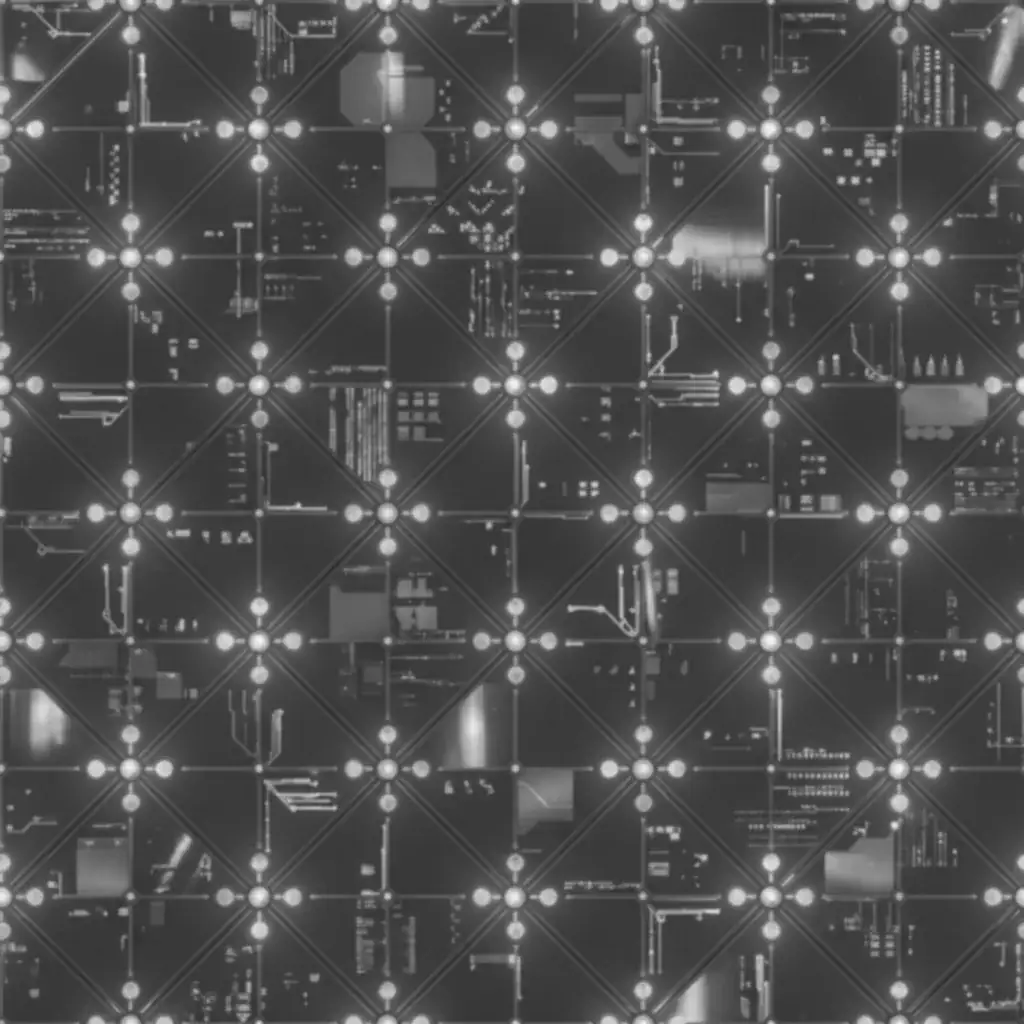
Sample and code/configuration
- Download the Three.js material module (TS) — Typed MeshStandardMaterial loader with color-space setup and deterministic disposal.
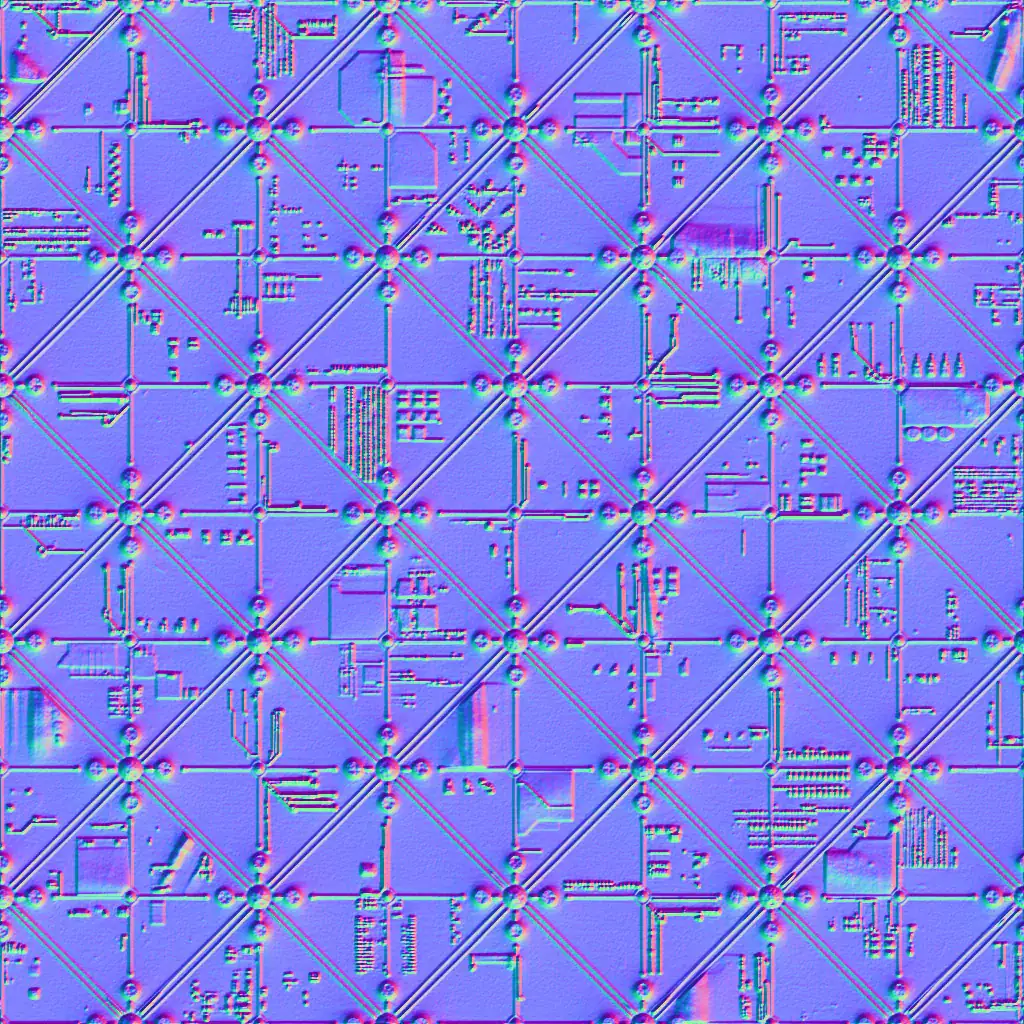
- Download the normal-map sample (WEBP) — 1024 × 1024 OpenGL Y+ tangent-space normal map.
Three.js binding excerpt
const albedo = loader.load(urls.albedo);
albedo.colorSpace = THREE.SRGBColorSpace;

const material = new THREE.MeshStandardMaterial({
  map: albedo,
  normalMap: loader.load(urls.normal),
  roughnessMap: loader.load(urls.roughness),
  metalnessMap: loader.load(urls.metallic),
  aoMap: loader.load(urls.ao),
});
How to know the result is correct
Render the material under an HDR environment and a movable white directional light. Confirm albedo is not washed out, normal direction is not inverted, AO follows the intended UV set, and renderer.info.memory returns to its prior level after disposal.
Video transcript
0:00 PBR Map Generator: turn one source into a dimensional material stack.
0:05 Source mode: image, procedural, or hybrid. Start with pixels, rules, or both.
0:10 Maps unfold in 3D: albedo, normal, roughness, metallic, AO, height, and emission.
0:16 Tune the physics while the shaded response updates like a control surface.
0:22 Deterministic output: same settings, same stack, ready for production.
0:27 Export for your engine, including Three.js and glTF targets.