Watch and create
Textures, PBR, and 3D video workflows
Explore texture and material workflows with chapter links, English captions, complete transcripts, and downloadable resources.
Updated
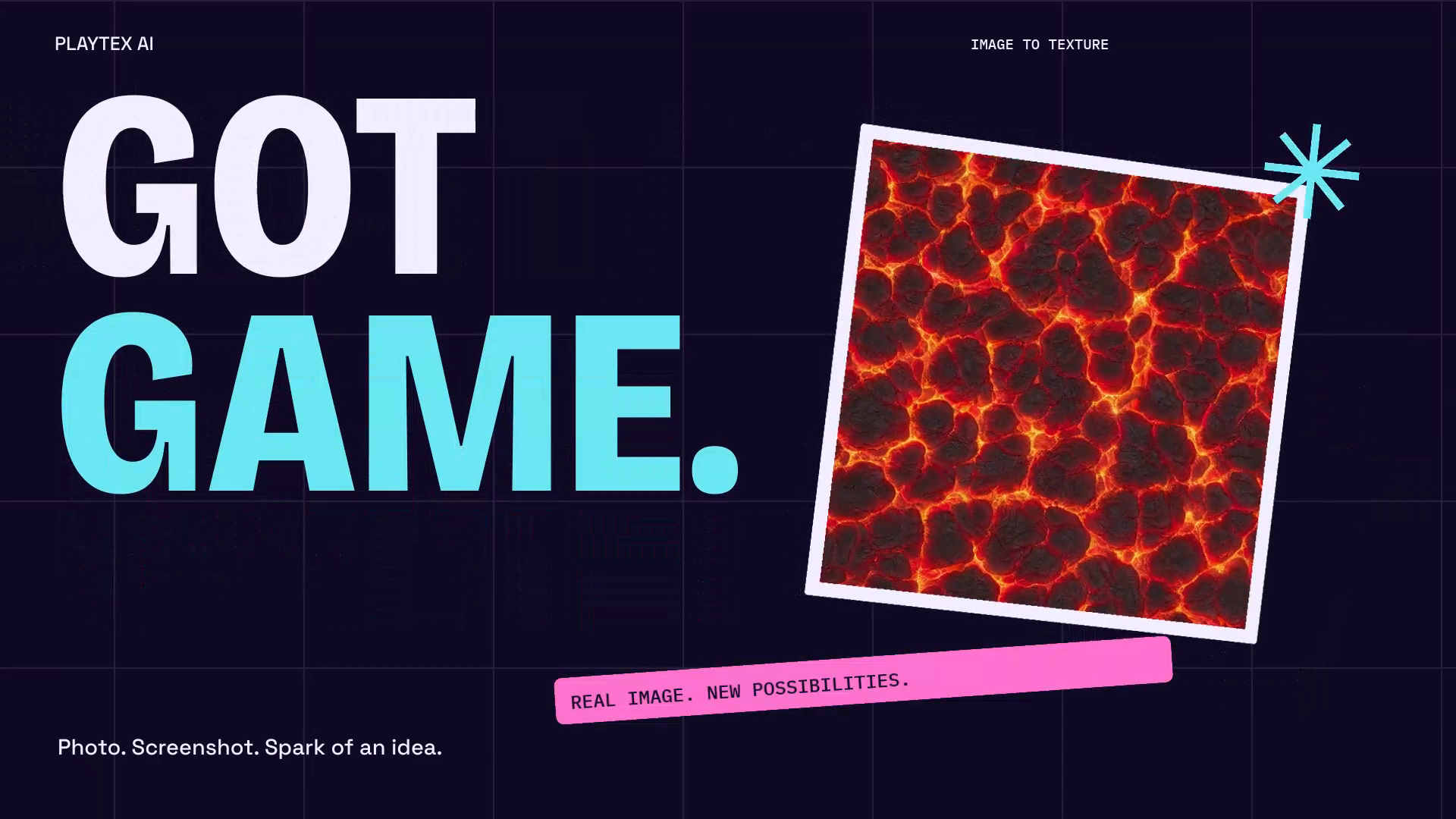 Turn an image into a seamless texture
30 seconds
Turn an image into a seamless texture
30 seconds
Watch a 30-second PLAYTEX AI overview: upload an image, extract a surface with AI, inspect its repeat and 3D preview, then download the texture or continue to PBR maps.
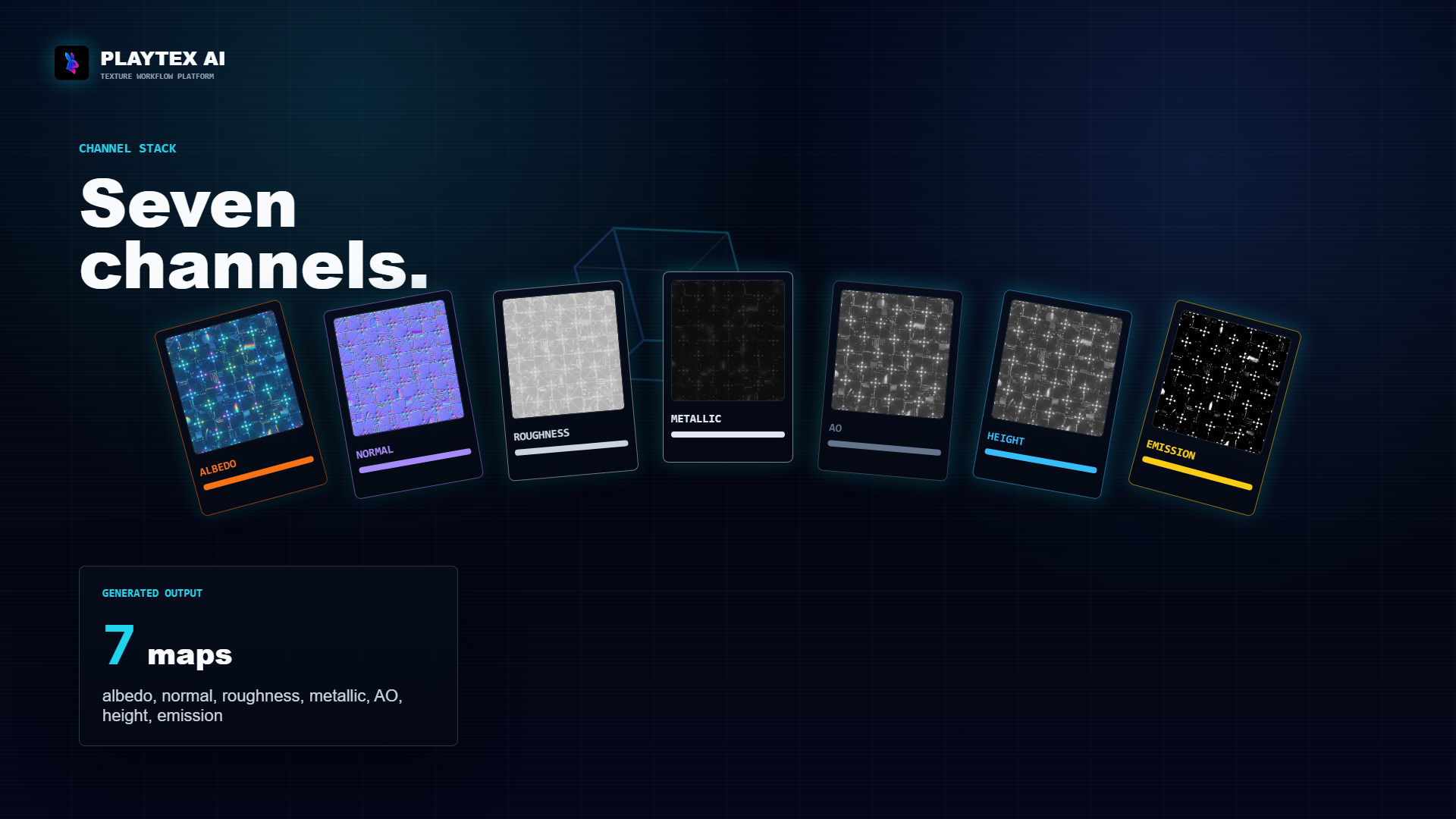 Image to seven PBR maps: the complete workflow
30 seconds
Image to seven PBR maps: the complete workflow
30 seconds
Watch one source image become aligned albedo, normal, roughness, metallic, AO, height, and emission maps, then download the sample and exact generation manifest.
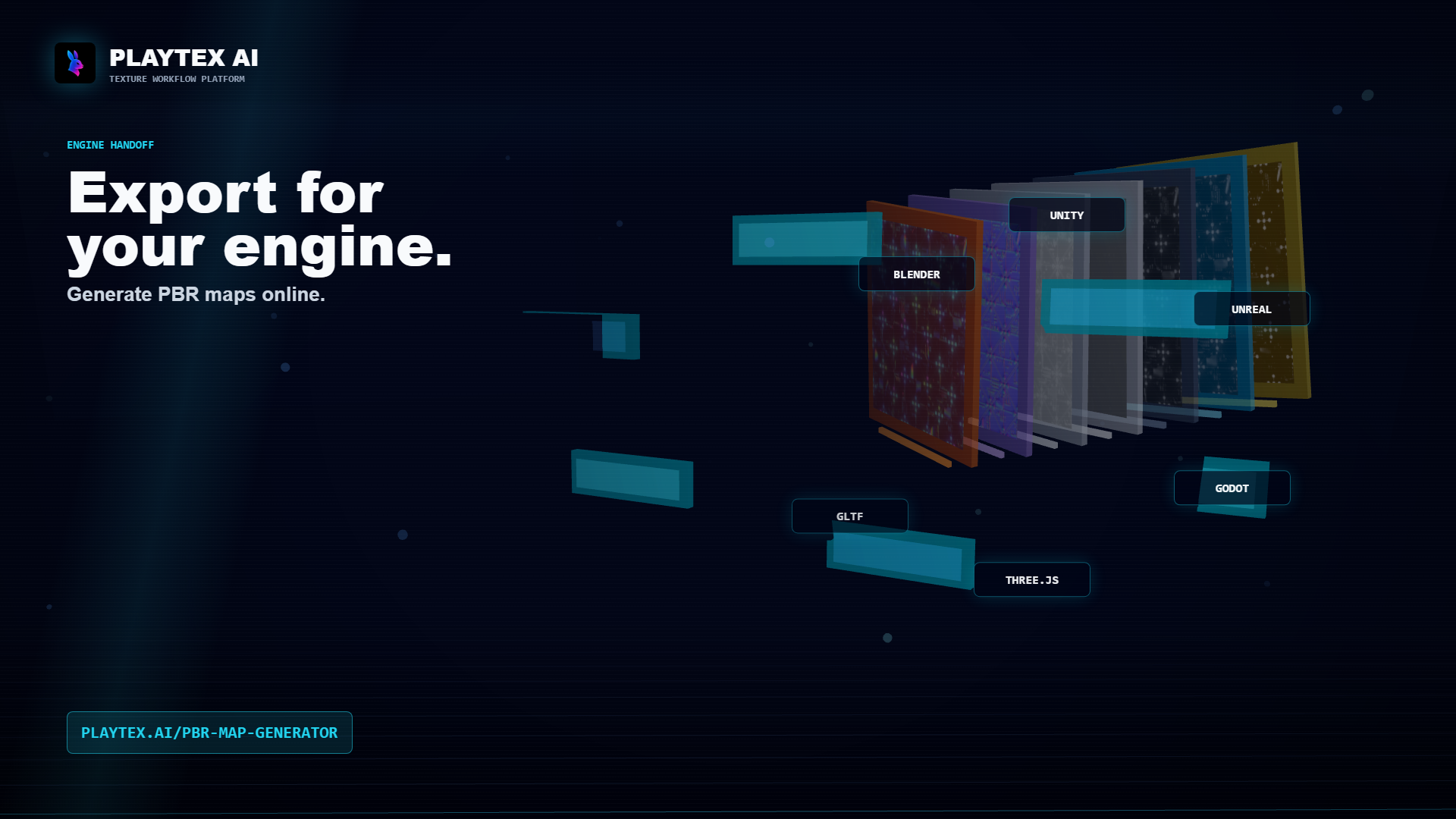 Three.js PBR material setup from an aligned texture stack
35 seconds
Three.js PBR material setup from an aligned texture stack
35 seconds
Watch a seven-map PBR stack unfold into a Three.js material, then copy the exact MeshStandardMaterial bindings, color-space settings, AO UV setup, and texture disposal helper.
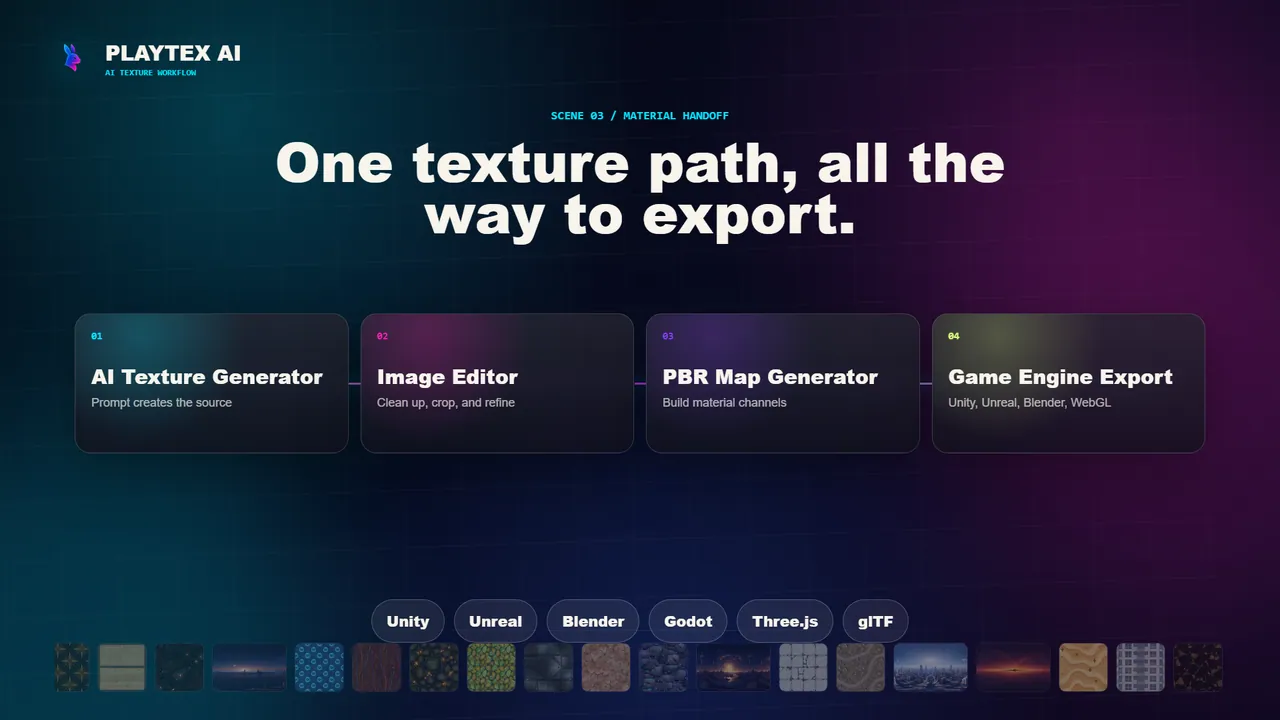 Export one PBR texture set for Unity and Unreal Engine
35 seconds
Export one PBR texture set for Unity and Unreal Engine
35 seconds
Watch a PBR stack move from generation to engine handoff, then download the Unity import script, Unreal Python helper, and the exact cross-engine export profile.
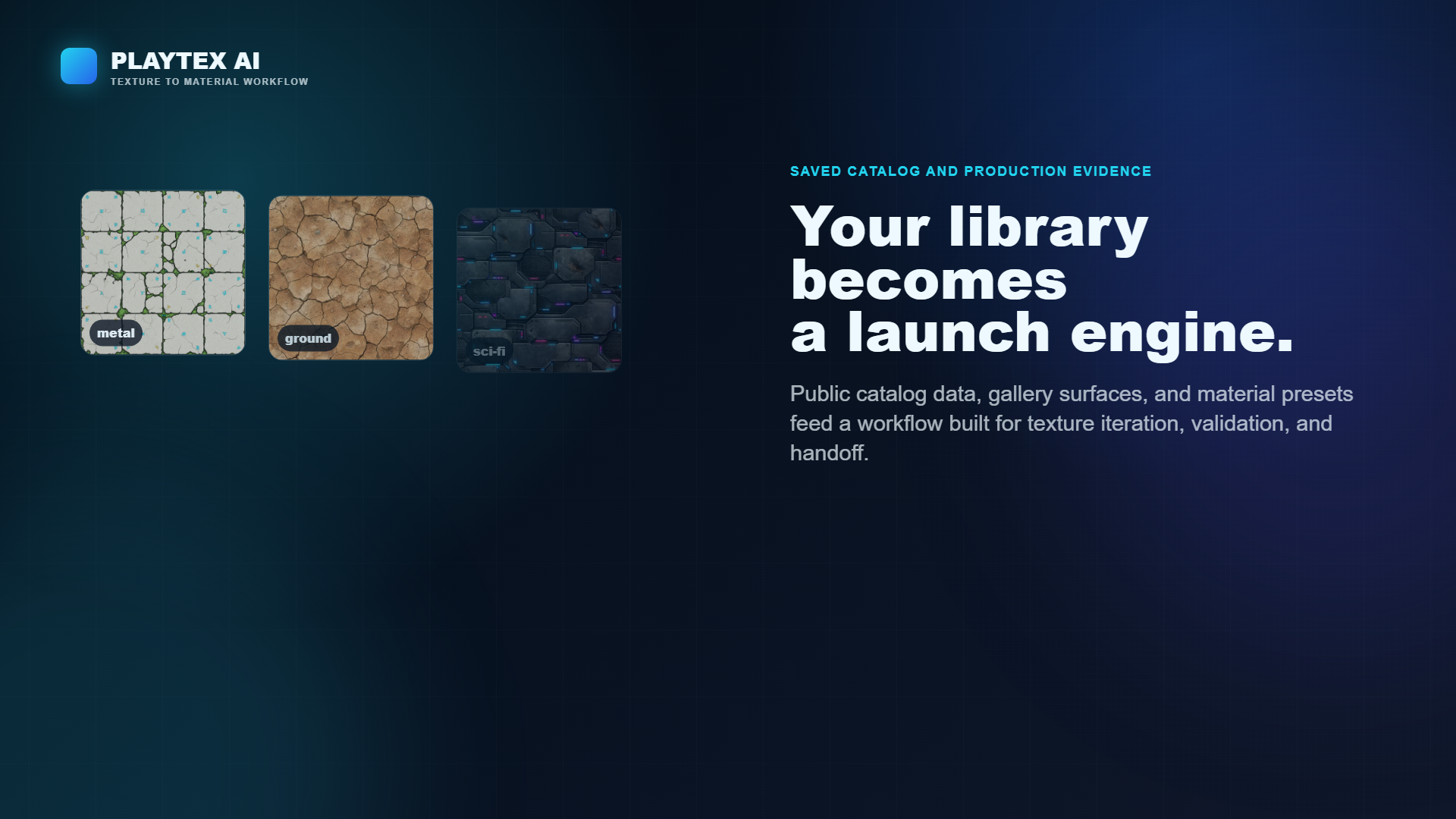 Reduce texture memory without destroying material quality
30 seconds
Reduce texture memory without destroying material quality
30 seconds
Use the visible PBR stack to decide which maps deserve resolution, which can be packed or removed, and how to calculate mipmapped GPU memory before shipping.
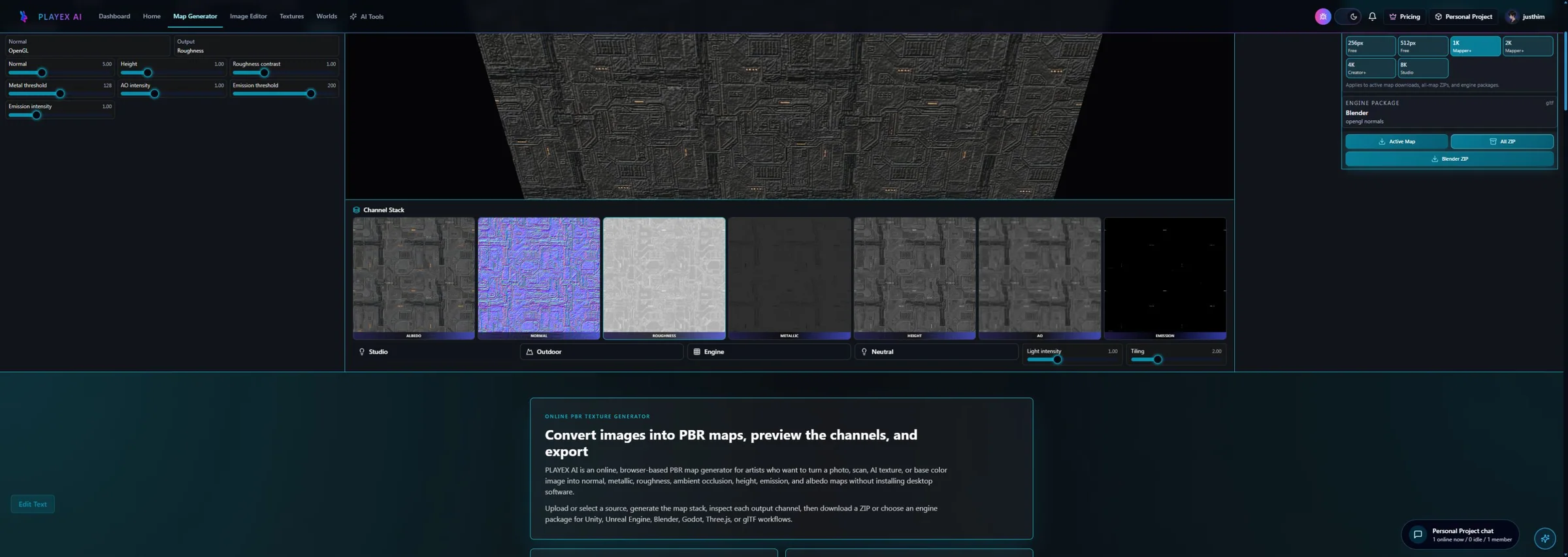 Five normal-map mistakes that make materials look wrong
35 seconds
Five normal-map mistakes that make materials look wrong
35 seconds
Spot inverted green channels, sRGB sampling, misaligned UVs, excessive strength, and invalid rotation before a normal map reaches production.