Generators

Seamless Texture Generator for Game Developers

Create tileable, production-ready textures from prompts, source images, or material ideas, then continue into PBR map generation without losing the original surface intent.

Generate Seamless Texture

View Workflow Guide

Tile-safe source reviewPBR-ready map stack1x, 2x, and 4x tiling preview

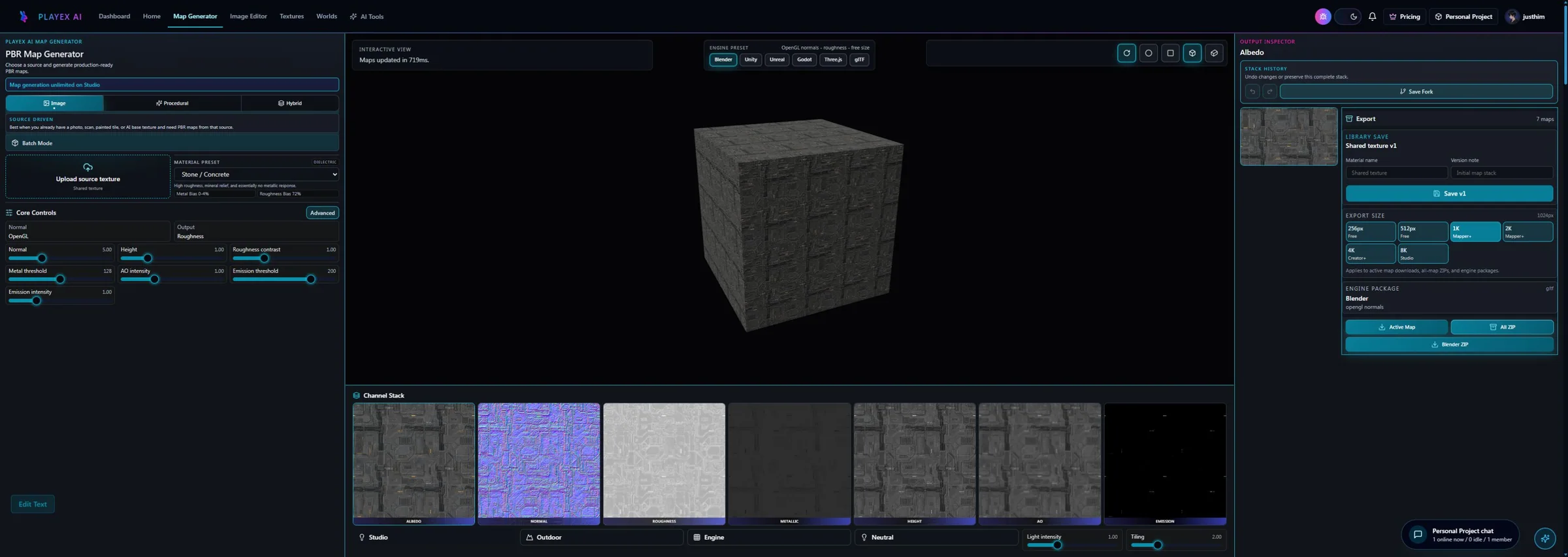
Map stack proof strip

Start from a tileable source and keep every downstream channel aligned for material review.

  • Albedo map: Generated brick albedo map preview
  • Normal map: Generated brick normal map preview
  • Roughness map: Generated brick roughness map preview
  • AO map: Generated brick ambient occlusion map preview
  • Height map: Generated brick height map preview
  • Emission map: Generated brick emission map preview
  • Metallic map: Generated brick metallic map preview
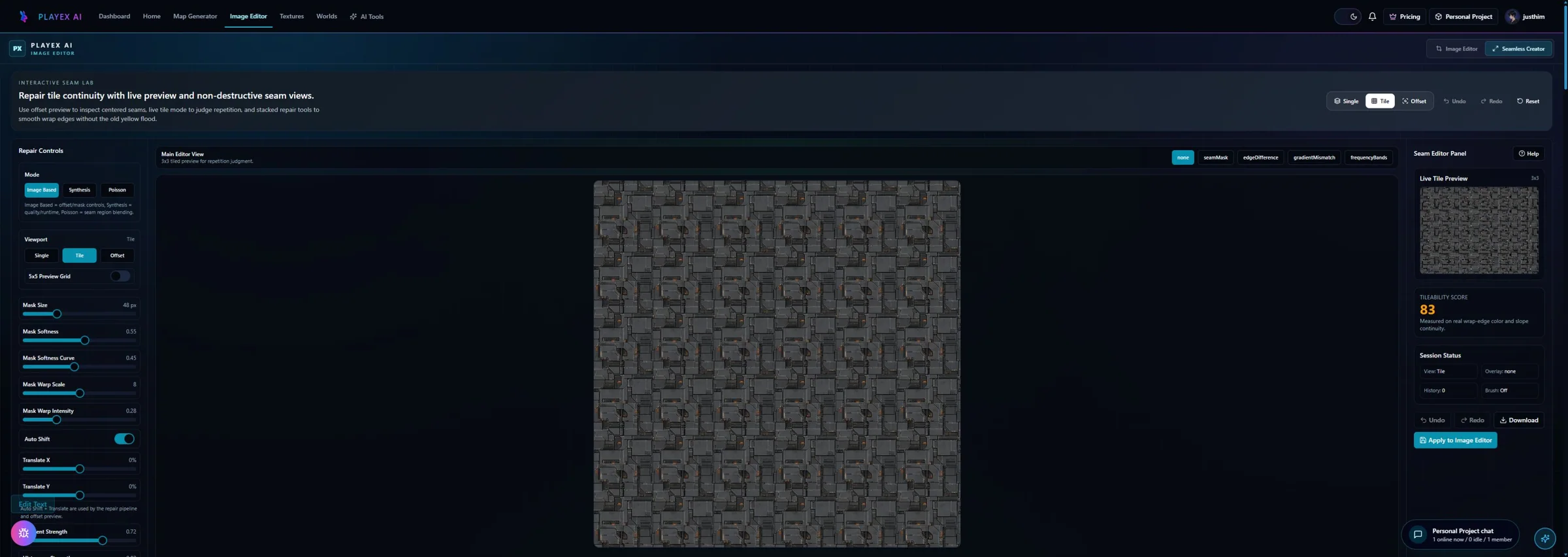
Before / after seamless preview

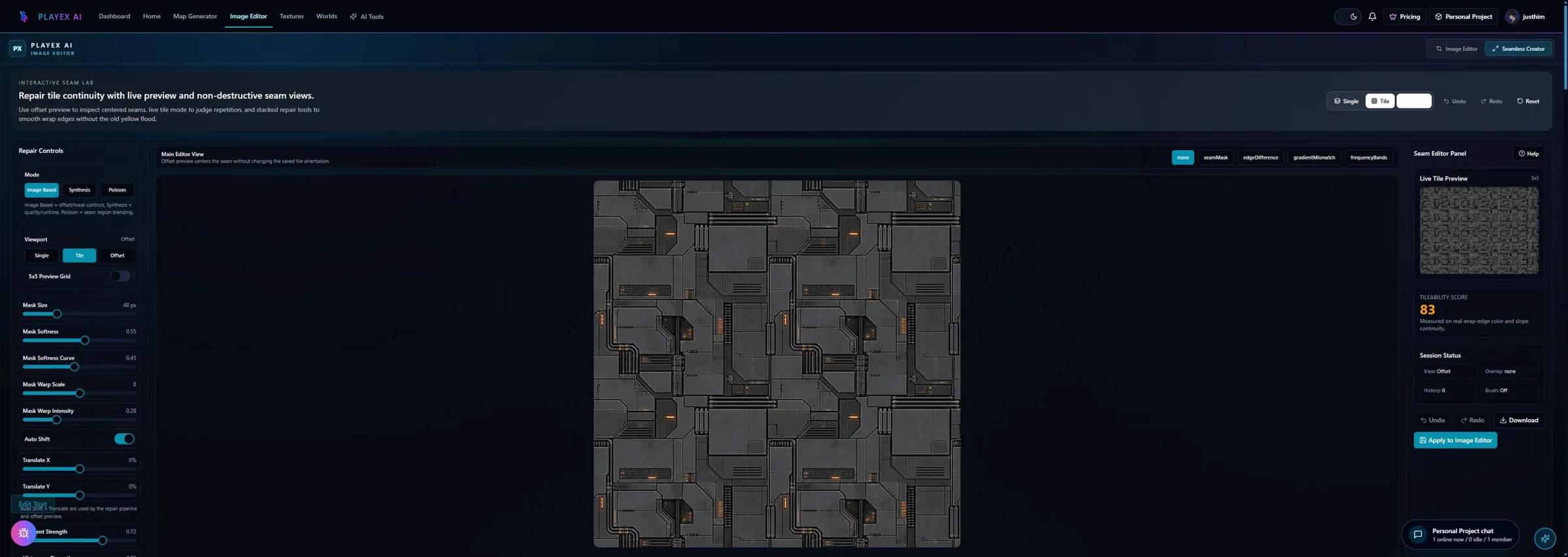
Judge the repeat before export. The page should make tiling quality visible instead of burying it in a download.

Before - visible repeat risk to After - tile-safe review

Seam and tile controls

Use the texture as a source, then tune the map stack only after the repeat pattern holds together.

  • Tile review scale: 2x
  • Edge blending: Smart
  • Pattern continuity: High
  • Map consistency lock: On

Export after the repeat is proven

Package the winning source with the map outputs that matter for the renderer, not a loose folder of guesses.

Use the generated maps in the target engine or DCC; PLAYTEX prepares the texture set and handoff context.

  • albedo.png
  • normal.png
  • roughness.png
  • ao.png
  • height.png
  • export_manifest.json

Step 1: Generate or upload a source

Start with an AI surface, a photo, a scan, or a painted texture that needs to become repeat-safe.

Step 2: Review tiling before map generation

Check 1x, 2x, and 4x repeat behavior so seams and obvious pattern repeats are caught before technical maps amplify them.

Step 3: Build the PBR stack

Move the approved source into normal, roughness, metallic, AO, height, emission, and albedo outputs.

Step 4: Export with intent attached

Keep the source, generated maps, and export notes together so downstream setup is easier to audit.

Best-fit use cases

  • Environment artists creating repeatable walls, floors, paths, tiles, terrain, and modular-kit surfaces.
  • Indie developers who need a fast browser workflow for usable texture starts.
  • Teams that want the texture to be tile-safe before channel tuning begins.

Seamless Texture Generator targets

  • Unity: URP / HDRP
  • Unreal: PBR / ORM
  • Blender: Principled BSDF
  • Godot: StandardMaterial3D
  • Three.js: WebGL
  • glTF: 2.0 handoff

What makes a texture seamless?

A seamless texture repeats without obvious edge breaks. In practice, that means checking the source at multiple tile scales before it becomes a full material map stack.

Can PLAYTEX turn a seamless texture into PBR maps?

Yes. After the source is ready, PLAYTEX can generate normal, roughness, metallic, AO, height, emission, and albedo outputs for material workflows.

Is this only for AI-generated textures?

No. You can use AI-generated sources, photos, scans, painted surfaces, or existing texture images as the starting point.