手机照片能成为游戏素材吗?
Yes. PLAYTEX AI turns the selected surface into a square, repeating image that can cover terrain, walls, floors, props, and environment meshes. Download the result as an image texture or save it to the PLAYTEX AI library.
PLAYTEX AI
Make room for your next idea.
图像到纹理生成器
Upload a surface photo, scan, screenshot, or artwork crop. Correct perspective and uneven lighting, match the edges, inspect the repeated tile, and export the result or continue into PBR map generation. A PLAYTEX AI account is required to generate; Free includes five one-time AI credits and generation up to 1K.
更新 : 新增了一个使用 Auto Extract 的剪纸拼贴示例,并提供 30 秒视频概览,包含英文字幕、章节和完整文字稿。
观看 30 秒概览
观看图像如何变成纹理,检查平铺效果,并在 3D 中探索它。然后用自己的照片、截图或作品尝试这一流程。
通行与出口条件
Generation requires an account. Free accounts receive five one-time AI credits and can generate and export up to 1K. Higher quality and x2/x4 upscaling follow the plan conditions below.
| 状况 | 当前行为 | 细节 |
|---|---|---|
| 接受的输入 | PNG、JPG 和 WEBP | 上传表面照片、扫描件、截图、艺术作品裁剪、AI图片或其他图片参考。 |
| 账户要求 | 生成需要一个 PLAYTEX AI 账户 | 上传工作区在登录前可见,但生成会将已退出的用户重定向到账户访问权限。 |
| AI credit allowance | Free 5 one-time; Mapper 10/month; Starter 100/month; Creator 400/month; Studio 1,000 pooled/month | Each output costs 1 credit at 1K, 2 at 2K, or 4 at 4K. Monthly plan credits expire at reset. |
| Free output | Generate and export up to 1K | Free includes five one-time credits and no AI upscaling. |
| Mapper and Starter generation | Generate up to 2K | Starter can use x2/x4 upscaling for outputs up to 8K; Mapper cannot upscale. |
| Creator and Studio generation | Generate up to 4K | Creator supports output up to 8K. Studio supports output up to 16K. x2 costs 10 credits and x4 costs 20. |
| 上传保留 | 处理完成后,源上传会被删除 | PLAYTEX AI 不使用上传的源文件来训练 AI 模型。 |
| 输出权与可见性 | 免费输出为公开;Starter、Creator 和 Studio 均包含商业使用权 | Mapper是一种私人个人使用计划。商业权利仍受条款约束,且受第三方权利约束。 |
参见 PLAYTEX AI 定价 以及 商业使用与保留期限 因为控制细节。
Supported image formats
To convert a JPG or PNG to a texture, upload the file, choose the closest material target, and generate a square result. PLAYTEX AI corrects perspective and uneven lighting, then lets you inspect the result as a repeating tile before export.
JPG is practical for camera photos, while PNG is better for lossless artwork, scans, and crisp source detail. Both formats can produce a tileable base texture; approve the repeat first, then send the image to the PBR Map Generator when you need material maps.
四步工作流程
Real source and result
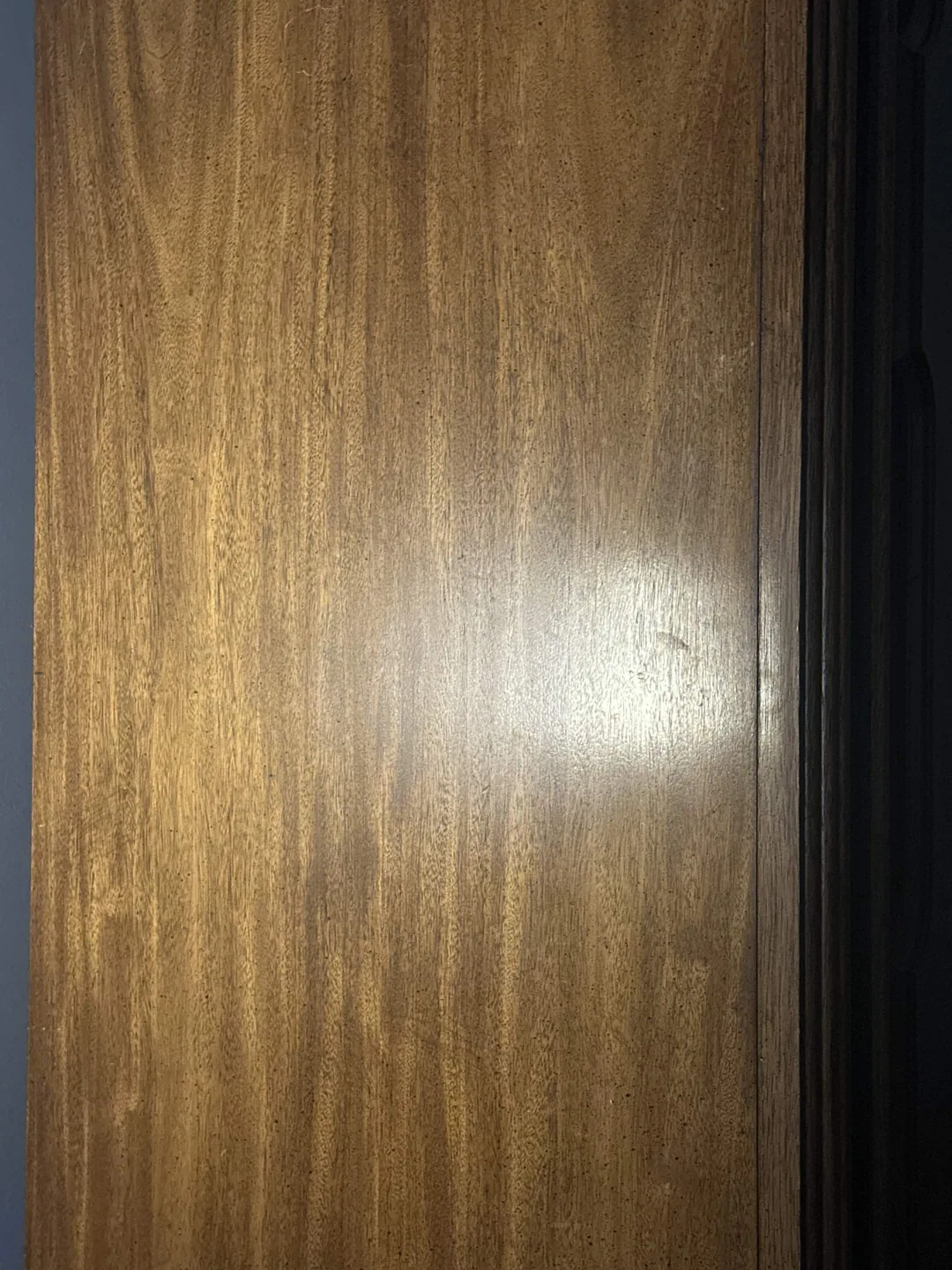
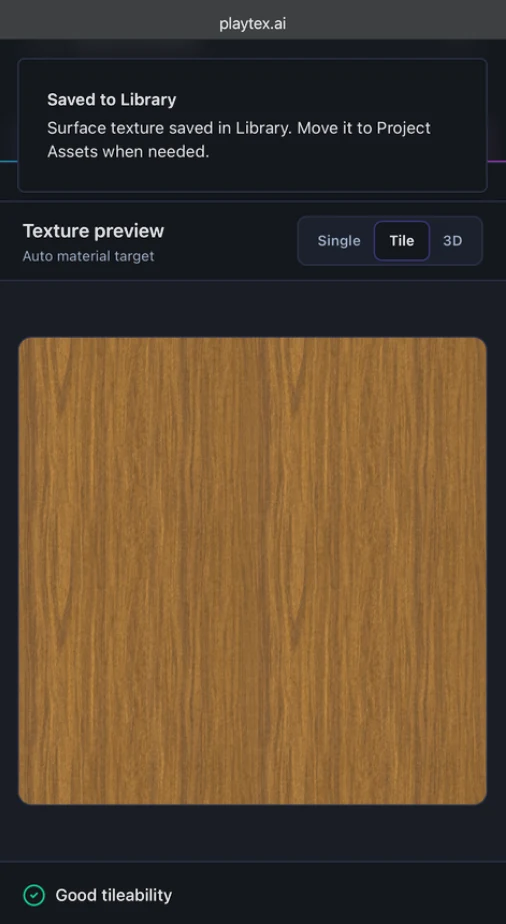
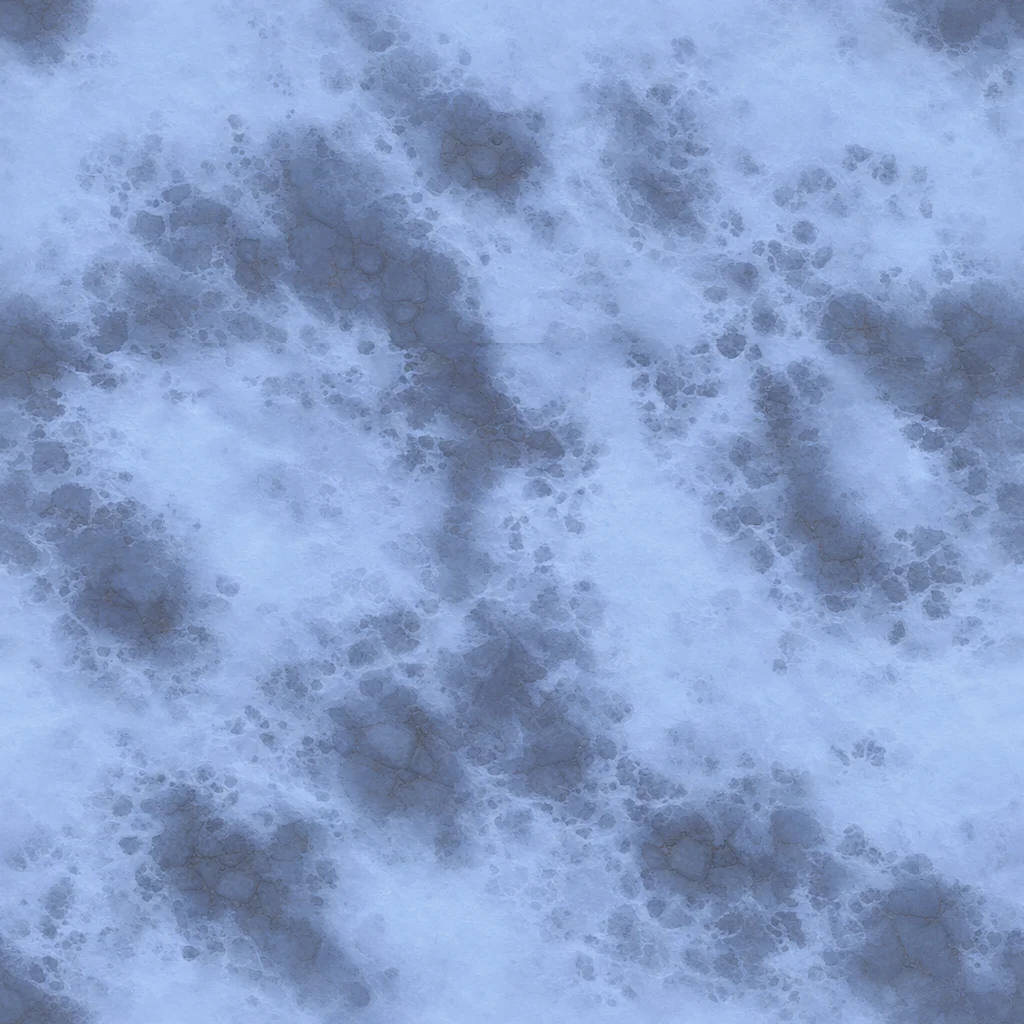
A casual wood photo can include glare and a dark edge. PLAYTEX AI turns the selected material into a square image, and Tile preview repeats that result so visible edge lines or obvious patterns can be caught before export.
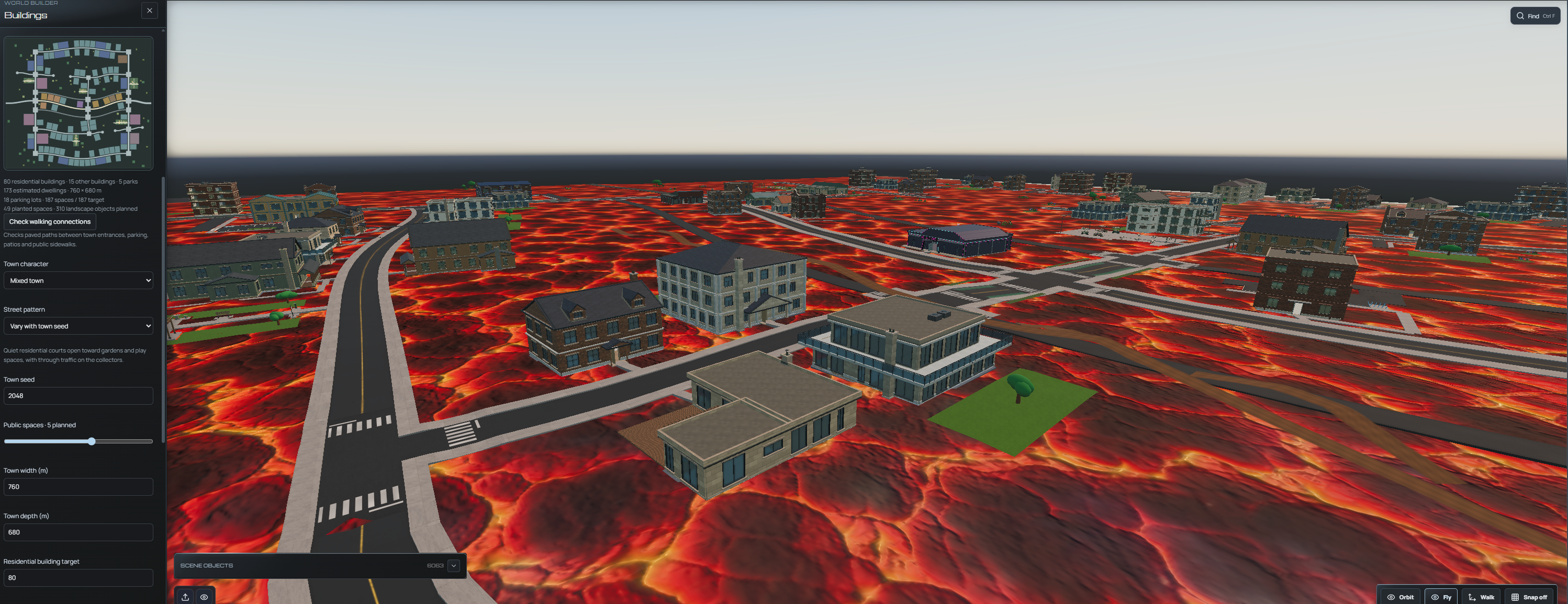
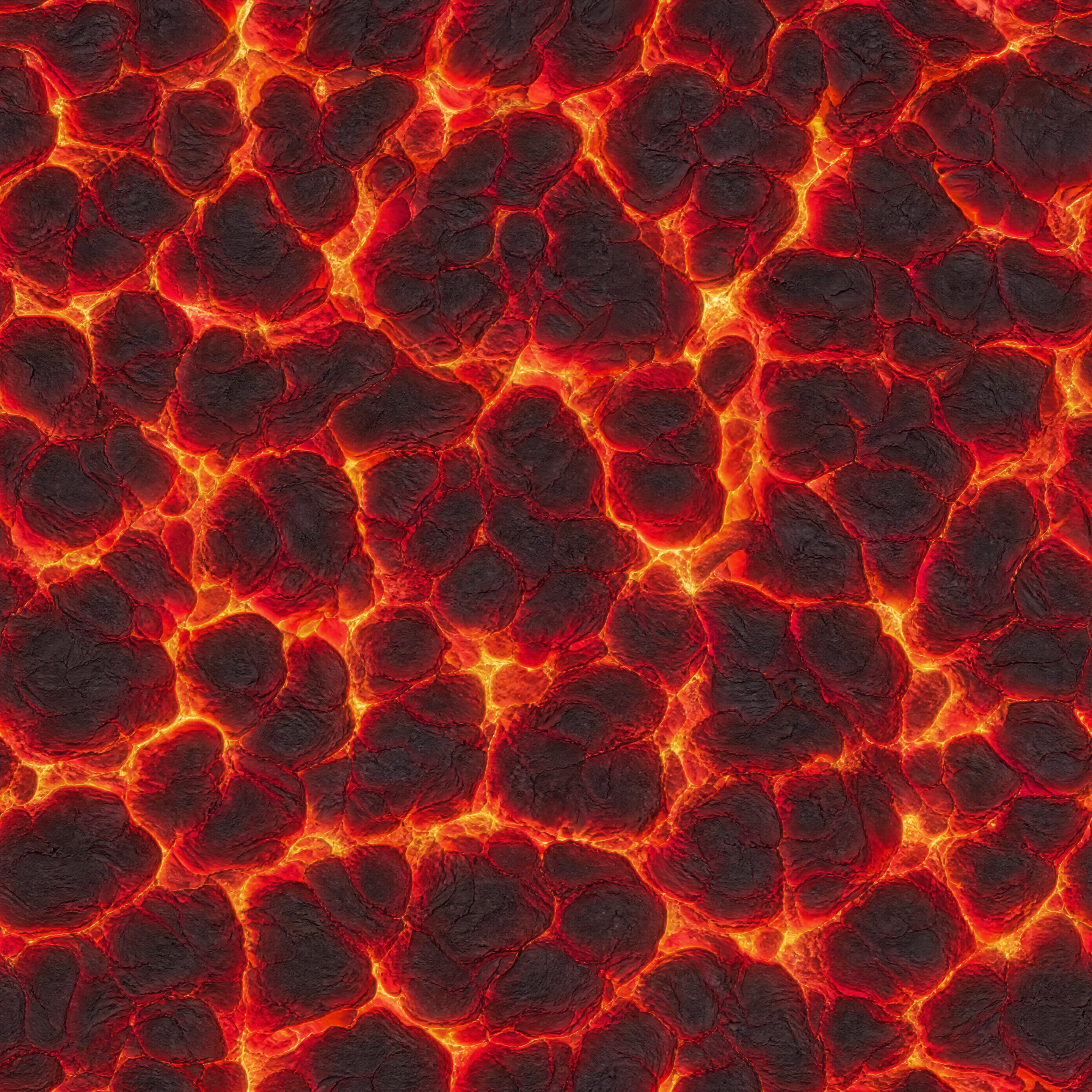
Auto Extract turns the lava surface in a busy town screenshot into a square texture of volcanic rock and molten cracks.
Auto Extract 将这幅分层剪纸插画转化为无缝表面纹理,并将蓝色水道、奶油色形状和手工拼贴风格延续到可重复平铺的贴图中。
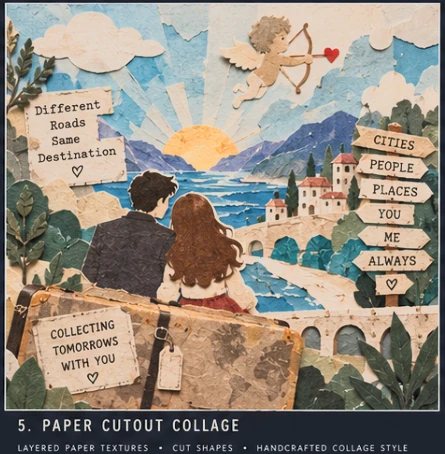
上传的图像将剪纸山脉、城镇、蜿蜒道路、水景和故事文字组合在一起。
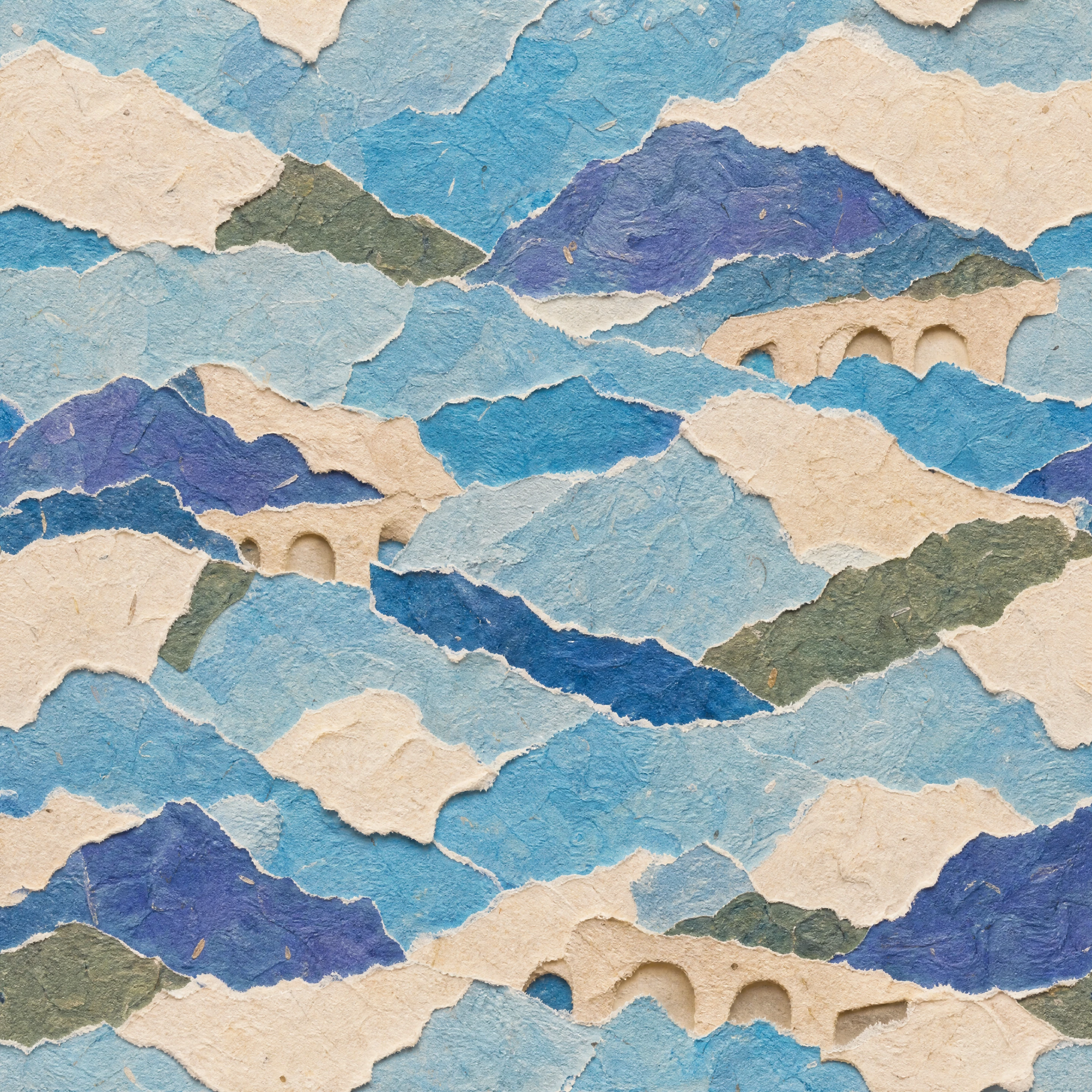
The output carries the source’s torn-paper shapes, textured edges, and blue-and-cream palette into a repeatable surface.
直接拍摄一种材料,填满画面,并倾向于柔和的光线。PLAYTEX AI可以校正难度的源图像,但更干净的捕捉能保留更多你选择的画面。
| 吃子选择 | 该怎么办 | 为什么它有帮助 |
|---|---|---|
| 摄像机角度 | 保持手机与地面平行。 | 直拍会减少透视校正,保持画面比例。 |
| 照明 | 选择阴凉、阴天或其他柔和光源。 | 柔和的光线会减少硬阴影和明亮的反射。 |
| 框架 | 用一个可重复的材料区域填充画面。 | 更实用的表面细节为PLAYTEX AI提供了更大的边缘匹配和变化区域。 |
| 障碍物 | 避免物体边缘、人物、深缝隙和大阴影。 | 干净的表面样品需要更少重建,通常能产生更自然的重复。 |
Yes. PLAYTEX AI turns the selected surface into a square, repeating image that can cover terrain, walls, floors, props, and environment meshes. Download the result as an image texture or save it to the PLAYTEX AI library.
Send an approved texture to the PLAYTEX AI PBR 地图生成器 when the material also needs normal, roughness, metallic, ambient occlusion, height, emission, or albedo maps.
Yes. Open PLAYTEX AI in a mobile browser, upload a photo, choose the surface target, and select a supported quality. Free includes five one-time credits and output up to 1K; paid plans add monthly credits, higher generation quality, and plan-gated x2/x4 upscaling.
PLAYTEX AI 运行在网页浏览器中,因此图像转纹理的工作流程在现代 iPhone 和 Android 浏览器中可用。生成需要网络连接和 PLAYTEX AI 账户。
平面、可重复的表面,在柔和均匀的光线下直接拍摄效果最佳。用材料填满画面,避免眩光、硬阴影、物体边缘、人物和强烈透视。
将PLAYTEX AI预览切换为Tile,在网格上重复显示图像。在下载结果前,注意有没有直线边线、突然的颜色变化,或者某个特征重复得太明显。
是的。下载生成的方形图像,作为Unity、Unreal Engine、Blender、Godot、Three.js及其他支持图像纹理的工具中的重复材质源。
是的。首先创建并批准可铺砌的基础贴图,然后发送给PLAYTEX AI PBR地图生成器,创建法线、粗糙度、金属感、环境遮蔽、高度、发射和反照率贴图。