These specifications describe the current PLAYTEX AI web workflow. Plan limits and rights are explicit so the generator page, pricing language, and technical references do not imply different access.
Monthly credits expire at the billing reset. Rollout bonus and migrated purchased credits do not expire.
上传和输出保留
生成器源的上传在处理后会被删除
保存、发布和免费账户的公开输出一直保留,直到用户删除、删除账户或PLAYTEX AI移除。
商业使用术语
Starter、Creator 和 Studio 包含商业使用权,但受条款和来源权约束
免费账户输出自动公开,供他人免费使用,且非私密或排他。
These are the current credit plans. Existing accounts may retain legacy allowances; your workspace shows the allowance and export access that apply to your account. Review the current 计划比较 以及 商业使用与保留期限 在生产使用前。
From the PLAYTEX AI library
From material idea to a repeating PBR surface
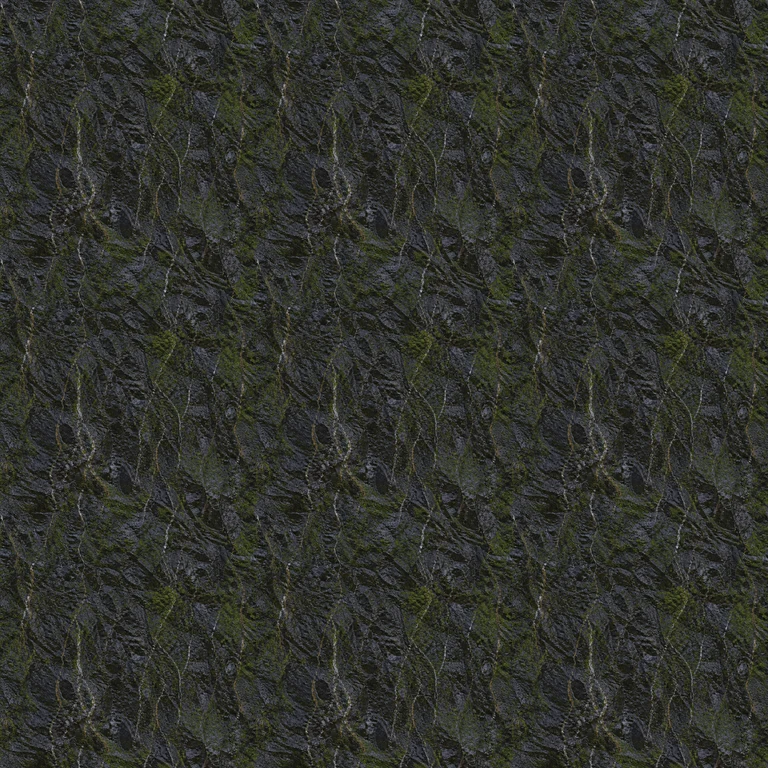
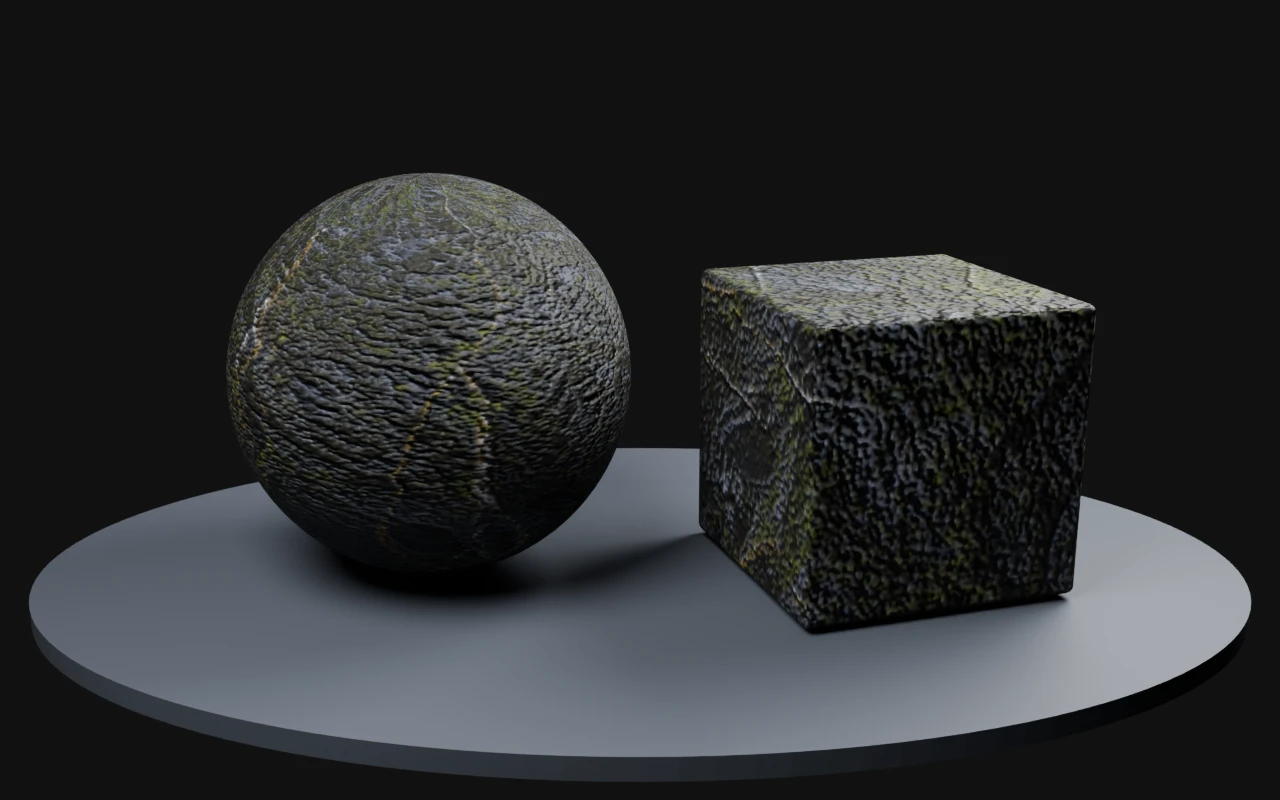
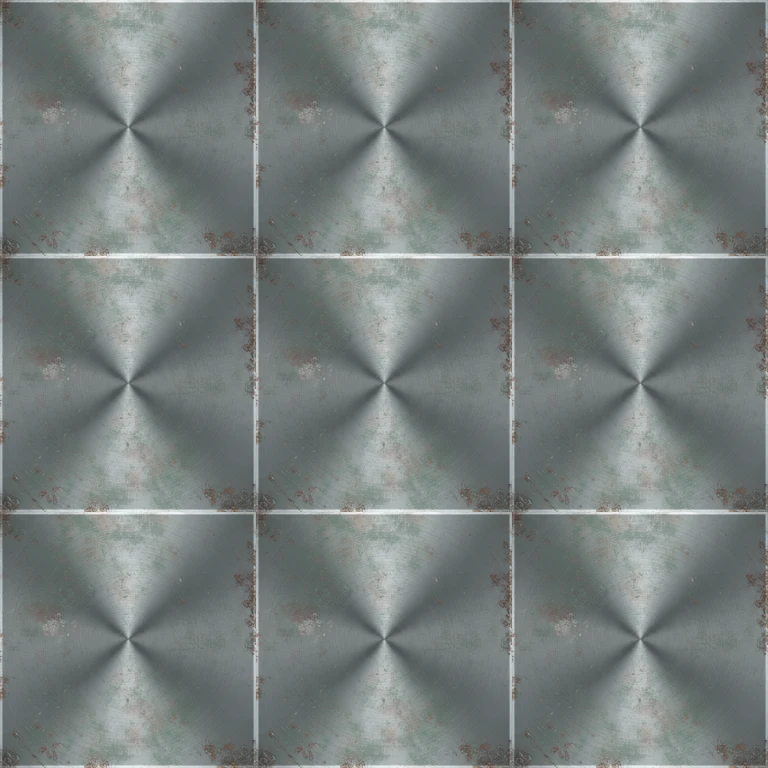
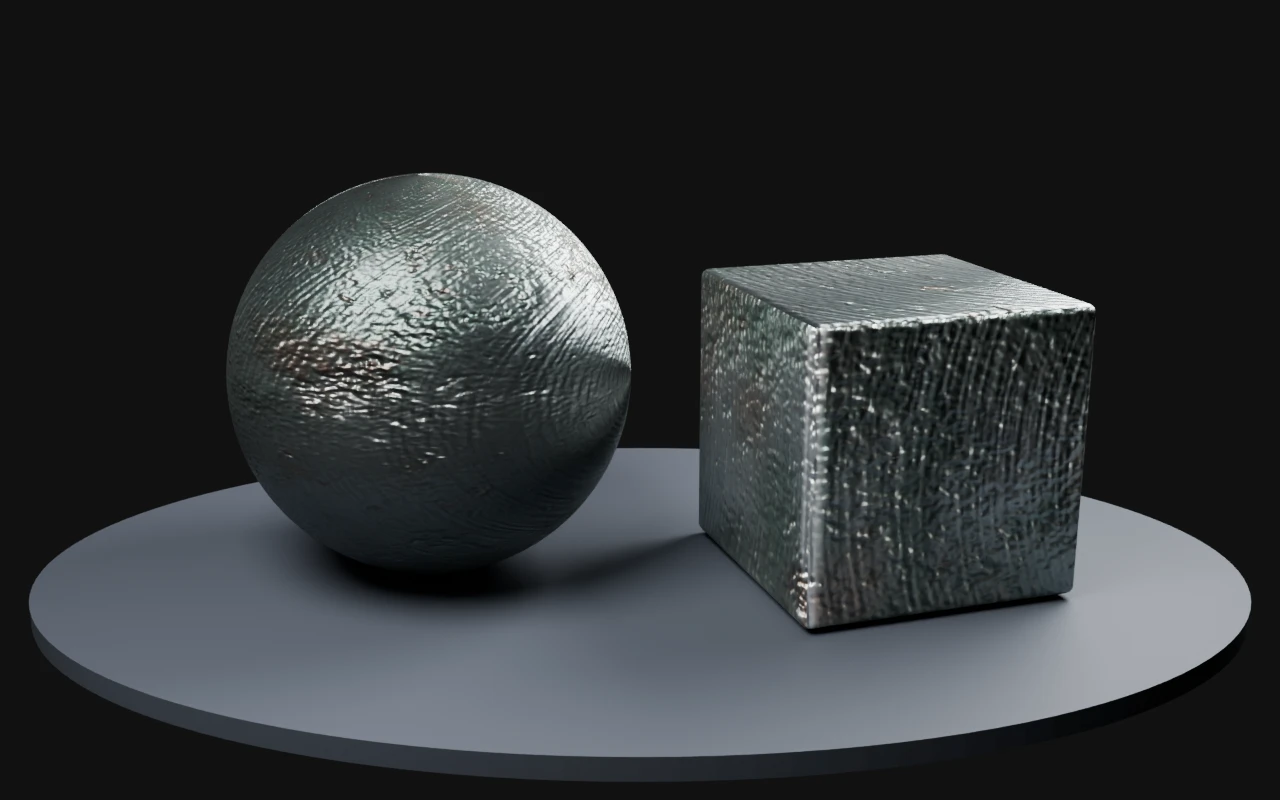
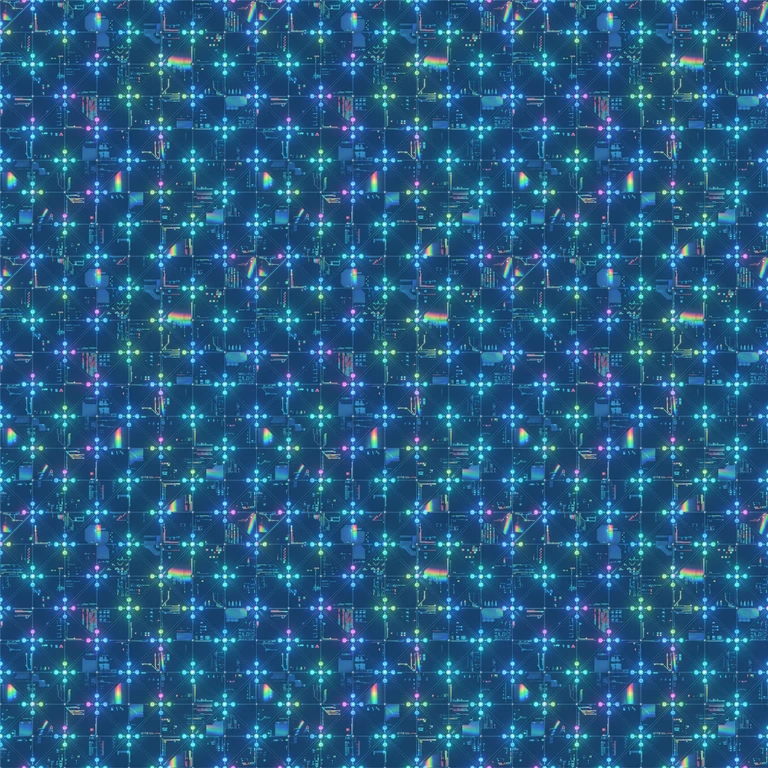
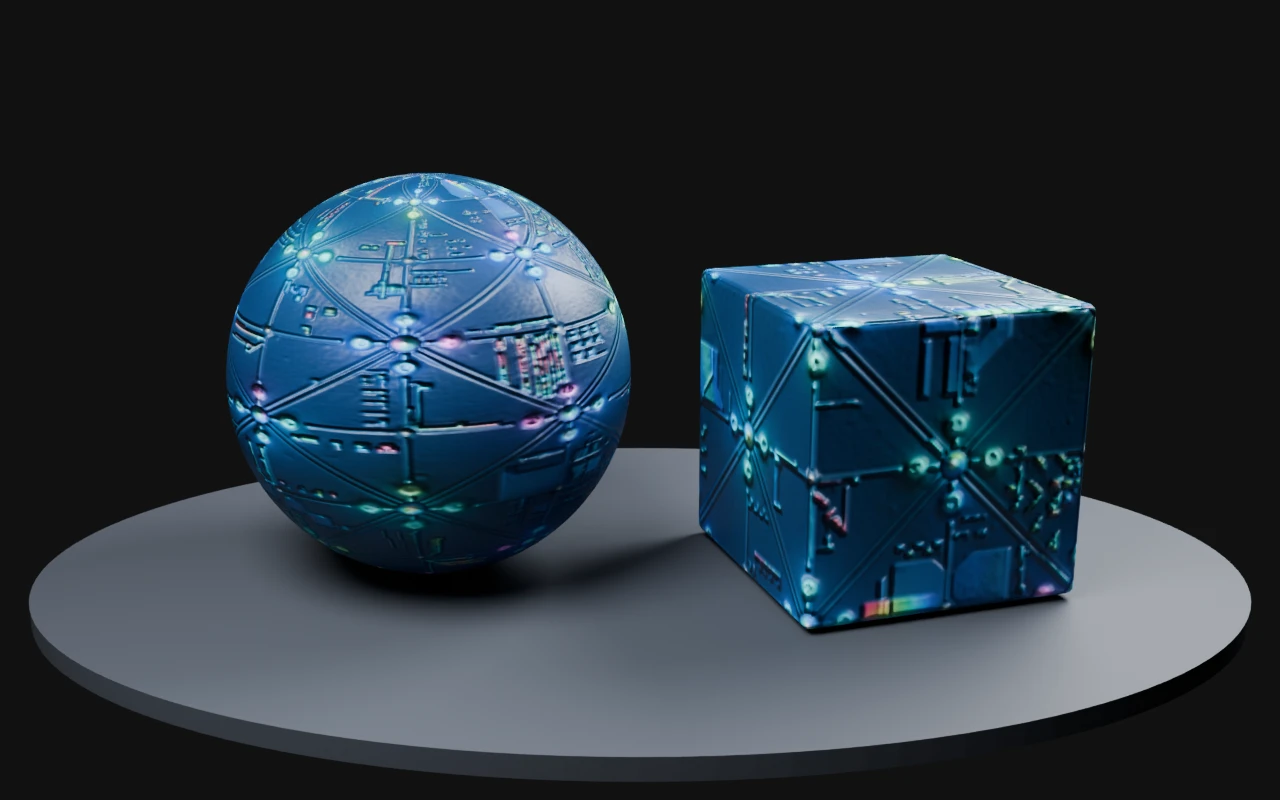
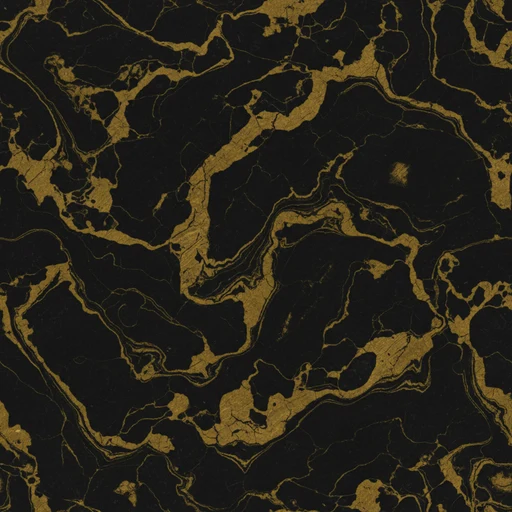
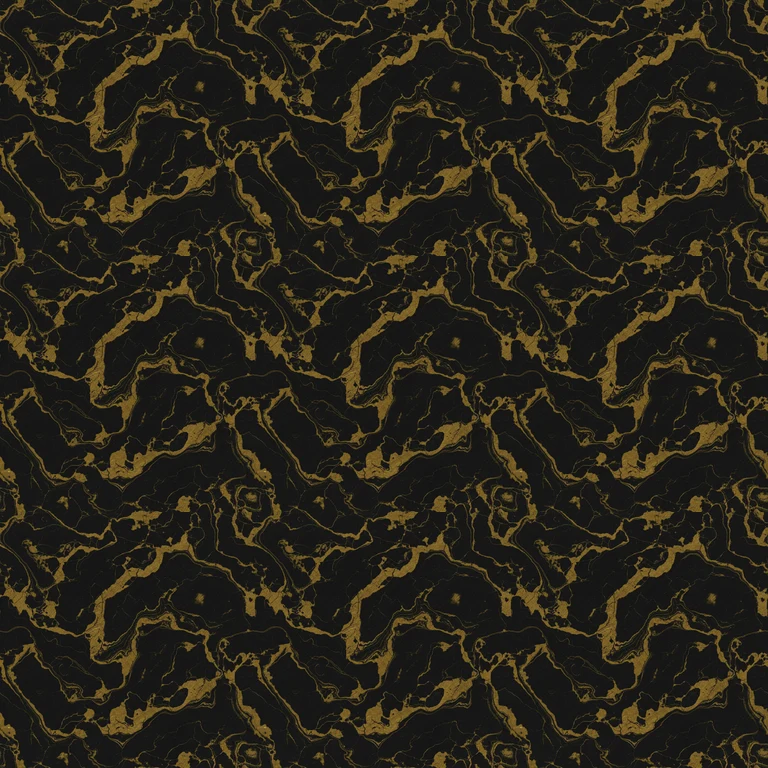
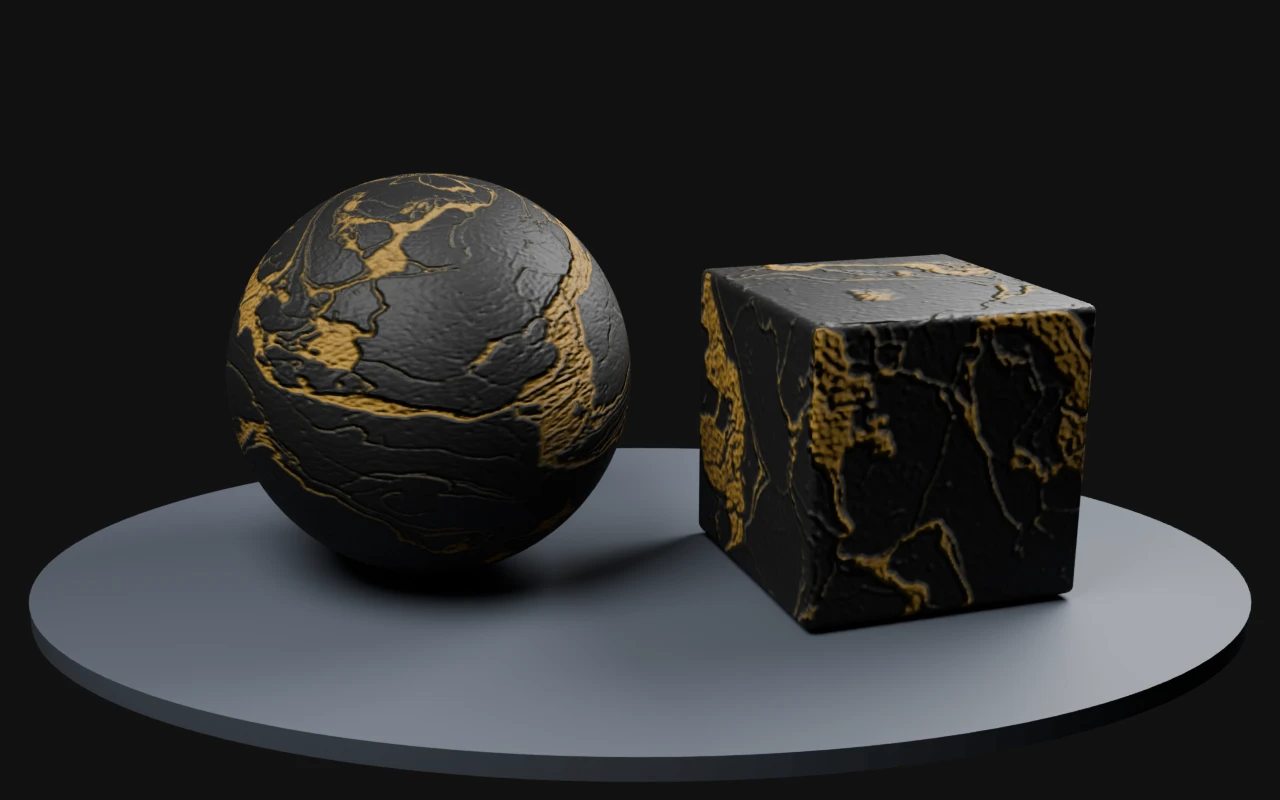
Follow real saved workflows, inspect a 3 × 3 repeat, and see the resulting maps rendered in Blender Cycles. Try the source and map pack in your own scene.
Reviewed September 4, 2026. Workflow labels summarize saved settings; full prompts are not published. These are existing library outputs, not newly generated samples.
生成
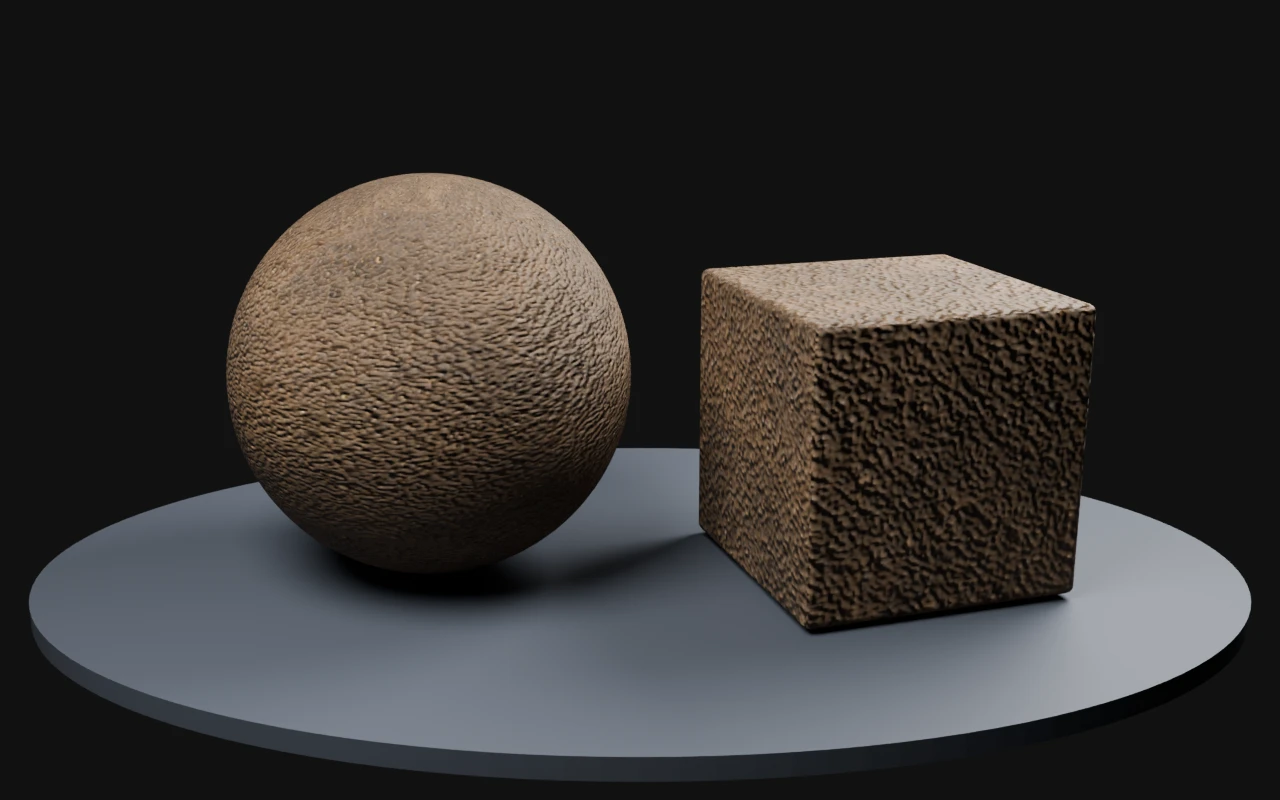
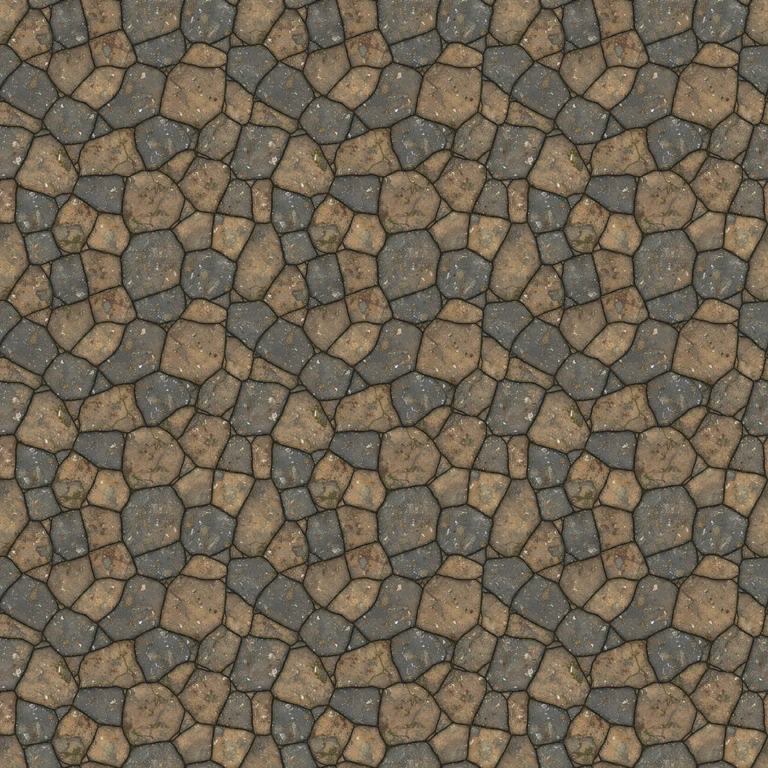
Fine earth ground
How it was madeGround preset → Photoreal Clean → medium pattern scale → seamless generation.
Maps were derived for this demonstration using the deterministic PLAYTEX AI image-to-PBR core. The AI output is the source image; the maps are estimates to tune for your material.
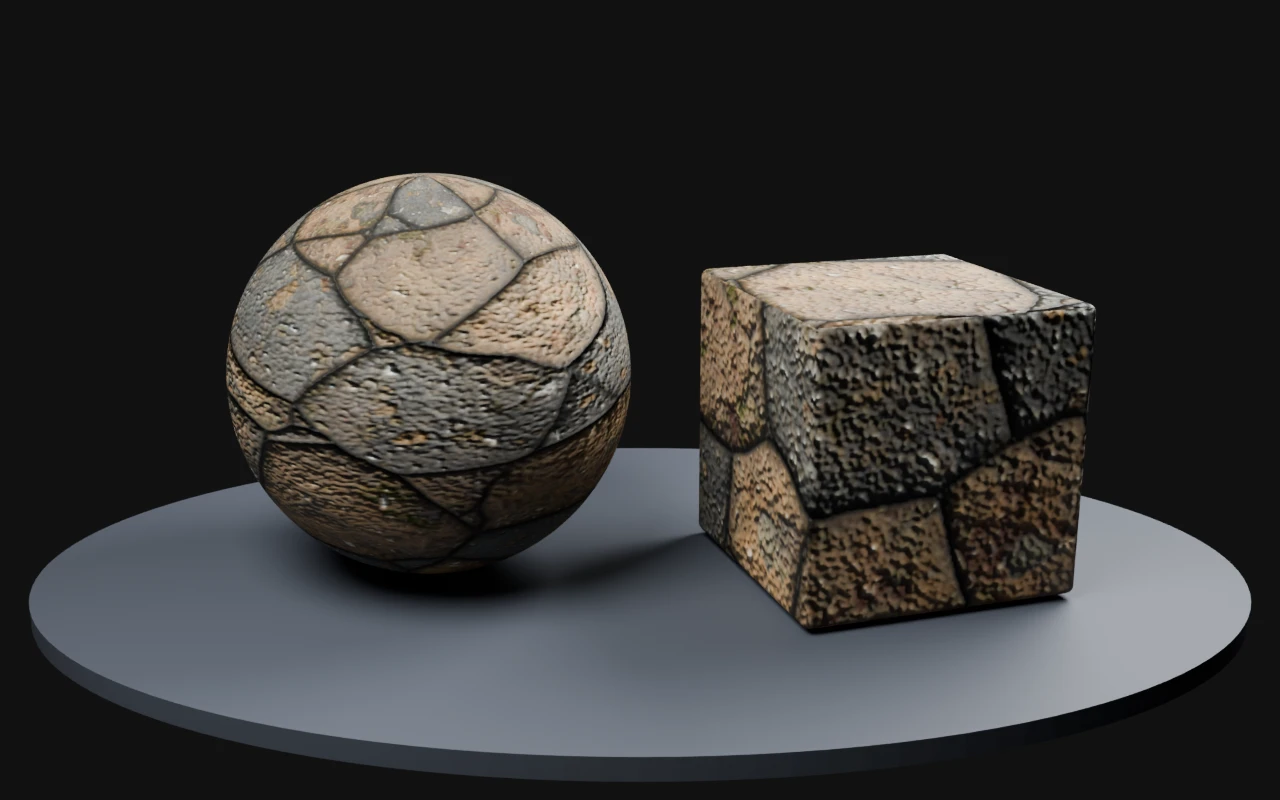
Blender Cycles 4.2.3 LTS · 32 samples · AgX · normal strength 0.7; neutral studio lighting; no displacement or bloom.
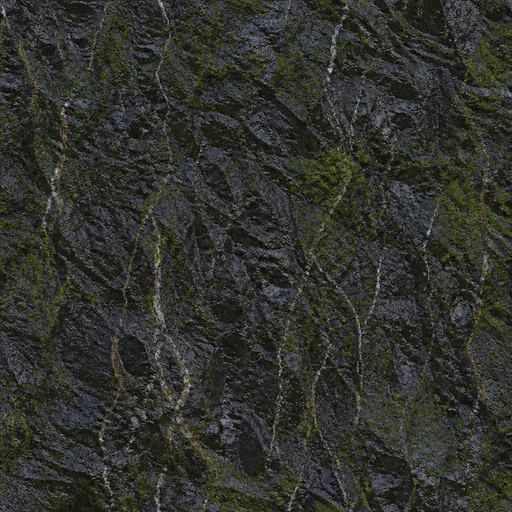
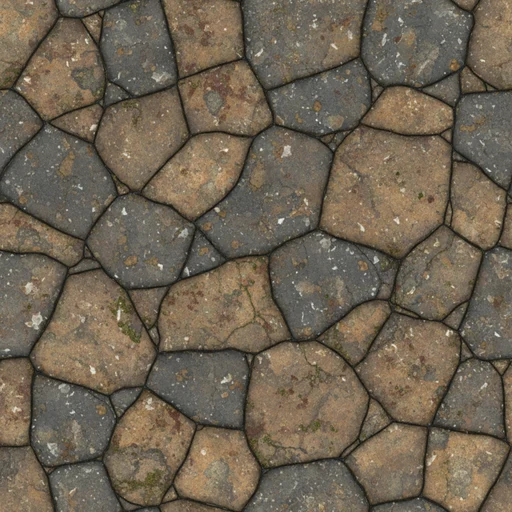
What to check Bright mineral streaks remain recognizable in a repeat. The inferred Organic family differed from the intended basalt surface; the demonstration uses a dielectric stone material.
Maps were derived for this demonstration using the deterministic PLAYTEX AI image-to-PBR core. The AI output is the source image; the maps are estimates to tune for your material.
Blender Cycles 4.2.3 LTS · 32 samples · AgX · normal strength 0.7; neutral studio lighting; no displacement or bloom.
Maps were derived for this demonstration using the deterministic PLAYTEX AI image-to-PBR core. The AI output is the source image; the maps are estimates to tune for your material.
Blender Cycles 4.2.3 LTS · 32 samples · AgX · normal strength 0.7; neutral studio lighting; no displacement or bloom.
Maps were derived for this demonstration using the deterministic PLAYTEX AI image-to-PBR core. The AI output is the source image; the maps are estimates to tune for your material.
Blender Cycles 4.2.3 LTS · 32 samples · AgX · normal strength 0.7; neutral studio lighting; no displacement or bloom.
Maps were derived for this demonstration using the deterministic PLAYTEX AI image-to-PBR core. The AI output is the source image; the maps are estimates to tune for your material.
Blender Cycles 4.2.3 LTS · 32 samples · AgX · normal strength 0.7; neutral studio lighting; no displacement or bloom.
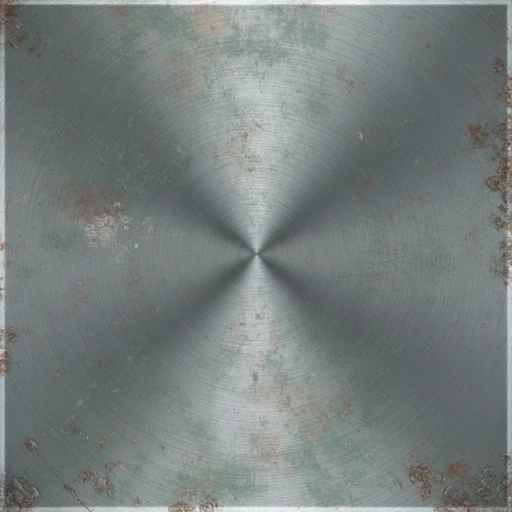
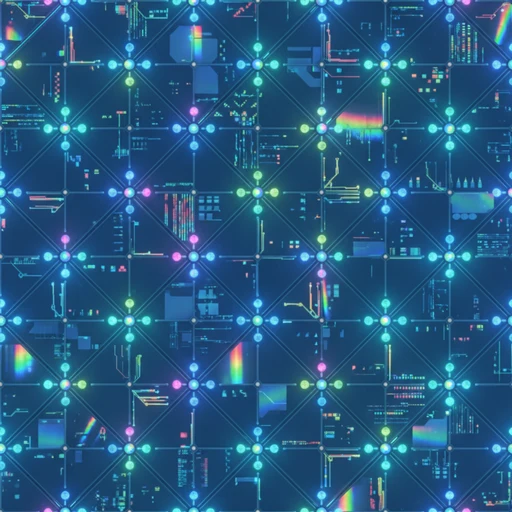
What to check Gold-colored veins are treated as dielectric color in this demonstration. Metallic veins need an intentional mask rather than a color-based assumption.
Maps were derived for this demonstration using the deterministic PLAYTEX AI image-to-PBR core. The AI output is the source image; the maps are estimates to tune for your material.
Blender Cycles 4.2.3 LTS · 32 samples · AgX · normal strength 0.7; neutral studio lighting; no displacement or bloom.
Use the AI Texture Generator when the base surface still needs to be invented. It helps artists and developers describe materials in game-aware terms, control visual direction, and generate starting points that can continue into downstream PLAYTEX AI workflows.
Preview before handoff
The workflow supports tile checks, material preview controls, roughness and metallic intent, normal-strength planning, mesh selection, lighting choices, and quick transfer into map generation or image editing.
Common workflow
Choose guided generation or freeform direction for the texture brief.
Set material family, game style, palette, pattern scale, variation, tiling, and material response.
Generate texture candidates and inspect the active result in tile and 3D preview contexts.
Save approved outputs or pass them into PBR Map Generator, Image Editor, or matching-set workflows.
Where it fits
Start here for new surface concepts, use the image-to-texture generator when you already have a reference image, use PBR地图生成器 when the chosen base texture needs normal, roughness, metallic, AO, height, and emission maps, and read PLAYTEX AI 与 GenPBR 比较 when comparing browser image-to-PBR workflows.