Dive into the world of PBR textures and learn how to implement them in your Three.js games for stunning realism. Explore essential maps, traditional and AI-powered workflows, and optimization tips.
PBR textures are crucial for achieving realistic lighting and material properties in modern Three.js games, leveraging maps like Albedo, Normal, Roughness, and Metallic.
Three.js's MeshStandardMaterial provides robust support for PBR workflows, enabling high-fidelity rendering in web environments when paired with proper lighting.
Traditional PBR texture creation involves manual painting or procedural tools like Adobe Substance 3D Painter, offering detailed control and non-destructive workflows.
AI texture generation tools such as Meshy, Scenario, and Polycam significantly streamline the process, allowing rapid creation of PBR materials from text prompts or reference images.
Optimizing PBR textures (resolution, compression, atlases) is vital for maintaining performance in Three.js, balancing visual quality with smooth gameplay.
Who Informed This
(none)
How It Was Evaluated
(none)
Proof And Evidence
(none)
Limits And Caveats
(none)
Creating immersive and visually striking web-based games requires a keen eye for detail and the right technical approach. For developers working with Three.js, achieving a high level of realism often hinges on implementing Physically Based Rendering (PBR) textures. PBR is more than just a buzzword; it's a powerful methodology that ensures your game assets react to light in a physically plausible way, resulting in more believable and consistent visuals across diverse lighting conditions.
This guide will walk you through the fundamentals of PBR textures, how to integrate them effectively into your Three.js projects, and explore both traditional and modern, AI-powered workflows to help you produce stunning game environments. By the end, you'll have a clear understanding of how to elevate your Three.js games with production-ready PBR materials.
The Power of PBR in Three.js Games
Physically Based Rendering (PBR) is a rendering technique that aims to simulate how light interacts with surfaces in the real world. Instead of simply faking lighting effects, PBR models the physics of light, absorption, and reflection. This means that a PBR material will look consistently realistic whether it's bathed in bright sunlight, cast in shadow, or illuminated by a subtle interior lamp. For game developers, this consistency is a huge win, reducing the need for constant manual adjustments and ensuring your assets hold up under scrutiny.
Three.js, a popular JavaScript 3D library, fully supports PBR materials, making it an excellent choice for developing high-fidelity web-based games. Its MeshStandardMaterial is specifically designed to work with PBR texture maps, allowing you to bring complex material properties to life directly in the browser. The result? Environments and objects that feel tangible and grounded, rather than appearing flat or artificial. Think of it as giving your game surfaces a PhD in light physics – they just know how to behave.
Understanding PBR Textures and Their Essential Maps
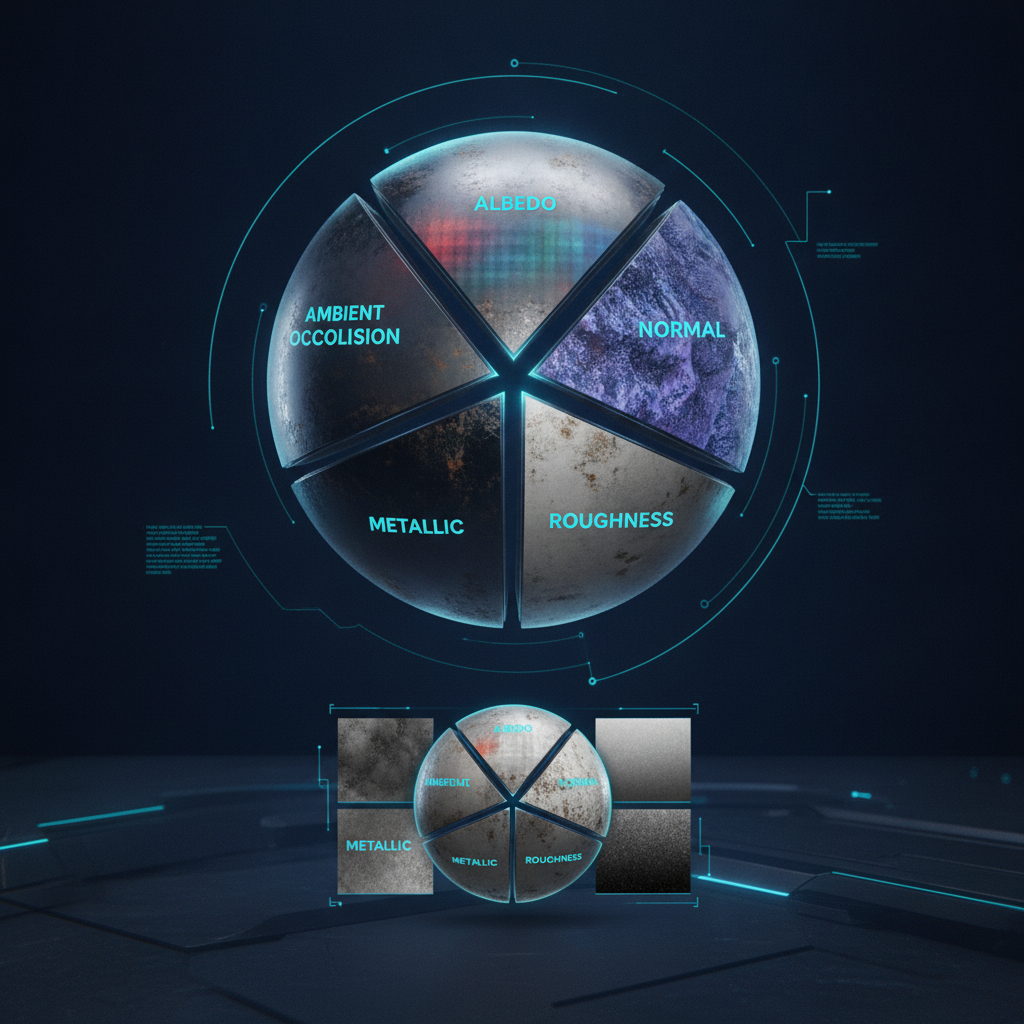
Unlike older rendering techniques that might rely on a single diffuse texture, PBR materials are composed of several specialized texture maps. Each map describes a different physical property of the surface, and when combined, they create a rich, realistic material. Here are the core maps you'll typically work with:
A visual breakdown of how various PBR texture maps contribute to a realistic material appearance.
Albedo (or Base Color) Map: This is the fundamental color of the surface, free from any lighting or shadowing information. It defines the diffuse color and how much light the surface reflects.
Normal Map: Instead of adding more polygons to your mesh, a normal map uses color information to fake surface detail, making flat surfaces appear bumpy, grooved, or textured. It's like giving your low-poly model a high-poly personality without the performance hit.
Roughness Map: This map dictates how rough or smooth a surface is. Rougher surfaces scatter light more diffusely, appearing duller, while smoother surfaces reflect light sharply, appearing shinier.
Metallic Map: A binary map (black and white) that tells the renderer whether a surface is metallic (white) or dielectric/non-metallic (black). Metallic surfaces behave very differently with light, having no diffuse color and reflecting light directly.
Ambient Occlusion (AO) Map: Simulates soft global shadows where ambient light is blocked, such as in crevices or corners. This adds depth and realism, making objects feel more grounded in their environment.
While these are the primary maps, you might also encounter Height/Displacement maps (for true geometric detail) or Emissive maps (for self-illuminating surfaces) depending on your specific needs.
Integrating PBR Textures into Three.js: A Practical Guide
Getting PBR textures to work in Three.js is relatively straightforward once you have your maps ready. The key is using the MeshStandardMaterial, which is built for PBR. Here’s a simplified workflow:
Load Your Textures: Use Three.js's TextureLoader to load each of your PBR maps (Albedo, Normal, Roughness, Metallic, AO).
Create a Material: Instantiate a THREE.MeshStandardMaterial.
Assign Maps: Assign your loaded textures to the corresponding properties of the material. For example:
Apply to Mesh: Assign this pbrMaterial to your THREE.Mesh.
Add Lighting: PBR materials require proper lighting to shine. Ensure your Three.js scene includes realistic light sources like THREE.DirectionalLight, THREE.PointLight, and ideally, an environment map (THREE.CubeTextureLoader or THREE.PMREMGenerator) for accurate reflections and global illumination.
Without good lighting, even the most meticulously crafted PBR textures will fall flat. Think of PBR as a finely tuned instrument; it needs a skilled conductor (your lighting setup) to truly sing.
Traditional PBR Texture Creation Workflows: From Manual to Procedural
Historically, creating PBR textures involved a mix of manual artistry and specialized software. Artists would often start with:
Manual Painting: Using image editing software like Photoshop or GIMP to hand-paint diffuse maps, then generating other maps (like normal or roughness) through filters or plugins. This method offers ultimate control but is incredibly time-consuming.
Photogrammetry and Scanning: Capturing real-world materials using cameras and software to generate highly accurate 3D models and PBR textures. This provides unparalleled realism but can be resource-intensive.
These methods remain cornerstones of texture creation, each offering distinct advantages depending on project scope and artistic intent.
Modern Approaches: Streamlining with AI-Powered Texture Generation
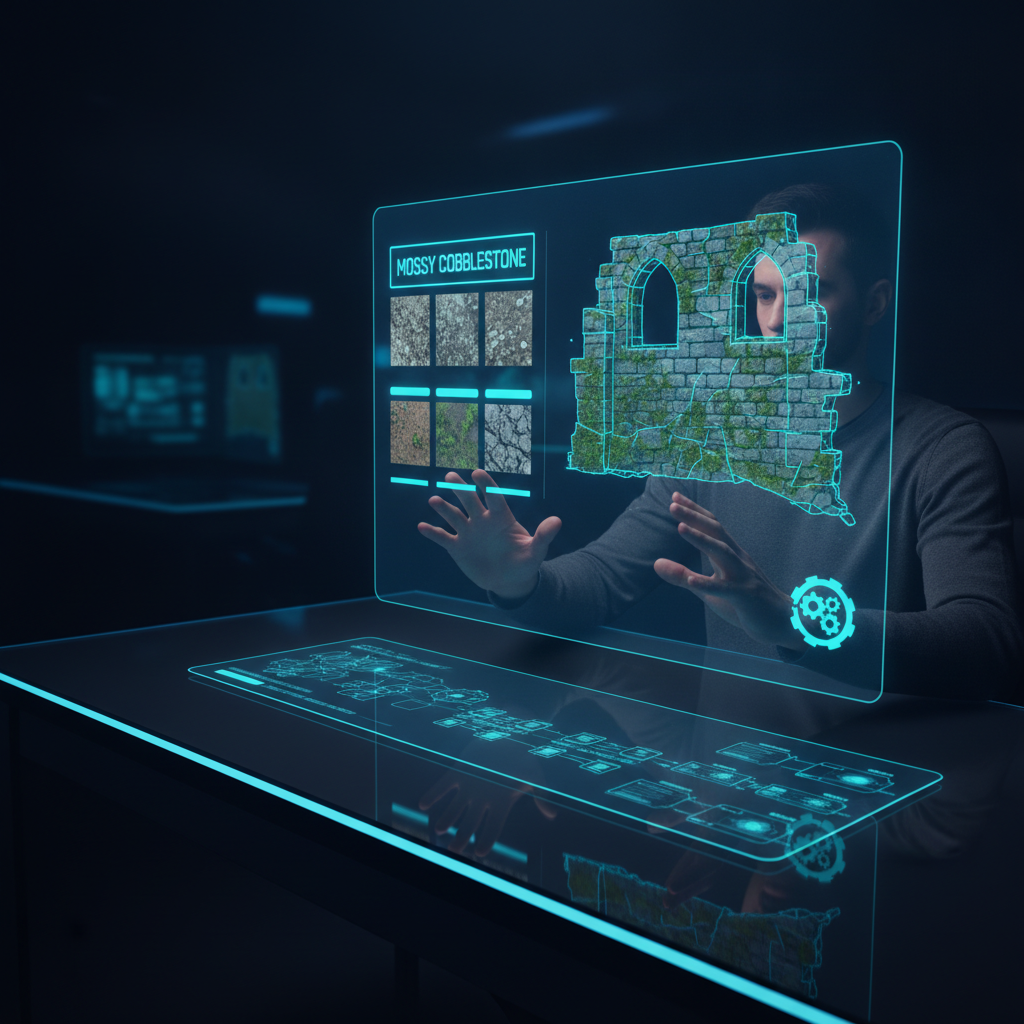
The advent of AI has introduced powerful new ways to generate PBR textures, drastically reducing production time and opening up creative possibilities. These tools can turn a simple text prompt or a single reference image into a full set of PBR maps in minutes. It's like having a hyper-efficient art assistant who never sleeps.
AI-powered tools are transforming how game developers create and iterate on PBR textures.
Several platforms now offer AI texture generation capabilities:
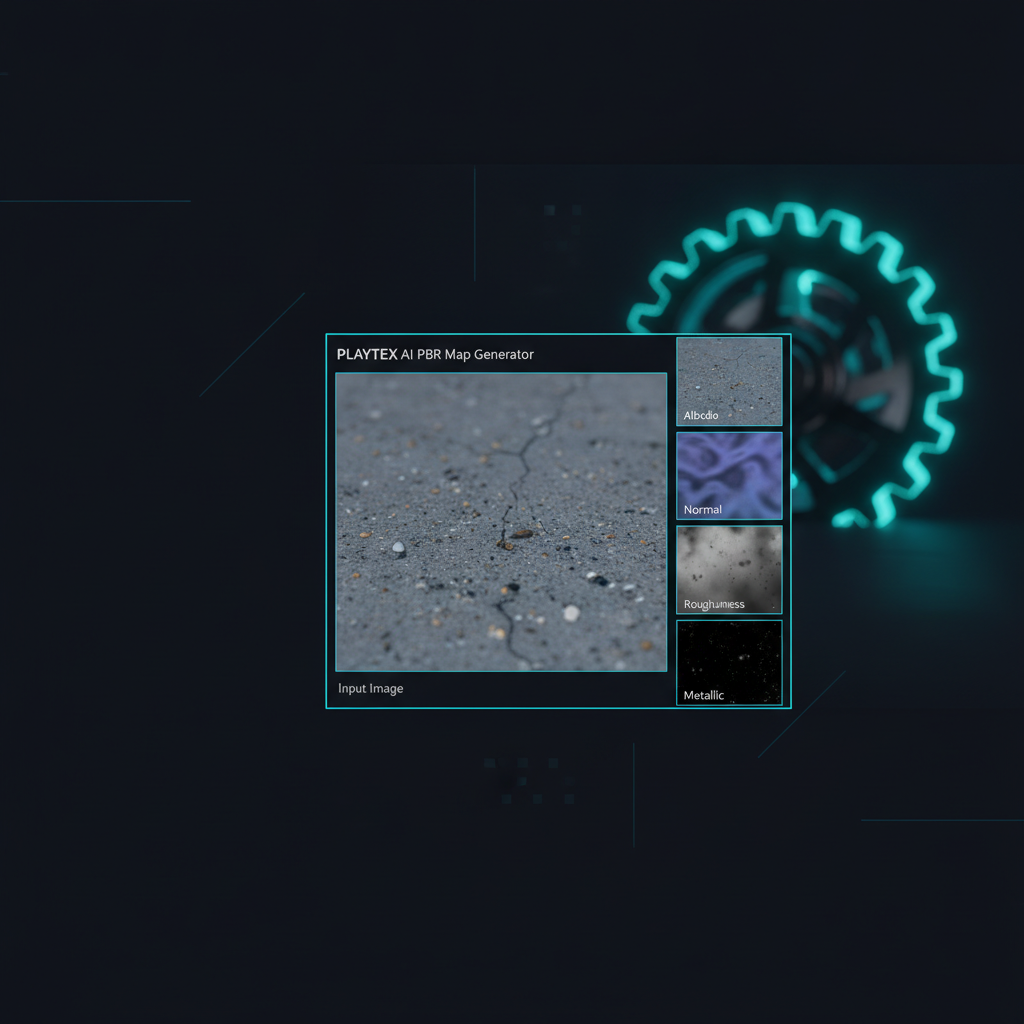
PLAYTEX AI: The AI Texture Generator creates texture concepts from text or image references, while the separate deterministic PBR Map Generator converts a source image into a coordinated material map stack for game and 3D workflows.
Polycam AI Texture Generator: Polycam's tool also leverages text prompts and uploaded images to generate materials, often with engine-ready imports.
AITextured and Hyper3D: These platforms similarly focus on generating seamless, PBR-ready textures through AI, often allowing for prompt-based iteration and various output formats suitable for 3D workflows.
These AI tools are particularly valuable for rapid prototyping, generating variations, or creating base textures that can then be refined in traditional software.
Optimizing PBR Textures for Three.js Performance and Best Practices
While PBR textures offer incredible realism, they can also be demanding on performance, especially in web-based Three.js applications. Optimization is key to ensuring your game runs smoothly across different devices.
Texture Resolution: Use resolutions appropriate for the object's size and importance on screen. A distant background prop doesn't need 4K textures, while a hero asset might. Aim for power-of-two dimensions (e.g., 256x256, 1024x1024).
Compression: Compress your textures. JPG is good for Albedo maps, while PNG or WebP can be better for maps like Normal or Roughness where color fidelity or transparency is critical. Consider GPU-specific compression formats (like KTX2 or Basis Universal) for maximum performance in Three.js when supported.
Texture Atlases: Combine multiple smaller textures into one larger texture atlas to reduce draw calls, which is often a significant performance bottleneck.
Material Instancing: If you have many objects using the same material, consider using instancing to render them efficiently.
Environment Maps: While crucial for reflections, ensure your environment maps are optimized (e.g., lower resolution for distant reflections) and pre-filtered for roughness levels.
By being mindful of these practices, you can strike a balance between visual fidelity and smooth gameplay, preventing your game from becoming a slideshow.
Streamlining Your PBR Workflow with PLAYTEX AI Tools
For game developers focused on production-ready assets and efficient pipelines, PLAYTEX AI offers a suite of tools designed to streamline your PBR texture workflow. We understand that a robust texture pipeline isn't just one magic generator; it's a series of considered decisions, from initial source to final engine integration. That's why PLAYTEX AI provides comprehensive support for this journey.
Our PBR Map Generator utilizes a deterministic processing approach, ensuring repeatable and consistent results every time. It also integrates AI-powered workflows for texture generation, image-to-PBR conversion, and material map creation, giving you the best of both worlds: control and speed. If you have existing photos, scans, or reference images, our Image to Texture Generator is specifically designed to convert them into seamless game textures, ready for your Three.js projects.
PLAYTEX AI supports a complete texture pipeline, from source image acquisition and cleaning to map stack generation, channel review, and asset packaging for various engines. We support 7 PBR map outputs and 2 engine export paths, ensuring your materials are ready for whatever game engine or team will use them next. This integrated approach allows you to focus more on creative iteration and less on the repetitive technical steps.
Conclusion: Elevating Your Three.js Projects with Advanced PBR Texturing
PBR textures are an indispensable component for creating visually compelling and realistic games in Three.js. By understanding the role of each map, implementing them correctly, and leveraging modern tools—both traditional and AI-powered—you can significantly enhance the visual quality of your web-based experiences. The journey from a raw concept to an engine-ready PBR material is now faster and more accessible than ever.
Embrace these advanced texturing techniques and watch your Three.js projects transform with a new level of fidelity and immersion. Ready to streamline your PBR texture workflow for Three.js? Explore PLAYTEX AI's PBR Map Generator and AI Texture Generator to create production-ready assets faster.
Sources and further reading
Primary documentation and research consulted for the claims in this article.