PLAYTEX AI vs. Substance Painter: Choosing Your Texture Workflow
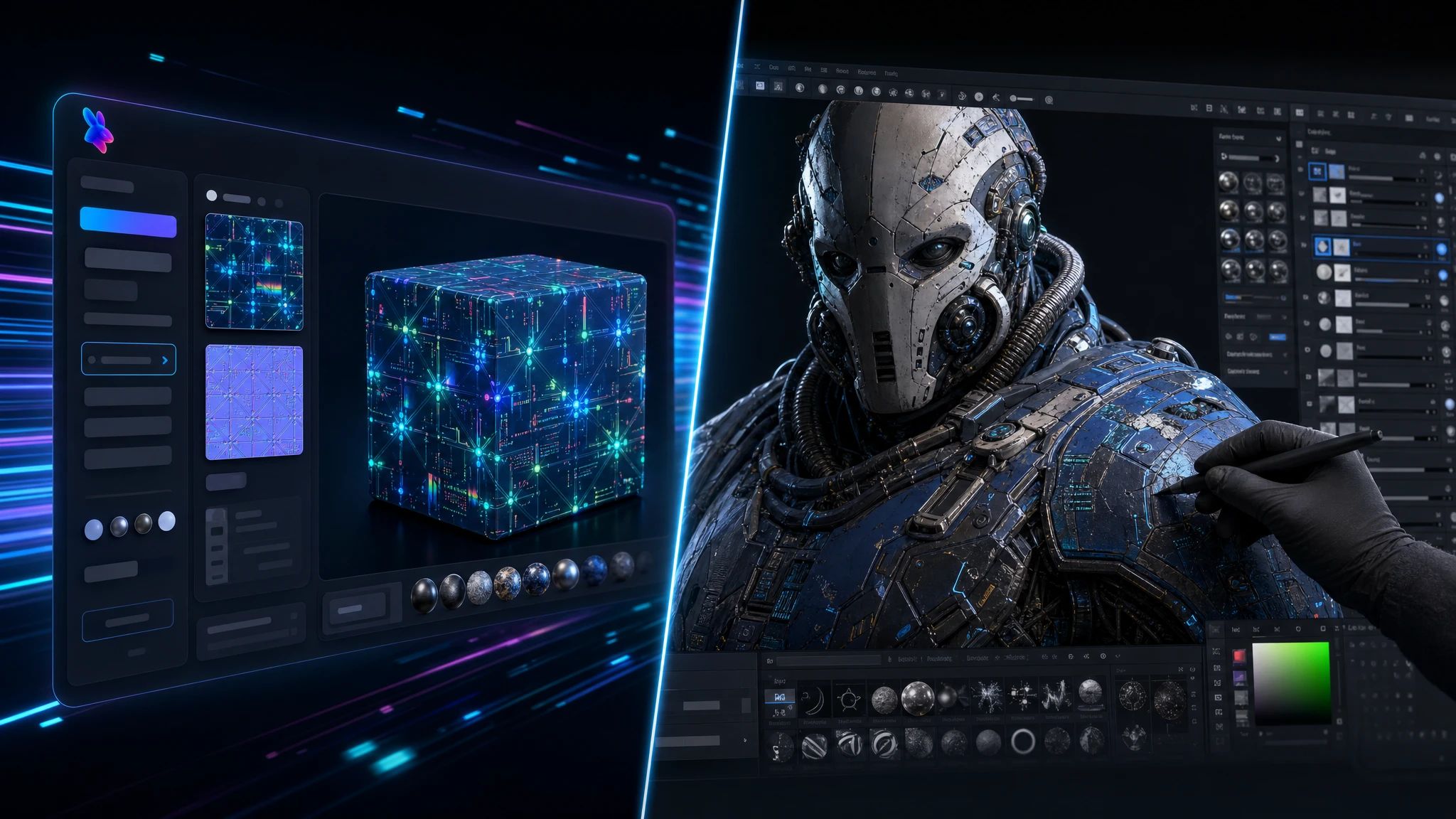
Deciding between PLAYTEX AI and Substance Painter for your 3D texture workflow comes down to speed, control, and integration. This guide breaks down their strengths to help game developers and 3D artists make an informed choice.
Substance Painter is an industry standard for manual and procedural 3D texture painting, offering granular control and deep artistic expression.
PLAYTEX AI accelerates PBR texture workflows for game development through AI-powered generation and deterministic map processing, prioritizing speed and consistency.
The choice between the two depends on project needs: Substance Painter for detailed, unique assets, and PLAYTEX AI for high-volume, rapid PBR texture creation.
PLAYTEX AI provides a community texture library and engine-ready exports, while Substance Painter integrates into a broader Adobe 3D ecosystem.
Many artists can benefit from a hybrid approach, using each tool for its distinct strengths in a modern production pipeline.
Who Informed This
This article is based on an analysis of official product documentation for Adobe Substance Painter and PLAYTEX AI, industry trends in 3D texture generation, and a review of other AI texture generation tools. It synthesizes feature sets, workflow philosophies, and target use cases to provide a comparative overview.
How It Was Evaluated
Not applicable; this is a comparative analysis based on documented features and workflow descriptions, not hands-on testing.
Proof And Evidence
Claims about PLAYTEX AI are supported by its official site documentation (e.g., PBR Map Generator Technical Overview, Texture Pipeline for Game Development, and the main product page). Claims about Substance Painter are supported by official Adobe Substance 3D documentation.
Limits And Caveats
This comparison is based on publicly available documentation as of 2026-08-08. Specific performance benchmarks, pricing tiers (beyond general mentions), or nuanced user experiences are not detailed unless explicitly stated in the provided sources. It does not cover every single feature of both extensive platforms but focuses on core differentiating aspects relevant to texture workflows.
In the fast-evolving world of 3D art and game development, choosing the right tools for texture creation can significantly impact your project's quality and timeline. Two prominent players often come up in discussion: Adobe Substance Painter, an industry veteran, and PLAYTEX AI, a powerful platform leveraging artificial intelligence for accelerated workflows. Each tool offers distinct advantages, catering to different needs and artistic philosophies.
Artists are constantly seeking tools that offer better integration, efficiency, or specific features for their workflow, making direct comparisons relevant for decision-making. This guide will break down the core functionalities, workflow philosophies, and ideal use cases for both PLAYTEX AI and Substance Painter, helping you make an informed choice for your next texture adventure.
Substance Painter: The Industry Standard for Manual and Procedural Texturing
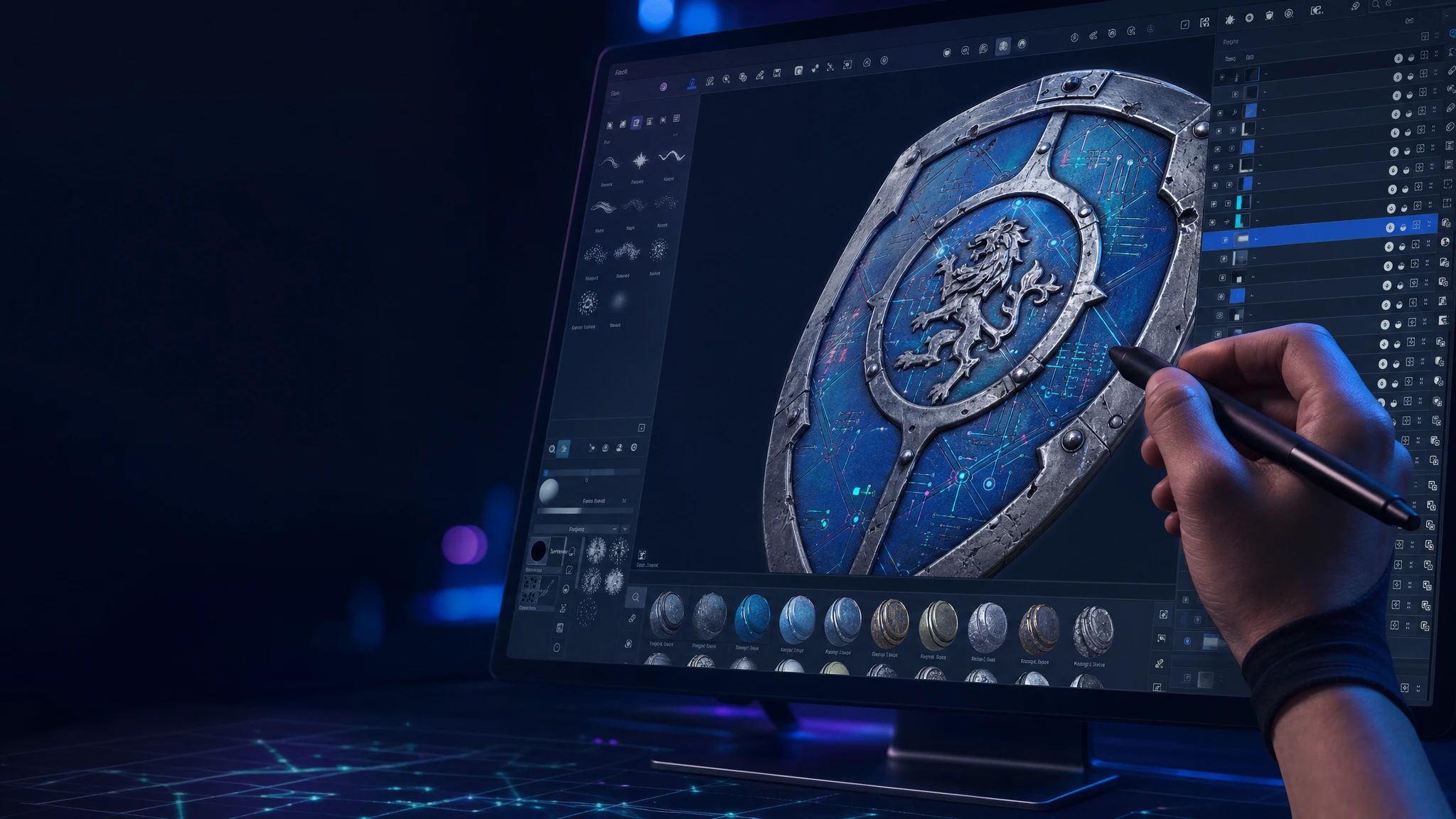
Adobe Substance Painter has long been a cornerstone for 3D texture artists, renowned for its comprehensive suite of tools for manual painting, procedural texturing, and intelligent material creation. It offers a robust environment where artists can paint directly onto 3D models with real-time feedback, making it an indispensable tool for detailed, hand-crafted textures.
Key features include advanced UV tools, smart materials, and masking systems that allow for non-destructive workflows. Substance Painter fully supports PBR (Physically Based Rendering) materials, enabling artists to create realistic surfaces with accurate light interaction. Its procedural capabilities, often powered by Substance Designer assets, allow for dynamic and resolution-independent texture generation, which can be a real time-saver when you need variations or complex patterns without painting every pixel by hand (though you still have to set up those procedural graphs, which is its own art form).
As part of the broader Adobe Substance 3D ecosystem, Painter integrates seamlessly with other tools like Substance Designer and Substance Sampler, as well as major 3D DCCs (Digital Content Creation tools) and game engines. This interconnectedness makes it a powerful choice for studios and artists already invested in the Adobe suite, supporting PBR materials and procedural workflows across their entire pipeline.
PLAYTEX AI: Accelerating PBR Workflows for Game Development
PLAYTEX AI emerges as a modern solution focused on streamlining and accelerating PBR texture workflows, particularly for game development. It combines deterministic PBR map generation with AI-powered texture creation to deliver production-ready assets quickly and efficiently. The platform is built around the idea of a structured texture pipeline, guiding users from source image to engine-ready PBR maps.
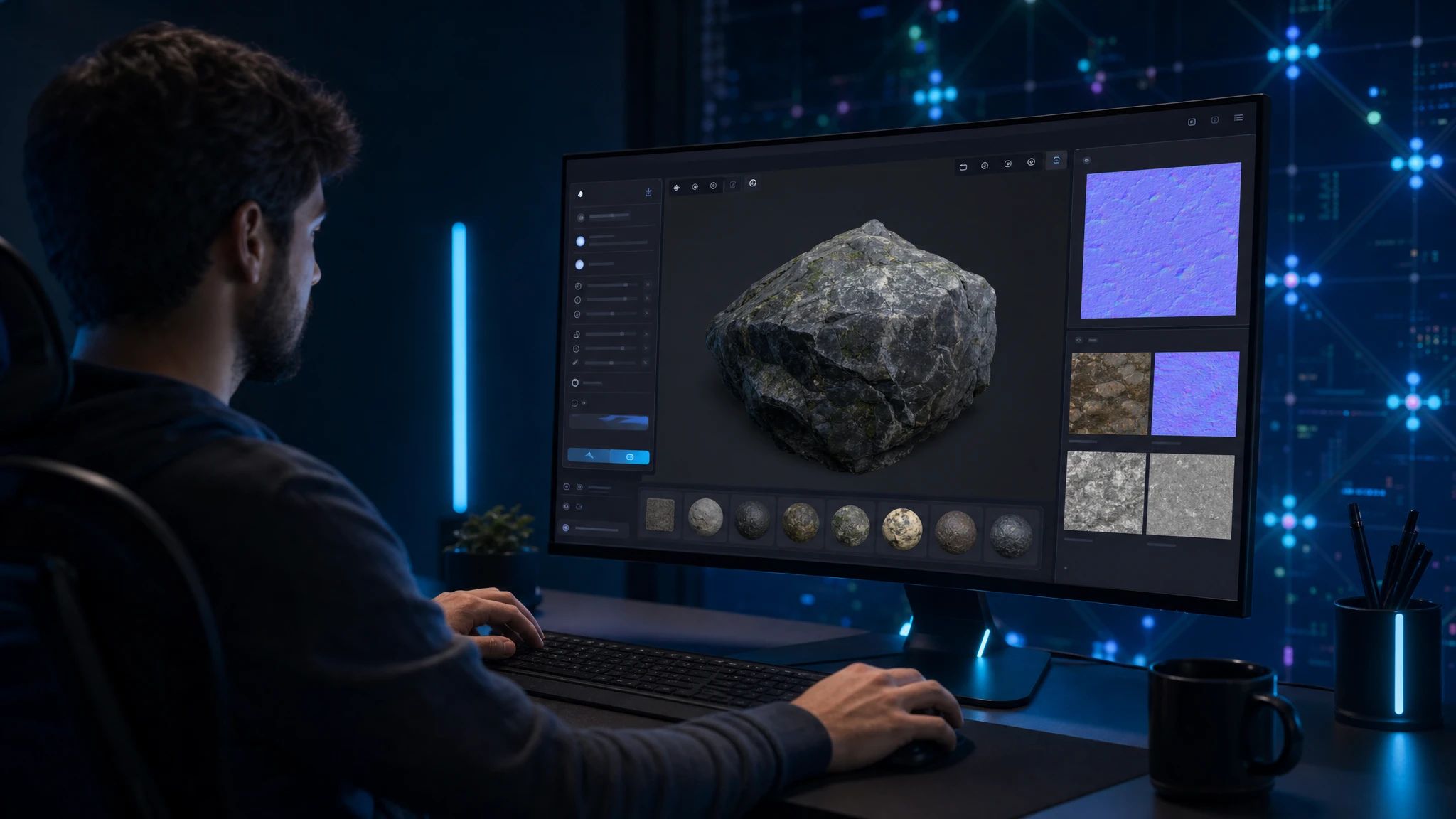
PLAYTEX AI offers AI-powered workflows for textures, image-to-PBR conversion, materials, and map generation, designed to fit modern game pipelines. This means you can often go from a basic image or even a text prompt to a full PBR material stack in a fraction of the time it might take with purely manual methods. The emphasis on deterministic processing for its PBR Map Generator ensures repeatable and consistent results, which is crucial for maintaining visual fidelity across a game project.
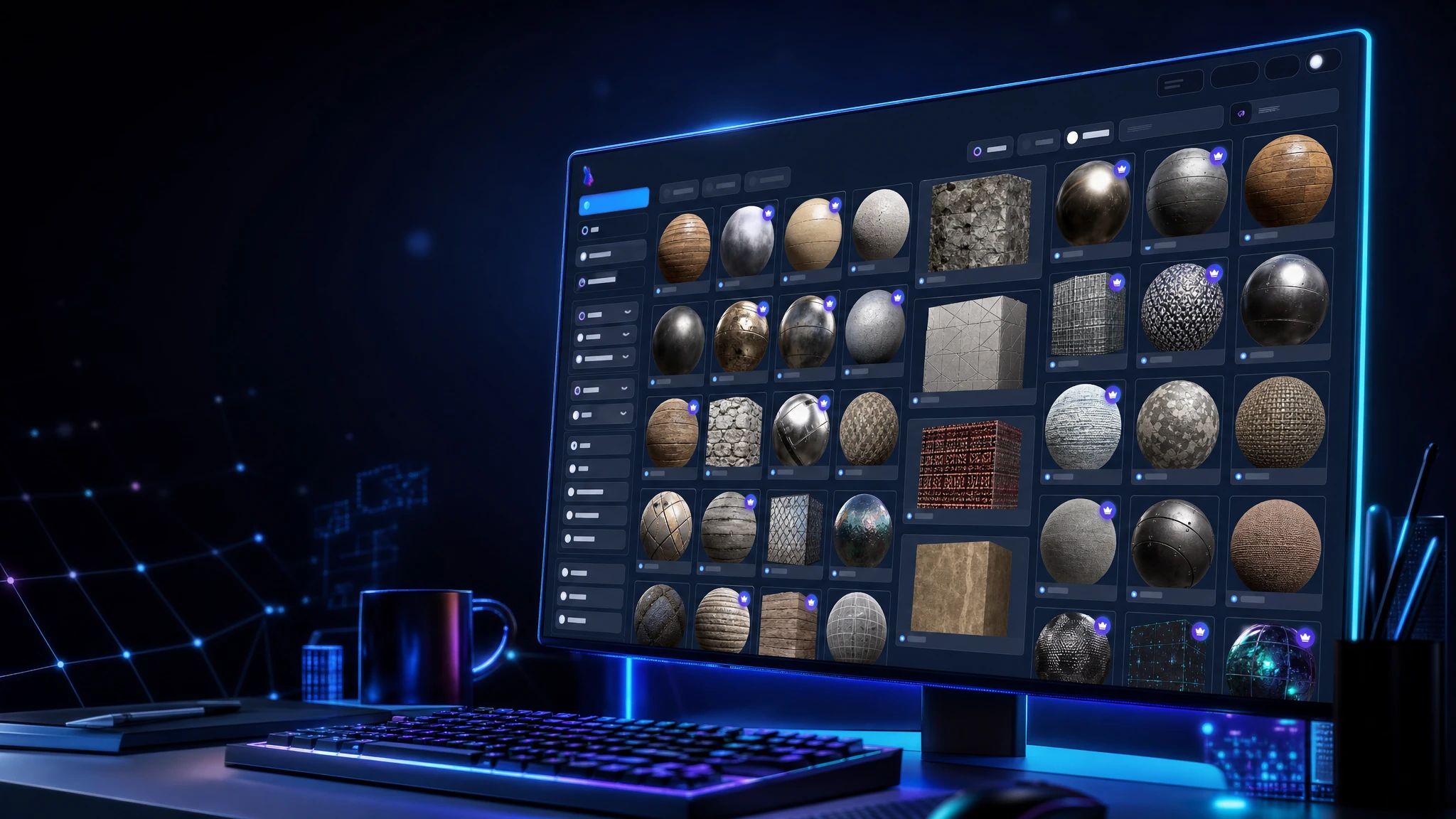
Beyond generation, PLAYTEX AI supports robust asset management and export, with multiple engine export paths and a focus on repeatable material handoff. It also boasts a searchable community texture library, offering creator-shared seamless textures, PBR materials, and starting points. Think of it as a treasure trove of inspiration and ready-to-use assets, constantly growing with contributions from fellow creators.
Key Comparison Points: PLAYTEX AI vs. Substance Painter
Let's put these two texture titans head-to-head to highlight their core differences and strengths.
Feature
PLAYTEX AI
Substance Painter
Primary Focus
AI-driven PBR texture and material generation, game development pipelines, speed, automation.
Manual 3D texture painting, procedural material authoring, detailed artistic control.
Direct 3D painting, layer-based editing, smart materials, procedural masking.
PBR Map Generation
Deterministic PBR map generator, AI Texture Generator, Image-to-Texture conversion.
Manual painting of maps, procedural generation via Substance Designer integration, smart masks.
AI Integration
Core to the texture and material generation process (AI Texture Generator).
Limited direct AI integration; relies on artist input and procedural systems.
Asset Libraries
Community texture library (creator-shared seamless textures, PBR materials).
Extensive smart material, brush, and alpha libraries; Substance 3D Asset Library.
Output & Export
Engine-ready PBR maps, multiple game engine export paths, repeatable material handoff.
Highly customizable exports for various engines and renderers, USD support.
Ideal User
Game developers, environment artists, indie teams prioritizing speed, consistency, and AI-driven efficiency.
3D artists, character artists, studios requiring granular control, artistic expression, and complex layering.
AI-Driven vs. Manual & Procedural Approaches: Workflow Philosophies
The fundamental divergence between PLAYTEX AI and Substance Painter lies in their core workflow philosophies. Substance Painter champions an artist-driven approach, where every brushstroke, layer, and material adjustment is a direct result of manual input or carefully constructed procedural graphs. This offers unparalleled control and precision, allowing artists to achieve highly specific visual styles and intricate details. It's like having a full traditional art studio, but digital.
On the other hand, PLAYTEX AI leans into the power of automation and AI. While still requiring artistic direction, its AI Texture Generator can quickly create PBR textures from text prompts or reference images, significantly reducing the manual effort involved. This doesn't mean a lack of control, but rather a shift in how that control is exercised—more about guiding the AI and refining its output. This approach resonates with a broader trend in the industry, where tools like Meshy's AI Texture Generator and Polycam's AI Texture Generator also allow for prompt-based texture creation, often with options for PBR maps and various resolutions.
PBR Material Generation & Determinism: Ensuring Quality & Consistency
Both tools are adept at generating PBR materials, but their methods differ. Substance Painter's PBR capabilities are deeply integrated into its manual and procedural systems. Artists can meticulously define base color, roughness, metallic, normal, and other maps through painting, smart materials, and generators, ensuring precise adherence to PBR principles.
PLAYTEX AI's approach to PBR is twofold. Its deterministic PBR Map Generator ensures that given the same input, the output PBR map stack will always be identical, which is crucial for consistency in large projects or across teams. The AI Texture Generator, while leveraging machine learning, aims to produce high-quality PBR maps that are production-ready for game engines. This combination means you get both the reliability of deterministic processing and the speed of AI-driven creation, aiming for consistent quality without the manual grind.
Workflow Efficiency & Automation: Speeding Up Production
Efficiency is where the contrast between these tools often becomes most apparent. For intricate, unique assets like character armor or hero props, Substance Painter's detailed control often justifies the time investment. Its smart materials can accelerate parts of the workflow, but the core process remains interactive and hands-on.
PLAYTEX AI excels in situations demanding high-volume asset creation or rapid prototyping. Imagine needing dozens of unique ground textures or variations of a wall material. Manually painting each one can be a significant time sink. PLAYTEX AI, with its AI-powered generation and image-to-PBR conversion, can generate these materials in minutes, allowing artists to spend more time on creative iteration rather than repetitive tasks. Other platforms like Scenario also focus on custom AI workflows for assets, allowing users to train models on their art bible for consistent style, indicating a broader industry shift towards intelligent automation.
Integration & Engine-Readiness: Exporting for Game Development
Both tools understand the importance of getting your textures into your game engine. Substance Painter offers highly flexible export options, allowing artists to customize output maps, resolutions, and presets for various engines like Unreal Engine, Unity, and custom renderers. It also supports USD (Universal Scene Description), facilitating complex asset pipelines.
PLAYTEX AI is built with game development at its core. Its focus on engine-ready PBR maps and multiple engine export paths ensures that the generated materials are optimized and compatible from the start. This streamlined handoff, including repeatable material export, means less time tweaking and more time seeing your assets in action within your game. The platform aims to remove friction between texture creation and final engine implementation.
Community & Asset Libraries: Resources for Creativity
Access to high-quality assets and a supportive community can be invaluable. Substance Painter users benefit from Adobe's extensive libraries of smart materials, brushes, and alphas, as well as the broader Substance 3D Asset Library, which offers a vast collection of ready-to-use materials and models. The Substance community is also large and active, providing numerous tutorials and shared resources.
PLAYTEX AI fosters its own community texture library, a public catalog of creator-shared seamless textures, PBR materials, and starting points. This library is a dynamic resource, constantly growing with contributions from its users, offering a quick way to find inspiration or jumpstart a project with a solid base material. Whether you're looking for wood, stone, metal, or sci-fi textures, the library provides a diverse range of options to explore and build upon.
When to Choose Substance Painter: Ideal Scenarios
Substance Painter remains the go-to choice for specific workflows where:
PLAYTEX AI: The AI Texture Generator creates texture concepts from text or image references, while the separate deterministic PBR Map Generator converts a source image into a coordinated material map stack for game and 3D workflows.
Maximum Artistic Control is Paramount: For character artists, hero props, or any asset requiring unique, hand-painted details and intricate wear and tear, Painter's brush engine and layering system offer unmatched precision.
Complex Procedural Authoring: If you're leveraging the full power of Substance Designer to create highly customizable and parameterized materials, Painter integrates seamlessly for applying and refining those materials.
Deep Ecosystem Integration: For studios already invested in Adobe's creative suite and the Substance 3D ecosystem, Painter fits naturally into existing pipelines.
Learning Traditional Texturing: For students or artists wanting to master traditional 3D painting techniques, Substance Painter provides the tools to build a strong foundational skill set.
When to Choose PLAYTEX AI: Ideal Scenarios
PLAYTEX AI shines in workflows where:
Speed and Efficiency are Critical: For environment artists, prop artists, or indie developers needing to generate a large volume of high-quality PBR textures quickly, especially for game environments.
AI-Driven Workflows Accelerate Iteration: When rapid prototyping, exploring numerous material variations, or converting reference images to PBR maps is a priority, PLAYTEX AI's generative capabilities are a significant advantage.
Consistency Across Assets is Key: The deterministic PBR Map Generator ensures uniform quality and look across multiple assets, which is vital for maintaining visual cohesion in a game world.
Game Development is the Primary Focus: With its emphasis on engine-ready outputs, optimized pipelines, and specific export paths, PLAYTEX AI is tailored for the demands of modern game content creation.
Starting Points and Community Assets Help: Leveraging the community texture library can jumpstart projects and provide diverse material options without starting from scratch.
Conclusion: A Choice Driven by Workflow Needs
Ultimately, the choice between PLAYTEX AI and Substance Painter isn't about one being universally 'better' than the other; it's about aligning the tool with your specific project needs and workflow philosophy. Substance Painter offers unparalleled manual control and procedural depth, ideal for artists who thrive on meticulous detail and traditional painting techniques. PLAYTEX AI, on the other hand, provides a powerful, AI-accelerated pipeline for generating production-ready PBR textures with remarkable speed and consistency, making it a compelling choice for game developers and artists focused on efficient content creation.
Many artists may even find value in using both, leveraging Substance Painter for hero assets and unique details, while turning to PLAYTEX AI for environmental textures, material variations, and rapid prototyping. The future of 3D texturing likely involves a blend of these approaches, combining artistic control with intelligent automation to push the boundaries of visual fidelity and production efficiency.
Sources and further reading
Primary documentation and research consulted for the claims in this article.