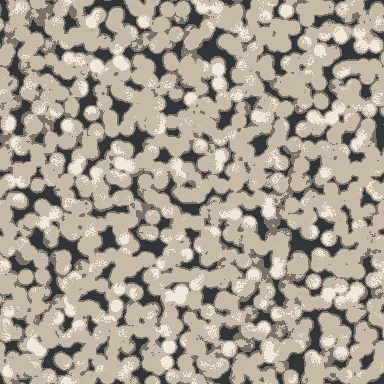
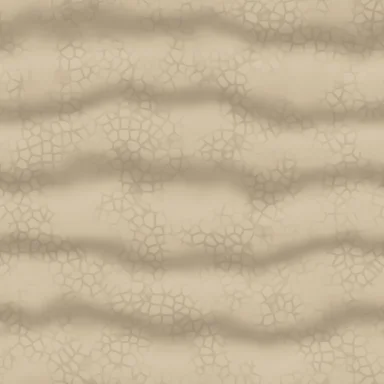
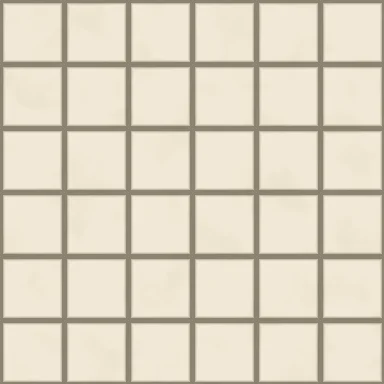
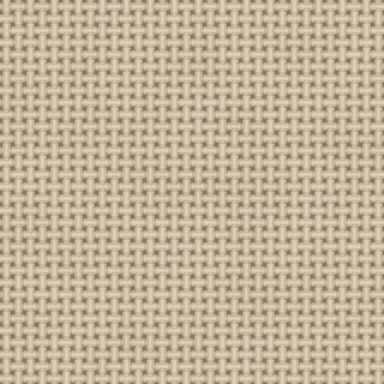
贴图背后的材质
Texture Composer:在浏览器中创建程序化 PBR 材质
将图案、颜色和表面细节组合成可编辑的材质配方。PLAYTEX AI Texture Composer 将节点图、可复用配方、二维贴图检查和三维材质预览结合起来,让你在导出到项目之前调整表面效果。
Procedural by design
你的 Material Maker 替代工具。直接在浏览器中使用。
PLAYTEX AI Texture Composer is a browser-based Material Maker alternative for building seamless procedural PBR materials. Start with a surface recipe, shape the connected nodes, and inspect the result in 2D and 3D before exporting.
- Editable node recipes
- Repeatable seeds
- Live 2D + 3D previews
- Seven PBR map channels
Material Maker is an open-source procedural material authoring tool based on Godot. For a closer look at the workflows, read PLAYTEX AI vs Material Maker. Composer export access and resolution depend on your account and plan.
From a surface idea to a PBR package
Choose a starting recipe
Browse the material library and choose a surface close to your goal. Use the recipe controls to establish its scale and overall character.
Shape the connected graph
Combine pattern, shape, color, and finish steps. Adjust connected nodes to change the result; the preview updates as you work.
Read the maps and the material
Use 2D to inspect individual channels and 3D to evaluate their combined surface response. Review repeats to check the material at the intended scale.
Export for the next tool
Choose an individual map, all maps, or an engine package. Match the export preset and normal format to your destination, then connect the textures in its material shader.
Choose the right starting point
Use Texture Composer when you want to author the surface from a procedural recipe. If you already have a photograph or texture image, use the PBR地图生成器 to derive material maps from that source. For prompt-based imagery, start with the AI纹理生成器.
Read the Texture Node Editor overview for the broader workflow, or compare account limits and export access on pricing.
Texture Composer questions
What is Texture Composer used for?
Texture Composer is the PLAYTEX AI browser-based procedural material editor. Game developers, material artists, and technical artists use it to build editable surface recipes, inspect PBR maps, and prepare textures for 3D projects.
Is Texture Composer a Material Maker alternative?
Yes. PLAYTEX AI Texture Composer is a browser-based alternative for authoring seamless procedural PBR materials with connected nodes, built-in recipes, live previews and map exports. Material Maker is an open-source material authoring tool based on Godot. Choose the workflow that fits how you want to build and reuse your materials.
Can I create a seamless glass texture?
Yes. The glass family includes clear window glass, frosted glass, smoked glass, ribbed glass, tinted glass and decorative privacy glass recipes. Adjust the connected graph and inspect the 3D preview. Glass recipes include transmission and surface properties; configure the destination shader for transparency and refraction when using the exported maps.
Which material families does Texture Composer support?
The library includes glass, stone and concrete, brick and tile, wood, fabric and leather, metal, sci-fi and tech, organic and ground, roads and roofing, plastic, rubber and paper, stylized surfaces, plaster and paint essentials, and an everyday surface collection. Each starts from an editable procedural recipe.
Does Texture Composer generate textures with AI?
No. The composer uses procedural patterns and deterministic image processing. Nodes, parameters, and seeds define the material. Use the separate AI Texture Generator when you want prompt-based source imagery.
Can I reuse a material recipe?
Yes. The workspace saves the graph locally in your browser when browser storage is available. Keep the same settings and seed to reproduce a material, or use a seed variation to explore another version of the recipe. Local browser storage is not a cloud backup.
我可以导出什么?
Export the active map, download all rendered maps, or choose an engine package. Available maps include albedo, normal, roughness, metallic, ambient occlusion, height, and emission. Export access and resolution depend on your account and plan.
How do I check a material before exporting?
Inspect individual maps in the 2D preview, then review the material in 3D. Adjust the preview shape, lighting, and texture repeats to judge surface scale and shading. Check the exported maps again in your destination material shader.