Optimization video · 30 seconds
Reduce texture memory without destroying material quality
Use the visible PBR stack to decide which maps deserve resolution, which can be packed or removed, and how to calculate mipmapped GPU memory before shipping.
Reviewed by the PLAYTEX AI Editorial Team · Updated
Direct answer
What should you do?
Measure decoded GPU cost rather than file size, budget each map by visual frequency and screen coverage, reduce or remove channels that do not change the target material, pack compatible scalar maps, and validate every change at the game camera distance with mips enabled.
Video chapters
-
0:00 — Separate source creation from map processing
Begin with a reviewed source rather than optimizing an unstable material.
-
0:06 — Inspect the aligned map stack
Identify which channels carry visible information for this material.
-
0:14 — Compare catalog and delivery needs
Distinguish reusable masters from the smaller runtime set.
-
0:21 — Validate and export the runtime package
Apply the budget, pack compatible data, and verify quality at target distance.
Step-by-step implementation
- Inventory runtime maps. Record dimensions, channel count, GPU format, mip policy, array layers, and duplicate material instances.
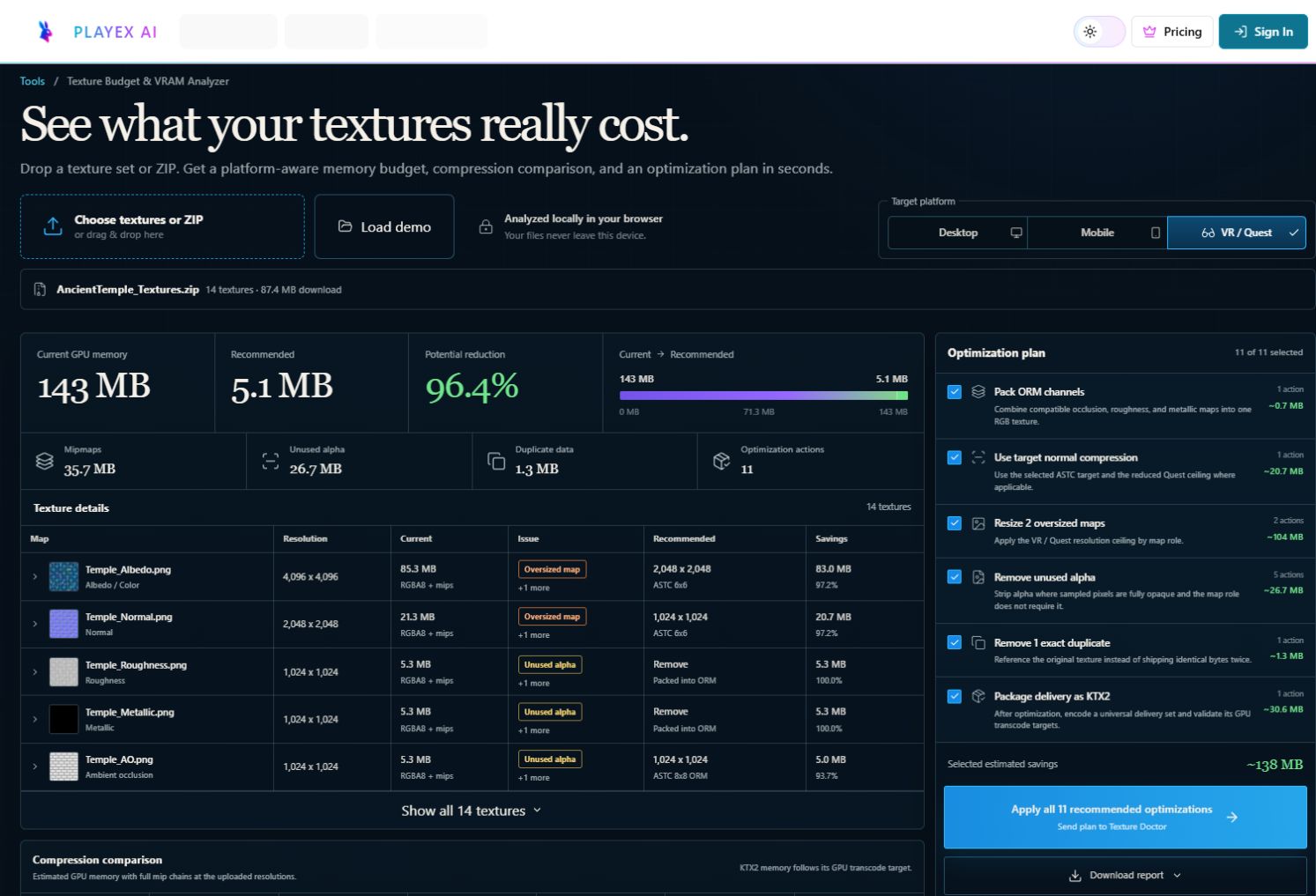
- Calculate decoded cost. Use width × height × bytes per pixel, then include the full mip factor and all loaded copies.
- Reduce by visual importance. Lower low-frequency scalar maps first, pack compatible masks, and remove constant maps in favor of material values.
- Validate at target distance. Compare before and after captures at real camera ranges and watch streaming, aliasing, and material identity.
Key decisions
- A 2048² RGBA8 texture costs about 16 MiB before mips and about 21.3 MiB with a full mip chain.
- PNG or WebP download size does not predict decoded GPU allocation.
- Normal and albedo often need more detail than metallic or AO for the same material.
- Packing AO, roughness, and metallic can reduce samplers and allocations when the shader supports it.
Key frames and map details

Sample and code/configuration
- Download the texture budget (JSON) — A measurable map-by-map source and optimized runtime budget.
- Download the budget checker (MJS) — Dependency-free Node script that totals base-level and mipmapped GPU bytes.
Decoded-memory calculation
const baseBytes = width * height * bytesPerPixel * layers;
const mipFactor = hasFullMipChain ? 4 / 3 : 1;
const gpuBytes = Math.ceil(baseBytes * mipFactor * loadedCopies);

// Compare gpuBytes with the route or scene budget, not the PNG file size.
How to know the result is correct
Profile the representative scene after a cold load, record peak texture memory and active texture count, then compare before/after captures at the nearest and typical gameplay distances. Reject savings that introduce visible seams, crawling normals, or delayed streaming at the target hardware tier.
Video transcript
0:00 PLAYTEX AI separates source generation from repeatable PBR map processing.
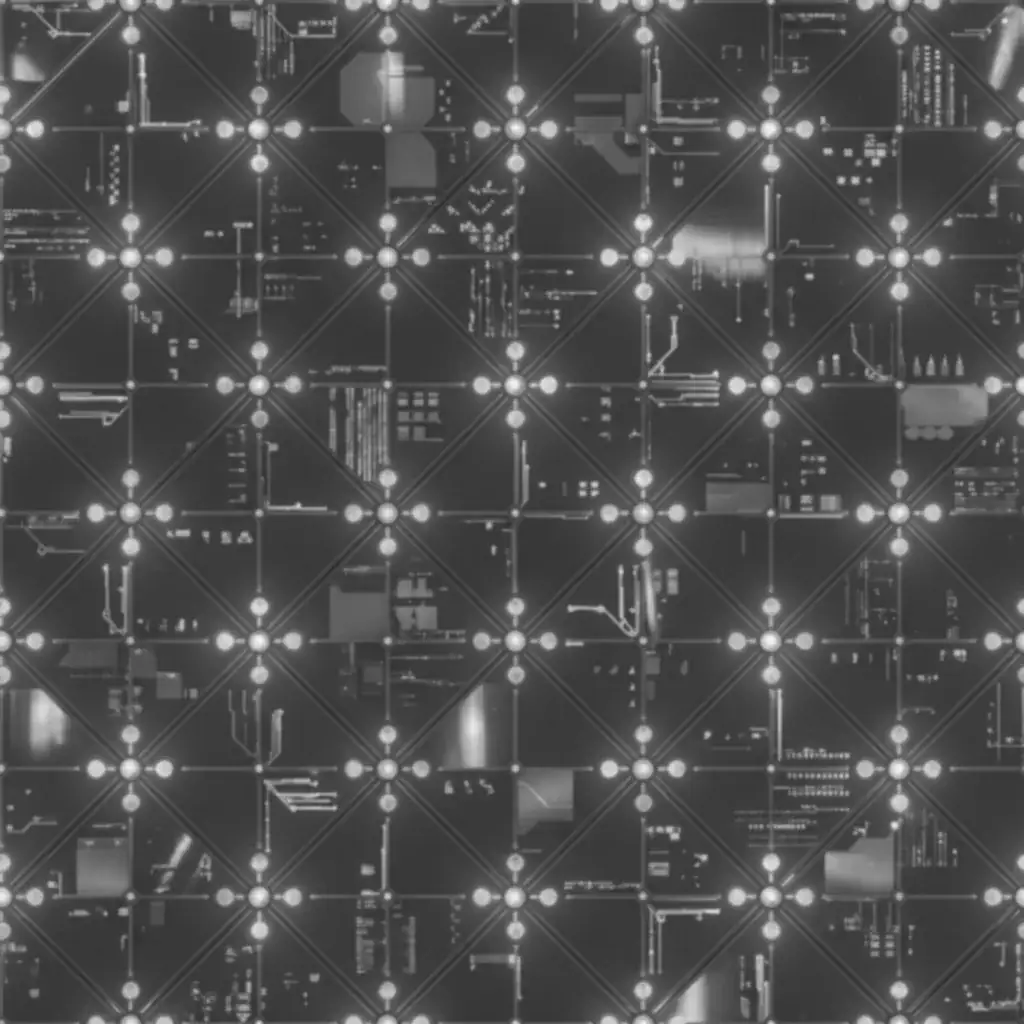
0:06 Albedo, normal, roughness, metallic, AO, height, and emission remain aligned for review.
0:14 The material catalog and control view make each map role visible before runtime packaging.
0:21 Create, map, validate, and export only the files required by the target renderer.
0:27 Ship a measured package for Unity, Unreal, Blender, WebGL, or a 3D scene.