PLAYTEX AI Texture Generator

Generate seamless game textures from a prompt

Describe a surface, choose its material family and visual style, and generate a tileable source texture. Preview the repeat and material response before sending the result to the PBR Map Generator or Image Editor.

Specifications reviewed .

Guided Prompts Material Presets Tile Preview 3D Material Preview Library Handoff

Published product facts

What does the AI Texture Generator support?

These specifications describe the current PLAYTEX AI web workflow. Plan limits and rights are explicit so the generator page, pricing language, and technical references do not imply different access.

SpecificationCurrent behaviorCondition or detail
Input type Guided material controls or a plain-language text prompt Refinement can also use a generated texture plus a focused edit instruction.
Prompt limit No fixed character counter in the current web interface Use a concise material brief that names the surface, finish, wear, color, scale, and target use.
Supported styles 9 style targets Material-driven, Photoreal Clean, Stylized Clean, Painterly Soft, Fantasy Atmosphere, Minimal / Performance, Cyberpunk Neon, Industrial Grit, and Sci-Fi Minimal.
Output resolution by plan Free: 256px and 512px; Mapper+: 1K, 2K, and native; Creator+: standard 4K and 8K upscale Standard 4K is prepared locally. The 8K upscale runs only after a Creator+ user selects 8K and clicks Download.
File formats PNG for standard sizes; upscaled image output for 8K; native keeps the generated source format The 256px, 512px, 1K, 2K, and 4K choices are local PNG exports. The 8K upscale can return PNG, JPEG, or WebP.
Variations 1 output per standard generation; Creator+ can request batches of 2 to 10 Each generated variation uses one generation from the account allowance.
Seamless mode On by default Guided mode exposes the seamless control. Describe mode keeps seamless generation enabled.
Seed support Not exposed in the current generator The current image provider request does not provide a user-facing seed lock.
Processing time Queue- and provider-dependent; no published service-level range The workspace displays a long-running notice after 45 seconds rather than promising a completion time.
Account required Yes A PLAYTEX AI account and generation permission are required before a texture can be generated.
Monthly AI allowance Free 5; Mapper 5; Starter 40; Creator 85; Studio 180 Allowances reset with the account billing cycle. Add-on balances can apply separately.
Upload and output retention Generator source uploads are deleted after processing Saved, published, and free-account public outputs remain until the user deletes them, deletes the account, or PLAYTEX AI removes them.
Commercial-use terms Starter, Creator, and Studio include commercial-use rights, subject to the Terms and source rights Free-account outputs are automatically public, available for others to use at no charge, and are not private or exclusive.

Review the current plan comparison and commercial-use and retention terms before production use.

Output evidence

How do these textures behave when repeated?

Each real gallery sample includes a downloadable web file, a repeat check, and a limitation to review before production use.

Provenance limitation: These are real PLAYTEX AI gallery outputs, but they predate complete example provenance records. Their exact original prompts, model versions, and generation dates were not retained. Reproduction briefs are labeled as such and must not be cited as the original prompts.

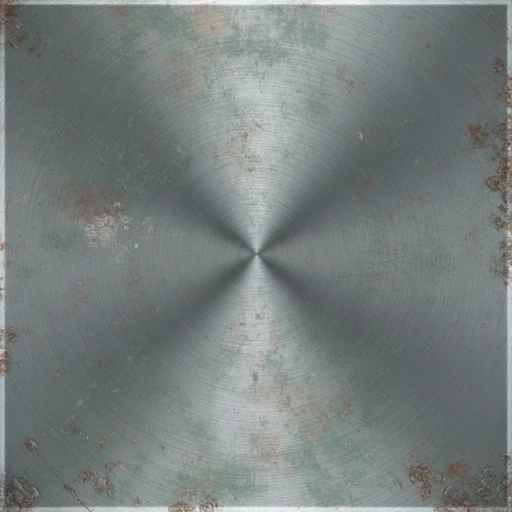
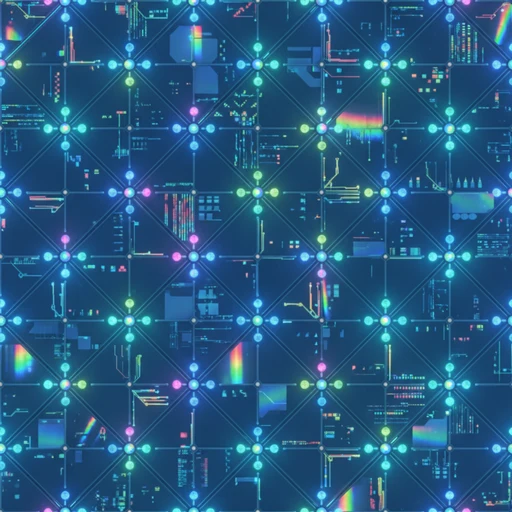
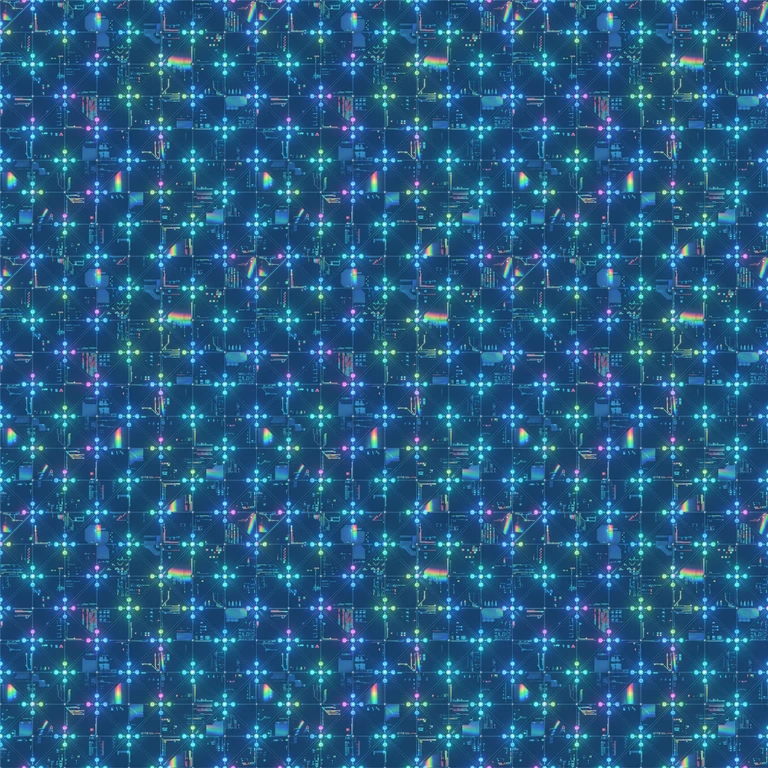
Neon Bulkhead

Sci-fi panel

Seamless sci-fi neon bulkhead texture generated for futuristic game walls and panels
Output image: Neon Bulkhead, 1024 × 1024.
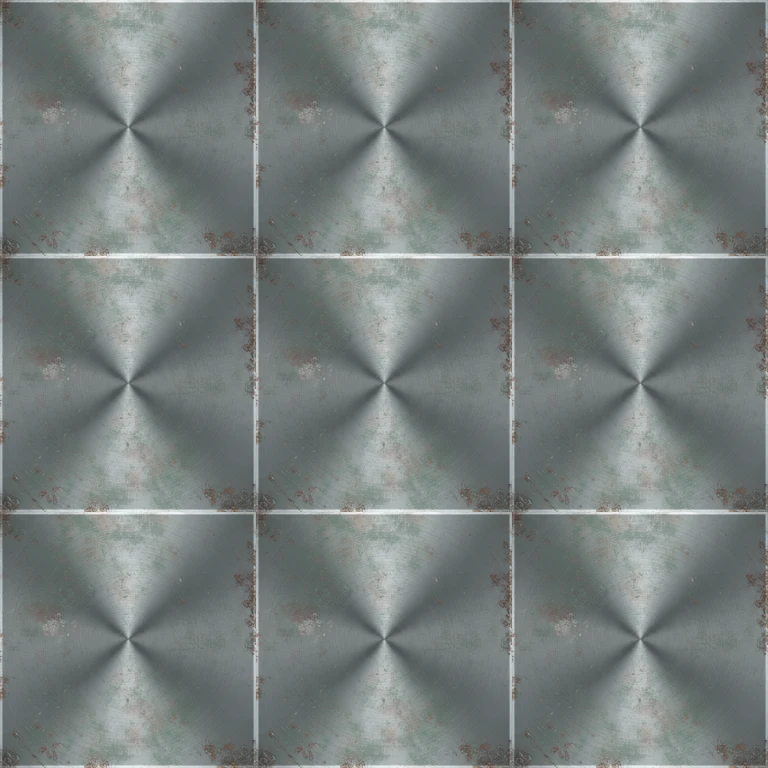
Tiled preview: 3 × 3 repeat check for seams and recognizable landmarks.
Exact original prompt
Not retained in the legacy gallery record.
Reproduction brief
Weathered sci-fi bulkhead, dark modular metal panels, restrained cyan light, controlled wear, orthographic surface view, tileable game texture, no text or logos.
Model / version
Not retained for this sample. The current production model is gpt-image-2.
Recorded settings
1024 × 1024 gallery file; classified as a seamless AI Texture Generator output. The original style, game target, palette, and variation controls were not retained.
Date generated
Not retained in the legacy gallery record.
Known weakness
The bright cyan frame forms a strong repeat landmark at low tiling scales. Review it at 3 × 3 before using it on a large wall.

Download Neon Bulkhead web sample

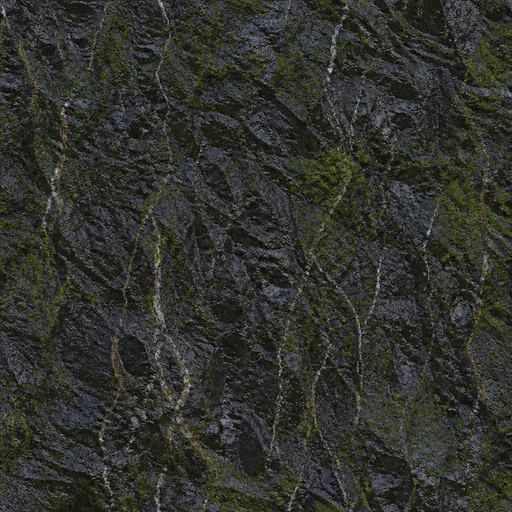
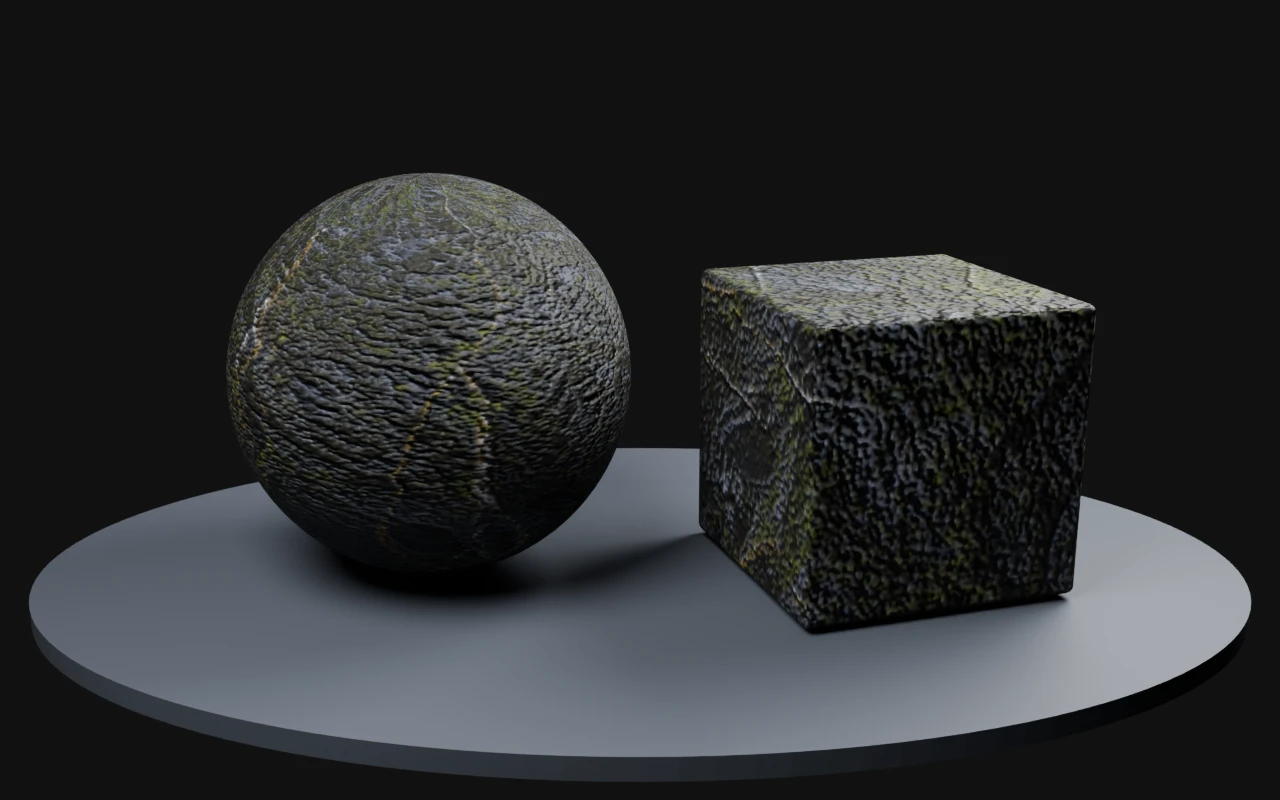
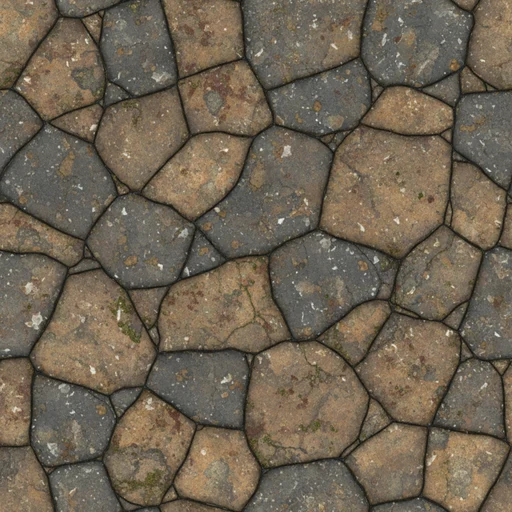
Rootbound Stones

Stylized stone

Seamless stylized stone texture with roots for fantasy terrain and environment art
Output image: Rootbound Stones, 1024 × 1024.
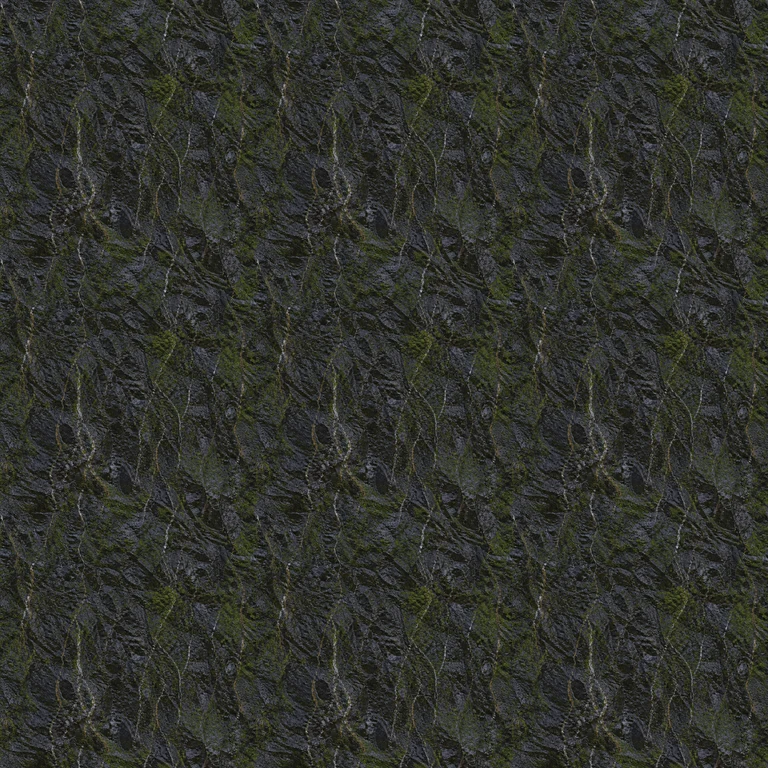
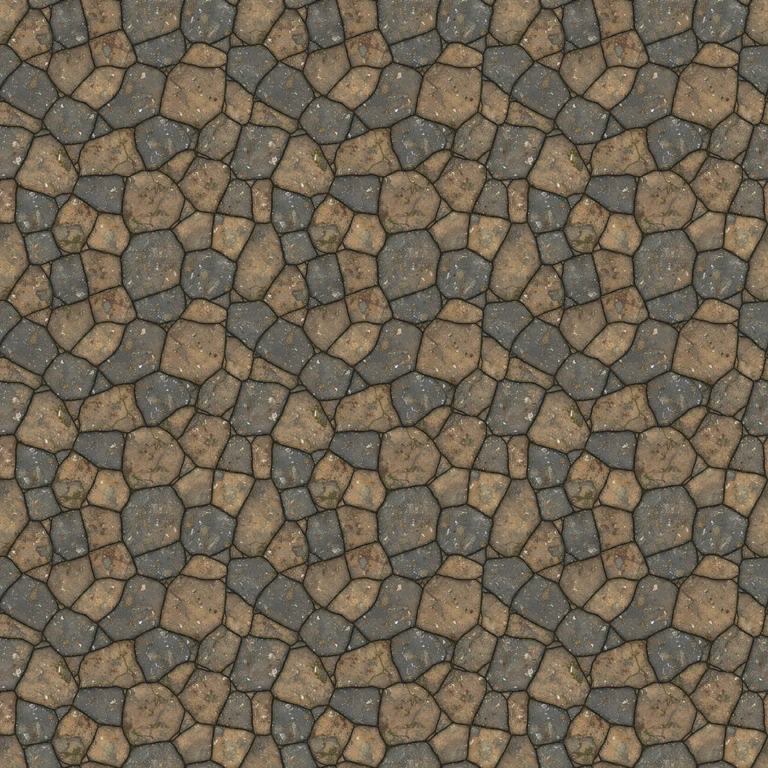
Tiled preview: 3 × 3 repeat check for seams and recognizable landmarks.
Exact original prompt
Not retained in the legacy gallery record.
Reproduction brief
Stylized rounded field stones bound by branching roots, mossy earth tones, soft painted shading, top-down surface view, tileable fantasy terrain texture.
Model / version
Not retained for this sample. The current production model is gpt-image-2.
Recorded settings
1024 × 1024 gallery file; classified as a seamless AI Texture Generator output. The original style, game target, palette, and variation controls were not retained.
Date generated
Not retained in the legacy gallery record.
Known weakness
The largest root junction repeats as a recognizable motif. Break up that landmark in the Image Editor for wide terrain coverage.

Download Rootbound Stones web sample

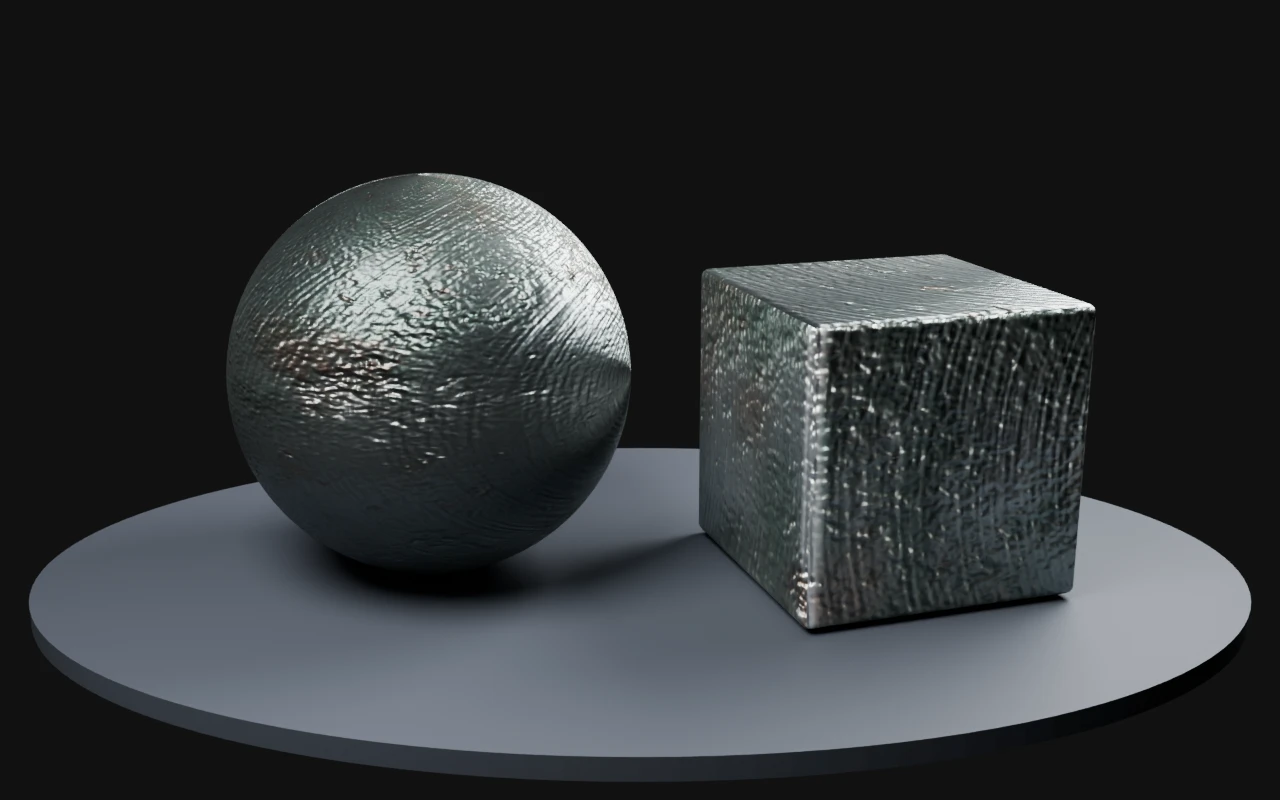
Alloy Grid

Hard-surface metal

Seamless alloy grid hard-surface texture for mechanical and sci-fi game assets
Output image: Alloy Grid, 512 × 512.
Tiled preview: 3 × 3 repeat check for seams and recognizable landmarks.
Exact original prompt
Not retained in the legacy gallery record.
Reproduction brief
Dark gunmetal alloy grid, recessed square panels, restrained edge wear, flat uniform light, orthographic top-down view, seamless mechanical game texture.
Model / version
Not retained for this sample. The current production model is gpt-image-2.
Recorded settings
512 × 512 gallery file; classified as a seamless AI Texture Generator output. The original style, game target, palette, and variation controls were not retained.
Date generated
Not retained in the legacy gallery record.
Known weakness
The regular panel spacing can create visible moiré when viewed at a distance. Test mipmaps and anisotropic filtering in the target engine.

Download Alloy Grid web sample

Built for texture ideation

Use the AI Texture Generator when the base surface still needs to be invented. It helps artists and developers describe materials in game-aware terms, control visual direction, and generate starting points that can continue into downstream PLAYTEX AI workflows.

Preview before handoff

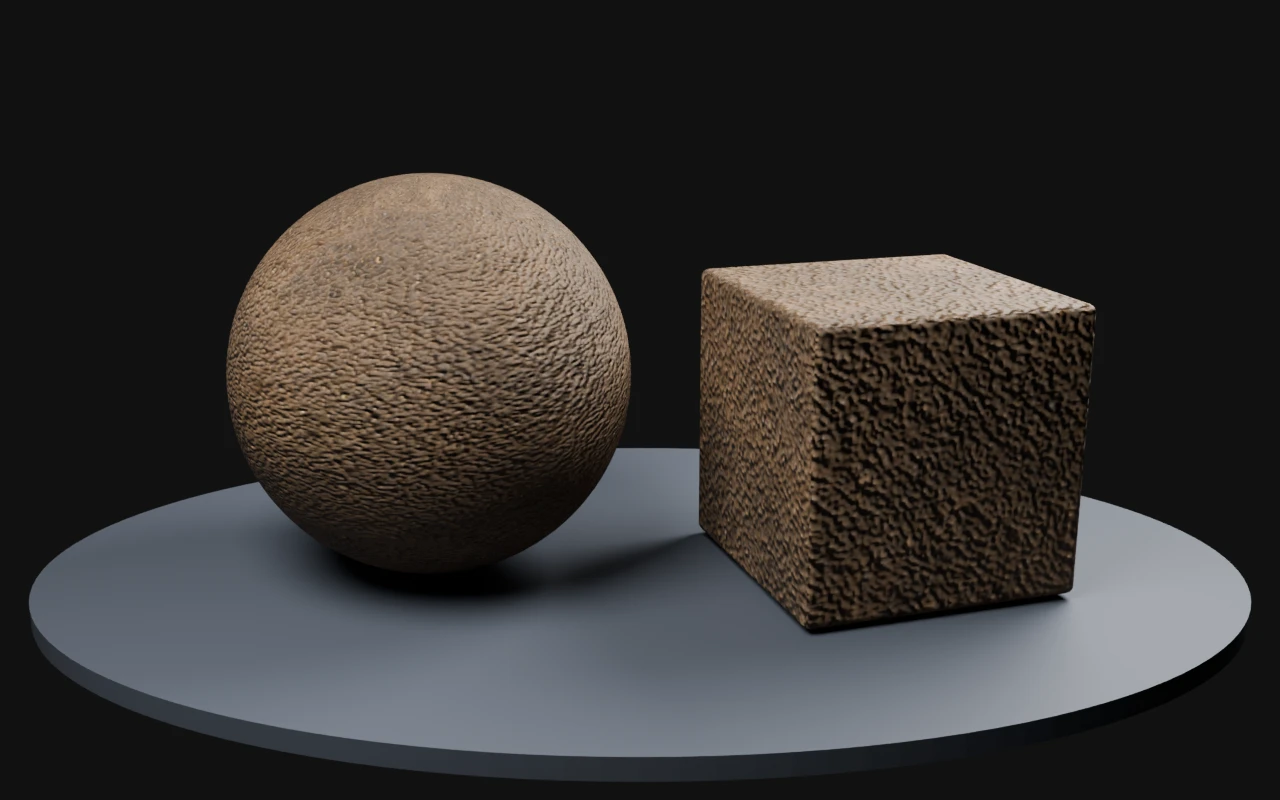
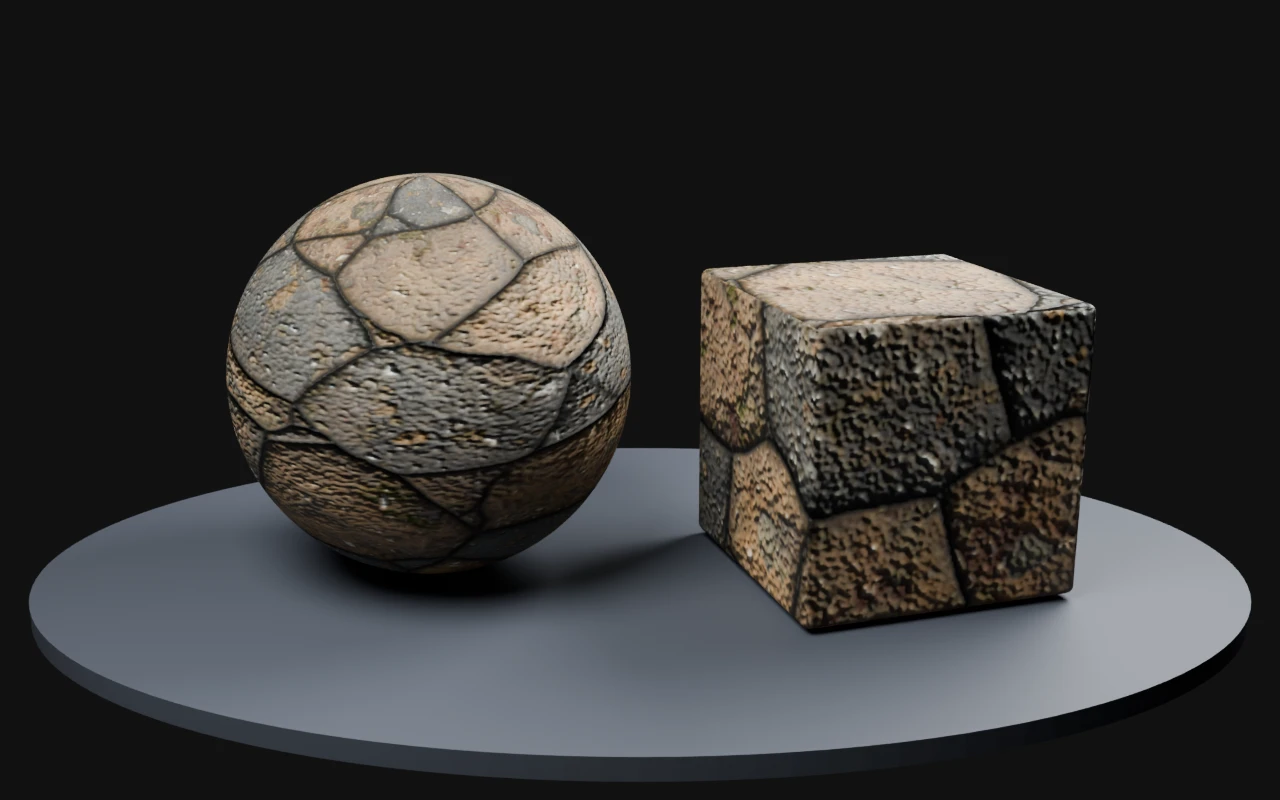
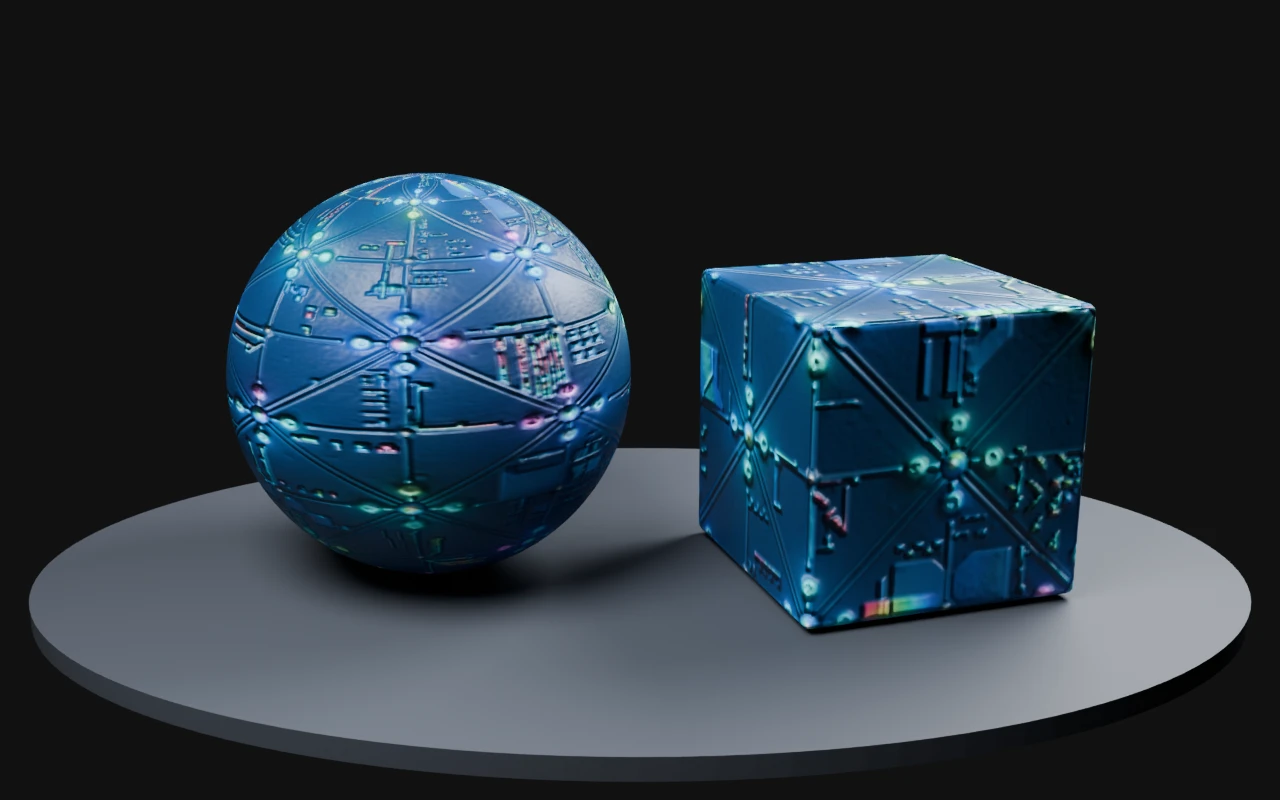
The workflow supports tile checks, material preview controls, roughness and metallic intent, normal-strength planning, mesh selection, lighting choices, and quick transfer into map generation or image editing.

Common workflow

  1. Choose guided generation or freeform direction for the texture brief.
  2. Set material family, game style, palette, pattern scale, variation, tiling, and material response.
  3. Generate texture candidates and inspect the active result in tile and 3D preview contexts.
  4. Save approved outputs or pass them into PBR Map Generator, Image Editor, or matching-set workflows.

Where it fits

Start here for new surface concepts, use Image to Texture Generator when you already have a reference image, use PBR Map Generator when the chosen base texture needs normal, roughness, metallic, AO, height, and emission maps, and read PLAYTEX AI vs GenPBR when comparing browser image-to-PBR workflows.

Tool workflow guide

What is the AI Texture Generator best used for?

It is best used for creating a new tileable base surface from a material description, then refining or routing the approved result into PBR map generation. It is the ideation path, not the shortest path when a clean source texture already exists.

Updated by PLAYTEX AI Editorial Team.

What changed

  • Added answer-first source-selection guidance below the existing tool presentation.
  • Added a decision table for generation, reference conversion, cleanup, and PBR handoff.
  • Added an explicit boundary between base-texture creation and full material-map generation.

brief styles

2

Guided controls or a plain-language material description.

surface intent

Tile

The workflow is designed around repeating material sources.

next handoff

PBR

Approved textures can continue into aligned technical maps.

Decision table

Choose generation only when the source needs to be invented

Decision guide for PLAYTEX AI Texture Generator tool page
SituationChooseWhy
You have a material brief but no usable image. AI Texture Generator Generate and compare new surface directions.
You need to preserve a specific reference. Image to Texture Generator Convert the existing image instead of replacing it with a new concept.
The generated result needs local repair. Image Editor Clean the selected base texture before technical map extraction.
The base texture is approved. PBR Map Generator Create normal, roughness, metallic, AO, height, and emission channels.

Scope and limitations

Generated textures still require scale, repetition, content-rights, and target-engine review. A tileable result can repeat cleanly and still contain an obvious recurring feature at scene scale.

How this page was reviewed

The review covered the current tool path, prompt flow, tile intent, refinement language, and direct downstream links.

Read the PLAYTEX AI editorial policy.